
Google Photos finally fixes the stressful feature!


Google Photos has introduced a new feature that allows users to delete backups in bulk, relieving stress and simplifying cloud storage and photo management. With the new feature called “Revert backup for this device,” you can now get rid of all photos and videos backed up to Google Photos from a specific device in bulk. Here are the details…
Bulk delete backups feature for Google Photos
With the latest update (version 6.87) of the Google Photos app, users can now delete all photos and videos backed up from a specific device from Google Photos. But don’t panic, this process does not affect the local copies stored on your device. In other words, the photos on your phone will remain safe. This feature is intended to clean and organize your cloud storage.
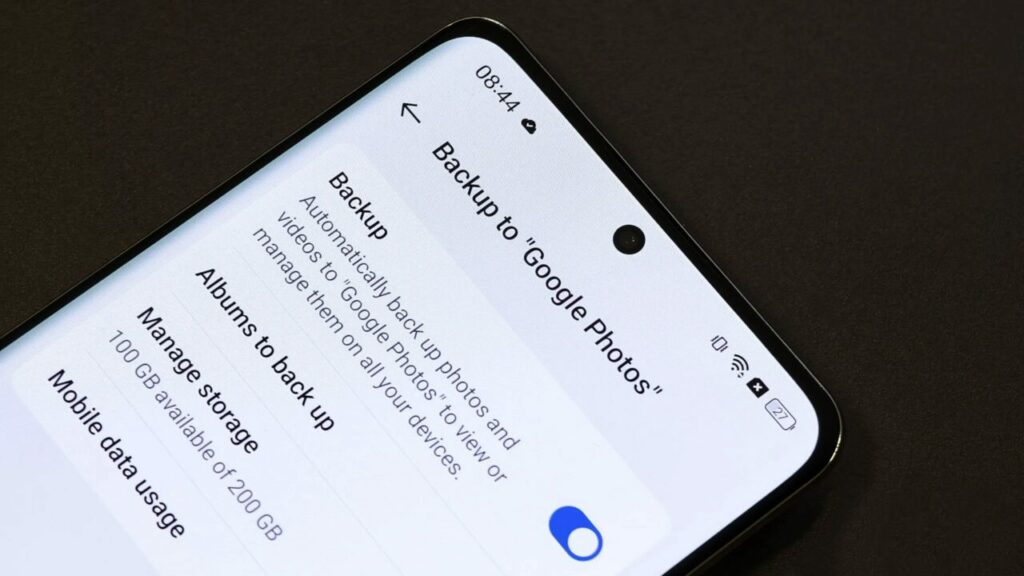
Currently, Google Photos users can choose which device folders to back up and remove, but there is no easy way to remove all data backed up from a specific device in bulk. This new feature brings great convenience, especially for users with automatic backup enabled. It will now be much easier to organize large photo and video libraries mistakenly uploaded to the cloud. Those who frequently change devices will also be able to clean up their cloud storage by deleting old backups.
Artificial intelligence support for Google Photos! Ask Photos introduced
Although this feature has not been released yet, it is expected to greatly simplify the lives of Google Photos users in the future. Organizing your storage space will no longer be a nightmare. What are your thoughts on this new feature? Don’t forget to share your comments and opinions in the section below…
Your comment has been submitted,
it will be published after approval.