
Google System Updates January: What’s New for Android?

Google has released the Google System Updates for January 2026, a crucial package that enhances the security, stability, and functionality of the entire Android ecosystem. This update brings new features to Android phones, tablets, TVs, and even vehicles, independent of the main operating system version. The monthly package ensures your device runs more securely and efficiently in the background, with this month’s release focusing on significant improvements for Google Wallet, system management, and developer services.
Unlike traditional OS updates like Android 15 or 16, Google System Updates are delivered through Google Play Services, the Google Play Store, and Project Mainline. This allows Google to directly send critical security patches and feature enhancements to millions of devices without waiting for manufacturers. Consequently, this process keeps the Android ecosystem safer and more up-to-date.
What’s Inside the Google System Updates January Package?
The January 2026 update package comes with various innovations that directly impact the user experience and strengthen the system’s infrastructure. According to the official release notes published by Google, the main focus areas of this month’s update include Wallet integration, system stability, and new tools for developers. Here are the key changes:
A Major Improvement for Google Wallet
One of the most notable new features in this update is for Google Wallet. You can now view online purchases made with virtual card numbers and transactions on other devices directly from the Wallet app on your phone and Wear OS watch. This feature makes it easier for users to track all their expenses in one place, offering a more integrated financial experience. Furthermore, it solves the difficulty of tracking virtual cards created for security during online shopping.
System Management and Stability Enhancements
As with every update, Google has focused on overall system stability. The release notes state that updates have been made to improve the stability of system management services for Android Auto, PC, Phone, TV, and Wear OS platforms. These improvements provide direct benefits to the end-user, such as fewer app crashes, increased overall device performance, and optimized battery life. Making background services more efficient allows your device to offer a smoother experience.
Developer Services and Google Play Store News
Google has also introduced new tools for developers. With Google Play Services v26.01, developers are offered new features to support location and context-related processes in their applications. This will pave the way for smarter and more accurate location-based apps. Additionally, with Google Play Store v49.7, users will now have the option to choose from multiple rewards instead of just one. This is an innovation that will make the user experience more flexible and attractive, especially in loyalty programs like Play Points or in-app campaigns.
How to Install These Updates on My Device?
Google System Updates are usually installed automatically in the background. However, it is also possible to manually check the status of the updates and initiate the installation. You can follow the steps below:
- Google Play Store Update: Open the Play Store app, tap your profile picture, go to Settings > About, and tap the “Update Play Store” option under the Play Store version.
- Google Play Services Update: This component is usually updated automatically and does not have a direct update button.
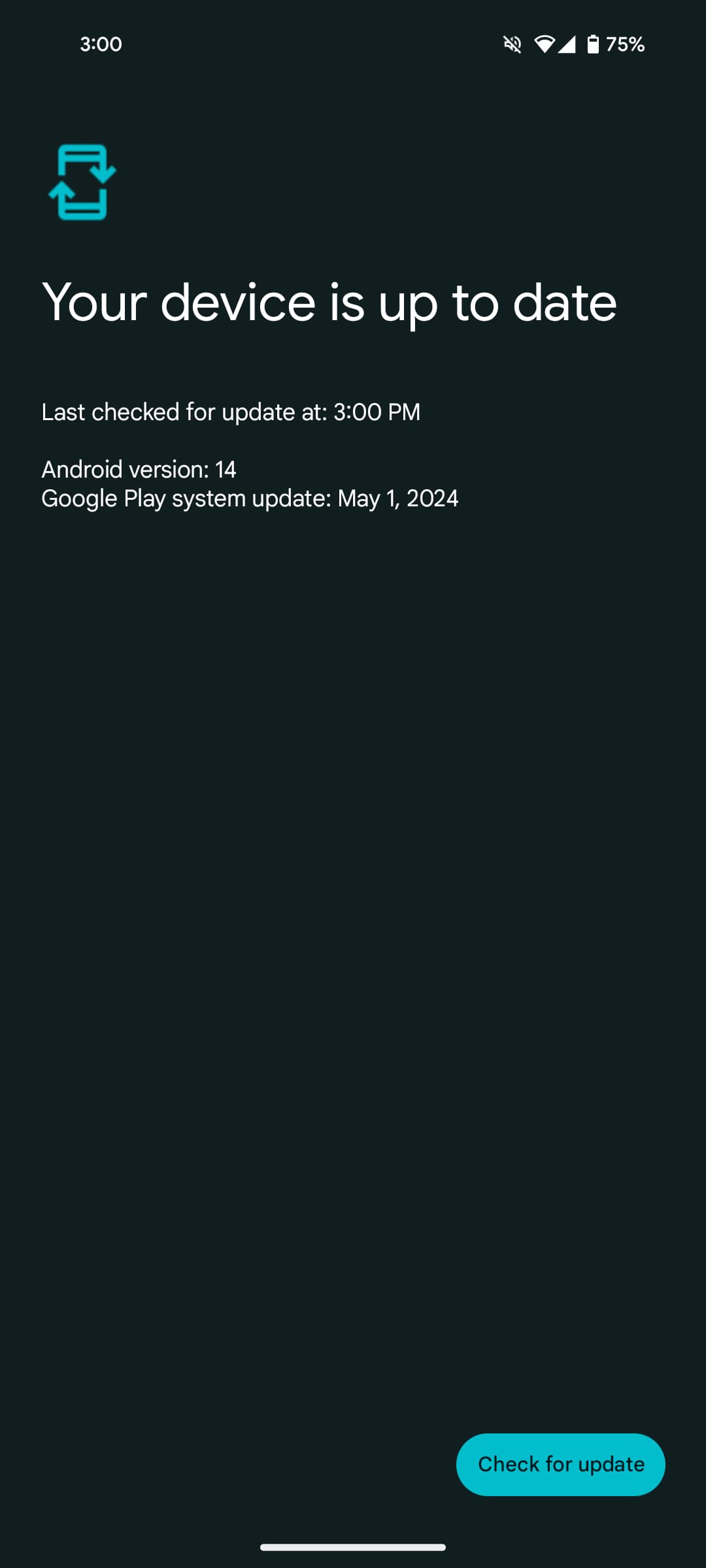
- Google Play System Update: You can check for and download the latest version by navigating to Settings > Security & Privacy > Updates > Google Play System Update on your device. The location of this menu may vary depending on your device’s brand and model.
In conclusion, the January 2026 Google System Updates deliver important improvements that enhance the performance, security, and functionality of your Android device. The new transaction tracking feature added to Google Wallet, in particular, will provide practical convenience for many users.
So, what are your thoughts on the January Google System Updates? Share your opinions with us in the comments!
Your comment has been submitted,
it will be published after approval.