
Samsung Releases New Google Play System Update for Galaxy Devices

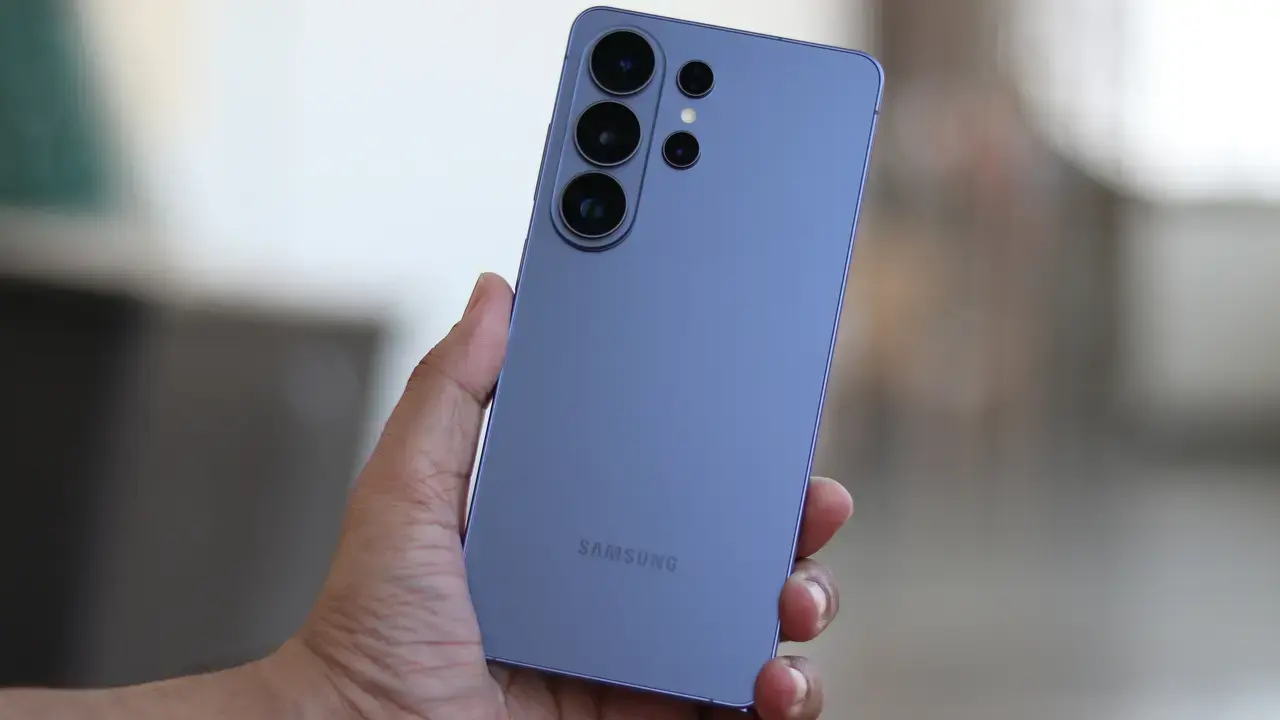
Samsung has officially addressed concerns regarding its software maintenance schedule by releasing a new Google Play System update for Galaxy smartphones globally. This rollout, initially spotted on Galaxy S25 models in the Indian market and devices running the One UI 8.5 interface, marks a strategic move to accelerate software optimization throughout 2025. By deploying these critical system-level patches, the tech giant aims to enhance device security and overall operational performance. While technical documentation for this specific release remains limited, such updates are fundamental to maintaining the stability and long-term reliability of the Android ecosystem for millions of Samsung users.
- Samsung has increased the frequency of Google Play System updates following delays earlier in 2025.
- The new software package requires approximately 14 MB of storage space to install.
- Users can manually initiate the update check through the security or software information settings on their devices.
Updates Are Pushing Small Yet Vital Files
The latest Google Play System update arrives as a remarkably compact 14 MB file, designed to integrate seamlessly without disrupting user activity. Interestingly, even after the installation process concludes, the system date remains displayed as May 1, 2026, in the software information menu. This suggests that the current patch functions as a backend optimization rather than a major version shift. 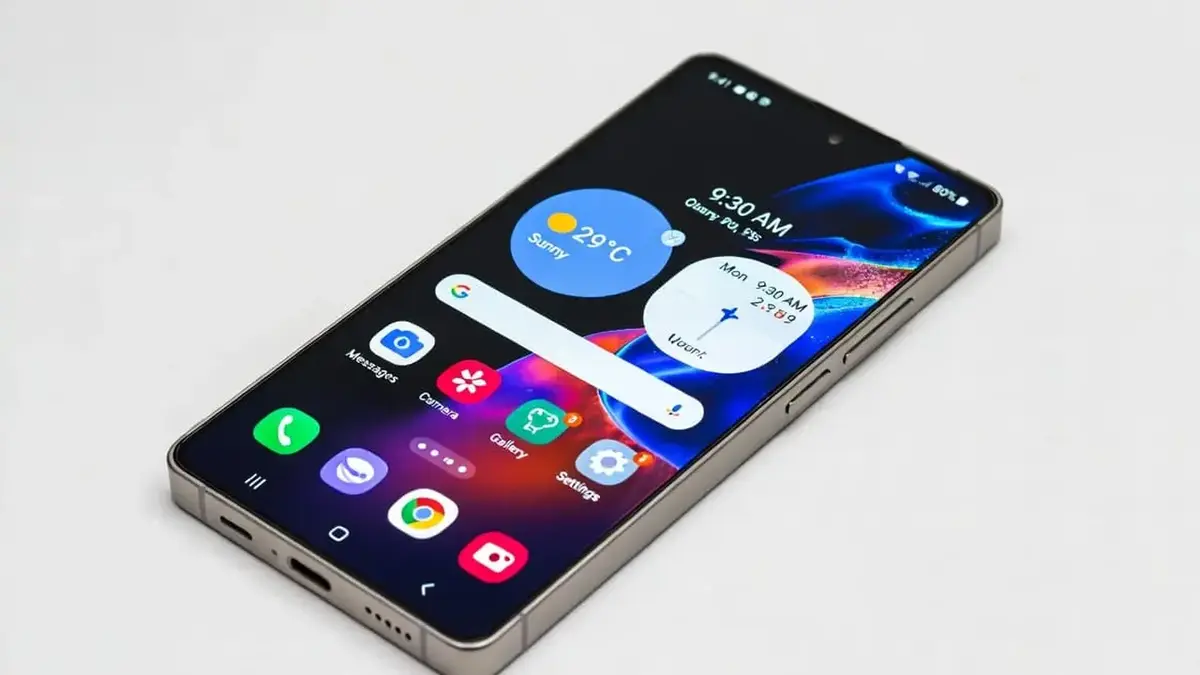
Despite the small file size, this update plays a crucial role in closing security gaps and refining system stability.
These silent improvements ensure that the underlying Android framework remains resilient against emerging vulnerabilities. By keeping the core system components updated, Samsung minimizes the risk of performance degradation over time, ensuring that high-end devices like the S25 continue to operate at peak efficiency.
Users Can Manually Verify Their Software Status
Samsung has streamlined the process for users to check for these critical improvements. Those wishing to verify their device status can navigate to the Settings menu, select About Phone, and proceed to Software Information to view the latest Google Play System update details. Alternatively, the Security and Privacy section provides a direct gateway to scan for available security patches. These tools empower users to maintain control over their device’s health without waiting for automated prompts.
Regularly monitoring these settings is the most effective way to ensure optimal software performance on modern Galaxy devices.
Security Standards Are Being Raised Constantly
In the competitive landscape of modern smartphones, the consistency of software support has become a defining factor for consumer loyalty. Samsung’s recent commitment to accelerating its update cadence demonstrates a serious dedication to digital safety and seamless user experiences. By maintaining a tight collaboration with Google, the company ensures that its security infrastructure remains robust against evolving cyber threats.
The integration of these updates is an essential practice for anyone looking to extend the lifespan of their hardware. As mobile devices become increasingly central to our daily lives, these system-level enhancements serve as an invisible but powerful shield against potential compromises. Staying informed about these updates allows users to maximize the value and efficiency of their Samsung devices for years to come.
Have you checked your Samsung device for the latest Google Play System update yet? We would love to hear if you have noticed any changes in your phone’s performance or battery life after applying these patches. Please share your thoughts and experiences in the comments section below.
Your comment has been submitted,
it will be published after approval.