
macOS 27 Brings Major Enhancements to iPhone Mirroring

Apple has officially introduced significant upgrades to the iPhone Mirroring feature with the release of the macOS 27 and iOS 27 Golden Gate versions last week. This update drastically improves how users interact with their mobile devices directly from their Mac computers by removing previous software limitations. By integrating more flexible window management, enhanced control access, and improved media compatibility, Apple is refining the cross-device ecosystem. These changes mark a pivotal shift in the continuity experience, allowing users to bridge the gap between their iPhone and Mac more effectively than ever before in the macOS 27 environment.
- Users can now adjust the iPhone Mirroring window to any desired size instead of being limited to three fixed presets.
- The Control Center is now directly accessible via keyboard shortcuts or the Mac menu bar while mirroring.
- Apple has removed the playback restriction that previously caused black screens when viewing DRM-protected video content.
Window Resizing Offers More Flexibility
The most notable improvement in this update is the newfound freedom regarding window dimensions. Previously, users were restricted to three rigid size configurations: small, actual size, and large. With the current update, the window can be scaled dynamically to suit the user’s workflow, especially when running iOS 27 compatible applications. 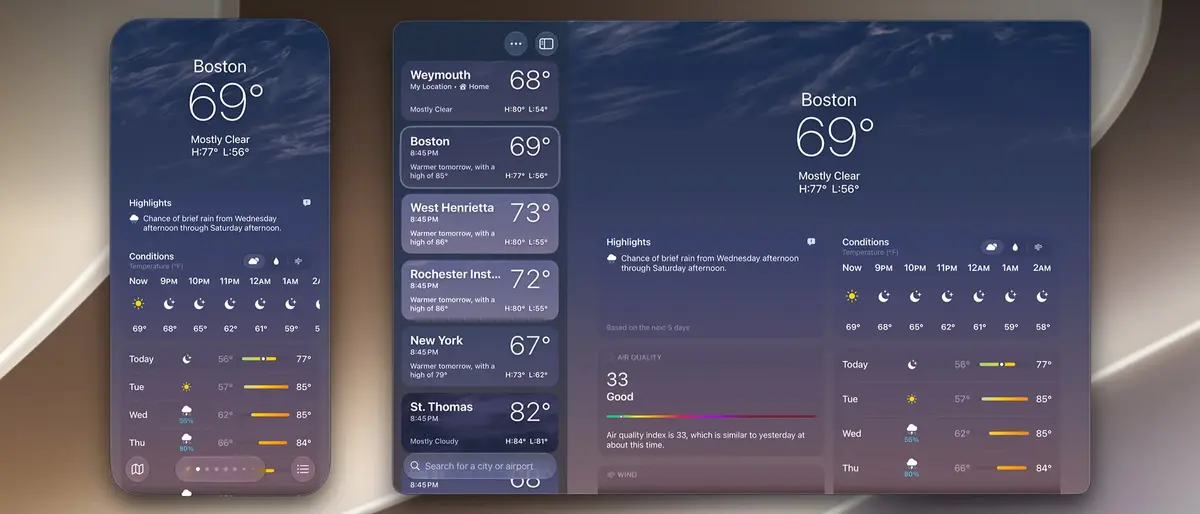
This flexible scaling mechanism is widely viewed as a foundational preparation for the rumored foldable iPhone Ultra device expected to arrive later this year.
Control Center Access Simplifies User Interaction
Beyond visual adjustments, Apple has streamlined system navigation by integrating direct access to the Control Center. Users can trigger this menu using the CMD+4 keyboard shortcut or by navigating through the View menu in the Mac menu bar. This addition saves time by eliminating the need to interact with the iPhone’s physical display or touch interface to toggle settings like Wi-Fi, Bluetooth, or screen brightness during a mirroring session.
DRM Restrictions Are Finally Resolved
One of the most requested features by long-term users has been the support for protected media content. Previously, attempting to view DRM-protected streams or videos through the mirroring interface resulted in a completely black screen, rendering the feature useless for media consumption. The latest macOS 27 iteration effectively removes this blockade, allowing users to watch protected content seamlessly on their Mac displays.
Visual Identity Remains Consistent
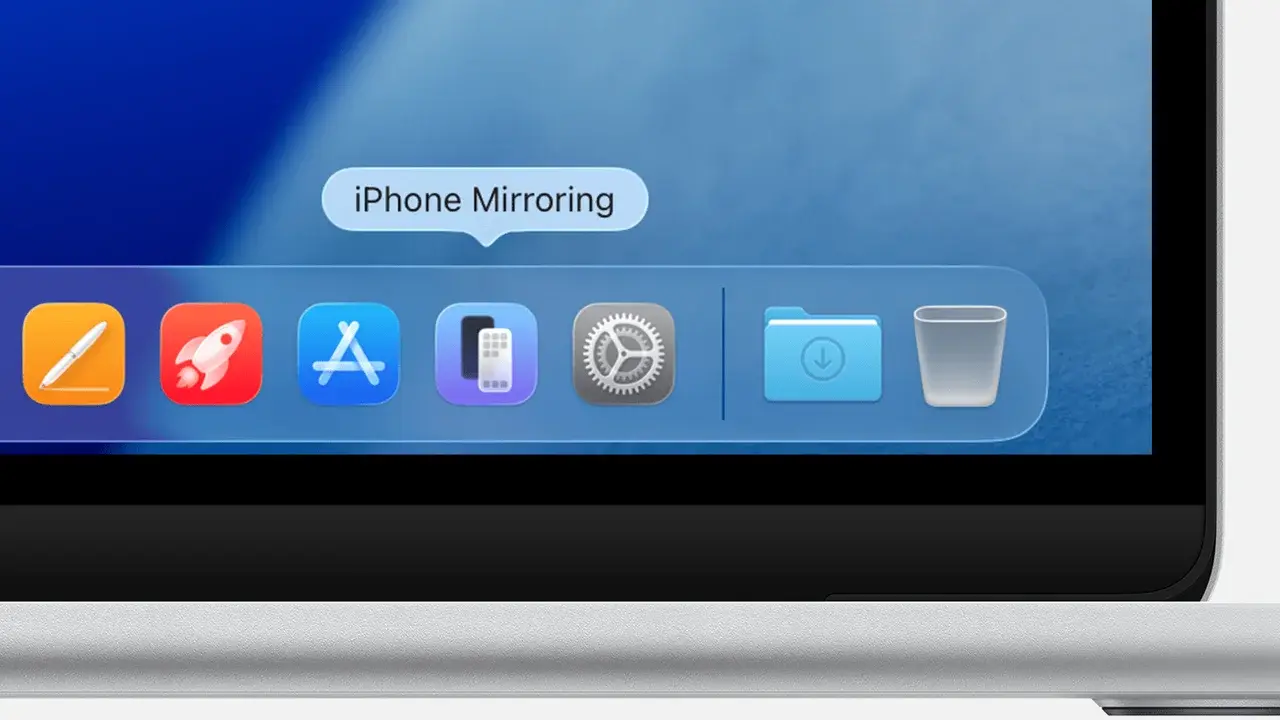
Accompanying these functional enhancements is a refreshed application icon for the iPhone Mirroring tool. This minor visual update ensures that the application aligns with the broader aesthetic language of Apple’s updated suite of stock applications, providing a more cohesive look and feel across the operating system. These improvements, while granular, cumulatively elevate the user experience by making the Mac-to-iPhone connection feel more native and responsive than previous generations.
We are curious to hear your thoughts on these new improvements to the iPhone Mirroring feature; please share your experiences and tell us how these changes influence your daily productivity in the comments section below.
Your comment has been submitted,
it will be published after approval.