
How to Add an Email Address to Your WhatsApp Account

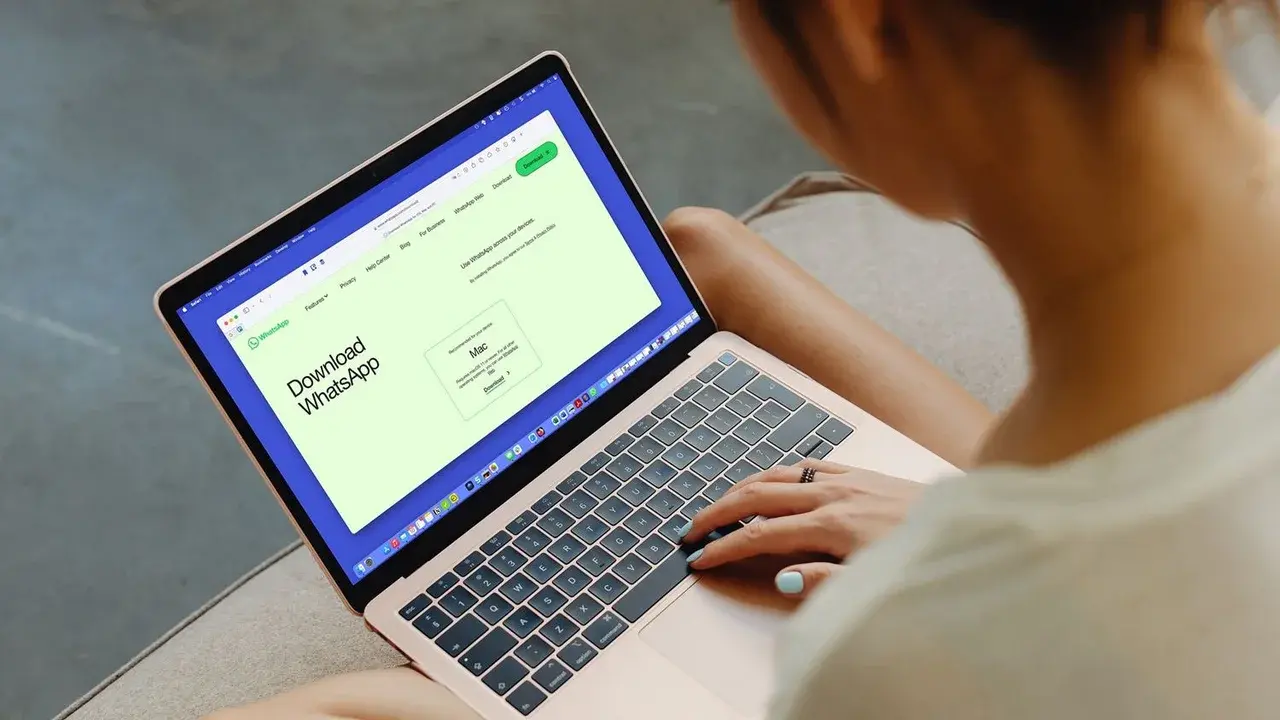
WhatsApp, the global leader in instant messaging, has officially introduced a new security feature allowing users to link an email address to their WhatsApp account. This strategic update, rolled out to enhance user protection, serves as an essential secondary recovery method for individuals who may lose access to their primary phone number or experience difficulties receiving SMS verification codes. By integrating this feature, the platform ensures that users maintain a reliable gateway to their personal accounts, significantly mitigating the risks associated with account loss or unauthorized access in our increasingly digital-dependent daily lives.
- Linking an email address provides a secondary recovery method when SMS verification fails.
- The feature enables WhatsApp to communicate critical security updates directly to the user.
- The verification process is completed through the account settings menu in the application.
Verifying your email address represents the most effective step in strengthening the security of your messaging account.
Why Users Should Add an Email Address
Integrating an email address into your WhatsApp profile establishes a robust defensive layer for your digital identity. In instances where a user changes their mobile number or faces network-related hurdles that prevent SMS delivery, the registered email acts as a secure recovery channel. Furthermore, this mechanism allows WhatsApp to notify users immediately if any suspicious activity is detected on their account. This proactive approach to security significantly reduces the probability of account theft and ensures that you remain in control of your digital presence at all times.
How the Integration Process Works
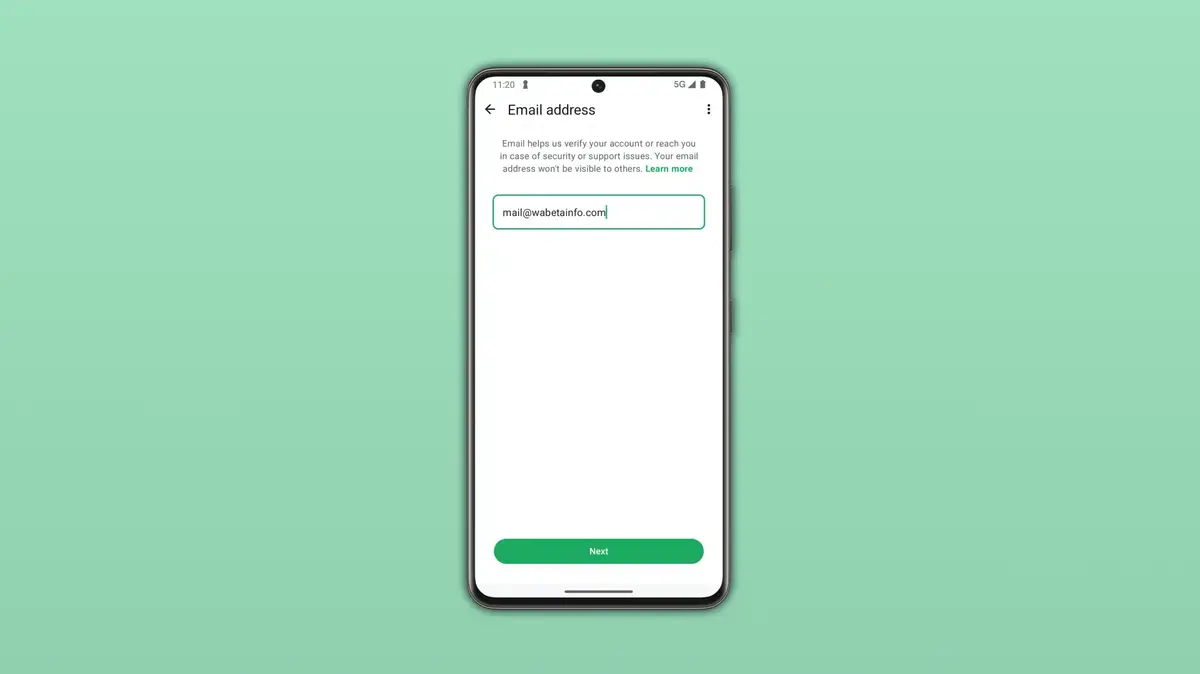
Adding an email to your WhatsApp account is a straightforward procedure designed for user convenience. To begin, navigate to the Settings menu within the application and select the Account tab. From there, locate the Email Address section to enter your preferred contact information. Once submitted, the system will send a unique verification code to your inbox. Simply enter this code into the WhatsApp interface to finalize the activation. This setup can also be performed during the initial registration phase of the application.
Ensuring that your email address is entered correctly is vital for receiving your verification code promptly.
Connection Errors Are Easily Resolved
Should you encounter technical difficulties while attempting to add your email, there are several troubleshooting steps to consider. The most common cause involves unstable internet connectivity. If you are currently utilizing a Wi-Fi connection, switching to mobile data often resolves the issue instantly. If the problem persists, you may need to evaluate your current DNS settings. Some third-party DNS configurations can conflict with WhatsApp servers; therefore, switching to standard services such as Google’s 8.8.8.8 or Cloudflare’s 1.1.1.1 is recommended to restore full functionality.
Maintaining secure account settings is the fundamental key to protecting your private digital assets.
Have you already taken the step to protect your account by adding an email address, or have you encountered any challenges during the setup process? We encourage you to share your experiences and questions in the comments section below.
Your comment has been submitted,
it will be published after approval.