
Windows 11 Weather App Consumes Excessive RAM

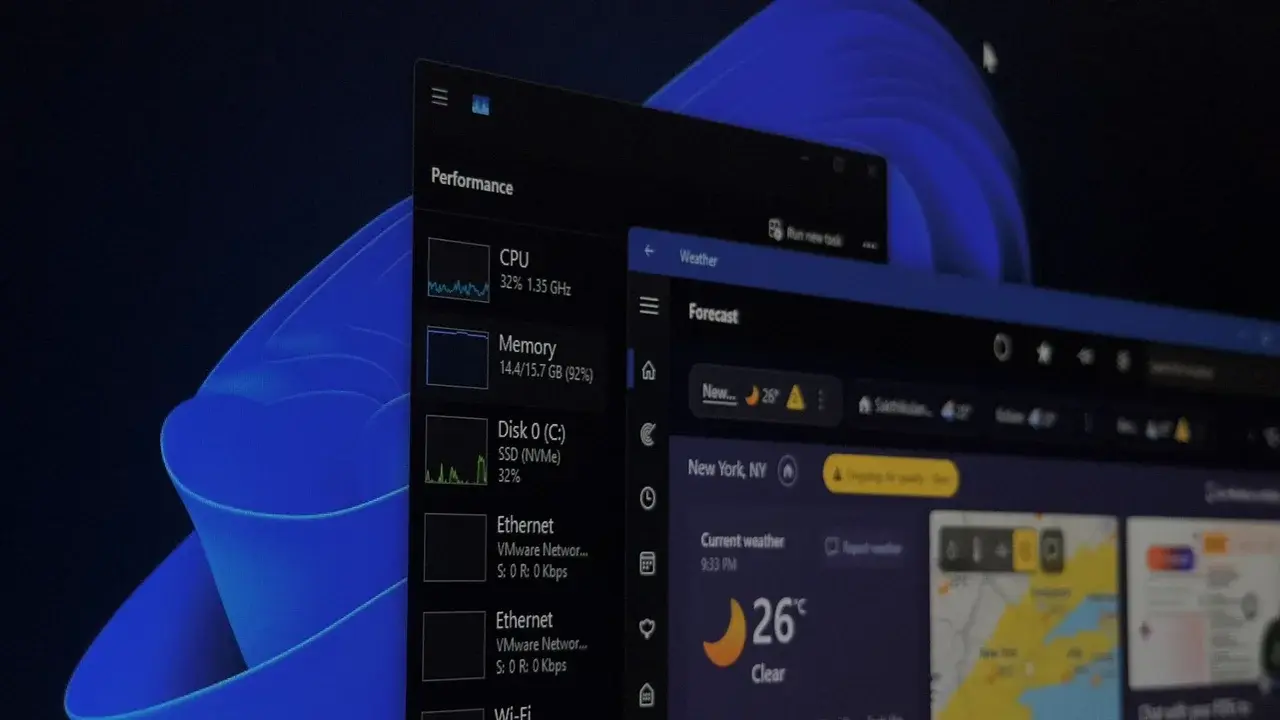
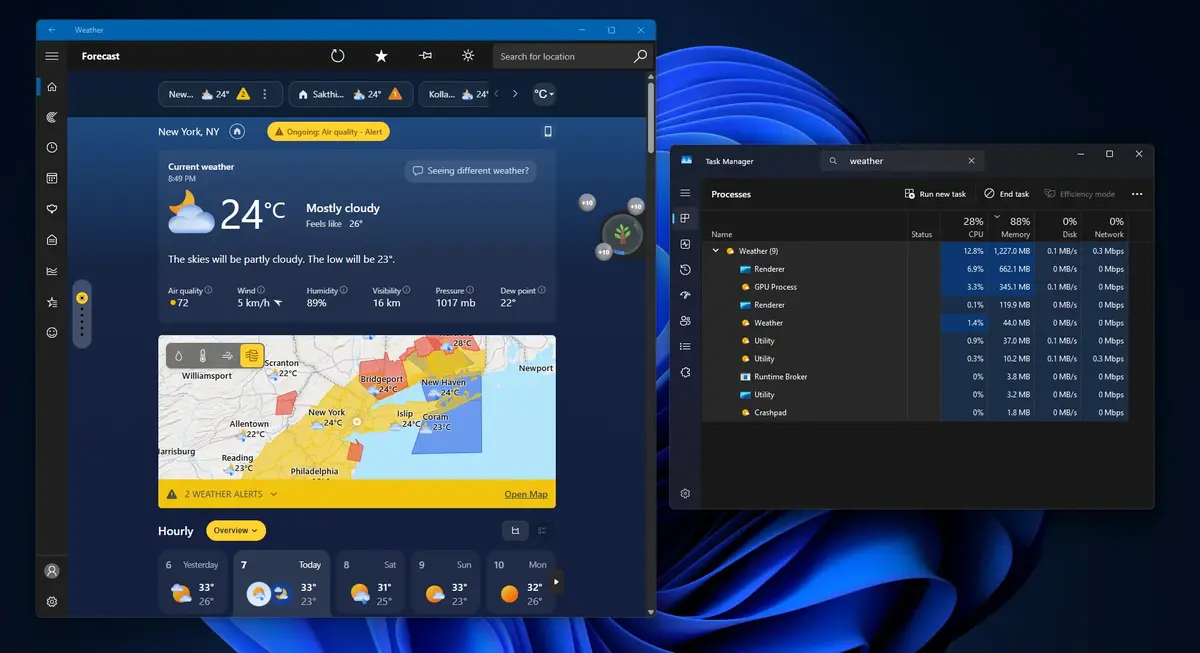
Windows 11 users are increasingly frustrated with the built-in Weather application, which has been identified as a significant “RAM monster” due to its unexpectedly high resource consumption. Recent tests indicate that the application can consume up to 1.2 GB of memory while idling, a figure that dwarfs the 246.7 MB usage observed in macOS for similar functionality. This performance discrepancy, combined with the presence of intrusive advertisements within a core operating system utility, has sparked widespread criticism regarding Microsoft’s software optimization priorities for its latest OS.
- The Windows 11 Weather application consumes approximately 1.2 GB of RAM during idle states.
- The software relies on a WebView2-based architecture that utilizes multiple Chromium sub-processes.
- Microsoft integrates various third-party advertisements into the app interface unlike competing platforms.
- Engineers are exploring a transition to WinUI to replace legacy web-based wrappers.
Web-Based Architecture Causes Resource Drain
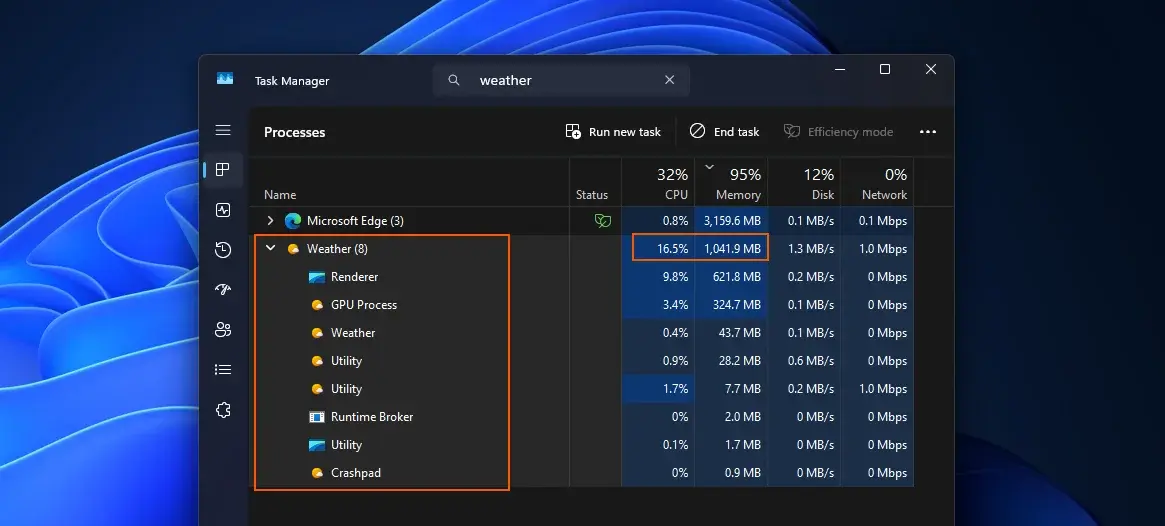
The core of the issue lies in the application’s underlying technology. Unlike traditional native software, the Windows 11 Weather app functions essentially as a web-based interface running through WebView2. When analyzed via the Task Manager, the application reveals that it operates across nine distinct sub-processes, confirming its Chromium-based structure. This heavy reliance on web-rendering engines is the primary driver behind the disproportionate memory footprint.
The application architecture forces the operating system to allocate excessive memory for a simple utility.
Beyond performance issues, users have expressed dissatisfaction with the inclusion of promotional content. The application displays advertisements for services such as Adobe Acrobat alongside its meteorological data. While Microsoft utilizes reputable data sources like Foreca and the European Centre for Medium-Range Weather Forecasts, the inclusion of ads remains a point of contention. In contrast, Apple provides similar high-quality weather data without embedding any commercial advertisements into its native application.
Microsoft Evaluates Future System Updates
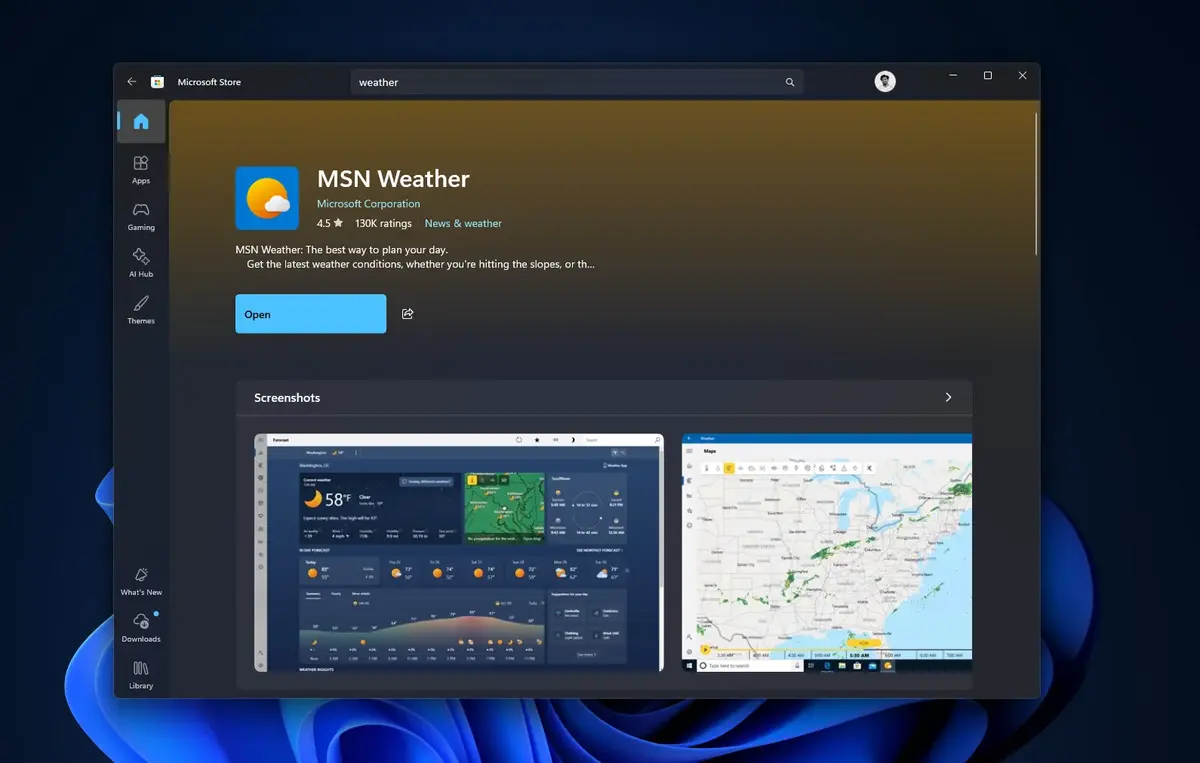
Microsoft has recently pushed updates for several built-in applications, including Camera, Clock, and Photos. However, the Weather application remains excluded from these performance-focused updates because it is categorized as an MSN-branded web wrapper. While the company has publicly expressed a renewed commitment to native application development, it remains unclear whether these legacy web-based tools will be fully overhauled or discarded in upcoming service cycles.
The path forward likely involves a shift toward the WinUI framework, which is designed to replace outdated Win32 and WebView2 code structures. By transitioning to native WinUI components, Microsoft aims to reduce the memory bloat that plagues current applications. Heavy tools like the Clipchamp video editor are already being evaluated for similar architectural redesigns to improve overall system fluidity.
A transition to native WinUI components could finally resolve the efficiency issues facing Windows 11 utilities.
Ultimately, the goal is to create a more streamlined and responsive environment for all Windows 11 users. Whether Microsoft will prioritize the complete removal of advertisements alongside this technical transition remains to be seen. A lightweight, ad-free version of the Weather application would serve as a significant indicator that the company is listening to user feedback regarding system bloat and performance standards.
We would like to hear your thoughts on this matter; do you believe Microsoft should prioritize removing advertisements from built-in applications, and are you concerned about the current memory usage of your Windows 11 tools?
Your comment has been submitted,
it will be published after approval.