
Updated Türksat Frequency List 2026 for All Channels

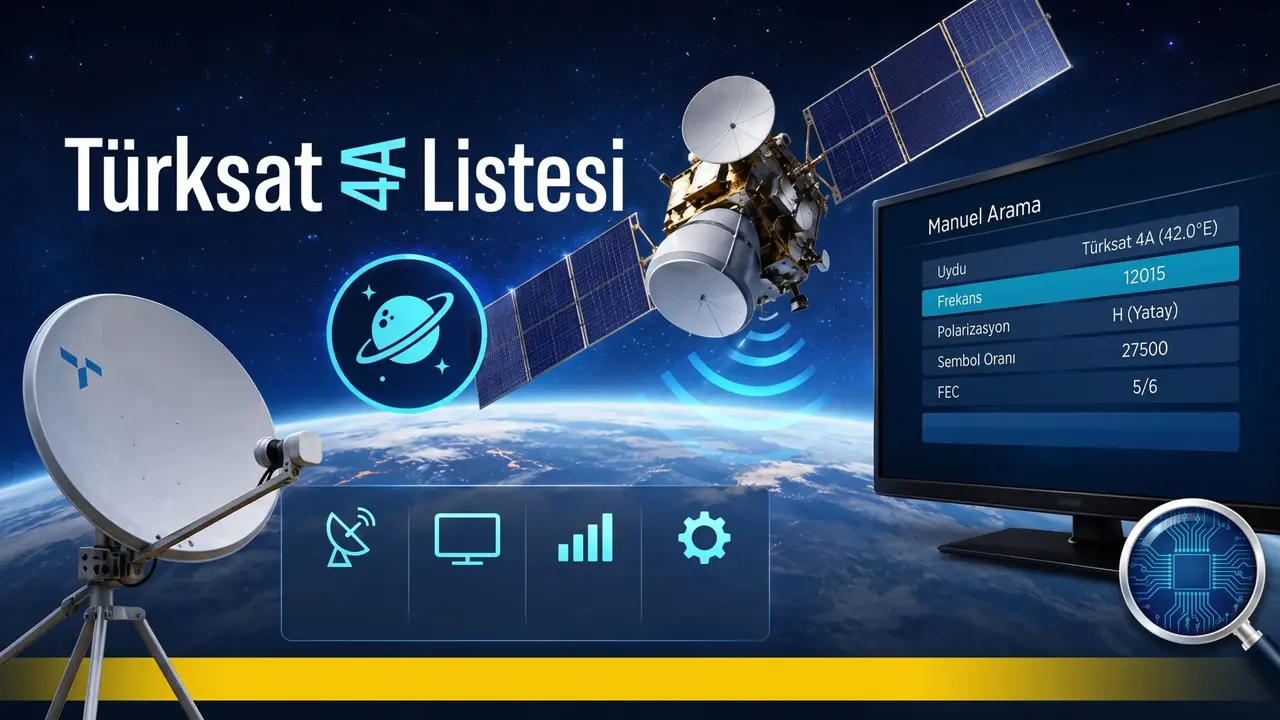
As of 2026, satellite users across Turkey must update their receiver settings to ensure uninterrupted access to broadcast signals, as the Türksat frequency list undergoes periodic changes due to orbital adjustments and the activation of new satellite infrastructure. Whether you are experiencing signal loss, missing channels, or performing a factory reset, utilizing the correct Türksat 42E frequency parameters is essential for restoring your television lineup. By leveraging either the automated Türksat Channel Update System (TKGS) or manual network scanning methods, viewers can efficiently reconfigure their devices to capture the full spectrum of available high-definition national and local transmissions.
- Viewers can restore their channel lists by using the 12380 MHz or 12423 MHz automatic network search frequencies.
- Devices equipped with TKGS technology automatically update broadcast parameters without requiring manual intervention.
- Manual network scanning requires the activation of the “Network Search” feature to locate all active transponders.
Proper configuration of satellite settings is the only way to ensure high-quality reception for all national channels.
Automatic Scanning Methods Simplify Channel Updates
For users whose hardware does not support the automated TKGS system, performing a manual network scan is the most effective way to populate a channel list. By navigating to the satellite installation menu, users should input specific frequency values to initiate a comprehensive search. The primary frequency to utilize is 12380 MHz, with a vertical (V) polarization, a symbol rate of 27500, and a FEC value of 3/4. Alternatively, 12423 MHz with horizontal (H) polarization and a 30000 symbol rate serves as a secondary option for signal acquisition.
It is vital that the “Network Search” or “Blind Scan” function remains enabled during this process. This setting instructs the receiver to probe all transponders within the 42° East orbit, ensuring that no broadcast frequency is overlooked during the installation procedure.
Popular Channels Utilize Specific Broadcast Parameters
Many viewers prefer to manually add individual channels to their favorites list rather than performing a complete system scan. Major platforms such as TRT 1, Show TV, and Kanal D operate on specific transponders that require precise entry of frequency, symbol rate, and polarization data to function correctly. For instance, TRT 1 HD is accessed via 11794 MHz, while private channels like Star TV HD and TLC HD are configured at 12015 MHz. Always ensure that the polarization setting matches the provider’s broadcast specifications, as even a minor discrepancy can result in a “No Signal” error message.
Smart Televisions Require Model-Specific Configurations
Modern smart televisions often feature built-in satellite receivers, though the installation interface varies significantly between manufacturers. For Samsung users, the path usually involves navigating to the Menu, selecting the Satellite System, and confirming the Türksat 42E target before starting the scan. Conversely, LG television owners must verify that their LNB frequency is set to 9750/10600 to allow the tuner to communicate effectively with the dish.
Vestel television users can quickly finalize their installation by selecting the initial setup menu and confirming the 12380 MHz frequency settings.
Regardless of the brand, ensuring that the physical coaxial cable connection is secure and the dish is aligned correctly remains a prerequisite for success. Once these hardware checks are complete, the software-level tuning described above will reliably restore your television experience.
Have you successfully updated your satellite receiver settings, or are you still encountering issues with specific channels? Share your experiences and questions in the comments section below to help other users find the right solutions.
Your comment has been submitted,
it will be published after approval.