
What is a JNLP File and How Do You Open It?

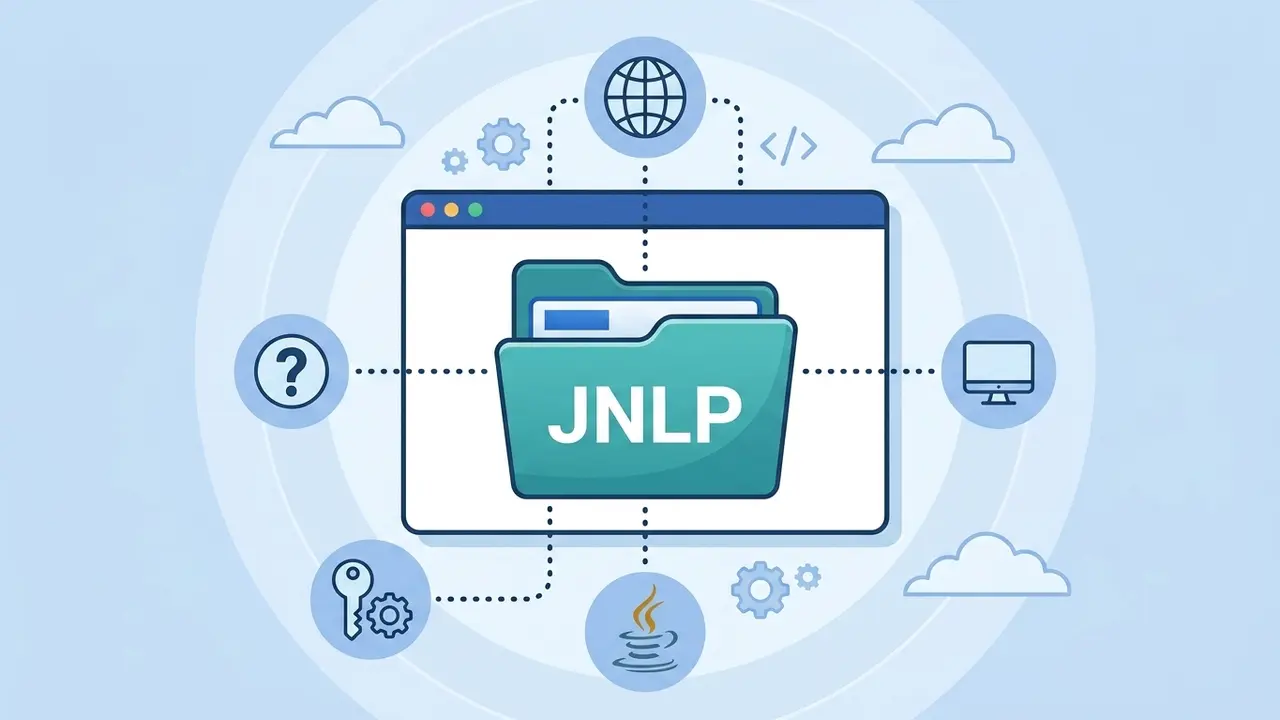
A JNLP file, which stands for Java Network Launching Protocol, is an XML-based configuration file primarily used to execute Java applications over a network or the internet. Frequently encountered by users interacting with public sector digital infrastructures, e-Government portals, and secure e-Signature verification systems, these files do not store the entire application locally. Instead, they act as a gateway that fetches necessary components from a remote server upon execution. Understanding how to manage these files is essential for professionals and citizens who rely on Java-based web applications to perform administrative tasks, digital authentication, and secure online document signing.
- The JNLP format facilitates the execution of Java applications by downloading required components from a web-based source dynamically.
- Modern Java versions have discontinued the Java Web Start feature, necessitating third-party tools for file execution.
- Users should exercise caution with JNLP files from unverified sources due to potential remote access security risks.
Java Network Launching Protocol Functions Differently Today
In the past, Java Web Start was the standard environment used to launch these protocols natively within the Java Runtime Environment. However, starting with Java 9 and finalized with the release of Java 11, this feature was officially deprecated and removed. Consequently, simply installing the standard Java package is no longer sufficient to open JNLP files on modern operating systems. Users now require specialized software to bridge this compatibility gap effectively.

Accessing JNLP files now requires the integration of alternative open-source solutions like OpenWebStart to restore functionality.
OpenWebStart Enables Required File Execution
For users struggling to run legacy or current Java-based web applications, OpenWebStart serves as the primary solution. This utility mimics the functionality previously provided by Java Web Start, allowing the system to interpret the XML instructions contained within the JNLP file. To utilize this tool, users must download and install the application, right-click the specific JNLP file, and select OpenWebStart from the ‘Open With’ menu.
Manual Code Inspection Remains Possible
It is important to note that a JNLP file cannot be executed without a proper launcher. While the application itself requires a Java environment, the configuration file is fundamentally a text-based document. If a user wishes to audit the file for security purposes, they can open the JNLP document using a standard text editor. This allows for the inspection of the application’s source address and the components it intends to download.
Security Precautions Must Be Prioritized
Because JNLP files instruct a computer to retrieve and execute code from remote servers, they present a distinct security profile. Users should treat files received via email or untrusted websites with extreme skepticism. Always verify the source of the file before execution to prevent unauthorized access to local system resources or the deployment of potentially harmful Java applets. When in doubt, checking the file content in a text editor provides a safe way to identify the origin of the script before allowing it to run.
Have you encountered issues while trying to launch JNLP files for e-Government or e-Signature tasks? Share your experiences and any solutions you have found in the comments section below.
Your comment has been submitted,
it will be published after approval.