
How to Play Battlefield 1 with Friends: A Complete Guide

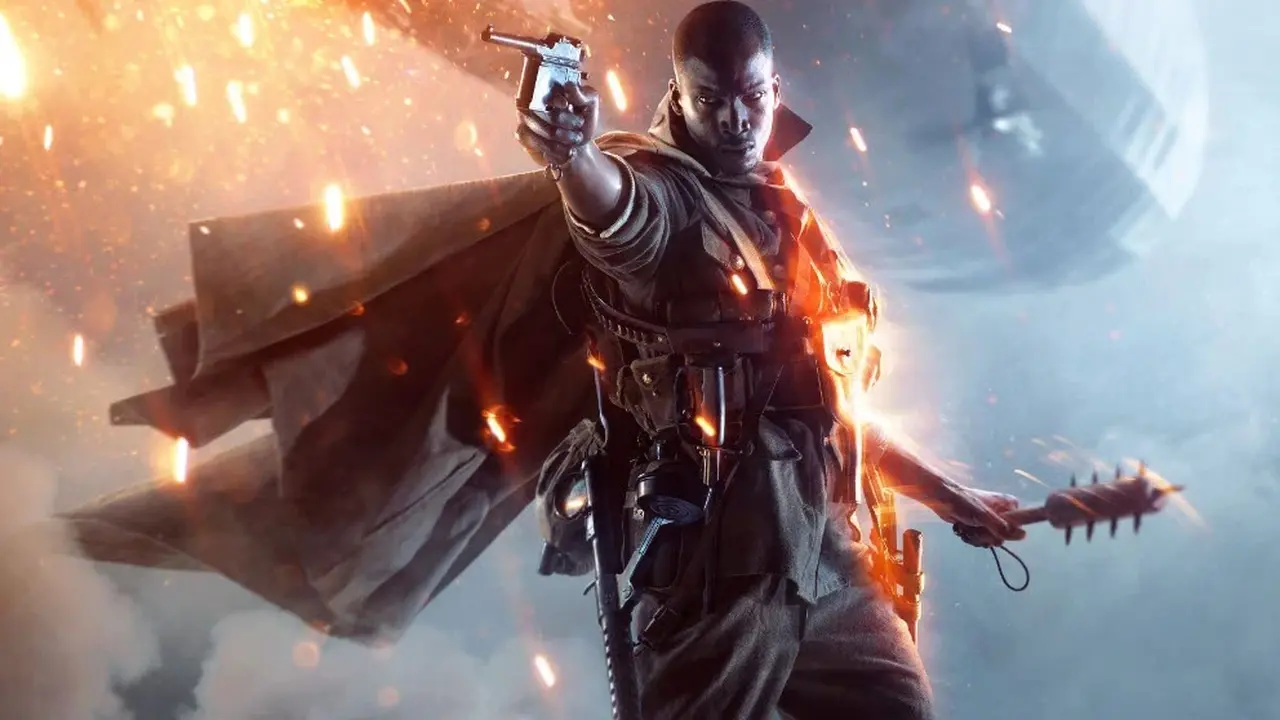
Playing Battlefield 1 with friends transforms the chaotic World War I battlefield into a coordinated tactical experience, making it a priority for many new recruits. Whether you are using the EA app or playing through Steam, connecting with your squad is essential for maximizing your effectiveness on the front lines. To successfully join a session with your peers, you must first ensure that your accounts are linked and that your friends are added to your platform-specific friends list. Once this connection is established, you can navigate the game’s social menus to invite your squad members into a lobby before deploying into the intense multiplayer combat that defines the Battlefield 1 experience.
- Players must add their friends via the EA or Steam platform interfaces to facilitate session invitations.
- Joining a specific server requires that the game session has available player slots for the entire party.
- Squad coordination is optimized when players form a group in the lobby before searching for a public match.
The EA and Steam Friends Lists Are Integrated
The foundation of multiplayer cooperation in Battlefield 1 relies heavily on your EA account status. Regardless of whether you purchased the title on Steam or directly through Electronic Arts, the game utilizes the EA ecosystem to manage social connections. To begin, ensure that you have sent a request to your friend’s unique username via the EA overlay or client. Once the friend request is formally accepted by the other party, their status will update within your social tab, allowing you to see their online activity in real-time.
Proper account synchronization serves as the mandatory first step for seamless matchmaking.
If you are utilizing Steam, the process remains largely identical. Steam players can use the built-in Shift-Tab overlay to send invitations directly to their friends, which then bridges the gap to the game’s internal server browser. Keeping your client updated is vital to ensure that these social features function correctly during active sessions.
Multiplayer Servers Are Accessed Through Tactical Coordination
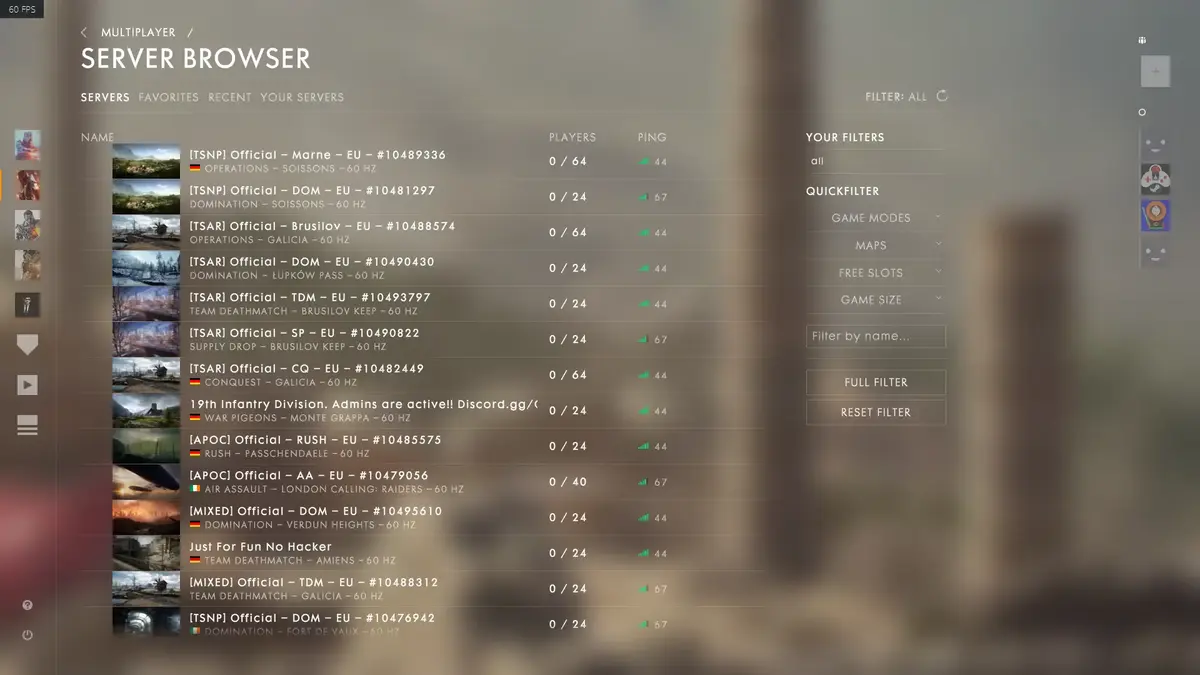
Once you are connected with your friends, the most straightforward method to play together is by joining the server that your companion is currently occupying. You can navigate to the multiplayer menu and select the server browser to locate your friend’s session. However, this method carries a significant risk: if the server is already at its maximum player capacity, you will be unable to join the session until a slot opens up.
To avoid the frustration of being separated due to full servers, it is highly recommended that you and your friends form a party within the main lobby before selecting a game mode. By queuing for a match as a unified squad, the game’s matchmaking algorithm attempts to keep your team together from the moment you hit the deploy button. This strategy ensures that you are placed on the same team and within the same squad, providing an immediate tactical advantage in the heat of battle.
Synchronized queuing in the lobby prevents the logistical headache of full server capacities.
Whether you prefer the fast-paced action of Conquest or the strategic depth of Operations, communication remains the most important tool in your arsenal. Ensure that your squad coordinates their class selections—such as pairing a Medic with an Assault player—to create a balanced force capable of turning the tide of the war.
Which class do you and your squad prefer to run when you hit the front lines in Battlefield 1? Share your favorite team compositions and strategies in the comments section below to help other players succeed.
Your comment has been submitted,
it will be published after approval.