
Windows 11 KB5121003 Update Causes Gaming Crashes and Errors

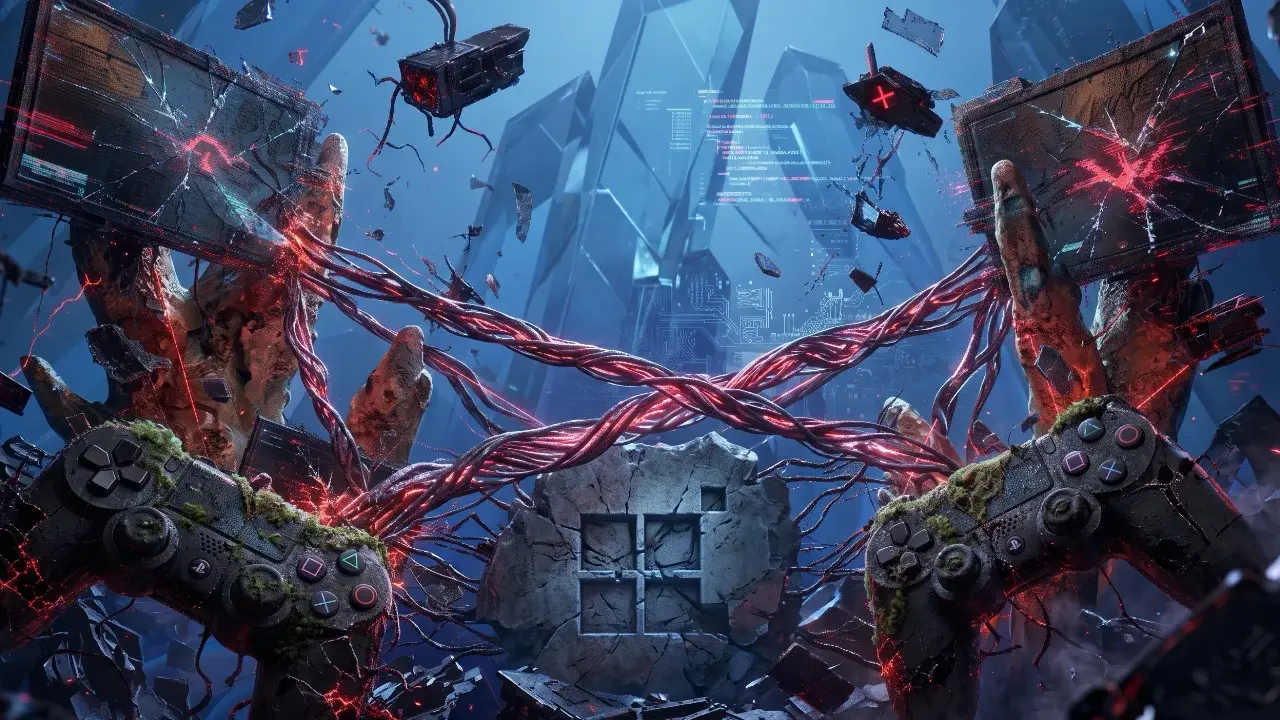
Microsoft has recently released the Windows 11 KB5121003 cumulative security update, intended to patch over 400 vulnerabilities including critical zero-day exploits. However, users across versions 24H2 and 25H2 have reported significant system instability immediately following the installation. The update is causing widespread performance issues, particularly affecting the gaming community with frequent application crashes, sudden freezes, and display errors. Additionally, some users are encountering authentication failures when utilizing Windows Hello, raising concerns about the update’s overall quality control and its disruptive impact on daily system operations.
- The KB5121003 update triggers severe stability issues and application crashes in popular titles like The Finals and ARC Raiders.
- Conflict with the inpoutx64.sys driver is identified as the primary technical cause for these system exceptions.
- Users are reporting secondary hardware issues including HDR glitches and Windows Hello biometric authentication failures.
- Security experts advise against uninstalling the update due to its critical role in patching over 400 known vulnerabilities.
Gaming Performance Suffers After Update Installation
The gaming community has been hit particularly hard by this patch. Reports indicate that popular titles such as The Finals, ARC Raiders, and Marvel Tōkon: Fighting Souls are failing to launch or crashing during active gameplay. Developers at Embark have investigated these reports and confirmed that the issues stem from a conflict with the inpoutx64.sys driver, which triggers an EXCEPTION_ACCESS_VIOLATION error. This specific driver conflict also appears to interfere with various anti-cheat software suites, preventing games from initializing correctly.
Gamers are facing persistent crashes that render high-end titles unplayable after the latest system patch.
Display and Security Features Malfunction Regularly
Beyond the gaming-specific crashes, the KB5121003 update has introduced broader system instabilities. Many users have observed significant degradation in display performance, including erratic refresh rate drops and HDR profile corruption that leads to inaccurate color reproduction or intermittent black screens. Furthermore, the Windows Hello authentication service is failing for a subset of users, preventing them from accessing their accounts via PINs or biometric scans.
Temporary Solutions Are Available for Players
For those experiencing game crashes, a temporary workaround involves clearing the conflicting driver. Users can execute this by opening the Command Prompt as an administrator and running ‘sc stop inpoutx64’ followed by ‘sc delete inpoutx64’. While this may restore gaming functionality, it is a manual intervention that requires caution. Users should ensure they are comfortable with command-line operations before proceeding with these steps to resolve the driver conflict.
A simple command-line adjustment can temporarily resolve the driver conflict caused by the update.
Security Risks Require Careful Consideration
While the urge to uninstall the update to regain system stability is high, it is not recommended for most users. The KB5121003 package serves as a vital security layer, patching the ‘LegacyHive’ zero-day exploit and hundreds of other security flaws. Removing the update exposes your device to significant cyber threats. Instead of a full rollback, we suggest waiting for an official Microsoft hotfix or applying the specific driver-related temporary fix mentioned above to keep your machine protected while maintaining stability.
Have you installed the KB5121003 update on your system, and have you noticed any of these crashing issues or driver conflicts while gaming? Share your experiences and any additional troubleshooting tips you have found in the comments section below to help other users in the community.
Your comment has been submitted,
it will be published after approval.