
WhatsApp Rolls Out New Animated Emoji Reactions for Android

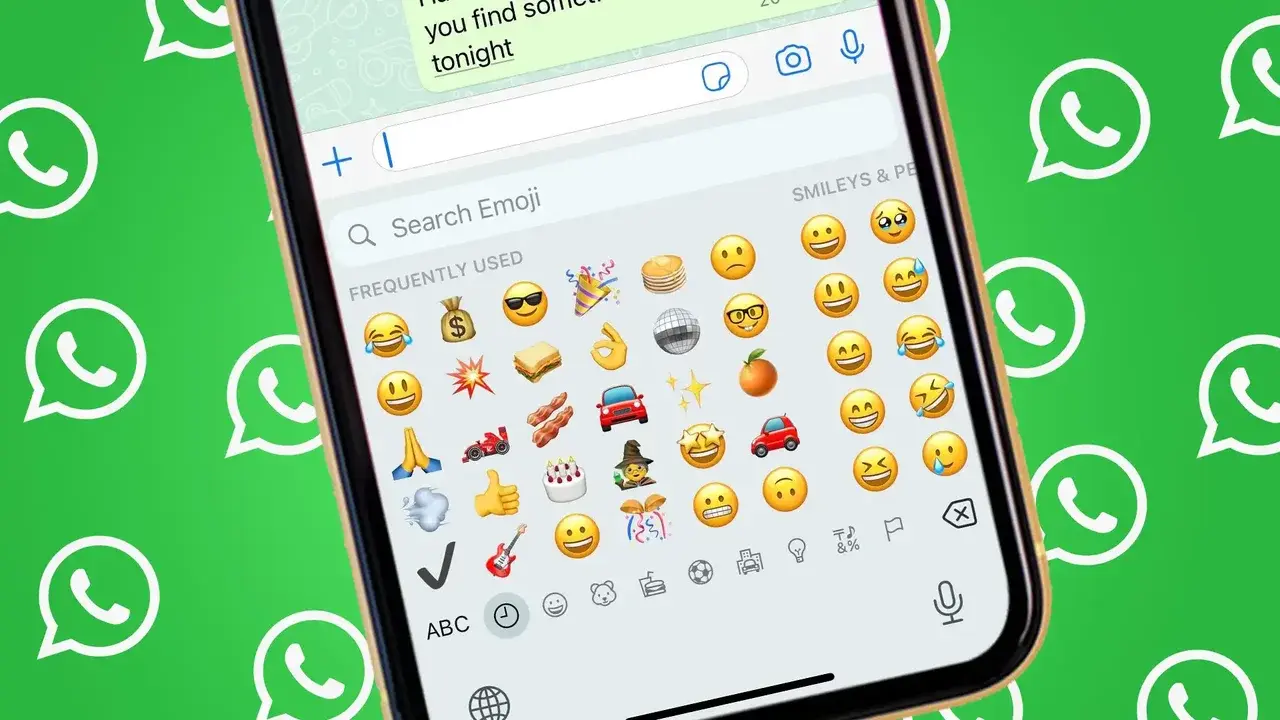
WhatsApp, the world’s most popular messaging platform, is officially introducing animated emoji reactions to its Android application. Currently being tested in the WhatsApp beta for Android version 2.26.33.4, this update allows users to experience dynamic, moving emojis when reacting to specific messages. By leveraging the Lottie library, the application enables short, high-quality animations that play instantly upon selecting a reaction. This feature aims to bring a more interactive and visually engaging communication experience to users, moving beyond the static reaction icons that have defined the platform for years.
- WhatsApp is testing animated emoji reactions through the latest Android beta software update.
- Users can disable these animations via settings to return to a static viewing mode.
- The platform utilizes the Lottie animation library to render these visual reactions.
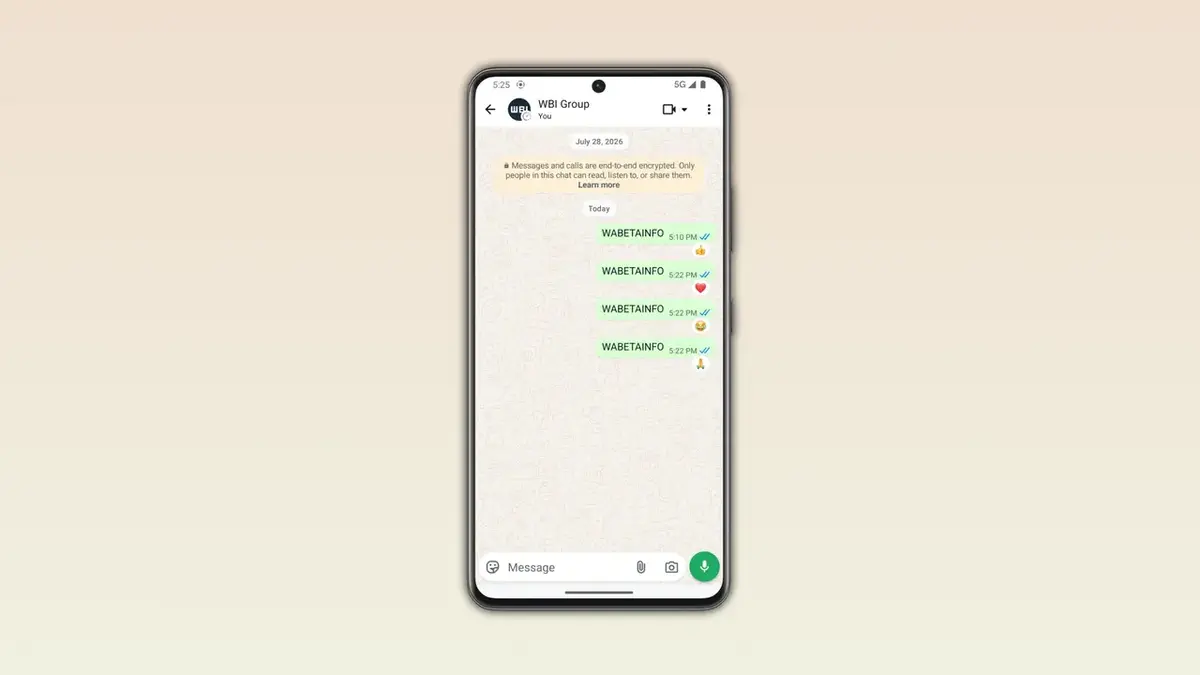
- Initial support includes popular emojis such as the thumbs-up and heart symbols.
Animated Reactions Enhance the Messaging Experience
The introduction of motion to the reaction bar marks a significant shift in how users interact with content on the platform. Previously, animations were largely confined to the body of the message, but now they extend to the reaction tray itself. When a user long-presses a message to respond, any compatible emoji will trigger a brief animation before settling on the message bubble. This design choice fosters greater visual consistency and injects a sense of personality into everyday digital conversations.
WhatsApp is standardizing the animated reaction feature to offer a more personalized and vibrant user experience.
Availability Gradually Expands Across the Platform
The new functionality is currently enabled by default, meaning users do not need to hunt through complex menus to experience the change once it is rolled out to their device. However, as is common with major feature deployments, the rollout is occurring in waves. Beta testers who do not yet see the animation effects are encouraged to update their application to the latest version via the Google Play Store to ensure they are on the most recent build.
Users Can Deactivate Animated Emojis Easily
Recognizing that not all users prefer high-motion interfaces, the developers have included a straightforward way to opt out. Within the settings menu, a specific toggle allows individuals to revert all reactions to a static state. If this option is disabled, the system will silence all Lottie-based animations, ensuring a cleaner and more traditional look for those who prefer minimal distractions during their messaging sessions.
Supported Emoji Library Continues to Grow
The feature currently supports a curated selection of emojis, including the standard thumbs-up, heart, and laughing face icons. While the initial list is limited, the development team intends to expand the library significantly in the near future. Planned additions include dynamic versions of the fire emoji, heart-eyes, and other popular symbols, ensuring that the feature remains fresh and relevant for the diverse global user base.
The company continues to explore advanced customization options, including potential personalized reaction sets for future updates.
Future Updates Will Focus on Deeper Personalization
Animated emojis represent only one facet of WhatsApp’s broader effort to modernize its interface. Reports indicate that the engineering team is exploring more extensive customization tools, particularly for WhatsApp Plus subscribers, which may eventually allow users to curate their own reaction bars. These forthcoming improvements are expected to provide users with unprecedented control over their communication style.
How do you feel about the addition of animated reactions to your daily chats? Do these visual touches make your conversations more enjoyable, or do you prefer the simplicity of static emojis? Join the discussion in the comments section below and let us know your thoughts.
Your comment has been submitted,
it will be published after approval.