
Why Does Your Phone Ring While on Airplane Mode?

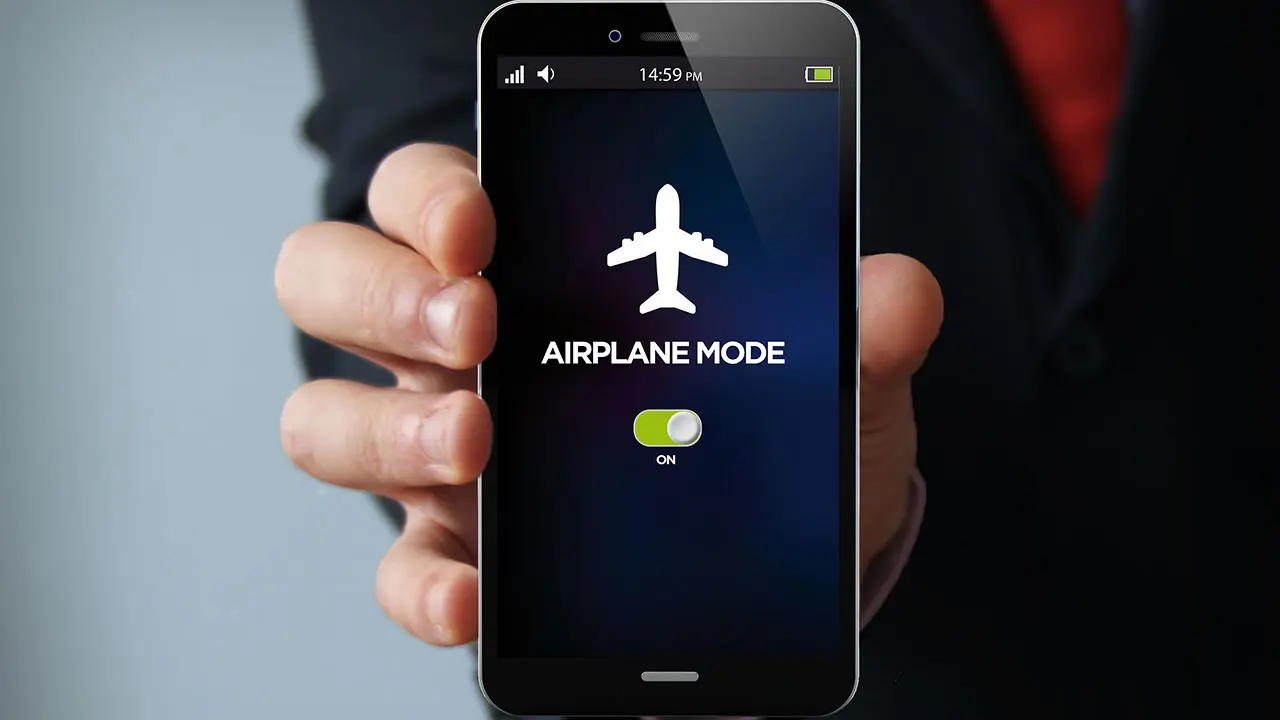
Many smartphone users are often surprised when their device receives calls even after they have activated airplane mode. While this setting is designed to disconnect a device from cellular networks to prevent signal interference during flights, modern technology frequently bypasses this restriction. The primary reason why your phone rings while on airplane mode is the active use of Wi-Fi networks and advanced communication protocols. Whether you are using an iPhone or an Android device, software features like Wi-Fi Calling and internet-based messaging services remain operational as long as a wireless connection is maintained, effectively turning your phone into a portable communication hub despite the mode selection.
- Airplane mode successfully disables standard GSM cellular signals but does not inherently block active Wi-Fi connections.
- Wi-Fi Calling features allow users to receive conventional voice calls through a wireless internet connection instead of a cellular tower.
- Instant messaging applications like WhatsApp and Telegram continue to receive incoming call notifications as long as the device is connected to the internet.
- Disabling Wi-Fi manually after enabling airplane mode serves as the most effective method to ensure complete isolation from incoming calls.
Airplane Mode Changes Network Connectivity
When you enable airplane mode, your smartphone essentially shuts down its cellular radio, which stops the device from communicating with local cell towers. This action effectively prevents incoming and outgoing standard GSM calls and blocks mobile data traffic. However, the system does not automatically deactivate the Wi-Fi or Bluetooth radios in many modern operating systems. Consequently, if your device was previously joined to a Wi-Fi network, it will stay connected. 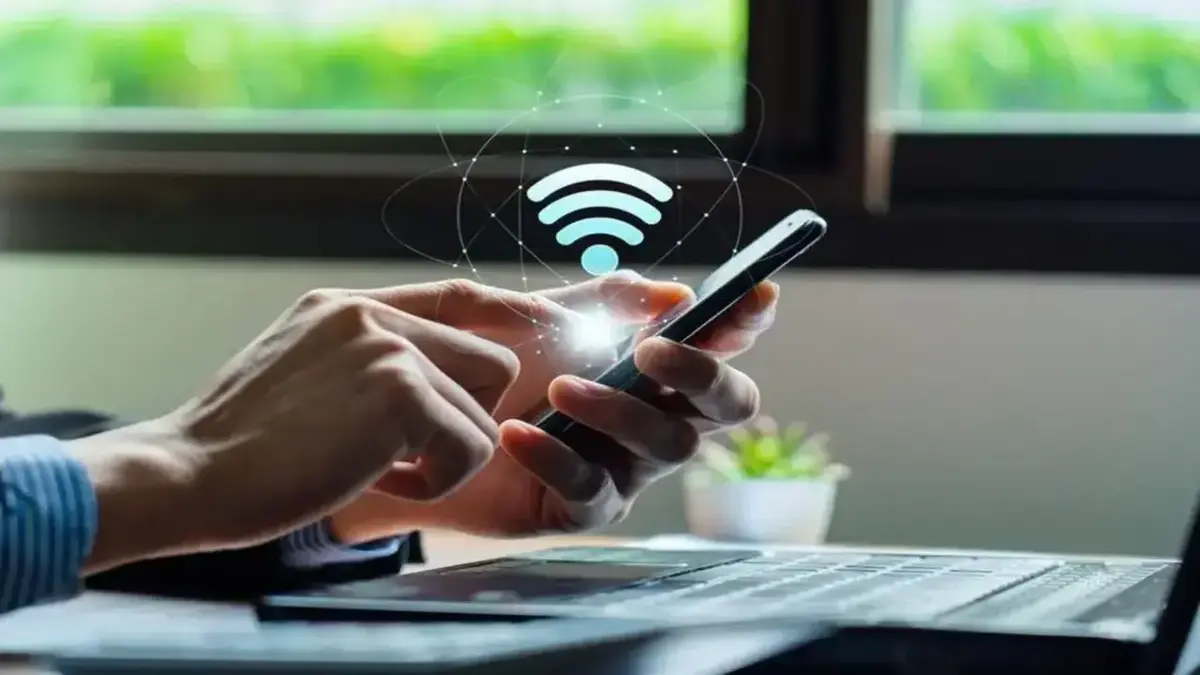 This persistent connection is the gateway through which various notifications and communications reach your device, making it seem as though airplane mode is malfunctioning when, in reality, it is performing exactly as intended by allowing secondary connectivity options.
Wi-Fi Calling Features Bypass Cellular Restrictions
The confusion regarding airplane mode often stems from the Wi-Fi Calling feature. This technology allows your mobile service provider to route calls through a wireless internet connection rather than the cellular network. When this feature is active, your phone treats a stable Wi-Fi signal as a proxy for a cellular tower. Even if your SIM card is physically cut off from the local provider’s network, the phone maintains the capability to ring for incoming calls because the internet connection facilitates the communication bridge. Users who wish to stop these specific calls must navigate to their device settings to disable Wi-Fi Calling permanently or temporarily.
Internet Applications Operate Independently of Cellular Signals
Beyond standard voice calls, modern internet-based communication apps like WhatsApp, Telegram, Skype, and FaceTime rely solely on data packets. Since these applications do not depend on your cellular plan’s voice minutes, they remain fully functional as long as there is an internet signal. If you find your phone ringing during a flight or in a sensitive environment, it is likely because one of these applications is receiving a call notification via Wi-Fi. To guarantee total silence, you should ensure that both the cellular radio is off and the Wi-Fi connection is disabled, or simply turn on the ‘Do Not Disturb’ mode to suppress all incoming alerts.
Have you ever been interrupted by an unexpected call while you were certain your phone was completely disconnected? Share your experiences with us in the comments section below and let us know if you have found any other effective ways to manage your device connectivity during quiet times.
Your comment has been submitted,
it will be published after approval.