
Spotify Android Auto Errors Are Disrupting In-Car Music Streaming

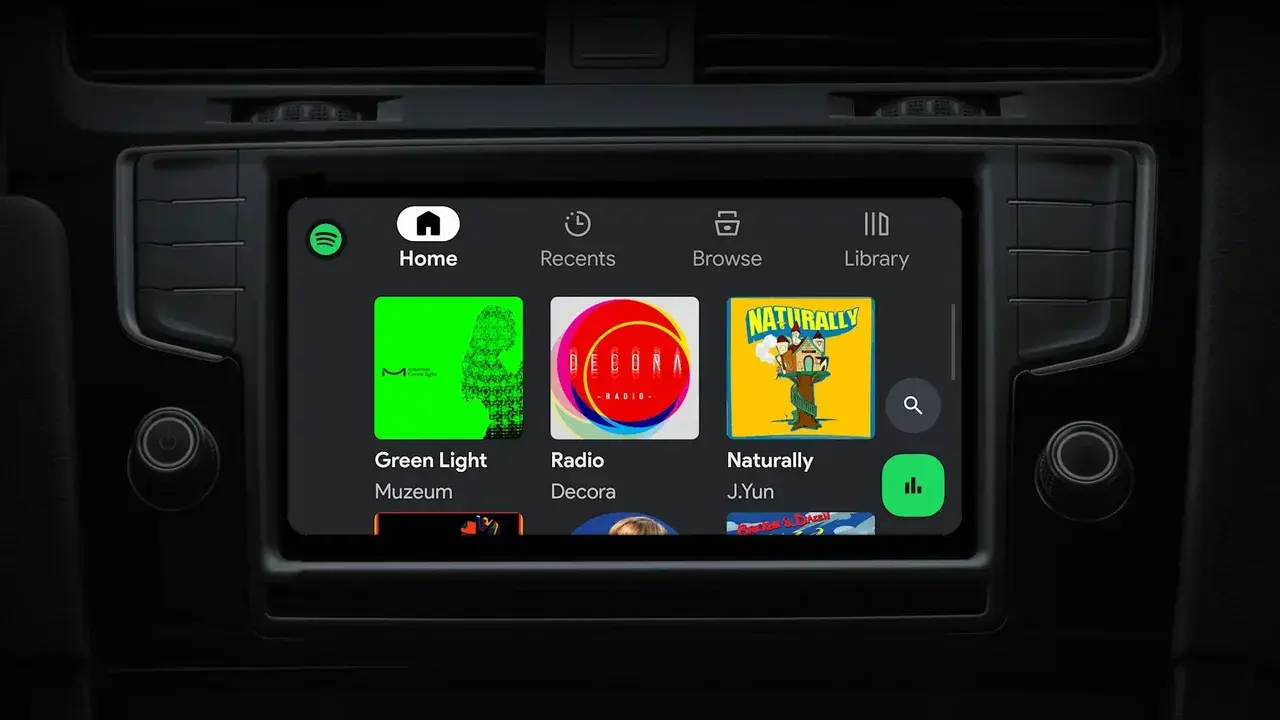
A growing number of drivers are reporting a persistent Spotify Android Auto error that prevents the music streaming application from functioning while connected to their vehicles. Users attempting to access their playlists or podcasts are frequently greeted by an unresponsive interface, displaying an error message that states, “Spotify isn’t responding.” This widespread technical failure forces drivers to choose between closing the app or waiting for it to recover, significantly impacting the in-car entertainment experience. As reports continue to mount on platforms like Reddit, the issue appears to affect various device models, suggesting that the root cause may lie within the latest version of the Spotify application.
- Users report that the Spotify Android Auto application frequently crashes and fails to launch during driving sessions.
- The technical error prevents drivers from accessing their music libraries and podcast content through the vehicle interface.
- Reports from the community suggest that the current software version may be incompatible with the Android Auto platform.
- No official resolution or corrective update has been issued by either Google or Spotify as of now.
Technical Issues Affect Driving Safety
The frustration among commuters is palpable, as this is not the first time Android Auto has faced compatibility challenges. While the platform has previously dealt with connectivity interruptions and screen freezing, the specific failure of the Spotify application creates a unique obstacle for those who rely on the service for long-distance travel. 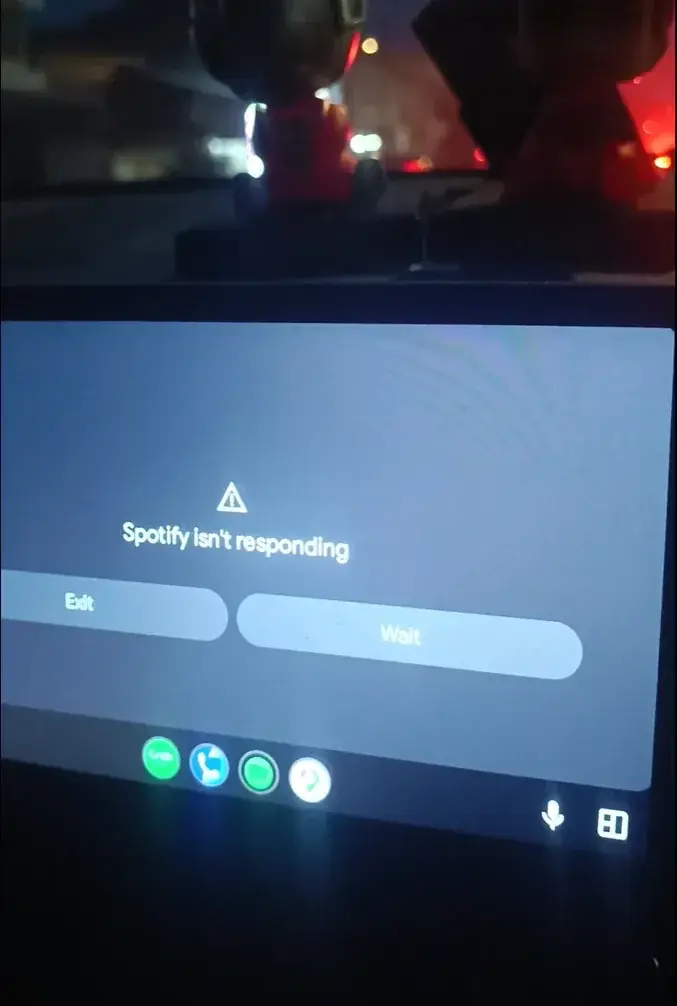 Because the interface is designed to provide seamless, hands-free control, the sudden loss of functionality forces drivers to interact with their mobile devices manually, which raises legitimate concerns regarding road safety and distracted driving.
Potential Workarounds Are Being Tested
While official communication from the developers remains pending, the user community is actively sharing potential workarounds to bypass the error. Some users have discovered that leaving the Android Auto beta program can stabilize the connection, suggesting that the experimental software builds may be contributing to the instability. Other drivers have reported that clearing the application cache and performing a force stop in the phone settings provides a temporary, albeit inconsistent, resolution to the problem.
Compatibility Challenges Persist Between Platforms
The underlying complexity of the Android Auto ecosystem, combined with the vast array of hardware configurations, often creates a challenging environment for software developers. When new updates are released to fix minor bugs, they can inadvertently trigger compatibility conflicts with third-party applications like Spotify. This cycle of updates and subsequent errors highlights the delicate balance required to maintain a stable in-vehicle infotainment system. For the time being, the most reliable approach appears to be waiting for an official patch, as manual interventions offer no long-term guarantee of success.
Users Seek Stable Software Solutions
As the investigation into the root cause continues, users are encouraged to maintain patience while developers examine the logs and reported crashes. Until a permanent fix is pushed to the Google Play Store, it is advisable to prioritize safe driving habits over attempting complex troubleshooting steps while behind the wheel. The industry remains under pressure to deliver a stable experience that keeps drivers informed and entertained without compromising their focus on the road.
Have you encountered this persistent Spotify error while using Android Auto in your vehicle? Please share your experience and any successful workarounds you have discovered in the comments section below to help other drivers facing the same issue.
Your comment has been submitted,
it will be published after approval.