
Meta Launches Muse Personal AI Assistant in the US

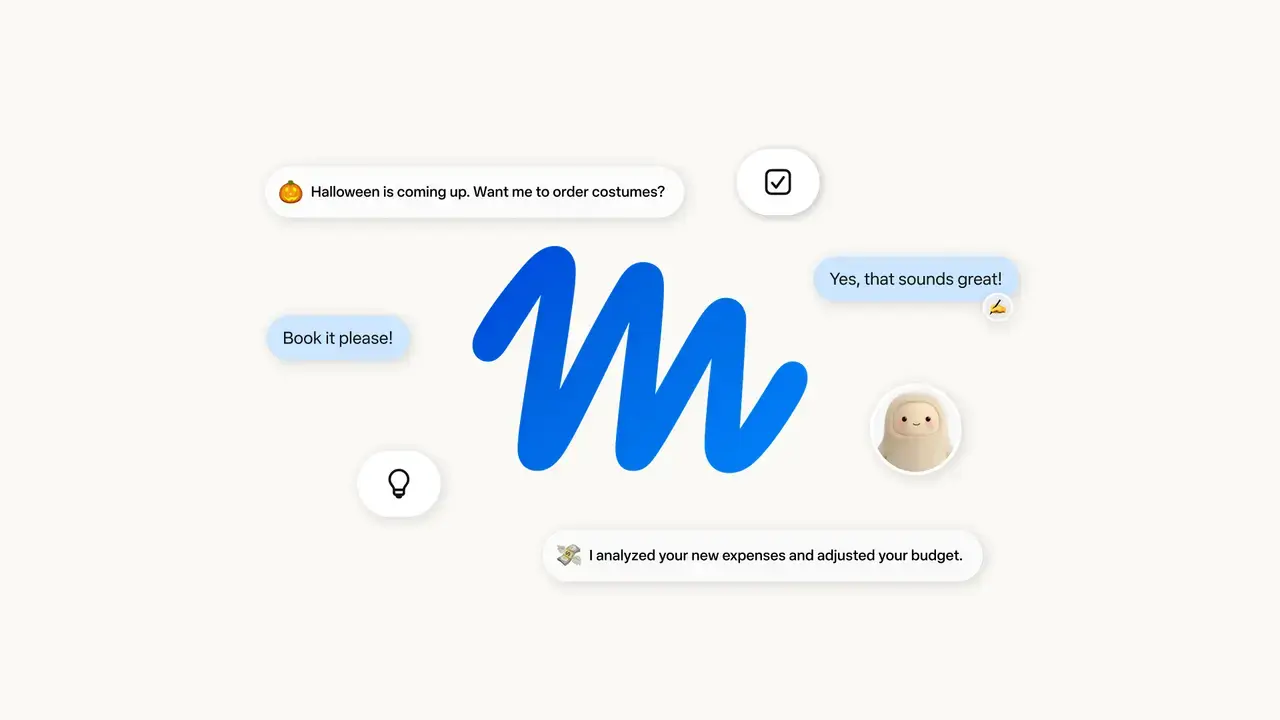
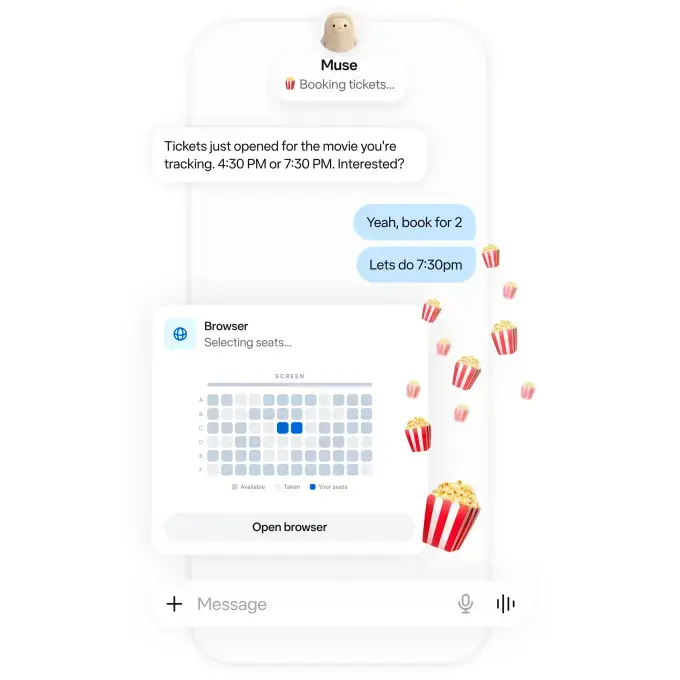
Meta has officially launched its highly anticipated personal AI assistant, Muse, for users across the United States this Tuesday. This major consumer-focused artificial intelligence initiative arrives just two weeks after the company settled an 18-billion-dollar legal dispute regarding the impact of its social media platforms on minors. Unlike traditional conversational models such as ChatGPT, Muse acts as a proactive digital agent designed to manage complex daily workflows. It can perform practical tasks on behalf of users, including sending emails, booking travel arrangements, and managing recurring bills. By integrating directly into a user’s digital ecosystem, Meta aims to redefine how individuals interact with their personal and professional applications. 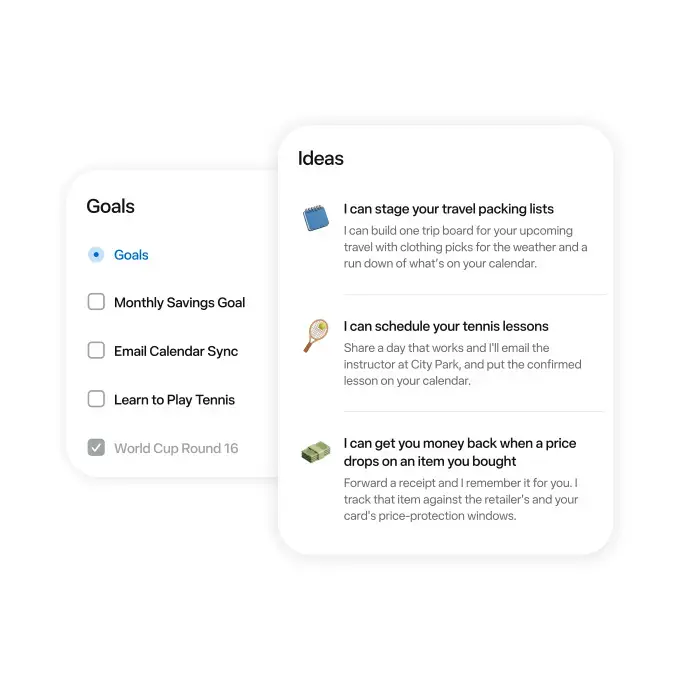
- Meta has introduced Muse as a comprehensive personal AI assistant for the United States market.
- The system executes physical tasks such as payments and scheduling by accessing user-connected applications.
- The platform operates on a tiered subscription model featuring free access alongside two premium monthly plans.
- Meta utilizes an isolated virtual machine architecture known as Muse Secure VM to protect sensitive user data.
Beyond simple text generation, Muse functions as a centralized control hub for various facets of modern life, including smart home management, shopping, and music streaming. To ensure secure transactions, Meta has integrated Stripe’s Link technology, with plans to incorporate further third-party tools such as Shopify and 1Password in the near future. 
Muse AI Assistant Supports Multiple Digital Platforms
The system is currently accessible through web browsers, as well as dedicated applications for iOS and Android, and maintains full integration with WhatsApp. Meta has confirmed that the assistant will eventually be available on its smart eyewear products. While a base version is available for free, power users can opt for the “Power” or “Maximum” subscription tiers, which cost 20 and 100 dollars per month, respectively. Over time, the AI learns specific user habits to provide more proactive suggestions for out-of-app processes. 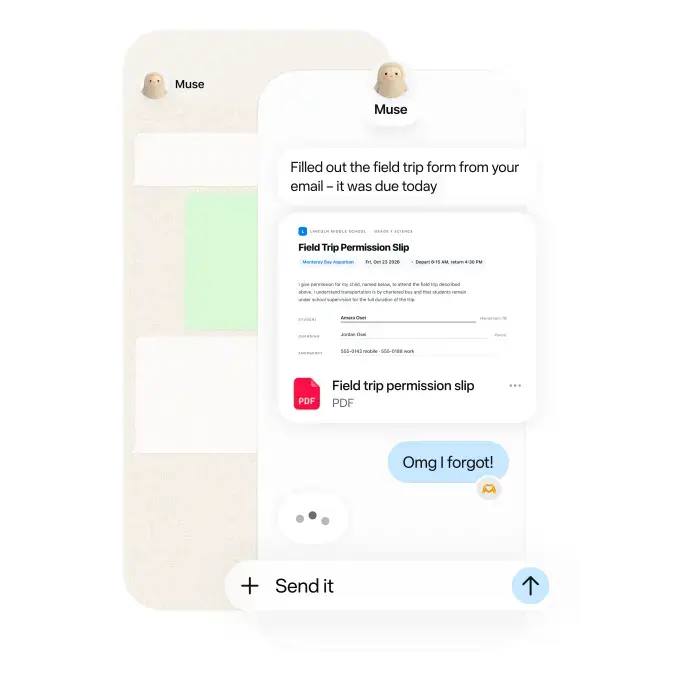
Meta Claims That Security Measures are Enhanced
As AI assistants increasingly request access to personal data, privacy remains a paramount concern for users. Meta asserts that Muse does not possess direct access to user passwords or sensitive financial credentials and clarifies that user data is not utilized for advertising purposes. 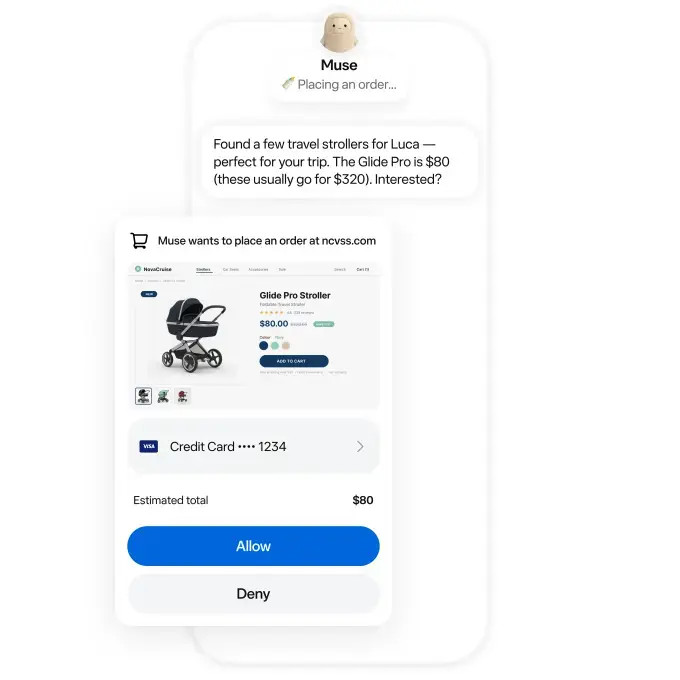 The company emphasizes that all automated operations are processed within a secure, isolated environment known as the Muse Secure VM, which prevents unauthorized access from external sources. Furthermore, the platform empowers users to maintain control by selecting which specific applications the AI can interact with.
  Despite these claims, industry experts maintain that independent audits are necessary to verify the true efficacy of these security protocols.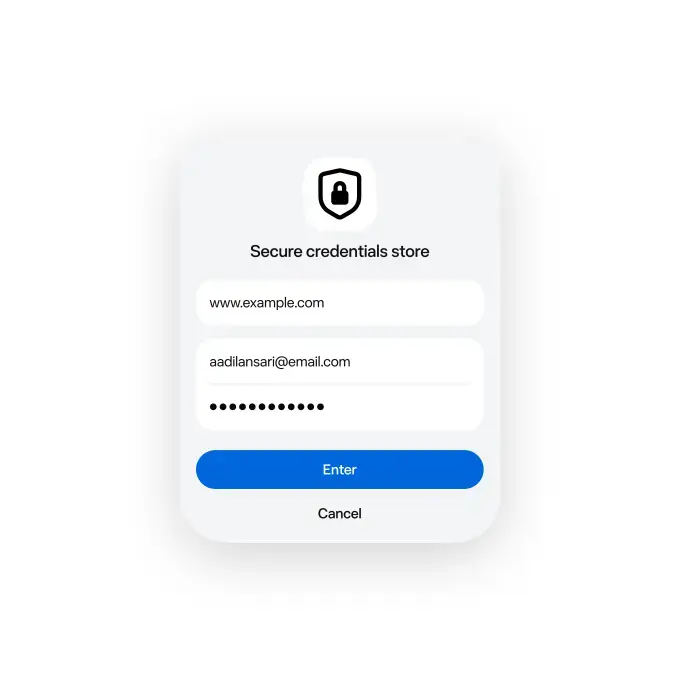
Historical Controversies Create Skepticism About User Trust
Despite the technological promise of the tool, Meta’s history of privacy violations and ongoing legal struggles continue to cast a shadow over its new ventures. Past incidents, most notably the Cambridge Analytica scandal, have left a significant portion of the user base wary of the company’s data handling practices.  While Meta offers personalization features such as avatars and custom names to foster a sense of individual connection, it remains to be seen whether such features can overcome the deep-seated skepticism resulting from previous regulatory issues and child safety concerns.
Given Meta’s past privacy controversies, how much trust do you place in their new Muse assistant to handle your personal data? Are you comfortable allowing an AI to manage your sensitive financial and email accounts, or do you prefer to keep these tasks manual? Share your thoughts in the comments section below.
Your comment has been submitted,
it will be published after approval.