
Google Launches Official Gemini Desktop App for Windows

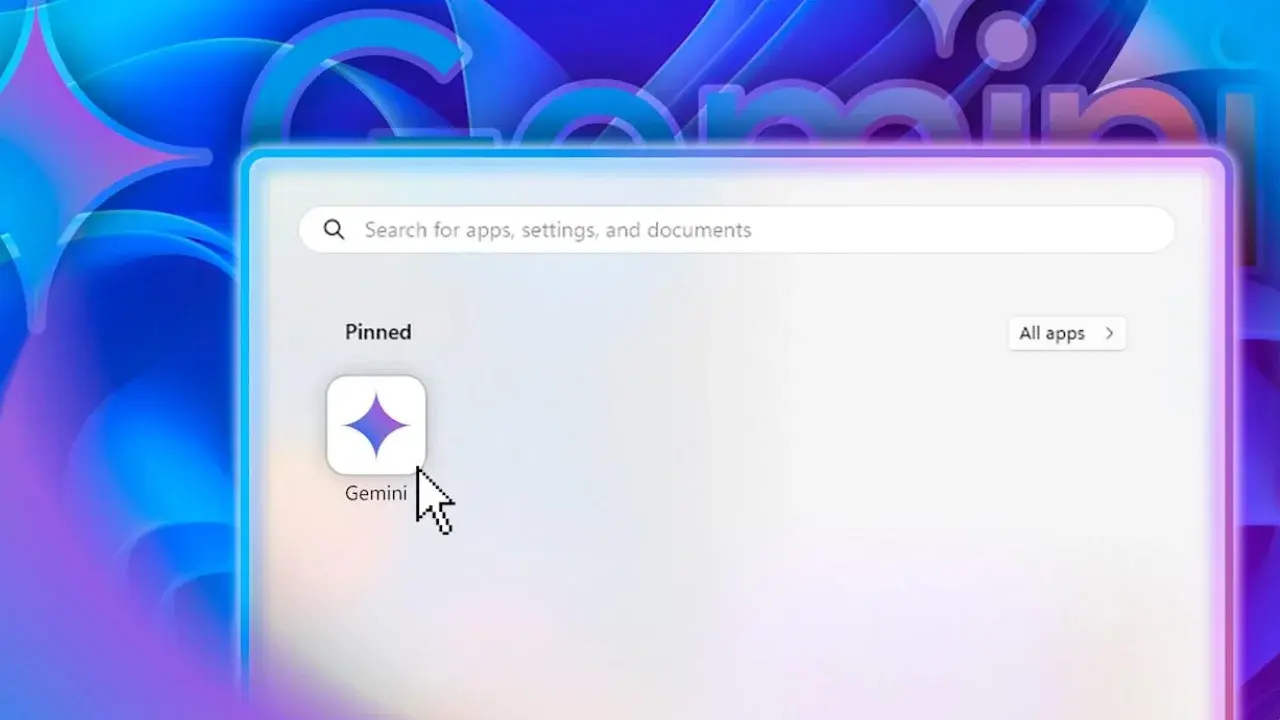
Google has officially launched its standalone Gemini desktop application for Windows 10 and 11, bringing the power of its generative artificial intelligence directly to the operating system. This new release allows users to access the AI assistant seamlessly from any open window, eliminating the need to switch between browsers. By pressing the Alt + Space keyboard shortcut, users can instantly summon an overlay interface to generate text, verify information, or solve complex problems without interrupting their active workflow. This deployment marks a significant expansion of Google’s ecosystem, aiming to integrate AI tools more deeply into the daily professional routines of Windows users.
- The new application supports Windows 10 and 11 operating systems across both x64 and ARM64 architectures.
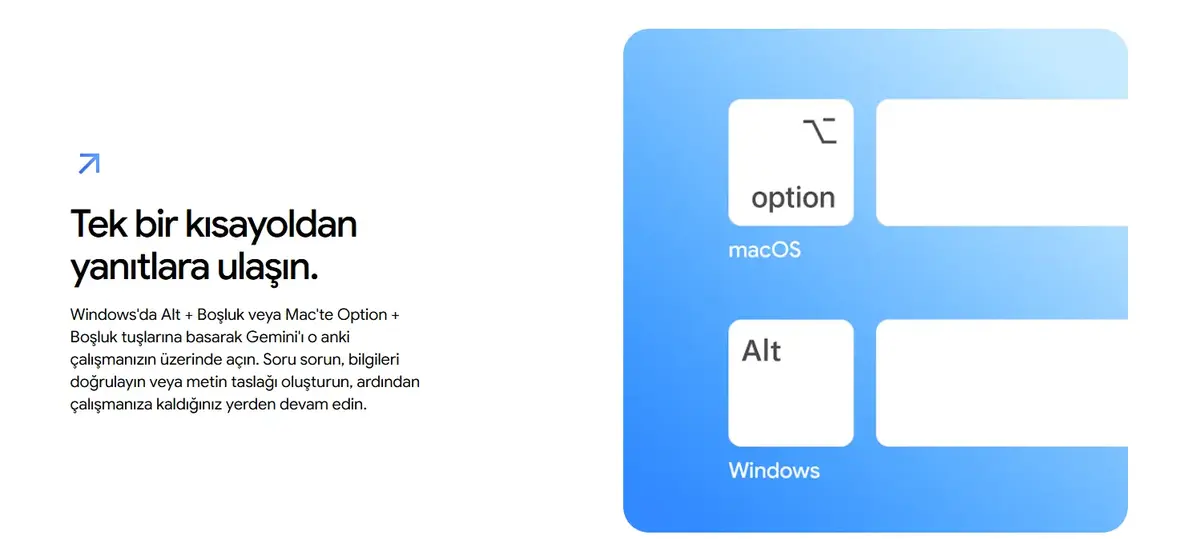
- Users can trigger the AI interface instantly using the Alt + Space keyboard shortcut.
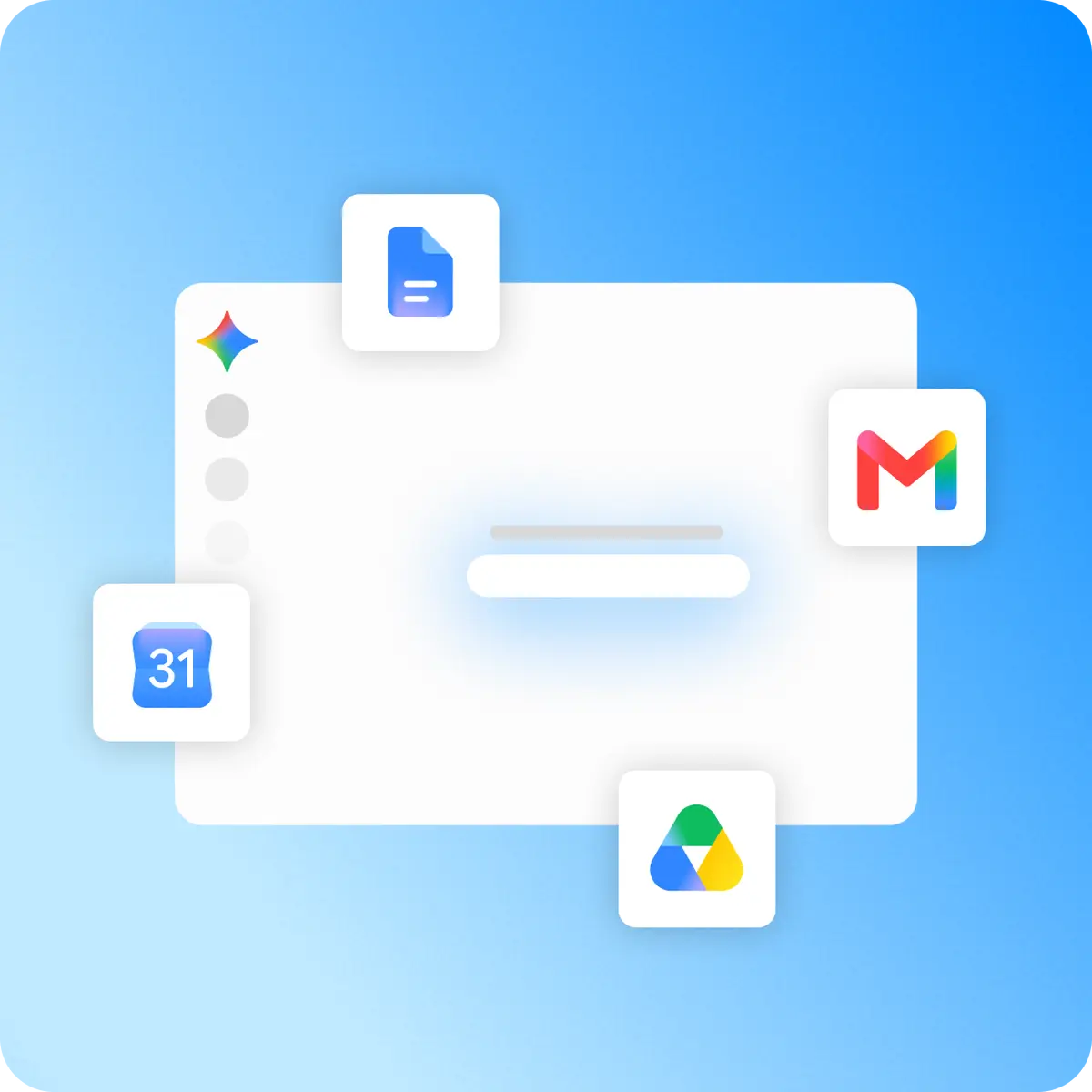
- The application integrates directly with Google Workspace services including Gmail, Drive, Docs, and Calendar.
- A specialized AI agent known as Gemini Spark manages multi-step tasks such as research and information synthesis.
Productivity Increases With Quick Access Tools
The primary design philosophy behind the new Gemini desktop application focuses on maintaining user focus. By providing an overlay that operates independently of the web browser, Google ensures that individuals can reference information or draft content while remaining within their primary working environment. Once a task is completed, users can dismiss the overlay with a single keystroke, allowing for a fluid transition back to their original software. This implementation effectively reduces the friction associated with multitasking during intensive work sessions.
Integration Expands Across Google Workspace Services
Beyond simple text generation, the application functions as a gateway to a user’s personal data stored within the Google ecosystem. When granted appropriate permissions, Gemini can retrieve specific details from email threads, summarize long documents stored in Google Drive, or compare information across various Calendar entries. This capability transforms the desktop app from a basic chatbot into a functional personal assistant that understands the context of a user’s professional obligations. By centralizing access to these services, the tool simplifies the process of document management and scheduling.
Complex Tasks Are Handled By Gemini Spark
A notable addition to the Windows experience is the introduction of Gemini Spark, an advanced AI agent designed to execute multi-step operations. Unlike standard conversational models, Spark is engineered to handle planning, deep research, and information synthesis based on specific user directives. Google positions this agent as a continuous assistant that can operate in the background, coordinating with other Google tools to fulfill complex requests. While some advanced features are currently undergoing a phased rollout, the company intends to expand local system capabilities significantly in future updates.
System Requirements Ensure Broad Compatibility
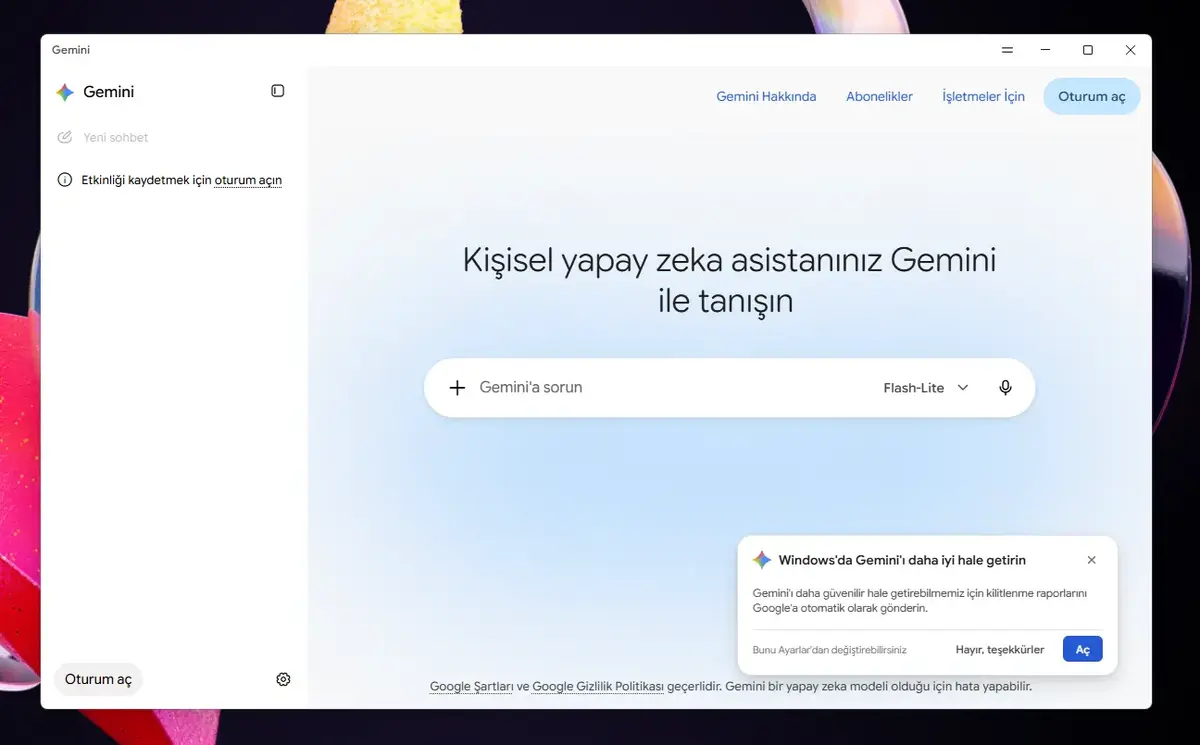
The application is compatible with both x64 and ARM64 system architectures, ensuring that a wide range of hardware configurations can utilize the software. Google has also ensured that user sessions remain synchronized, meaning that chat history and personal settings are consistent across mobile, web, and desktop platforms. Users interested in streamlining their digital workflow can obtain the installation files directly from the official Google Gemini desktop portal. As Google continues to iterate on this software, further enhancements are expected to deepen the interaction between the AI and the Windows environment.
How do you anticipate the integration of Gemini directly into your Windows desktop workflow will change your daily productivity? Share your thoughts and use cases in the comments section below.
Your comment has been submitted,
it will be published after approval.