
Adobe Premiere Launches on Android for Free Video Editing

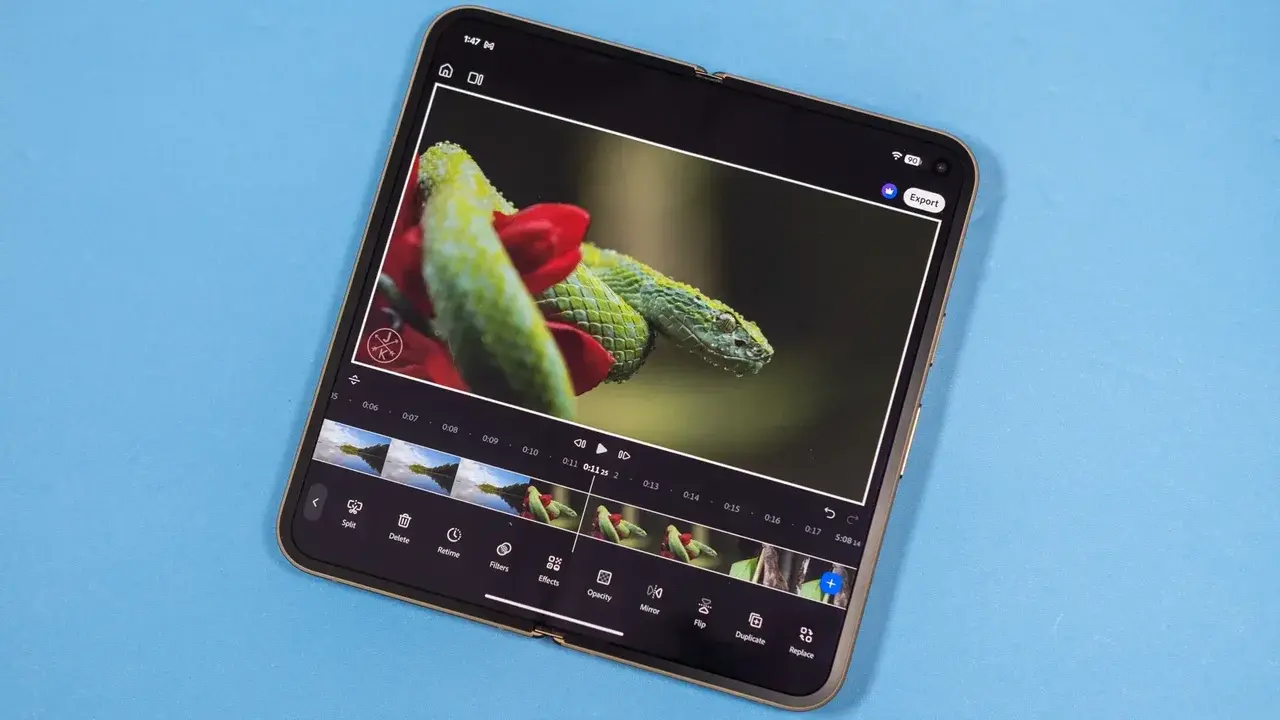
Adobe has officially brought its powerful video editing suite to the Android ecosystem, allowing mobile users to access professional-grade tools for free. This highly anticipated Adobe Premiere Android release marks a significant milestone for mobile content creators who require high-performance editing capabilities on the move. Designed to handle demanding tasks, the application supports high-bitrate 4K video editing with impressive stability. By removing the mandatory Creative Cloud subscription requirement for standard editing, Adobe is positioning itself as a primary mobile workspace for professional editors and hobbyists alike who need robust performance without the need for a desktop setup.
- The application provides professional video editing tools for Android devices with at least 5GB of RAM.
- Users receive 250 monthly AI credits for advanced features like text-to-video generation without requiring a subscription.
- The software supports high-bitrate 4K footage and offers optimized export speeds for various mobile hardware.
- Adobe has integrated multiple AI models including Firefly, Google Veo, and Luma Ray into the mobile interface.
Performance Standards Meet Hardware Requirements
The technical architecture of the Android version is specifically optimized to ensure a seamless workflow on devices featuring at least 5GB of RAM. During performance trials, the application demonstrated the capability to process complex 4K timelines without significant latency or stuttering. This level of optimization is particularly noticeable during the import process, which remains fluid even with high-density files.
For users prioritizing efficient delivery, the rendering capabilities are quite competitive. Exporting a three-minute 4K clip at 60 frames per second takes approximately three minutes under high-quality settings. Adobe has also confirmed that the mobile suite, including Premiere, is tailored to run efficiently on Googlebook laptops, providing a versatile bridge for those who require desktop-level precision while maintaining the portability of a mobile interface.
Artificial Intelligence Tools Enhance Creative Workflows
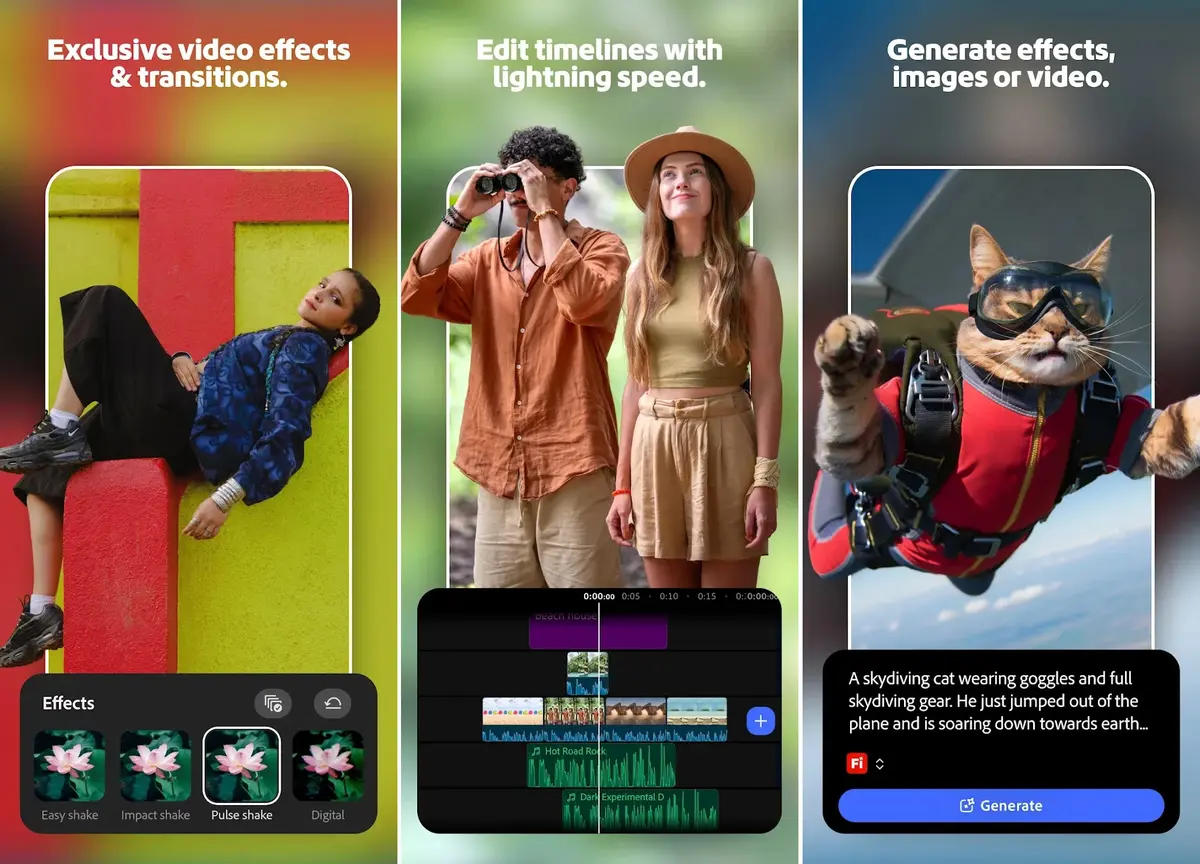
Beyond standard timeline editing, the application integrates advanced generative AI technology to assist in creative production. Users can leverage modern tools such as image-to-video and text-to-video transformation to augment their projects. These features are powered by a diverse array of models, including Adobe’s commercially safe Firefly model, alongside Google Veo, Google Omni, Luma Ray, and Kling.
To facilitate the use of these AI-driven features, Adobe provides a monthly allocation of 250 free credits. These credits are applicable for generating Firefly-based videos or Veo Fast clips. For power users who require greater capacity, an optional upgrade path exists, offering 1,200 credits for an annual cost of $70 or a monthly fee of $8. It is important to note that the core video editing features remain entirely accessible without any subscription fees or account mandates, making it a highly inclusive tool for the Android community.
The arrival of these features on Android effectively mirrors the capabilities previously introduced to Apple users last year. As mobile hardware continues to evolve, this software represents a shift toward more complex creative tasks being managed entirely on handheld devices. Whether this mobile iteration can fully replace traditional desktop workstations remains a subject of ongoing debate among industry professionals.
We are eager to hear your perspective on this development. Do you believe that mobile-based video editing software has reached a level of maturity where it can replace your primary desktop workstation, or do you still prefer the precision of traditional editing setups? Share your thoughts and experiences in the comments section below.
Your comment has been submitted,
it will be published after approval.