
NVIDIA Releases New GeForce Game Ready Driver 617.42

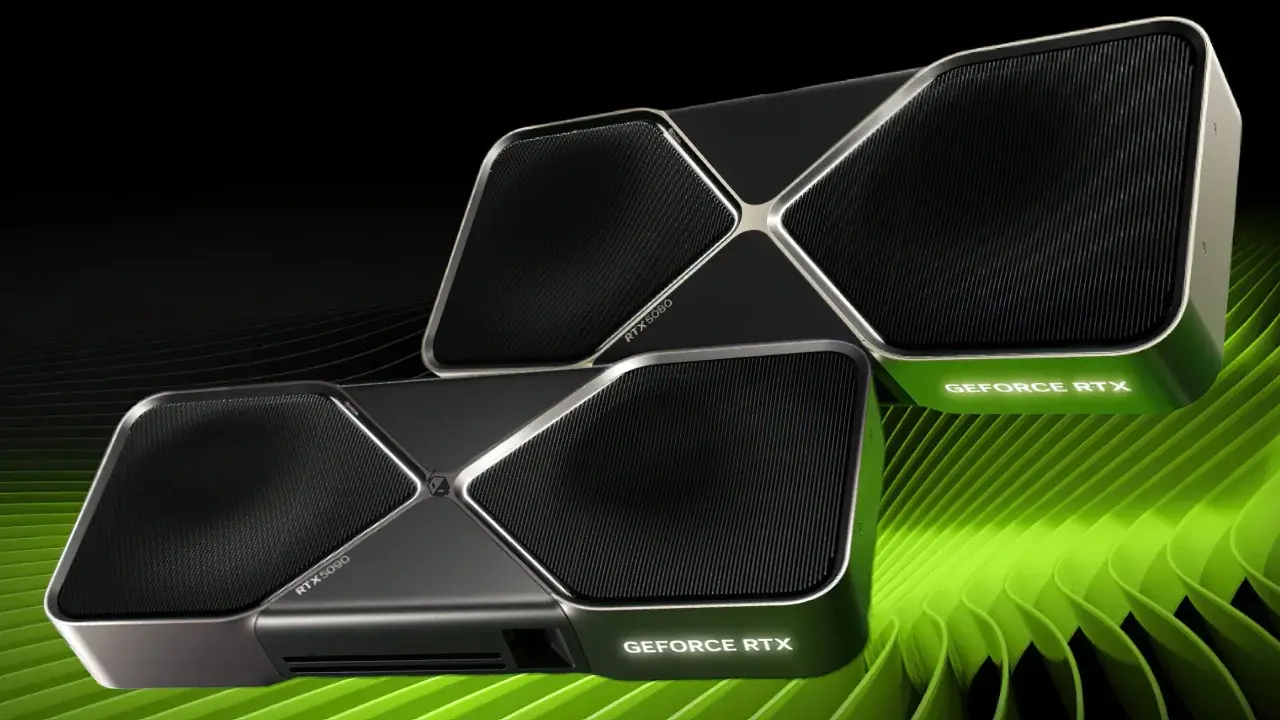
NVIDIA has officially launched its latest GeForce Game Ready driver, version 617.42, providing comprehensive performance enhancements and advanced technological support for a wide range of highly anticipated titles. Released globally to enhance the gaming experience, this update introduces specific optimizations for major upcoming releases, including Call of Duty: Modern Warfare 4, Dragon’s Dogma 2: Dark Arisen, and Microsoft Flight Simulator 2024. Users can download the update immediately via the official NVIDIA website or the integrated NVIDIA application. This release represents a significant technical milestone by prioritizing the widespread integration of DLSS 4.5 technology, ensuring that hardware resources are utilized more efficiently to deliver superior graphical fidelity and fluid frame rates across diverse gaming environments.
- NVIDIA deployed the 617.42 GeForce Game Ready driver to optimize performance for titles such as Modern Warfare 4 and Dark Arisen.
- The update introduces DLSS 4.5 technology alongside support for dynamic multi-frame generation capabilities reaching up to six times performance multipliers.
- Gears of War: E-Day demonstrates substantial performance gains through the implementation of advanced ray tracing and DLSS integration.
DLSS 4.5 Technology Is Expanding Across the Gaming Industry
The latest driver rollout extends beyond minor bug fixes by showcasing the industry-wide impact of DLSS 4.5 technology. Titles such as 007 First Light are now achieving new benchmarks in visual quality by utilizing DLSS 4.5 Ray Reconstruction and Path Tracing features. By refining the way light and shadows are rendered, these advancements provide players with remarkably sharper imagery and significantly higher frame rates compared to previous software iterations. 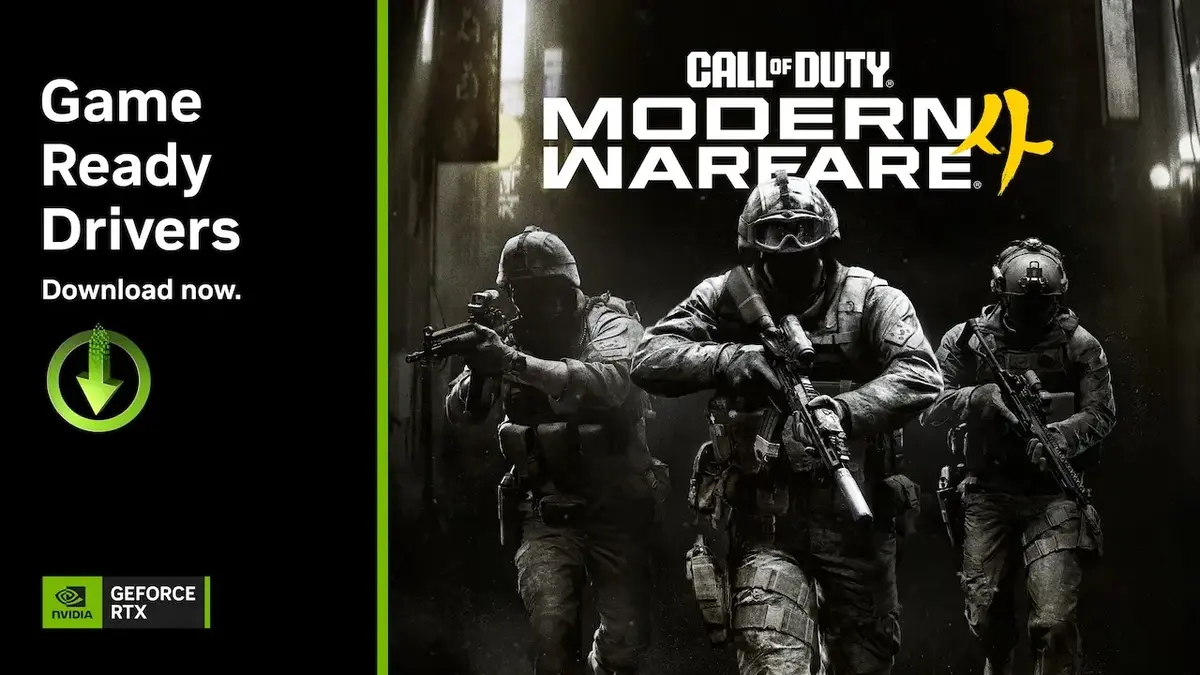
Performance Standards Are Rising in Titles Like Gears of War
Gears of War: E-Day arrives with full support for DLSS 4.5 Super Resolution and hardware-accelerated ray tracing. According to internal performance data provided by NVIDIA, users can achieve up to 7.5 times higher performance at 4K resolution when utilizing 6X Multi Frame Generation combined with ultra-high ray tracing settings compared to native rendering. Despite these impressive technical gains, some players have reported lingering stuttering issues on specific maps, suggesting that further optimization might be required to ensure perfect stability in all environments.
Graphical Fidelity Is Improving in Upcoming Game Releases
The gaming landscape is evolving as developers adopt the latest NVIDIA standards. Saber Interactive’s Clive Barker’s Hellraiser: Revival launches with native support for DLSS Frame Generation, while established hits like Microsoft Flight Simulator 2024 and Dragon’s Dogma 2: Dark Arisen are receiving updates to incorporate the DLSS 4.5 framework. Furthermore, Call of Duty: Modern Warfare 4 will feature comprehensive support for 6X Dynamic Multi Frame Generation upon its release, setting a new expectation for visual performance in competitive shooter titles.
Dynamic Frame Generation Is Changing the Gaming Experience
NVIDIA’s implementation of Dynamic Multi Frame Generation represents a shift in how hardware handles demanding graphical tasks. By allowing developers to bypass traditional technical bottlenecks, this technology empowers players to enjoy high-end graphics without sacrificing fluidity. As this technology becomes a standard feature in future game releases, the gap between cinematic quality and interactive gameplay continues to narrow, providing a more immersive experience for enthusiasts worldwide.
How do you think the integration of DLSS 4.5 and 6X frame generation will redefine performance benchmarks in your favorite games? Are you noticing a significant difference in visual fluidity, or do you prefer native performance settings? Share your thoughts and experiences in the comments section below.
Your comment has been submitted,
it will be published after approval.