
Samsung Releases Always On Display Update to Resolve Technical Glitches

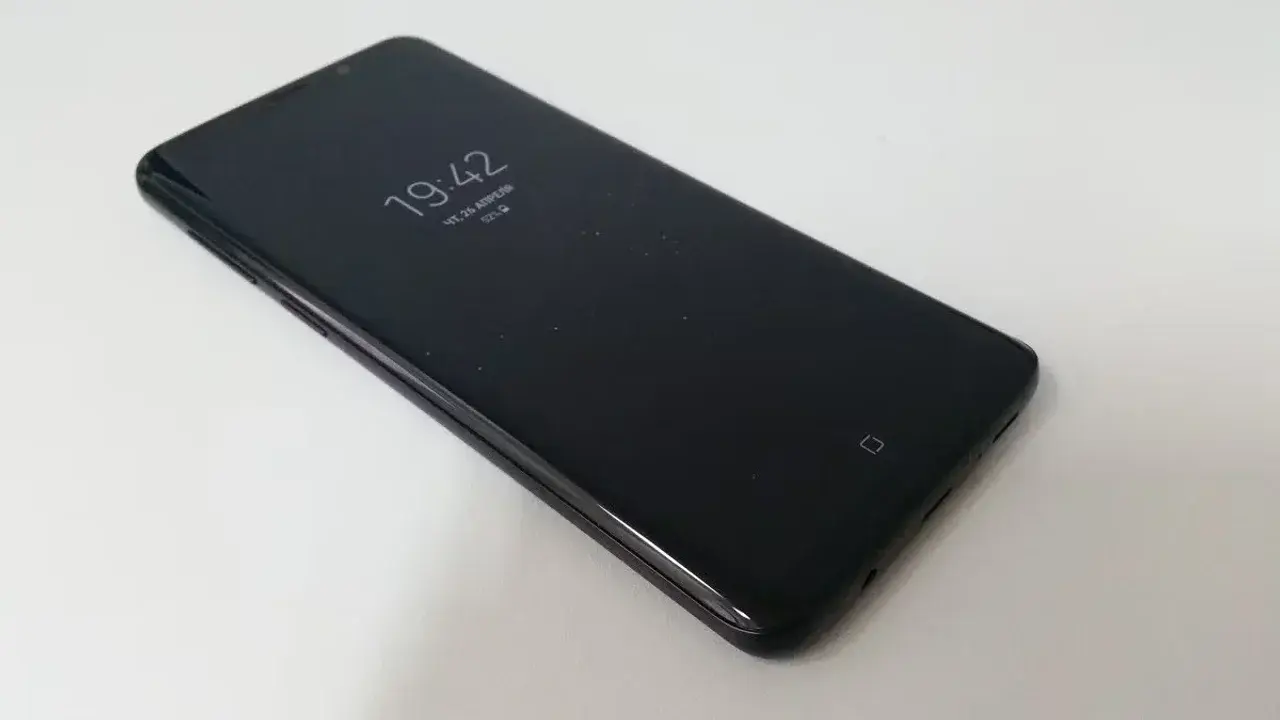
Samsung has officially released a new software update for its Always On Display feature, targeting specific technical performance issues reported by Galaxy device users. The update, identified by version number 8.9.66.1, is currently being distributed through the official Galaxy Store to enhance the overall stability and reliability of the interface. This release specifically addresses a bug that previously prevented the Always On Display from functioning correctly under certain conditions, which hindered users from viewing essential data like time, date, and battery status while their screens were inactive. Galaxy owners are encouraged to download this patch to ensure their device maintains optimal operation.
- Samsung has launched version 8.9.66.1 of the Always On Display app to fix critical stability bugs.
- The update resolves an issue where the display failed to show essential information like time and battery status.
- Users can access the latest software patch through the official Galaxy Store platform.
- The deployment process is being managed in a staggered rollout across global markets.
Technical Flaws are Being Addressed by Samsung
The Always On Display feature is an integral component of the Samsung user experience, allowing for seamless access to notifications and system data without requiring a full wake-up of the smartphone. When this feature experiences technical malfunctions, it directly impacts the daily utility of the device for millions of users. The latest update, while not introducing new cosmetic changes or interface features, is strictly focused on backend stability and performance refinement.
Samsung technicians identified a specific scenario where the display would cease to function, causing significant inconvenience for those relying on the glanceable nature of the screen. By deploying version 8.9.66.1, the company aims to eliminate these inconsistencies and provide a more robust experience. Although Samsung has not provided exhaustive technical logs regarding the specific triggers for these errors, the proactive nature of this update underscores the company’s commitment to maintaining its software ecosystem.
Device Performance is Being Optimized Through Updates
Regular software maintenance is essential for preserving the longevity and efficiency of mobile hardware. Small patches like this one play a vital role in ensuring that background services, such as the Always On Display, consume system resources effectively. By optimizing these processes, Samsung not only resolves existing bugs but also potentially improves the overall power efficiency of the device. This approach reflects the company’s broader focus on integrating advanced screen technologies with sustainable battery management.
Users are Advised to Install the Latest Software
Because the update is being distributed through the Galaxy Store in a phased manner, it may take several days before it appears on every supported device globally. Users are advised to check the update section within the store application manually to verify if the latest version is available for their specific model. Keeping system applications current is a critical practice for every smartphone owner to prevent unexpected errors and to ensure that the device remains compatible with the latest security standards. Even though this update does not bring new visual enhancements, the stability improvements are necessary for a smooth daily user experience.
Have you noticed any performance improvements or resolved issues on your Galaxy device after installing the latest Always On Display update? We would love to hear about your experience in the comments section below.
Your comment has been submitted,
it will be published after approval.