
MSI Prestige N16 Flip AI+: Choosing Your Ideal Memory

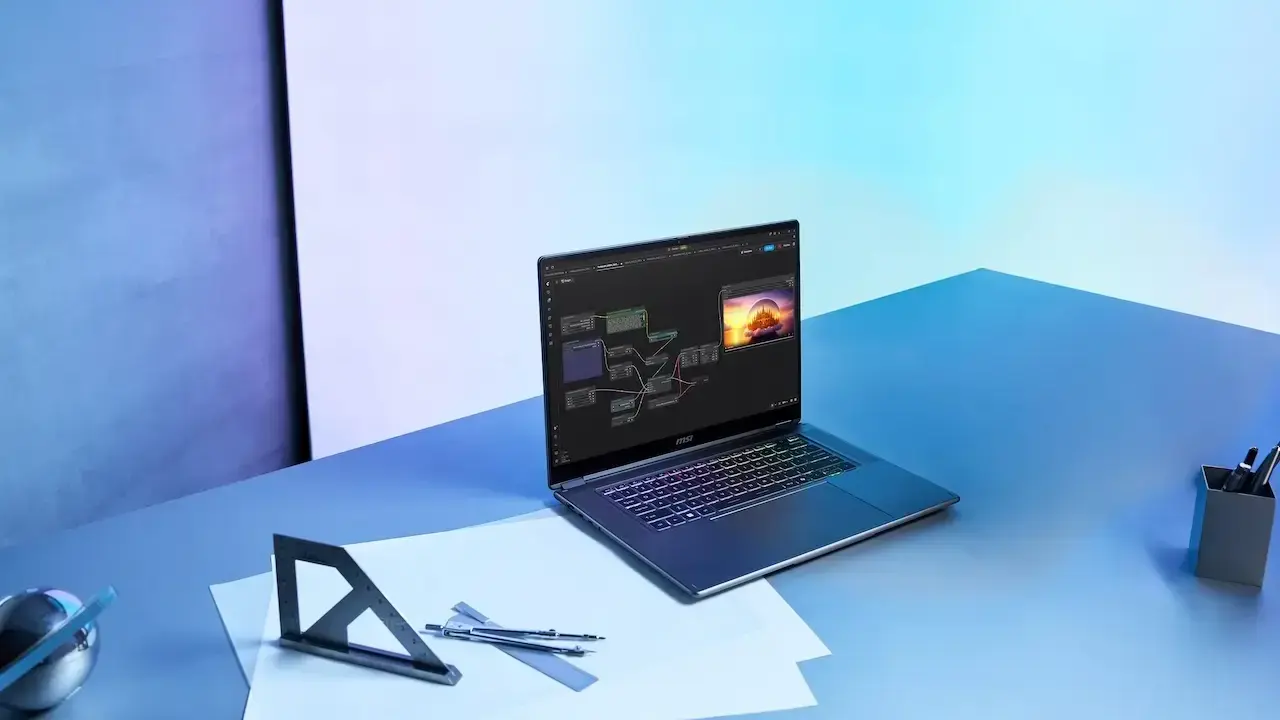
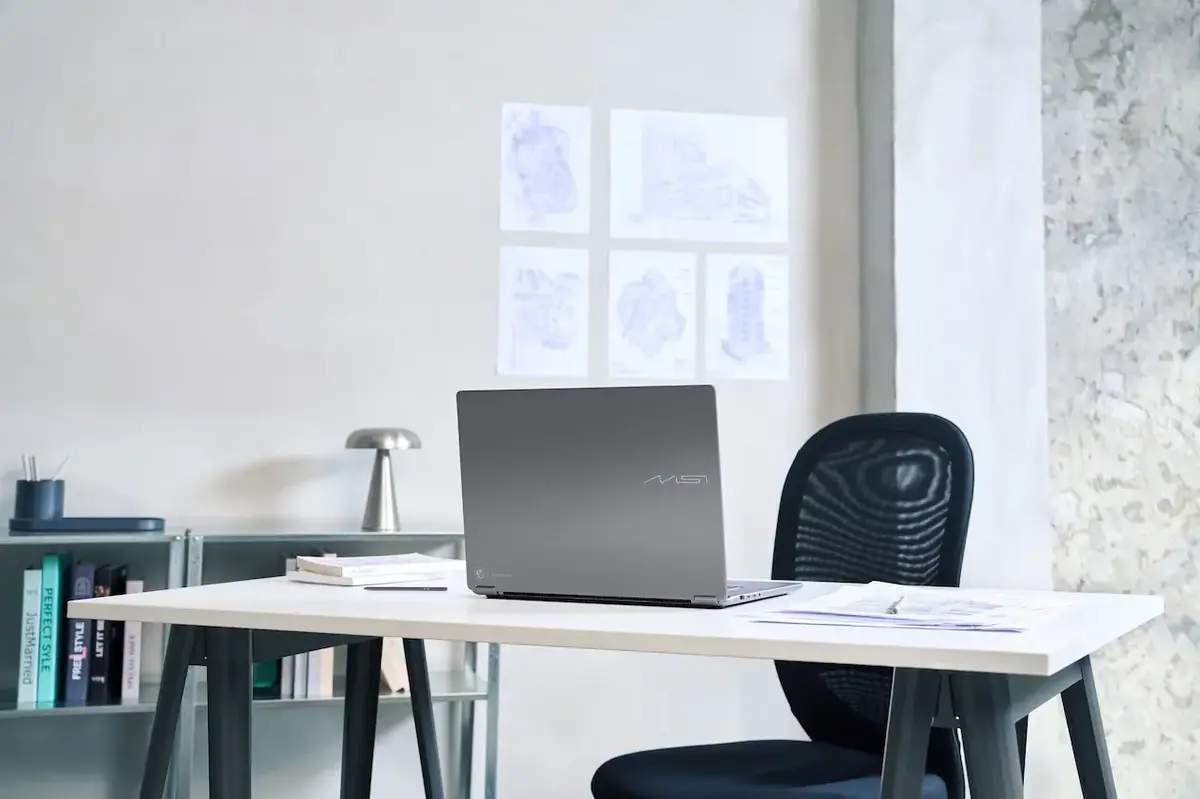
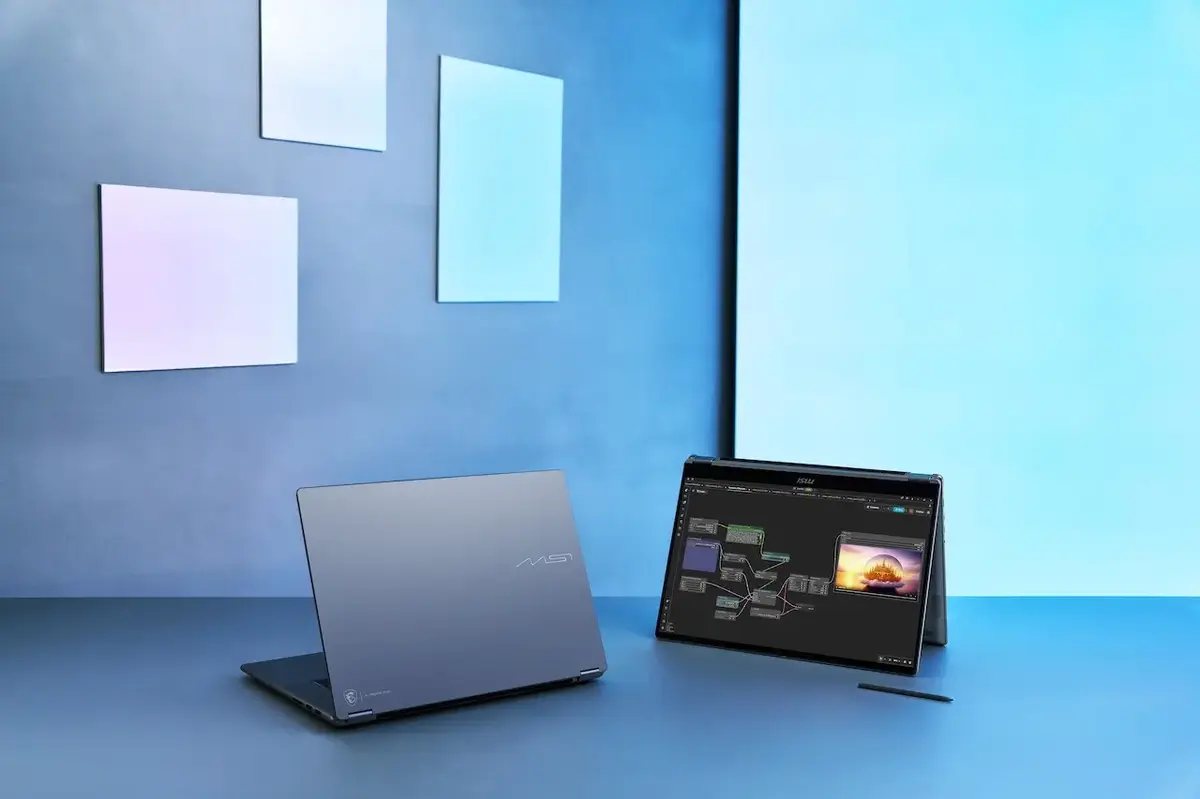
The MSI Prestige N16 Flip AI+ is a new convertible laptop designed to meet the demands of modern computing, including local artificial intelligence (AI) tasks. Launched to cater to evolving user needs beyond traditional office applications, this device integrates the powerful NVIDIA RTX Spark N1X platform within a versatile 360-degree flip design. It offers configurations up to 128GB of unified memory, an OLED touchscreen, and a portable form factor, making it suitable for both productivity and advanced AI applications. The selection of the right model involves considering memory capacity, screen resolution, storage, and intended use, not just opting for the highest RAM.
- The MSI Prestige N16 Flip AI+ integrates the NVIDIA RTX Spark N1X platform to support local AI models and complex computational tasks.
- Unified memory architecture allows the CPU and GPU to share a common memory pool, enhancing performance for AI workloads.
- Available memory options of 32GB, 64GB, and 128GB cater to different user needs, from daily productivity to advanced AI development.
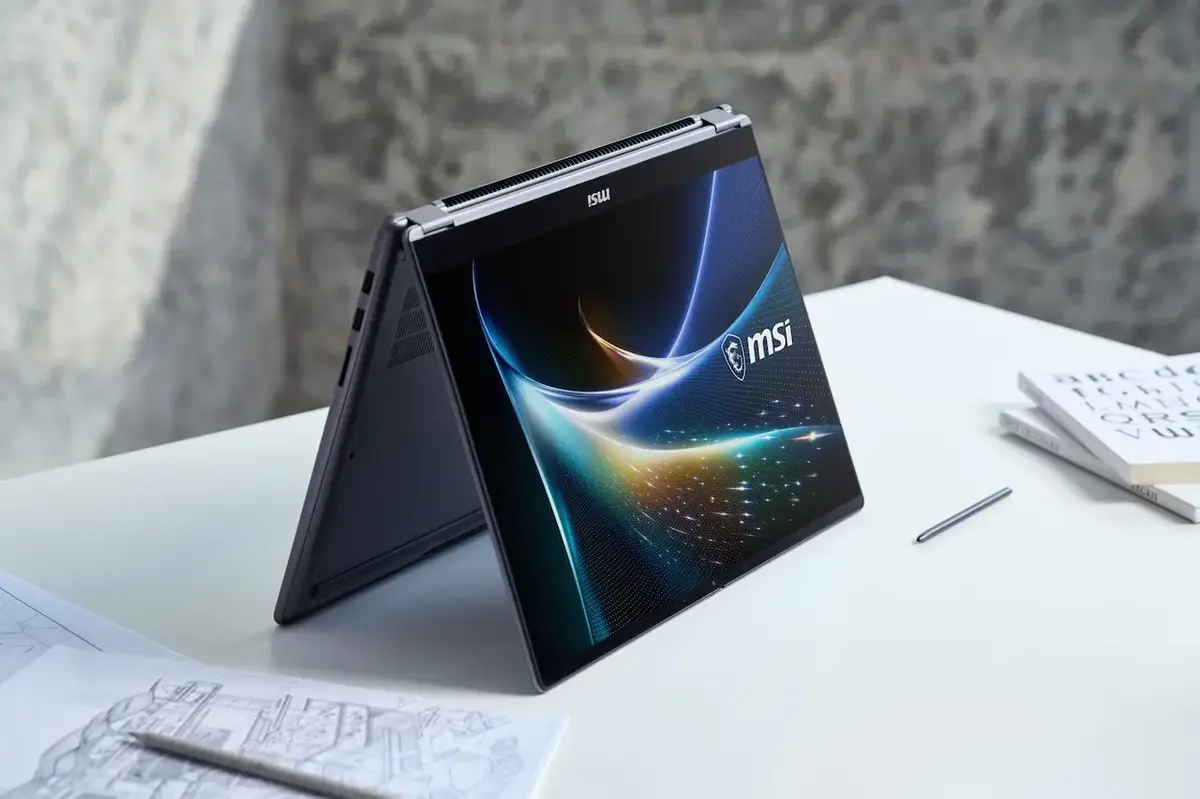
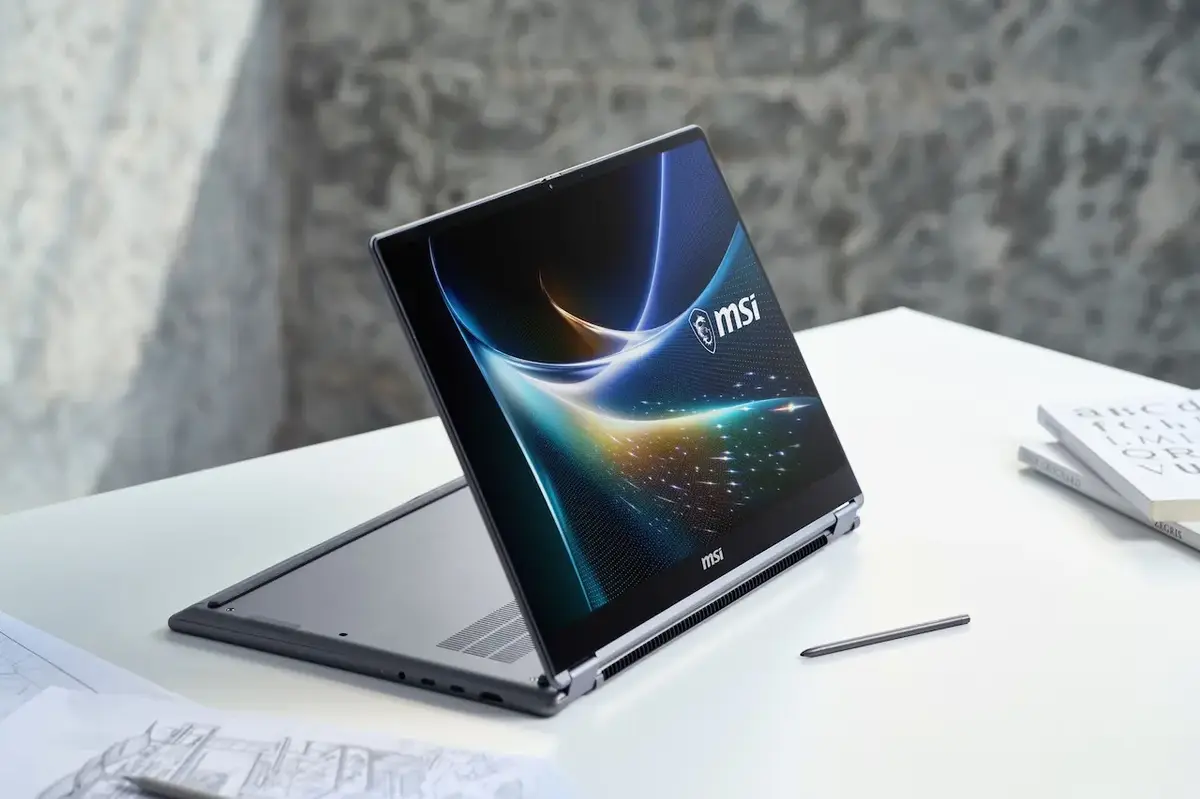
- The laptop features a 16-inch OLED touchscreen with high resolution and a 360-degree hinge for versatile usage modes.
NVIDIA RTX Spark N1X: Ushering in the Era of On-Device AI
A key highlight of the MSI Prestige N16 Flip AI+ is its foundation on the NVIDIA RTX Spark N1X platform. This architecture combines CPU and GPU components to offer capabilities beyond standard laptops. The N1X platform can be configured with up to a 20-core CPU and an NVIDIA Blackwell GPU featuring up to 6,144 cores. Supported by NVIDIA’s CUDA software ecosystem, this hardware provides a robust infrastructure for local language models, AI-powered applications, code development, and creative workflows. The significance lies not just in raw processing power but in its practical application for tasks like running local AI models, processing personal data directly on the device, and integrating various AI tools into a single workflow.
Why is On-Device AI Usage Important?
While many AI tools rely on cloud servers, the on-device AI approach allows supported models to run directly on the computer. This offers several advantages:
- Data Control: Sensitive documents, code, and other data can be processed on the device with appropriate local software and configuration.
- Offline Capability: Once models and necessary components are downloaded, workflows can operate without an internet connection.
- Personalization: Users can develop local AI systems tailored to their specific documents, data sources, and requirements.
- Development and Experimentation: Different models, prompts, and AI agents can be tested on the same device.
- Reduced Cloud Dependency: The need for constant connection to cloud services can be minimized depending on the use case.
These benefits depend on the specific model, software, and configuration used, as not all local models support offline operation, and not all AI applications will match cloud-based performance. The Prestige N16 Flip AI+ serves as a platform for users looking to bring AI tools into their personal workspace.










What Does Unified Memory Architecture Provide?
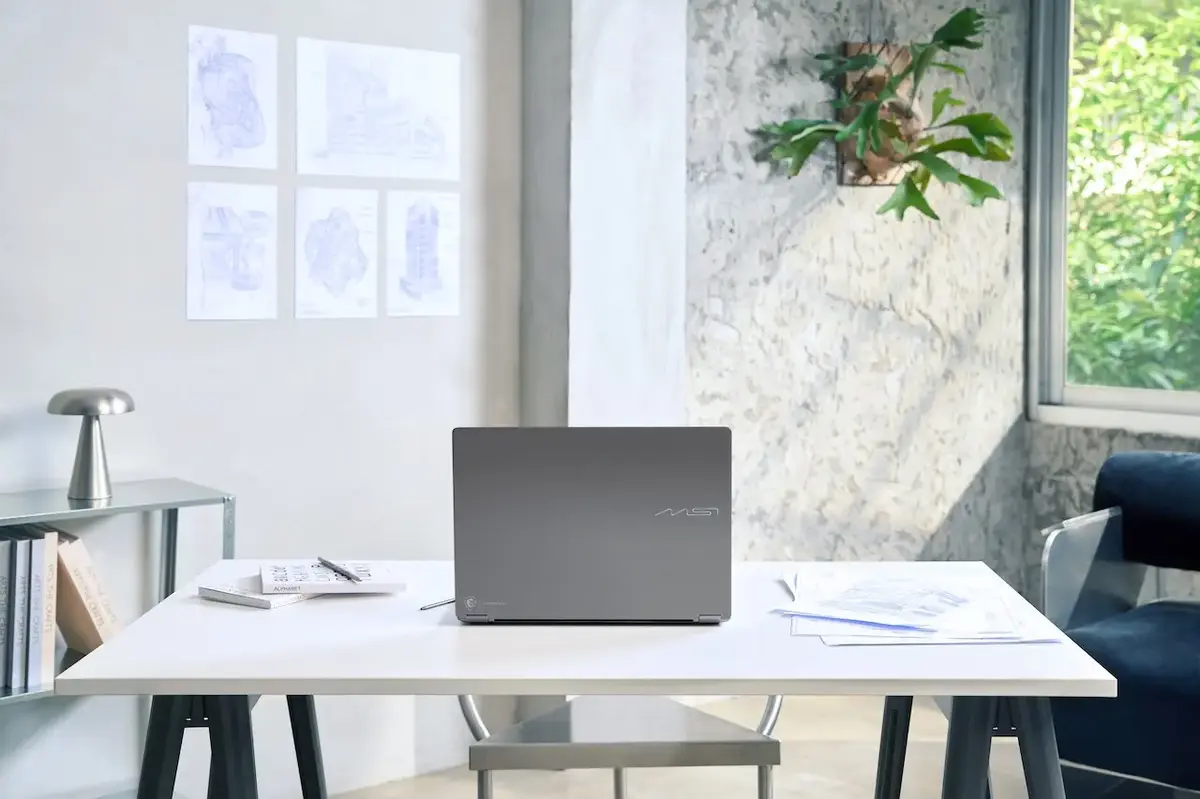
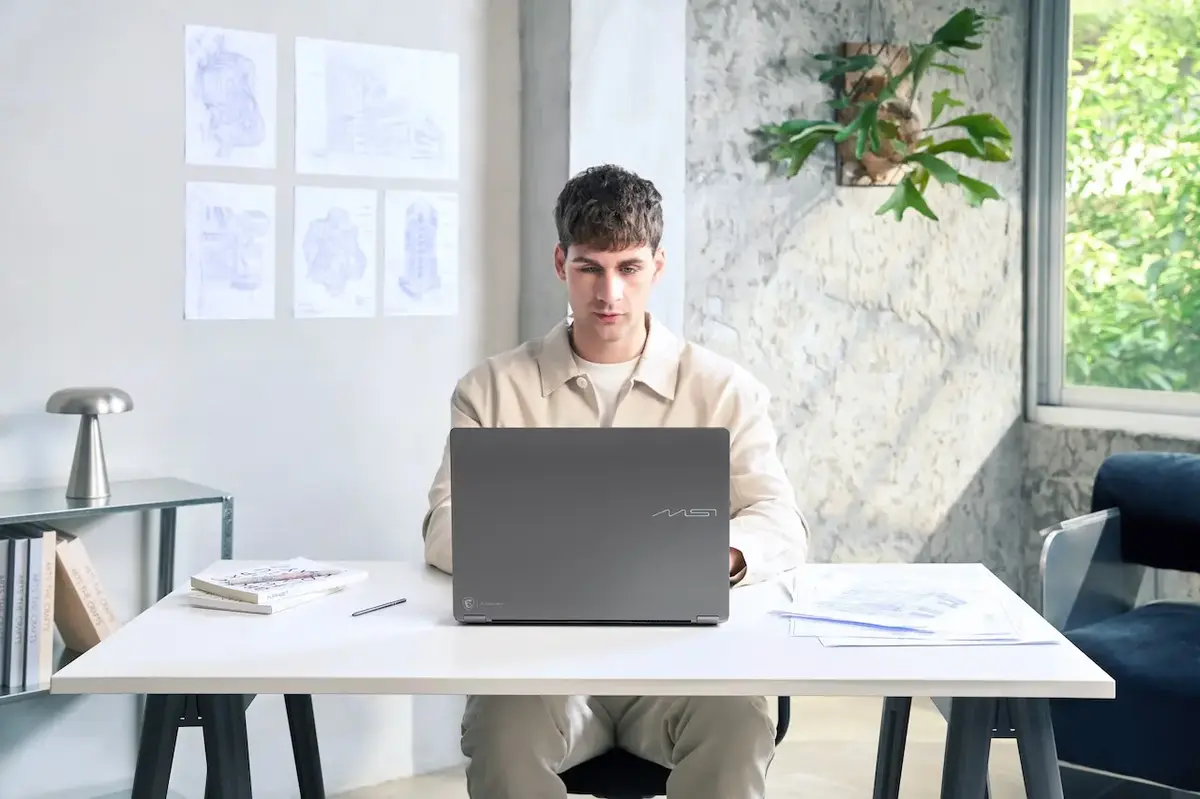
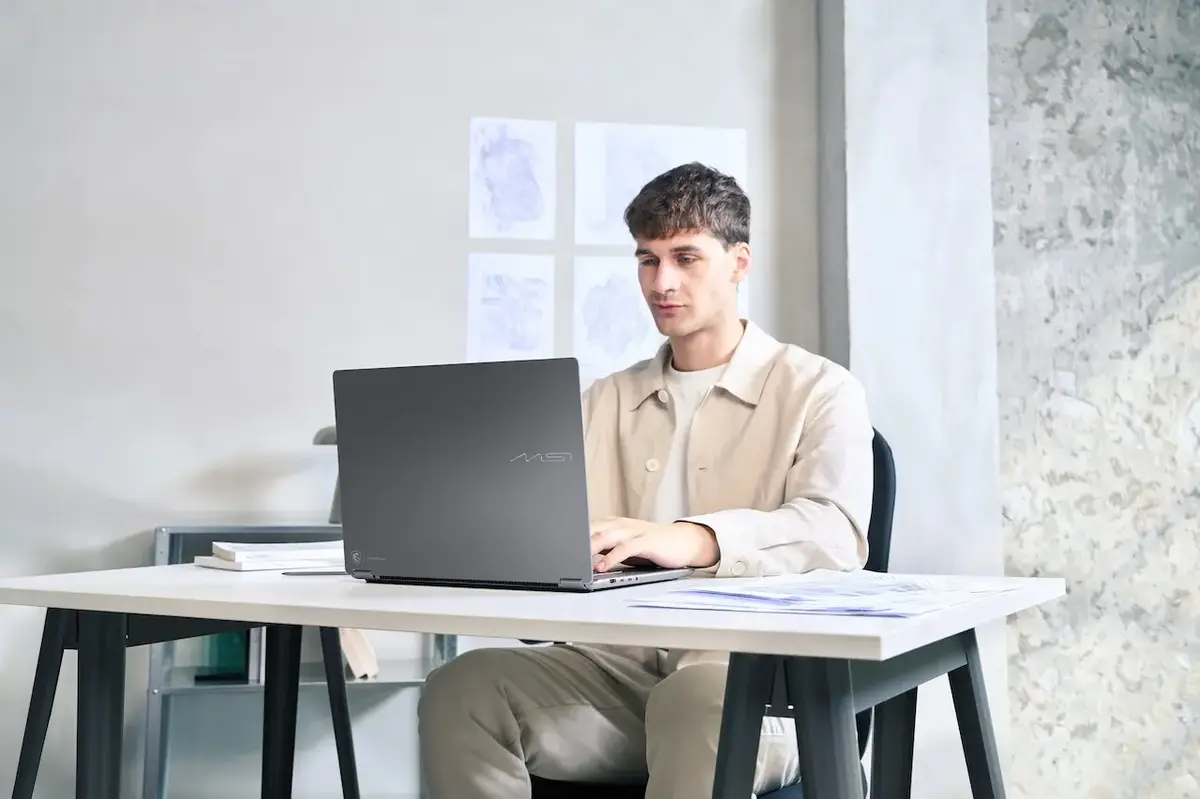
Another significant feature of the MSI Prestige N16 Flip AI+ family is its LPDDR5X unified memory architecture. Unlike traditional computers where system memory and graphics card VRAM are separate resources, unified memory allows the CPU and GPU to access a shared memory pool. This approach is particularly beneficial for local AI models, as model parameters, runtime data, and context information require significant memory. Increased memory capacity enables the operation of larger models or more extensive workflows with appropriate software and model configurations. MSI offers up to 128GB of unified memory in the Prestige N16 Flip AI+ line, positioning it for working with local large language models (LLMs) of up to 120 billion parameters under specified conditions. It’s important to distinguish between a model fitting into memory and operating at high speed; factors like quantization level, context length, memory bandwidth, and software play crucial roles in performance. More memory provides a larger working space, but processing power remains a key component of the overall experience.
Understanding the Differences Between 32GB, 64GB, and 128GB Memory Options
The three primary memory options in the Prestige N16 Flip AI+ family cater to different user profiles. Making the right choice requires evaluating not only the capacity but also the intended applications for the computer.
32GB: Everyday Productivity and Basic AI Applications
The 32GB unified memory model serves as a suitable starting point for individuals who primarily use their computer for work, education, and daily productivity tasks. This includes office applications, web browsing, online meetings, document creation, and basic AI tools. Users interested in experimenting with local AI models can also consider this configuration, depending on the model’s requirements. This option is particularly relevant for those who utilize cloud-based AI services but do not plan to run very large models locally.
Who Should Choose This Option?
- Office workers and corporate users
- Students and academics
- Users focused on daily productivity and multitasking
- Those utilizing cloud-based AI services
- Individuals with a beginner-level interest in local AI
- Users who employ their computer for basic content creation and editing
While 32GB can meet the needs of these users, it offers limited scope for large local models, long-context processing, and intensive professional workflows.
64GB: Professional Content Creation and More Comprehensive Workflows
With 64GB of unified memory, users who work with multiple demanding applications or produce content for larger projects gain a more expansive workspace. This capacity is beneficial for high-resolution video editing, handling large visual files, creative software suites, software development, and local AI experimentation. For instance, a content creator might simultaneously use video editing software, visual tools, a web browser, and AI-assisted applications. In such scenarios, higher memory capacity ensures that the collective memory demands of these applications are met.
Who Should Choose This Option?
- Video and visual content creators
- Designers and creative professionals
- Software developers
- Users running multiple demanding applications concurrently
- Individuals conducting more extensive experiments with local AI models
- Those considering their computer as a long-term professional tool
The 64GB option strikes a balance for users interested in both local AI and content creation. However, actual performance will vary based on the software used and project requirements.
128GB: Large Local Language Models and Advanced AI Work
The 128GB unified memory configuration represents the highest memory capacity within the Prestige N16 Flip AI+ family. This setup is ideal for users working with local large language models, advanced AI agents, and workflows demanding substantial memory. Developers engaged with local models may go beyond simple chat interfaces, employing Retrieval-Augmented Generation (RAG) systems for document analysis, multi-stage AI agents, long-context analysis, and prototype development, all of which require significant memory. The 128GB capacity provides ample room for these tasks with supported model and software configurations. It is crucial to remember that running a large model does not automatically guarantee high-speed responses; factors like processing speed and memory bandwidth are equally important.
Who Should Choose This Option?
- Users aiming to run large language models locally
- Developers creating AI agents and RAG systems
- Individuals building long-context local AI workflows
- Those performing local model testing and prototype development
- Users of professional applications with high memory requirements
- Advanced users focused on processing their data on their own devices
The 128GB option is not a necessary upgrade for everyday office use. Its primary advantage becomes apparent in workloads with higher memory demands.
Display: OLED Visual Quality and 360-Degree Convertible Design
The Prestige N16 Flip AI+ stands out not only for its AI hardware but also for its display and convertible design, which are integral to the user experience. The model family offers two 16-inch touchscreen OLED display options: a 16-inch UHD+ Tandem OLED with a 3840×2400 resolution, 30-120Hz variable refresh rate, and 100% DCI-P3 color gamut; and a 16-inch 2.8K OLED with a 2880×1800 resolution, also featuring a 30-120Hz variable refresh rate and 100% DCI-P3 coverage. Both options provide high resolution, the superior contrast of OLED technology, and a wide color gamut, making them suitable for content consumption and creation. The Tandem OLED option presents a distinct alternative in display technology and resolution. The UHD+ screen offers an advantage for users prioritizing pixel density and detail, while the 2.8K option balances high resolution with everyday usability needs. It is advisable to examine the specific panel specifications of the SKU when making a purchase, not just the resolution. The 360-degree hinge design allows the device to function as a traditional laptop, tablet, or in a presentation-focused mode, adapting to various scenarios. Touchscreen functionality and optional MSI Nano Pen support further enhance note-taking, drawing, and direct document interaction.
Design, Portability, and Battery Life
With dimensions of 357.7 x 254.3 mm and a thickness ranging from 13.9 to 16.9 mm, the Prestige N16 Flip AI+ emphasizes a slim design. Weighing approximately 1.9 kg with the battery, it offers good portability for a 16-inch high-performance laptop. The 99.9 Wh battery supports the device’s mobile usage goals, though actual battery life will vary based on screen brightness, refresh rate, processing load, and applications used. Particularly, local AI models and intensive GPU tasks consume more power than light office use. Therefore, for professionals who are constantly on the move, realistic battery expectations based on their specific usage scenarios should be considered alongside the battery capacity.
Connectivity and Daily Use Convenience
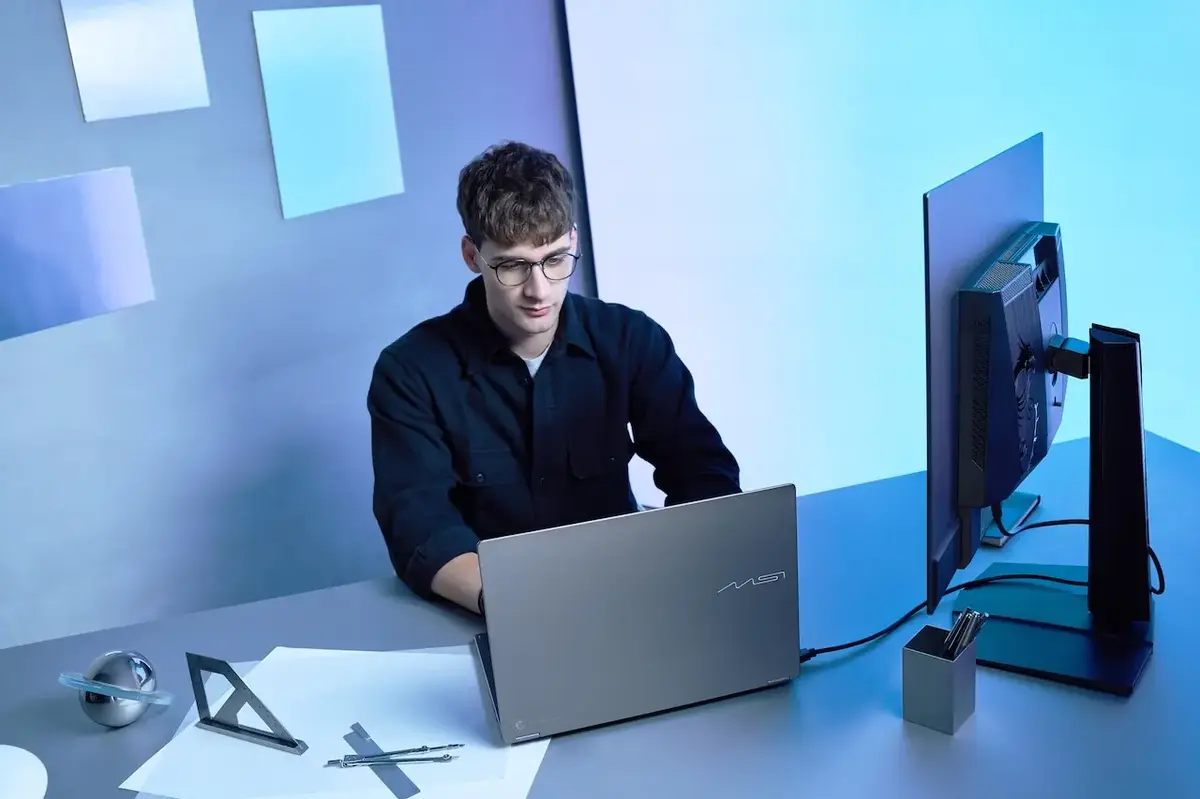
The MSI Prestige N16 Flip AI+ family provides ample connectivity options for modern peripherals and external displays. Key ports include two USB Type-C ports supporting USB4, DisplayPort, and Power Delivery; two USB 3.2 Gen 2 Type-A ports; an HDMI 2.1 output; an SD card reader; a combo audio jack; and support for Wi-Fi 7 and Bluetooth 5.4. These options offer practical solutions for users connecting external monitors, transferring files via the card reader, or utilizing various peripherals. The compatibility of USB-C ports with specific standards also facilitates a more flexible desktop setup with appropriate accessories.
Storage Capacity: 1TB or 2TB?
Alongside memory capacity, storage space is a critical factor in purchasing decisions. The MSI Prestige N16 Flip AI+ models with 32GB and 64GB of RAM come with a 1TB PCIe Gen4 NVMe SSD, while the 128GB model is equipped with a 2TB SSD. A 1TB SSD is generally sufficient for everyday applications, documents, and a reasonable content archive. Users who store numerous local AI models, large video projects, or extensive datasets may benefit from the 2TB capacity.
Which MSI Prestige N16 Flip AI+ Model Should You Buy?
Deciding among the three memory options requires considering your intended use, display preferences, and storage needs. The table below offers general recommendations:
| User Profile | Recommended Memory | Reason |
| Office, education, and daily productivity | 32GB | Balanced for everyday applications and basic AI use |
| Users of cloud-based AI services | 32GB | Local model execution is not required |
| Content creators and designers | 64GB | More space for large projects and simultaneous applications |
| Software developers | 64GB | Flexibility for development tools and more comprehensive workflows |
| Intensive local AI model users | 64GB or 128GB | Choice depends on model size and context needs |
| Developers of large LLMs and advanced agents | 128GB | Ample space for higher memory requirements |
| Archivers of high-resolution content | Consider SSD needs | RAM and storage address different requirements |
These recommendations are based on general usage scenarios; not all video editing projects demand 64GB of RAM, nor do all local language models require 128GB of memory. The specific software, model size, and project scale should guide the final decision. An important consideration is that the LPDDR5X unified memory is soldered to the motherboard, meaning RAM upgrades are not possible post-purchase. Therefore, selecting the appropriate capacity at the outset is essential.
Conclusion: Not Just a Laptop, but a Portable AI Workspace
The MSI Prestige N16 Flip AI+ uniquely combines the NVIDIA RTX Spark N1X platform, unified memory architecture, an OLED touchscreen, and a 360-degree convertible design to cater to diverse user needs. The 32GB configuration offers a balanced entry for daily productivity and basic AI tasks, while the 64GB option provides more room for professional content creation and demanding applications. The 128GB model is targeted at users prioritizing large local language models, advanced AI agents, and memory-intensive workflows. The optimal choice extends beyond RAM capacity, also involving decisions on screen resolution (UHD+ Tandem OLED vs. 2.8K OLED), storage (1TB vs. 2TB), portability expectations, and the specific software intended for use. Ultimately, when purchasing the MSI Prestige N16 Flip AI+, it is more effective to identify how you will leverage the NVIDIA RTX Spark platform rather than simply opting for the most expensive or highest-capacity model. Tailoring your choice to configurations that match your specific needs, from daily productivity to local AI development, allows for a more efficient utilization of both hardware resources and budget.
What are your thoughts on the new MSI Prestige N16 Flip AI+? Share your experiences and expectations for on-device AI capabilities in the comments below!
Your comment has been submitted,
it will be published after approval.