
Google Investigates Persistent Silent Alarm Bug Affecting Pixel Smartphone Users

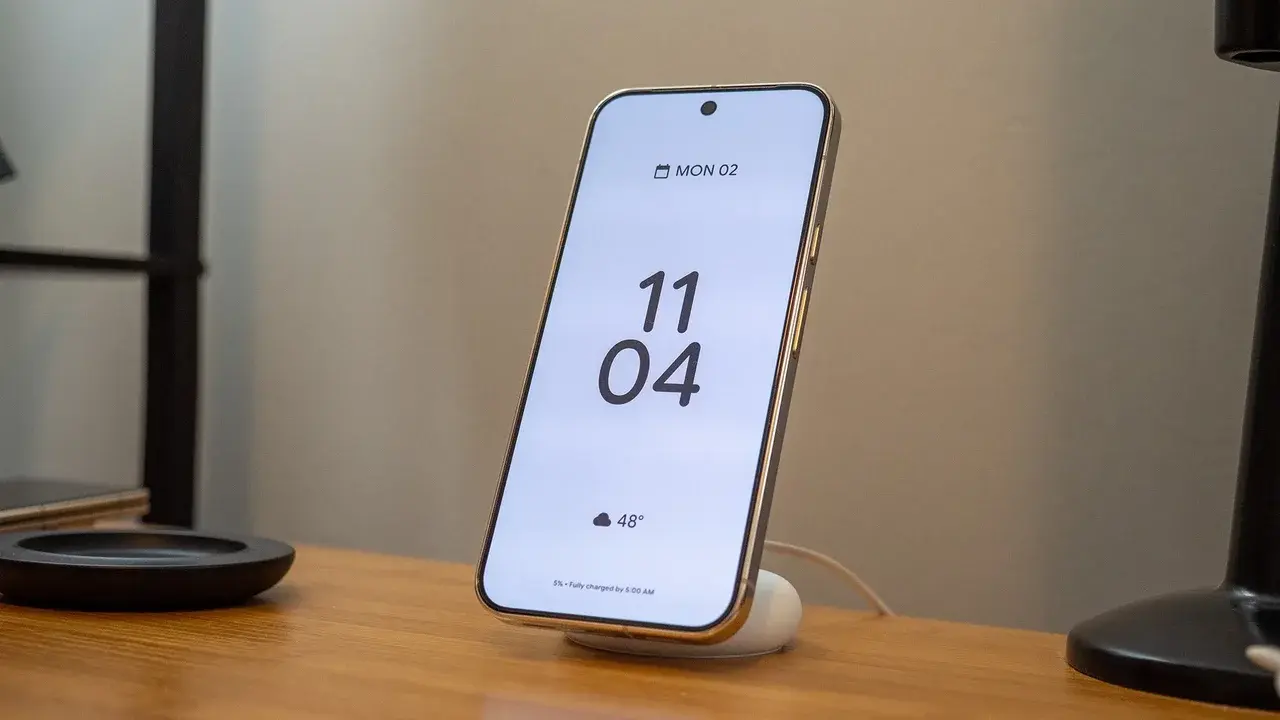
Google Pixel smartphone users across the globe are reporting a frustrating technical glitch where their morning alarms are automatically silencing themselves without making a single sound. This recurring issue, which surfaced prominently on community forums like Reddit this week, leaves device owners with a confusing notification stating that the alarm was silenced after ringing for its set duration, despite the user never hearing an audible tone. While the problem has occasionally appeared since 2021, a recent surge in reports has prompted Google’s support team to acknowledge the situation and begin a formal investigation into the software’s reliability across various Pixel models this month.
- Numerous Google Pixel owners report that their alarms fail to trigger audible sounds and display a silenced notification instead.
- The technical glitch appears to affect various Pixel models regardless of whether the device storage remains full or empty.
- Google support teams have officially started communicating with affected individuals to identify the root cause of the software error.
- Temporary workarounds include adjusting the alarm settings within the official Google Clock application to prevent automatic silencing.
Many Pixel Owners Complain That Their Morning Alarms Silently Fail
The core of the problem lies in a specific error message that greets users when they wake up late. On the lock screen of the affected devices, a notification from the Google Clock app appears, informing the user that the alarm was “silenced automatically.” This message claims that the alarm rang as scheduled and was eventually turned off after the pre-configured timeout period. However, users insist that the phone remained completely silent the entire time, even when the device was sitting on a nightstand directly next to their heads.
Discussions on social media platforms indicate that this is not an isolated incident involving a single faulty device. Instead, it appears to be a widespread software behavior. Some users have attempted to circumvent the bug by setting multiple alarms in five-minute intervals, only to find that every single one of them was bypassed silently. This failure has caused significant disruption for professionals and students who rely on their smartphones to maintain a strict daily schedule.
Historical Reports Indicate That Similar Software Glitches Frequently Reappear
This is not the first time that the Google Clock application has faced scrutiny for its reliability. Records of similar complaints date back to 2021, suggesting that the bug may be rooted deep within the application’s code or how it interacts with the Android operating system’s battery optimization features. In previous instances, some analysts suggested that the issue might be linked to the “Do Not Disturb” mode or even the “Flip to Shhh” feature, yet many current victims claim they have all such settings disabled.
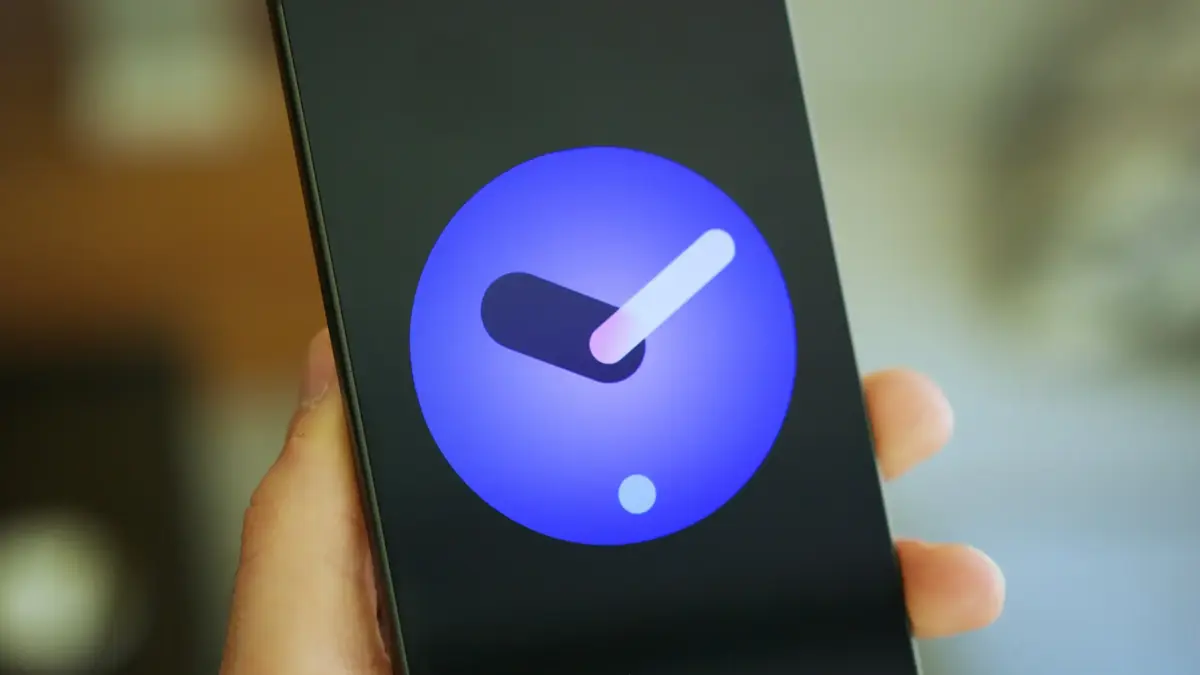
One particularly frustrated user shared their experience of setting more than six alarms throughout the day for medication and meetings. Despite the phone being active and in plain sight, several of those alarms failed to produce any sound, showing the same “automatically silenced” error immediately after the scheduled time passed. This randomness makes the bug especially difficult to diagnose, as it does not happen every single time an alarm is set, leading to a false sense of security for the user.
Google Support Teams Confirm That Experts Now Investigate
In response to the growing number of complaints, the Google Pixel Support team has begun reaching out to users on public forums and through direct support channels. The company has officially acknowledged that they are looking into the reports to determine why the Clock app is failing to trigger the audio driver during alarm events. They are currently requesting system logs from affected users to see if there is a common thread, such as a specific software update or a conflict with other background processes.
While a permanent fix is being developed, technical experts are examining whether recent updates to the Android System Intelligence or the Google app itself might be interfering with the alarm’s priority level. In the Android ecosystem, alarms are supposed to have the highest priority to override other sounds and settings, but this bug suggests that something is stripping the alarm of its ability to interrupt the device’s silent state.
Impacted Users Suggest Methods to Ensure the Device Rings
Until Google releases an official software patch, the Pixel community has developed a few temporary solutions to mitigate the risk of oversleeping. The most common recommendation involves opening the Clock app settings and finding the “Silence after” option. By changing this setting to “Never,” some users have found that the alarm continues to try and ring until it is manually dismissed, which seems to bypass the automatic silencing trigger in some cases.
Other users have decided to abandon the native Google Clock app entirely until the issue is resolved. Third-party alarm applications available on the Play Store do not seem to share the same bug, providing a more reliable alternative for those who cannot afford to miss their wake-up calls. Additionally, some users have reverted to using traditional, standalone digital or analog alarm clocks to avoid the unpredictability of their high-tech smartphones. As Google continues its investigation, the community remains on edge, waiting for a definitive update that restores the basic functionality of their premium devices.
Have you experienced any issues with your Pixel alarm lately, or has your device been waking you up on time? Share your experiences and any solutions you have found in the comments below.
Your comment has been submitted,
it will be published after approval.