
Inspired by Apple? Android Auto Interface Updated!

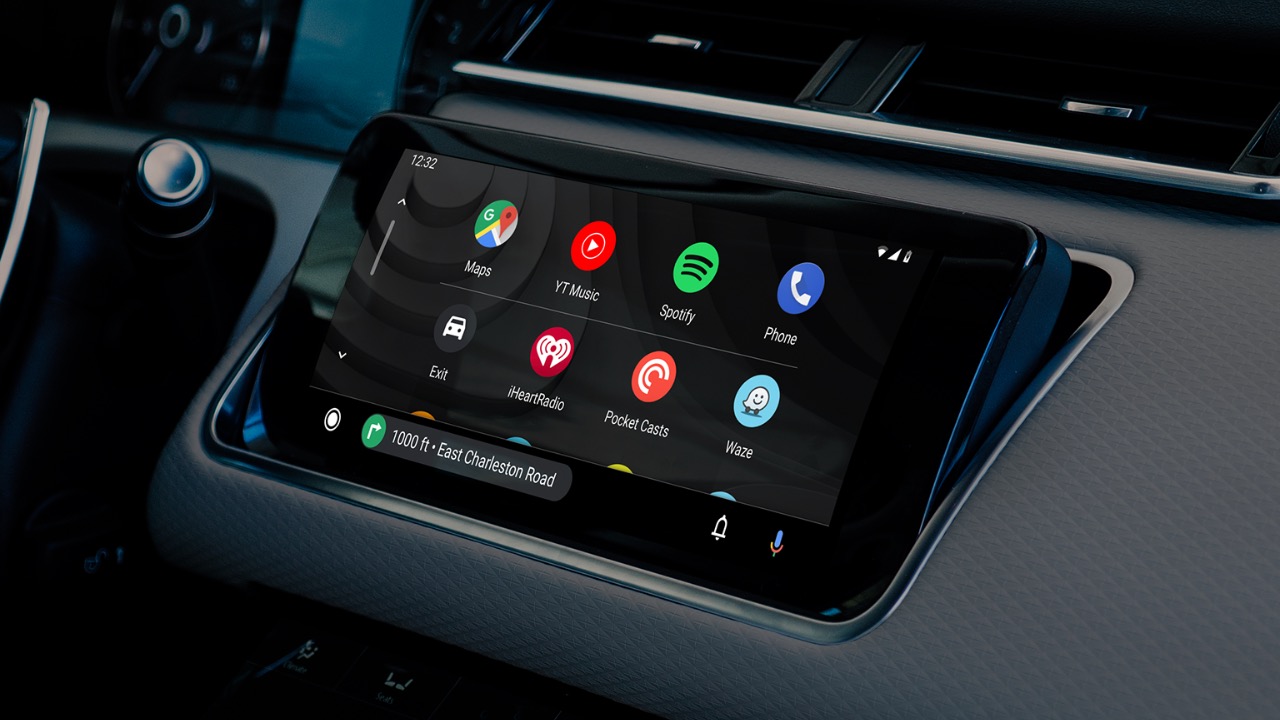
Nearly all newly introduced and sold vehicles today offer support for Apple CarPlay and Android Auto. While most people prefer CarPlay, there is also a significant number of Android Auto users. Android Auto, which can even be activated with aftermarket devices, has received a new update from Google. It seems that Google took some inspiration from Apple. Here are the details of the Android Auto assistant…
Google Assistant Update: Voice Assistant on Android Auto Has Changed
With the update released today, Google has finally integrated a Siri-like assistant into Android Auto, the in-car application. The new assistant, which allows voice interactions and functions like the Assistant app on phones, works similarly to Siri on Apple CarPlay. In fact, it appears that Google has closely mimicked Siri’s design.
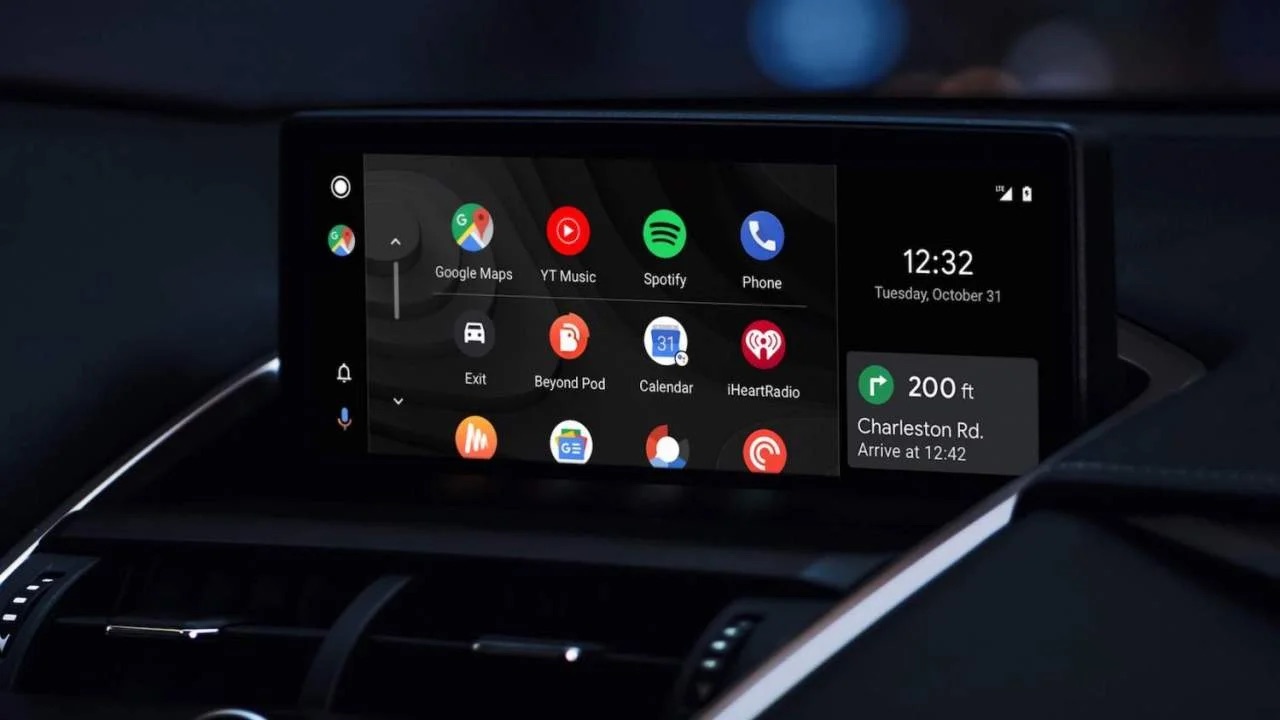
When you start Android Auto and launch an app like Maps, a round Assistant button appears at the bottom of the screen. From here, you can activate the Assistant and ask any questions you may have. For example, you can request directions, ask how much distance is left, and more.
Gemini on Android gets more useful with new interface updates
Previously available, the assistant featured AI-powered message summarization, message reading, and replying capabilities. However, with the new update, the interface of the Android Auto assistant seems to have adopted a design very similar to Siri’s.
It is not yet clear which devices have received the update, but it is available on the Android Auto v12.5 version found on the Z Fold 6. To use the Assistant, you can say “Ok Google” in your Android Auto-enabled vehicle, then click on the app icons and the microphone icon from the buttons on the steering wheel.
So, do you use this feature in your vehicle? Share your thoughts in the comments.
Your comment has been submitted,
it will be published after approval.