
How to Install iOS 27 Beta for Free Right Now

Apple has officially announced that the highly anticipated iOS 27 developer beta is now accessible to all users at no cost, marking a significant shift from the previous requirement of a 99-dollar developer account. By simply utilizing an active Apple ID, users can now download and experience the latest software advancements ahead of the general public. While the developer version is currently available for immediate installation, those seeking a more polished experience may prefer to wait for the public beta scheduled for release this July. This update is compatible with iPhone 11 and all subsequent models.
- The iOS 27 developer beta is now available for free to all users with an Apple ID.
- Apple plans to release a more stable public beta version in July.
- iOS 27 updates currently support the iPhone 11 and all newer device models.
- Advanced AI features for Siri remain limited to the iPhone 15 Pro and newer devices.
It is critical that you perform a full backup of your device data before installing any beta software.
Preparations are Being Made Before Installation
Users interested in testing the iOS 27 beta must be prepared for potential performance issues or software bugs that often accompany early builds. Because the software is still under active development, users may encounter application crashes or connectivity issues with systems like CarPlay. It is highly recommended to install this software on a secondary device rather than your primary phone. If you must use your main device, ensuring a complete cloud or local backup is completed beforehand is essential to prevent permanent data loss.
Developer Beta Installation is Being Finalized
To begin the installation process, you must first register your Apple ID through the official Apple Developer portal. Once registration is complete, navigate to the Settings menu on your iPhone, select General, and proceed to the Software Update section. Within this menu, you will find the Beta Updates option, where you can select the iOS 27 Developer Beta to initiate the download. If the option does not appear immediately, restarting your device usually resolves the synchronization delay. 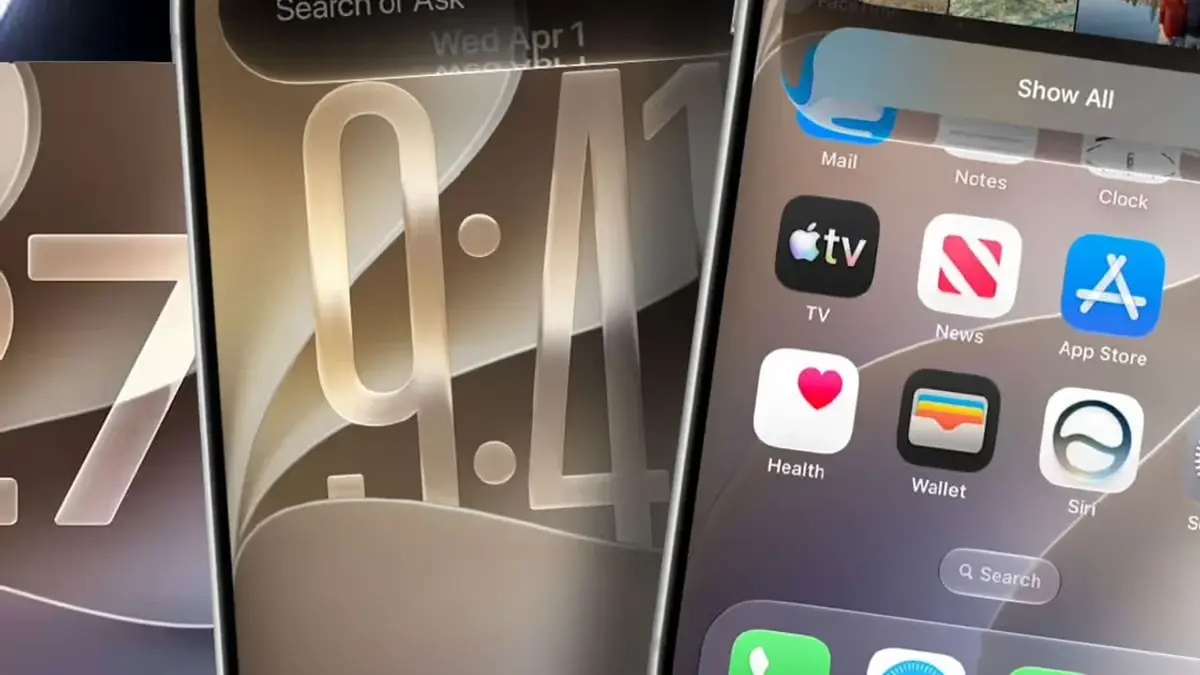
Public Beta Release is Being Anticipated
For users who prioritize system stability over early access, Apple has scheduled a public beta release for July. Interested individuals can register at beta.apple.com to receive the update through the standard Settings menu once it goes live. This phase allows Apple to collect vital feedback from a wider user base, ensuring that the final public release is as refined and bug-free as possible.
Siri AI Capabilities are Being Restricted
The sophisticated artificial intelligence features introduced in iOS 27 are restricted to the hardware capabilities of the iPhone 15 Pro and later models. Furthermore, access to the revamped Siri features is managed through an invite-only waitlist system. Once you sign up through the settings interface, approval may take anywhere from several hours to a few days. This controlled rollout allows Apple to maintain server stability while processing high demand for new features.
Are you planning to install the iOS 27 beta immediately to test the new features, or will you wait for the more stable public release? We would love to hear about your plans and any questions you have in the comments section below.
Your comment has been submitted,
it will be published after approval.