
Major Productivity Enhancements Arrive With iPadOS 27

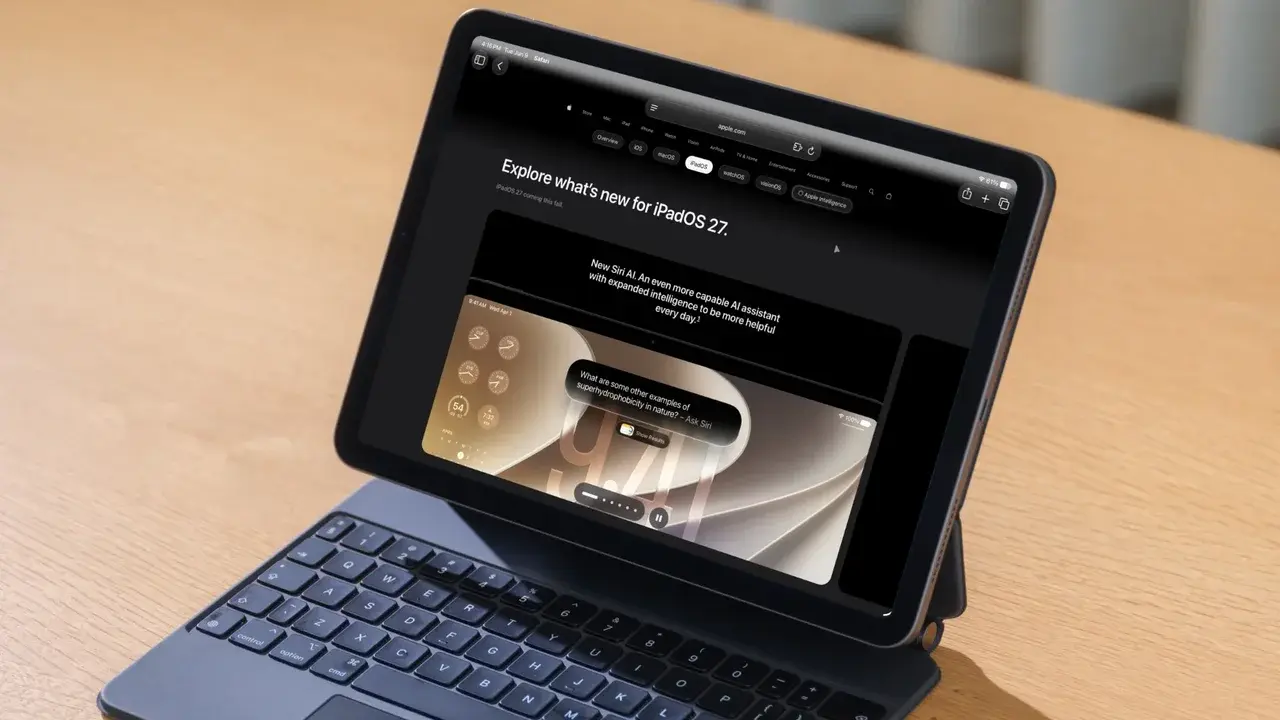
Apple is set to launch iPadOS 27 next month, bringing significant functional upgrades to core applications including Notes, Messages, Calendar, and Mail. Designed to enhance the overall user experience, this major software update introduces system-wide refinements that bring the iPad closer to a traditional desktop environment. By integrating interface elements familiar to Mac users, the update aims to create a more efficient workflow for tablet owners worldwide. These changes prioritize multitasking capabilities and faster navigation, ensuring that professional users can maintain productivity across various tasks without unnecessary interruptions or interface hurdles.
- The new update allows users to pin the menu bar permanently to the top of the screen.
- Active application names are now consistently displayed in the status bar for easier identification.
- Spotlight search now incorporates advanced Siri capabilities for a unified command experience via keyboard shortcuts.
Menu Bar Functionality Becomes Permanent
One of the most notable changes in iPadOS 27 concerns the accessibility of the menu bar. In previous iterations, users were required to swipe down from the top or move the cursor to the upper edge to reveal hidden menus. 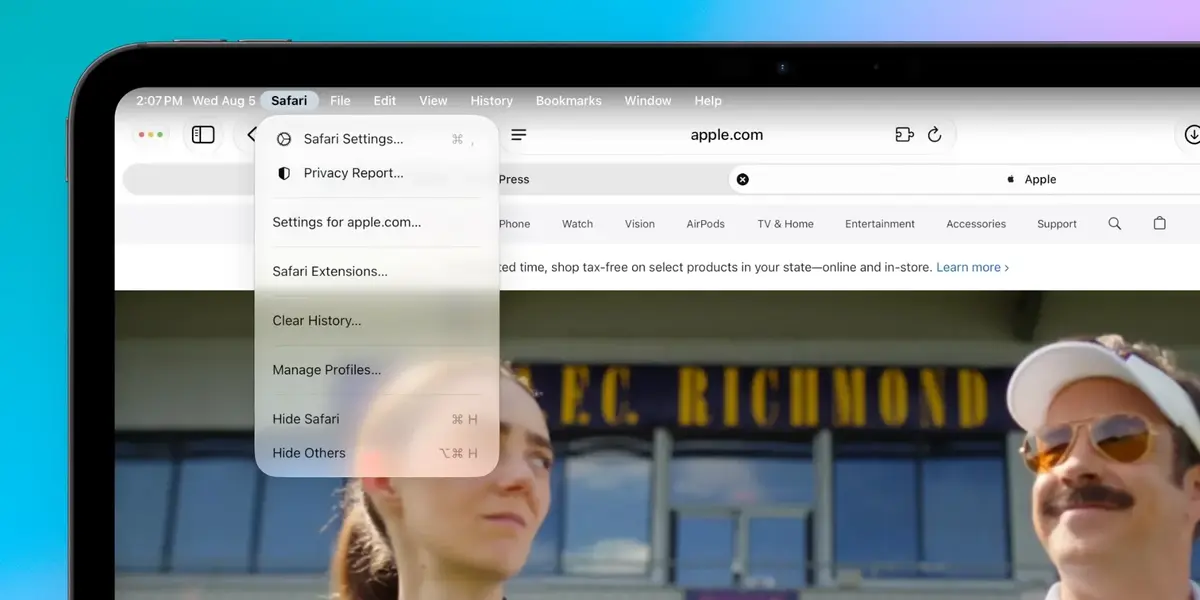 With the latest release, Apple has introduced a toggle within the Multitasking and Gestures section of the Settings menu. Users can now choose to keep the menu bar visible at all times, providing immediate access to essential tools and settings.
This permanent menu bar option represents a fundamental shift toward a desktop-centric user interface for iPad Pro and Air models.
Furthermore, the active application name is now displayed in the status bar on the top left corner of the screen. This feature remains visible even when the menu bar is hidden, which assists users in tracking their current workflow. This addition is particularly beneficial for those who rely heavily on keyboard shortcuts, as identifying the active application prevents accidental inputs and improves overall precision.
Spotlight Search Integrates With Siri
For users who utilize an iPad with a Magic Keyboard, the CMD + Space command has become significantly more powerful in iPadOS 27.  The system now merges traditional Spotlight search functionality with the artificial intelligence capabilities of Siri. This integration allows users to perform complex queries or simple file searches through a single input method.
The system intelligently determines whether a query is better suited for a local file search or a cloud-based Siri request. This seamless transition between search types eliminates the need for users to manually categorize their commands, saving valuable time during daily operations. This update confirms Apple’s commitment to prioritizing keyboard-driven navigation for power users who demand faster interaction speeds.
The unification of search and voice assistance creates a streamlined ecosystem that minimizes cognitive load for the user.
We are curious to hear how these workflow improvements will impact your daily tablet usage; please share your thoughts and favorite new features in the comments section below.
Your comment has been submitted,
it will be published after approval.