
Windows 11 RGB Software Conflicts Cause System Crashes

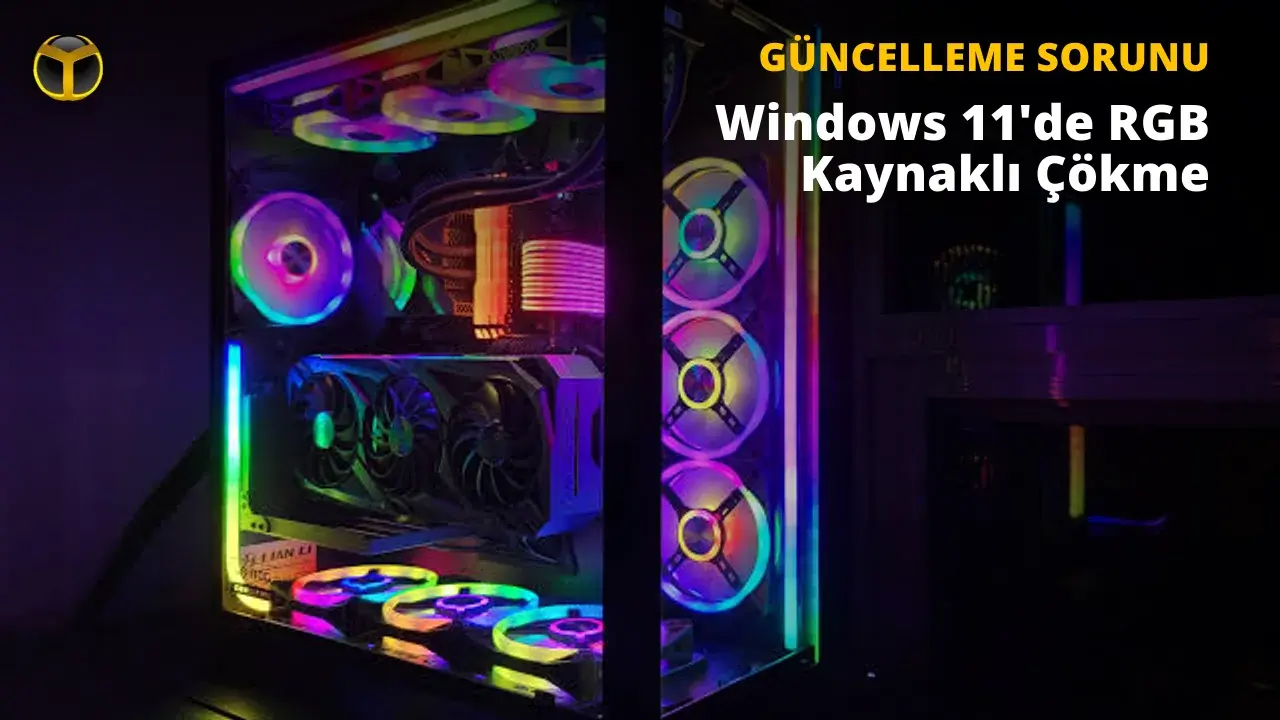
A critical technical issue has emerged for Windows 11 users following the release of the KB5121003 update, causing widespread system instability and game crashes. Microsoft has officially confirmed that the recent monthly update is triggering conflicts with various RGB lighting control software installed on user systems. This problem manifests as sudden freezes, application crashes, and in severe cases, Blue Screen of Death (BSOD) errors while playing popular titles. As users across the globe report these disruptions, Microsoft is investigating the root cause of these crashes and has identified the RGB-related driver interactions as the primary culprit for the Windows 11 instability.
- Microsoft identified specific RGB lighting software drivers as the primary cause of system instability after the KB5121003 update.
- Online multiplayer games like The Finals and Arc Raiders suffer from frequent crashes due to kernel-level conflicts.
- Users are advised to disable problematic drivers via the Registry Editor until a permanent patch becomes available.
- Universal lighting control applications like OpenRGB serve as stable alternatives for users requiring RGB functionality.
RGB Drivers Trigger System Instability
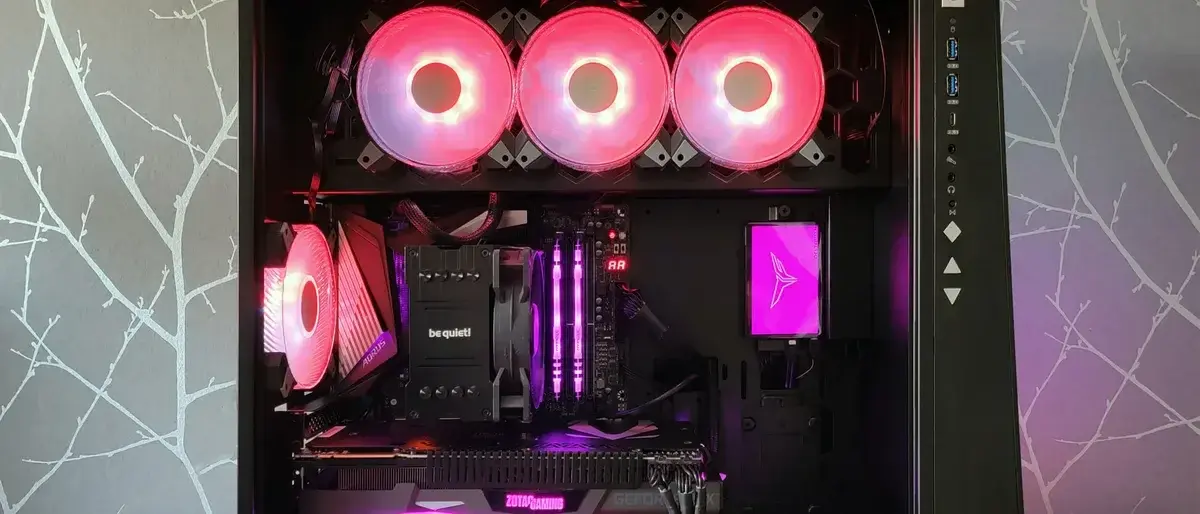
The technical investigation conducted by Microsoft reveals that the issue is tied to the way peripheral and internal component drivers manage RGB lighting. Software designed to control these lights often installs kernel-level components or drivers, such as those labeled inpoutx64, which interact directly with the hardware. When a supported game is launched, these drivers are triggered, leading to a direct conflict with the operating system.
These driver conflicts frequently result in an EXCEPTION_ACCESS_VIOLATION error that forces an immediate system reboot.
Anti-Cheat Software Conflicts Escalate Issues
Industry experts suggest that the instability stems from how modern anti-cheat mechanisms interact with kernel-mode drivers. Because RGB software operates at the kernel level, anti-cheat systems often flag these drivers as potential security vulnerabilities. When the anti-cheat software attempts to block these unauthorized or unrecognized driver calls, the operating system reaches a critical impasse. This security blockade triggers the blue screen error, effectively crashing the system to protect the integrity of the environment.
Temporary Solutions Restore System Performance
While Microsoft continues to work on a permanent resolution, developers and technicians have proposed several workarounds. Users experiencing consistent crashes can manually disable the conflicting RGB drivers through the Windows Registry Editor. While this measure may limit the customization features of certain proprietary lighting tools, it successfully prevents the system-wide crashes reported during gaming sessions.
For those who still require lighting management, third-party solutions like SignalRGB or OpenRGB offer a viable path forward. These tools utilize modernized drivers that are generally designed to avoid triggering anti-cheat security protocols. Microsoft has requested that users continue to submit their diagnostic reports through the Feedback Hub to assist in the development of a comprehensive fix.
Have you experienced these specific crashes during your gaming sessions, and did disabling your RGB lighting drivers resolve the issue on your Windows 11 machine? Share your experiences in the comments section below to help other users navigate this technical hurdle.
Your comment has been submitted,
it will be published after approval.