
Nothing OS 5.0 Beta Program Officially Launches for Phone (3)


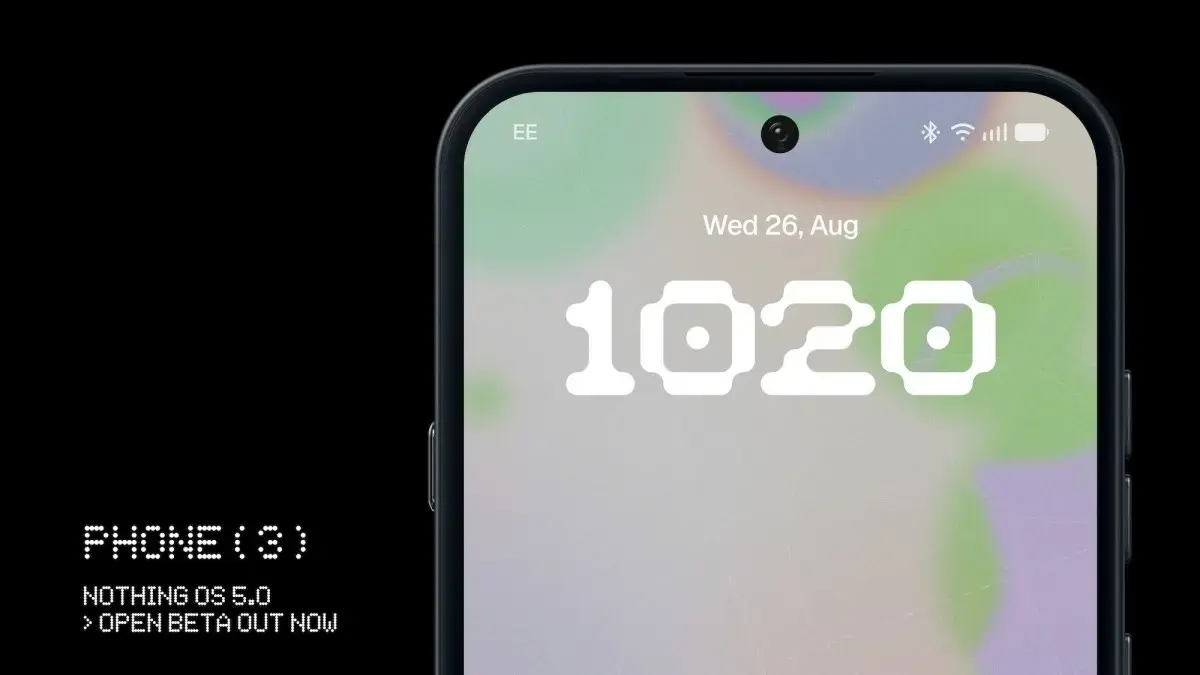
Nothing has officially initiated the Nothing OS 5.0 open beta program, marking a significant milestone for Nothing Phone (3) users eager to explore the latest interface based on Android 17. Following the company’s formal announcement, the beta software is now accessible for early testing, allowing enthusiasts to experience new features and optimizations ahead of the final public release. This initiative reflects Nothing’s commitment to gathering community feedback during the development phase of its upcoming operating system. Users interested in participating are required to utilize the official tools provided by the manufacturer to ensure a smooth transition to the test environment.
- The Nothing OS 5.0 open beta is currently exclusive to the Nothing Phone (3) handset.
- Participants must install the Nothing Beta Hub 2.0 application to register for the program.
- The software remains in a testing phase, which may result in system instability or unexpected performance issues.
- Returning to a stable operating system version requires a full device factory reset that erases all user data.
Registration Steps are Outlined for Interested Users
To participate in this trial, Nothing Phone (3) owners should navigate to the official support portal provided by the brand. The process begins with downloading the Nothing Beta Hub 2.0 application, which serves as the central platform for managing beta software updates. Once installed, users must access the ‘Settings’ menu, navigate to ‘System’, and locate the ‘Nothing Beta Hub’ option to officially register their device. Upon successful registration, the system will prompt users to check for updates, allowing them to download the Nothing OS 5.0 build over-the-air, similar to a standard software upgrade. If the update does not appear immediately, manual refreshes via the System Updates section may be necessary.
System Performance Must be Monitored Carefully
Nothing has issued a clear advisory regarding the nature of this software, emphasizing that it is currently in a developmental stage and not representative of the final product. Users are urged to exercise caution, as early-access versions frequently contain bugs or performance bottlenecks that could impact daily usability. Because of these potential risks, the company strongly recommends against installing the beta software on a primary device. For those who choose to proceed, performing a comprehensive backup of all personal files and data is essential to mitigate the impact of any unforeseen software failures during the installation process.
Rollback Procedures are Managed via the Hub
The company has also provided a clear path for users who wish to revert to a stable software environment if they encounter significant issues with the beta build. Within the Nothing Beta Hub interface, a ‘Request Rollback’ feature is available to facilitate this transition. However, it is imperative to acknowledge that this action will trigger a full factory reset, leading to the permanent deletion of all locally stored content. Therefore, verifying the status of cloud backups before initiating a rollback is a critical step to ensure that digital assets remain protected throughout the process.
As Nothing continues to refine its software ecosystem, this beta phase stands as a vital opportunity for the user base to influence the final polish of the operating system. The interface improvements promised in Nothing OS 5.0 aim to enhance overall performance and fluidity, setting high expectations for the eventual stable launch.
Have you already installed the Nothing OS 5.0 beta on your Nothing Phone (3)? We are eager to hear your thoughts on the new features and interface changes, so please share your feedback and experiences in the comments section below.
Your comment has been submitted,
it will be published after approval.