
Apple Ends iOS 26.6.2 Support Making iOS Downgrading Impossible

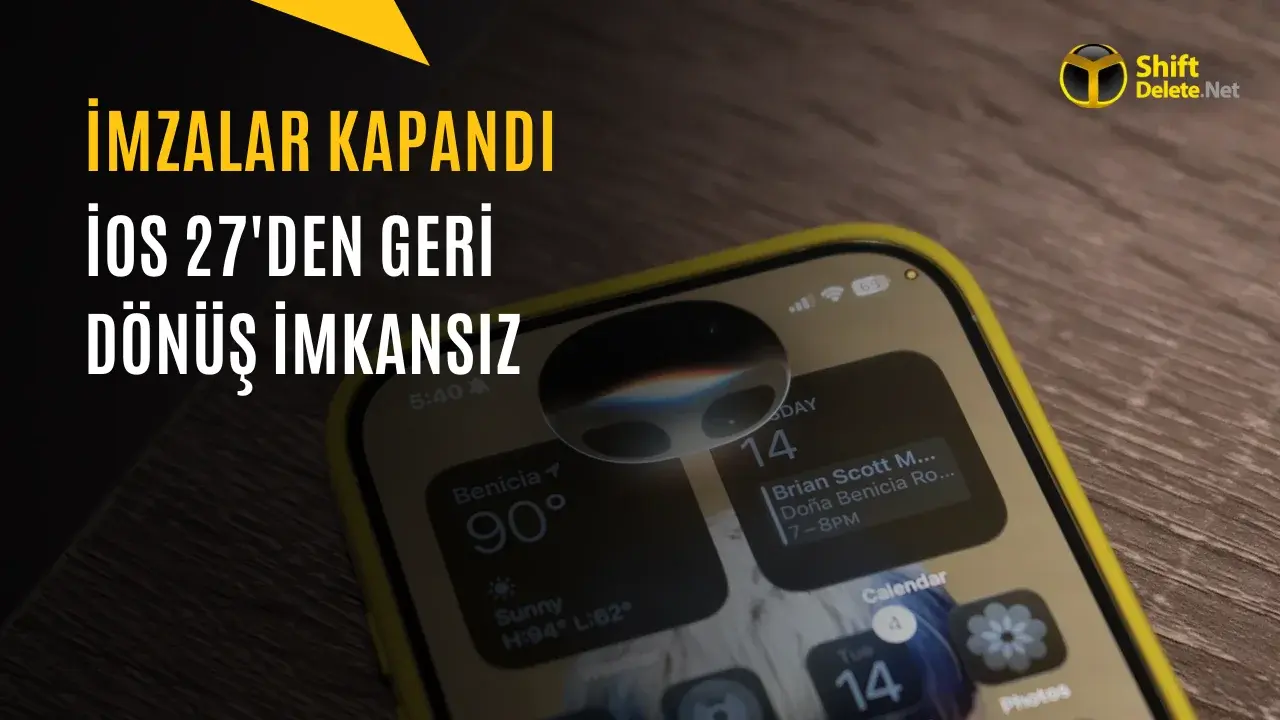
Apple has officially discontinued signing support for iOS 26.6.2, a move that effectively blocks iPhone users from performing an iOS version downgrade from the current iOS 27 release. This decision, confirmed by security researchers, ensures that users remain on the most recent software iterations to maintain ecosystem security. By ceasing the verification process on its servers, Apple prevents devices from installing older, potentially vulnerable software versions. For users who rely on the ability to roll back to previous operating systems to troubleshoot performance issues or compatibility bugs, this update means that the path back to older firmware is now permanently closed.
- Apple has terminated the digital signature process for iOS 26.6.2 to force users onto newer, more secure software versions.
- The cessation of signing prevents any official downgrade path for devices currently operating on iOS 27.
- Apple utilizes server-side verification to confirm software authenticity and hardware compatibility during every installation attempt.
Security Protocols Dictate Software Signing Policies
In the digital landscape, the signing process functions as a critical security gatekeeper. Apple servers verify whether a specific software version is authorized for installation on a particular device. This mechanism is designed to protect the integrity of the operating system by ensuring that only approved, secure versions can be deployed. When Apple stops signing a specific build, it effectively removes that version’s authorization, rendering manual or unauthorized installation attempts impossible.
This strategy serves as a core component of Apple’s security posture. By limiting the number of signed versions, the company minimizes the surface area for potential exploits found in legacy software. Users who encounter errors or performance regressions on newer versions are now restricted to waiting for official updates rather than reverting to previous, stable releases.
Updates Are Restricted for iPhone Users
While the transition to newer software is generally encouraged, the recent changes highlight the rigidity of the update process. For instance, although iOS 26.7 was released last week, Apple has not provided a traditional restoration file for iPhone devices. This means that users seeking to move between specific versions within the iOS 26 branch or away from iOS 27 are essentially barred from doing so unless they rely on specific over-the-air updates.
Technical experts note that this approach prioritizes system-wide security over user flexibility. By keeping the entire user base on the latest versions, Apple ensures that security patches reach as many devices as possible, closing vulnerabilities that could be exploited by malicious actors. This policy reflects a broader industry trend where manufacturers exert greater control over the software lifecycle of mobile hardware.
Compatibility Remains a Priority for Manufacturers
The verification process confirms that the device’s unique hardware identifier matches the software version being installed. If the server does not return a positive validation, the installation process terminates immediately. This strict enforcement prevents the installation of incompatible software and limits the risk of unauthorized modifications to the system kernel. For the average user, this means that once an update is installed, there is no turning back, making it essential to evaluate the stability of new updates before committing to them.
Have you ever needed to downgrade your iPhone software to fix a specific bug, or do you prefer staying on the latest version for the newest security updates? Share your experiences and thoughts on Apple’s strict update policy in the comments section below.
Your comment has been submitted,
it will be published after approval.