
Mole is a Powerful All-in-One System Tool for macOS

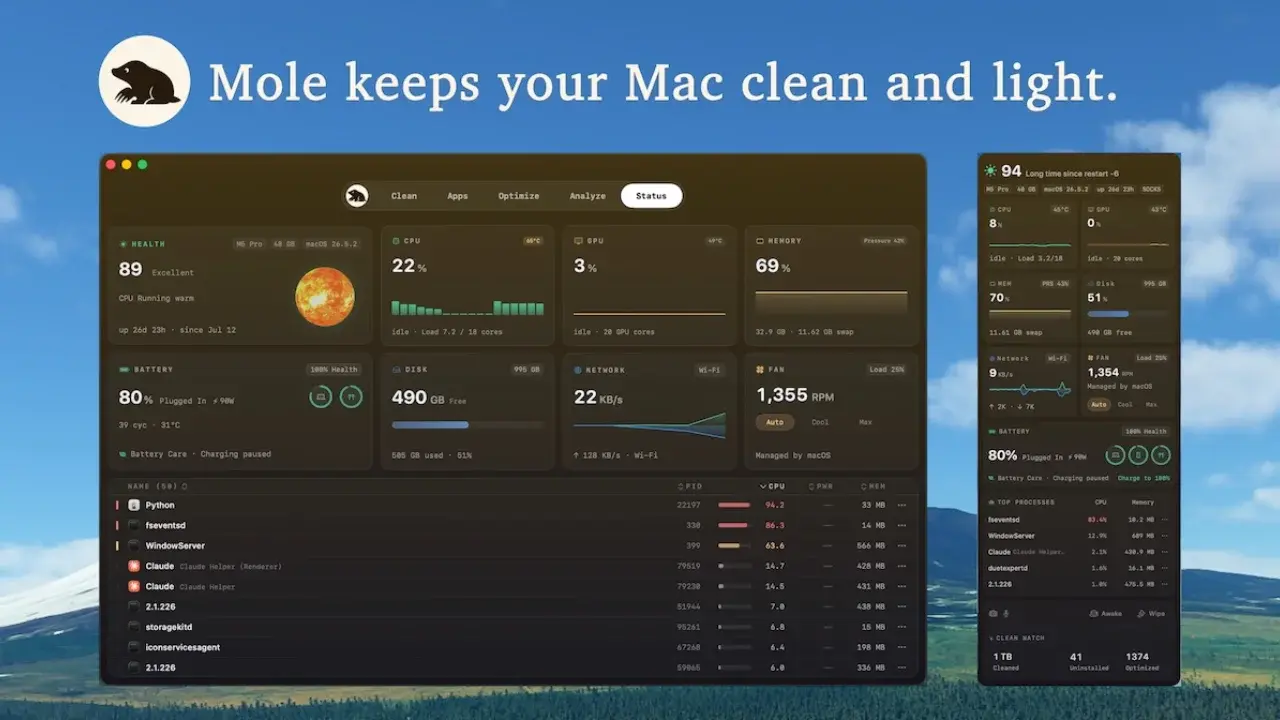
Mac users often rely on a fragmented collection of third-party software to handle disk maintenance, application uninstallation, and system monitoring. To address this complexity, developer tw93 has released Mole, an open-source, all-in-one system tool designed specifically for the macOS ecosystem. By consolidating the functionality of popular utilities like CleanMyMac, AppCleaner, and iStat Menus into a single, lightweight package, Mole provides a streamlined alternative for maintaining system performance. Whether through its efficient terminal interface or its intuitive graphical user interface, this tool offers a comprehensive solution for users looking to optimize their storage and system stability without relying on expensive, resource-heavy subscription services.
- Mole consolidates disk cleaning, application removal, and system monitoring into one open-source package.
- The tool supports both command-line operations and a dedicated graphical user interface for varied user preferences.
- Users can preview files before deletion using the –dry-run parameter to ensure data safety.
- The software provides five distinct modules to manage system cleaning, app removal, disk analysis, optimization, and real-time status tracking.
Mole Addresses Persistent System Maintenance Challenges
Over time, macOS environments inevitably accumulate significant amounts of junk data, including cached files, developer remnants from Xcode, and leftover configuration files from uninstalled applications. These digital residues occupy valuable storage space and can eventually compromise the overall responsiveness of the operating system. While many users turn to premium software suites to resolve these issues, such tools often come with restrictive pricing models and excessive background resource usage.
Mole distinguishes itself by maintaining a transparent, open-source architecture that focuses on targeted maintenance. By operating with a minimal footprint, it ensures that system resources are dedicated to the user’s primary tasks rather than background optimization processes.
Five Specialized Modules Enhance System Performance
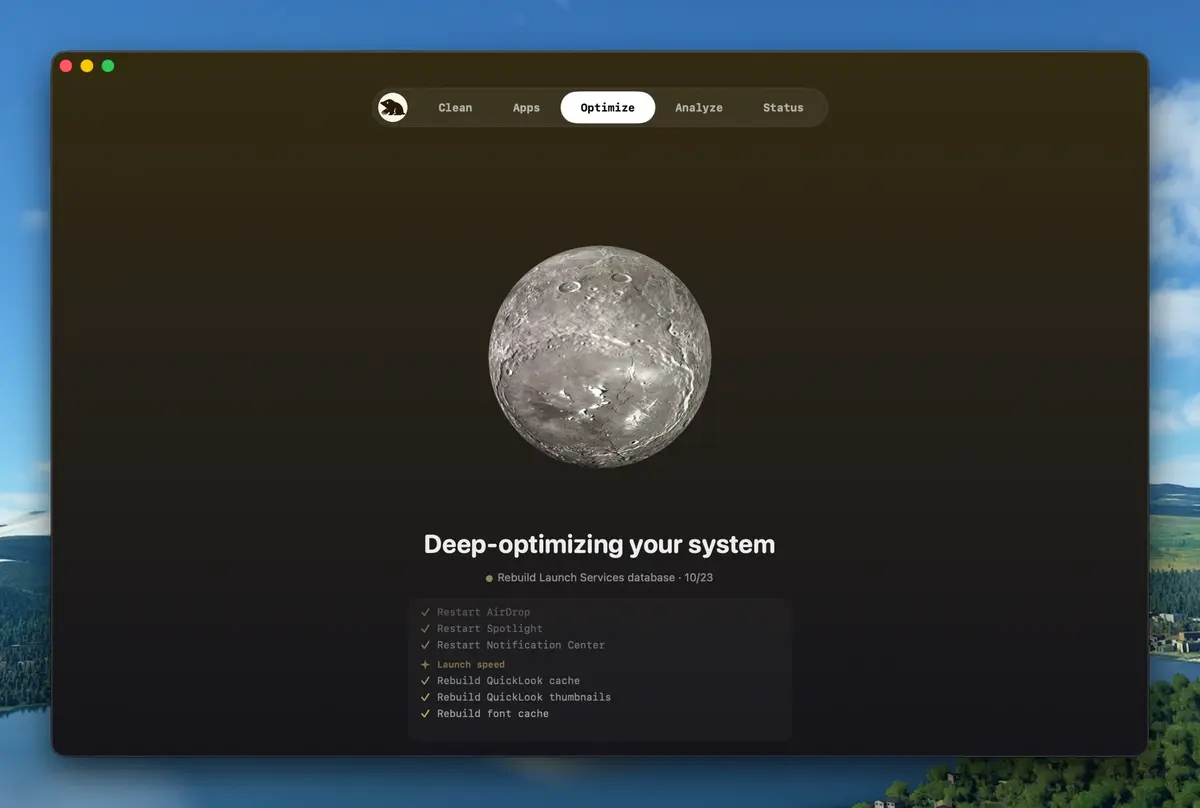
The utility is structured around five core modules, each designed to tackle a specific aspect of system health. The ‘Clean’ module safely removes temporary browser data and system logs, while the ‘Uninstall’ module ensures that application removal includes all associated library files and preferences. For storage management, the ‘Analyze’ module offers a visual breakdown of disk usage to help users identify large files that are consuming storage capacity.
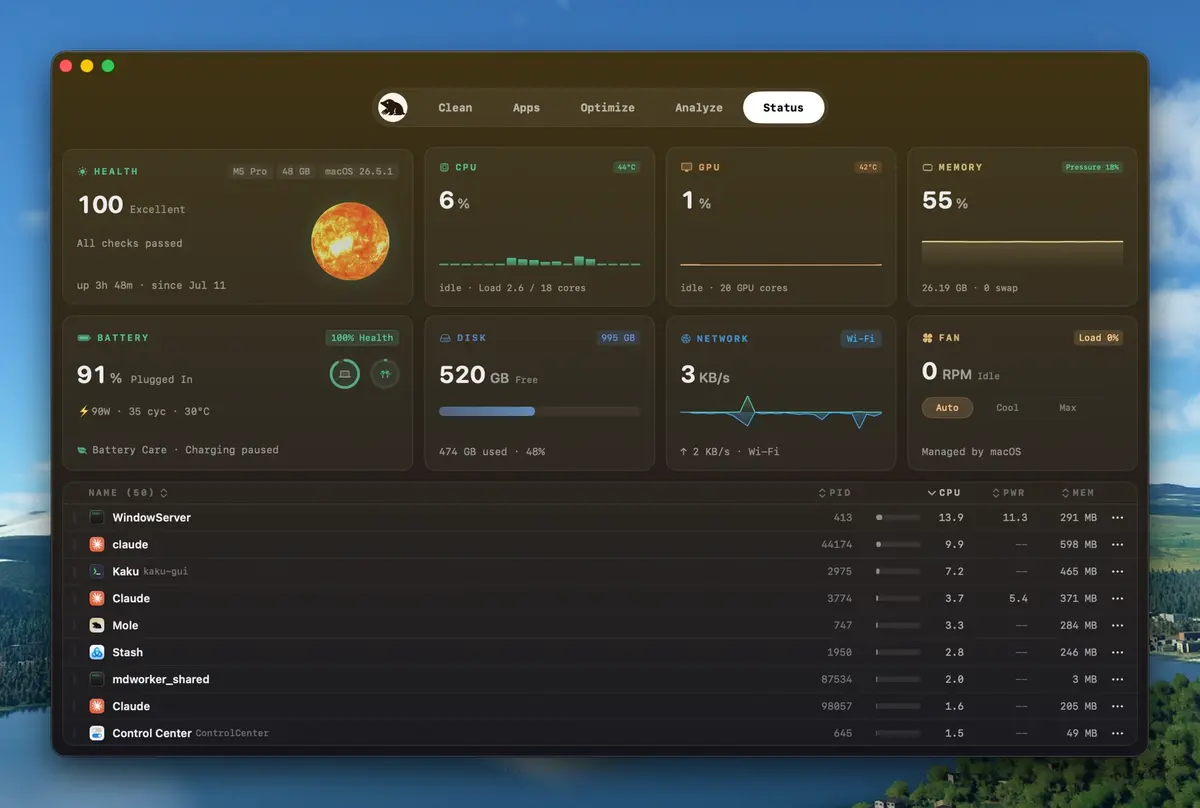
Furthermore, the ‘Optimize’ module performs essential maintenance tasks such as resetting DNS caches, rebuilding Spotlight indices, and refreshing system processes like Finder and Dock. Finally, the ‘Status’ module acts as a monitoring dashboard, displaying real-time metrics including processor load, memory usage, and network traffic.
Terminal Flexibility Meets Desktop Usability
Mole caters to a wide spectrum of users by offering a dual-interface approach. Advanced users can interact with the system via the command line using the simple ‘mo’ command, allowing for rapid execution of maintenance tasks. For those who prefer a visual experience, the local macOS application provides an intuitive dashboard for managing these functions.
Security remains a priority within the design of the tool. Before any permanent deletion occurs, users can execute the ‘–dry-run’ command to view a precise list of files targeted for removal. This feature effectively prevents the accidental deletion of critical system files or important user data, providing a layer of protection that is often missing in automated cleaning tools.
We are curious to hear your thoughts on this new open-source utility; have you tried using Mole to manage your Mac’s performance, or do you prefer sticking with traditional software suites? Please share your experiences and questions in the comments section below.
Your comment has been submitted,
it will be published after approval.