
What Is an Emulator and How Do Emulators Work?

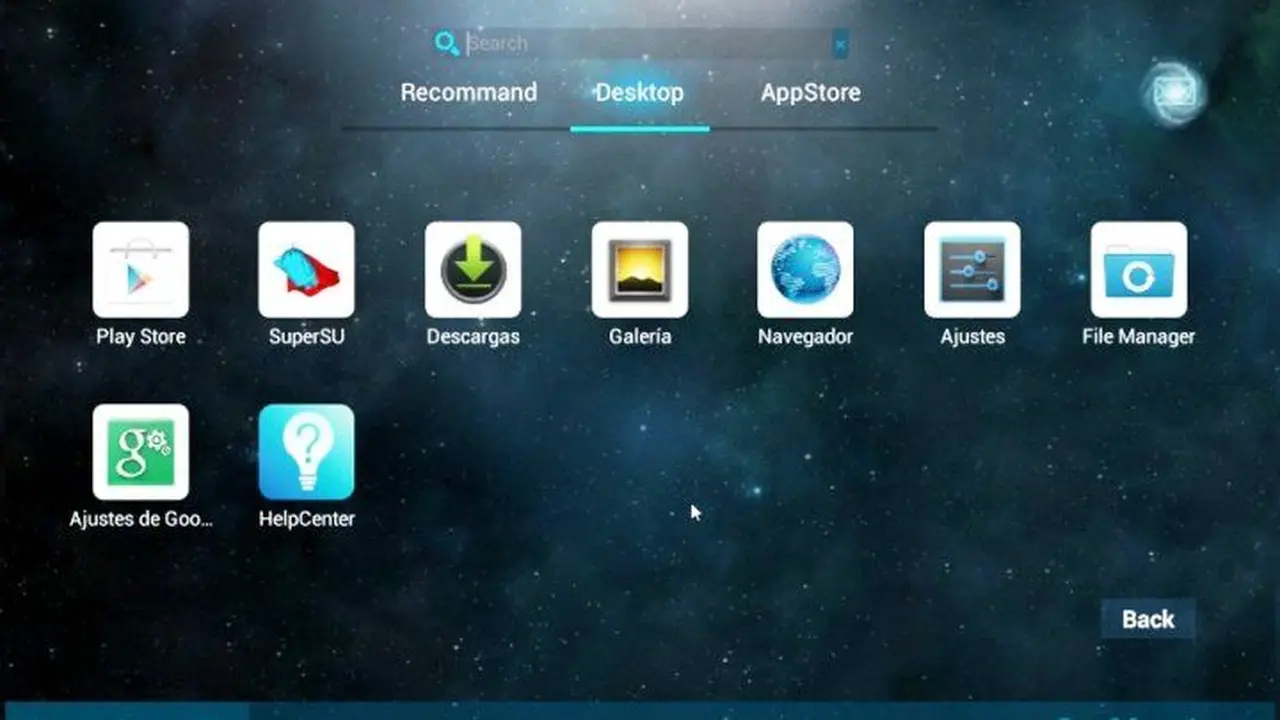
An emulator is a specialized software tool designed to replicate the hardware and software environment of one device on an entirely different platform. By simulating the architecture of a target machine, an emulator allows users to run applications, games, and programs that would otherwise be incompatible with their current hardware. Whether you are attempting to play classic console games on a modern PC, testing mobile applications on a desktop computer, or running a distinct operating system within a window, the emulator serves as the essential bridge between diverse computing environments in the digital age.
- Emulators function by creating a software-based reproduction of the target device’s hardware and software specifications.
- Software developers utilize these tools to conduct comprehensive application testing across various platforms without requiring physical hardware.
- Performance levels depend heavily on the internal specifications of the host device, such as the CPU, RAM, and graphics processing unit.
- Users must download software only from official, reputable sources to mitigate the risks associated with malicious files.
Emulators Serve Multiple Essential Functions
The primary utility of an emulator lies in its capacity to cross-reference platform boundaries, enabling the execution of software in environments for which it was not originally developed. This capability is particularly popular among gaming enthusiasts who seek to revisit legacy titles on contemporary computers. By bridging the gap between outdated console architecture and modern processing power, these programs ensure that digital archives remain accessible to the public.

Beyond gaming, emulators act as critical components in professional software development life cycles. Developers often need to verify that their applications perform consistently across a wide array of device resolutions, screen sizes, and operating systems. Instead of purchasing dozens of physical smartphones or tablets, engineers can use emulation environments to simulate these conditions. This practice significantly reduces overhead costs and accelerates the time-to-market for mobile software solutions.
Hardware Requirements Affect Performance Significantly
An emulator works by translating the instructions intended for the target device into instructions that the host machine can understand. Because the host system is essentially performing a complex translation task in real-time, it requires substantial computational resources. The host device must possess a powerful processor and sufficient memory to handle both the operating system it is running and the overhead of the simulated environment.
Users often notice that while simple applications run seamlessly, resource-intensive games may suffer from latency or frame rate drops. If the host hardware is not sufficiently robust, the experience may prove disappointing for the user. Therefore, checking system requirements before initiating an emulation project remains a best practice for maintaining stability and performance during long sessions.
Security Considerations Must Be Addressed Properly
While the concept of emulation is inherently safe and legal, the source of the software remains a primary concern for cybersecurity. Because the code acts as an interface between the user and the system, malicious actors sometimes disguise harmful software as legitimate emulators to infect host machines. It is vital for users to conduct thorough research, use official developer websites, and avoid suspicious third-party repositories that offer cracked or modified versions of these tools.
Have you ever used an emulator to play a favorite game from your childhood or to test a new app, and what was your experience like? Share your thoughts and favorite tools in the comments section below.
Your comment has been submitted,
it will be published after approval.