
Android 17 QPR3 Beta 3 Brings Back App Lock and Fixes 26 Bugs

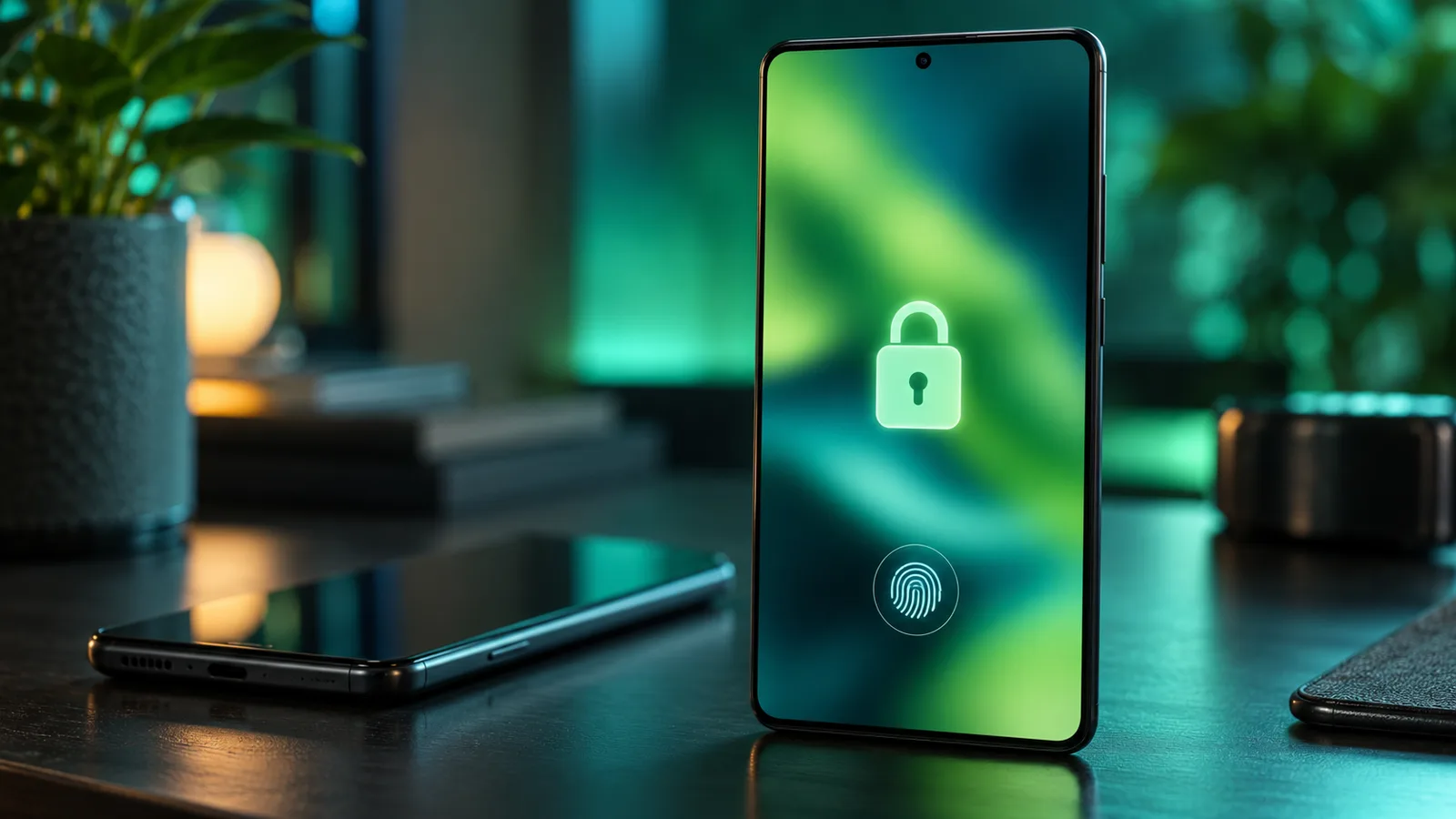
Google released Android 17 QPR3 Beta 3 for Pixel phones on Thursday, October 29, 2026. The update brings back app lock and lock screen blur, adds a camera tile to Quick Settings and fixes 26 bugs, with build DP11.261016.004 for the Pixel 11 series and DP11.261016.003 for every other supported Pixel.
The release lands nine days after Android 17 QPR3 Beta 2, which Google shipped on October 20. According to Google’s official release notes, Beta 3 keeps the October 5, 2026 security patch and Google Play services version 26.36.33.
What’s New in Android 17 QPR3 Beta 3
Google’s Android community manager Mishaal Rahman listed the headline changes in a thread on X. Several of them are features that appeared in earlier betas and were later pulled.
🅱️ We’ve got a new Android beta for you to test: Android 17 QPR3 Beta 3!
Today we’re releasing beta build DP11.261016.004 for the Pixel 11 series and DP11.261016.003 for all other devices.
This update has some new & returning user-requested features. Here’s what’s new 🧵
— Mishaal Rahman (@MishaalRahman) October 29, 2026
- App lock returns: You can lock individual apps so they cannot be opened without your device PIN, pattern, password or biometric. Unlike app lockers on some other Android phones, Google’s version does not use a separate PIN.
- Lock screen blur is back: Lock screen shortcuts, the fingerprint button and notifications get a blurred background again. Rahman said the effect was in the QPR2 betas before the product team temporarily reverted it.
- Camera tile in Quick Settings: A new shortcut opens the camera from the notification shade. Google frames it as an accessibility option for people who struggle with the power button double press or the long press lock screen shortcut.
- Bubbles from Recents: Apps can now be launched as bubbles from the Recents menu, which means the app bubbles feature introduced in Android 17 finally works with third-party launchers.
- Smaller tweaks: Lock screen alarms now show AM or PM, and according to 9to5Google, the screenshot shortcut in the power menu now captures the full screen, including the status and navigation bars.
As always with betas, Google notes that features added in a beta are not guaranteed to reach the stable release.
Bug Fixes: 26 Issues Resolved
The fix list is long. Highlights for everyday users include:
- The inner display staying black when unfolding a foldable Pixel
- The screen randomly turning off and on during use
- Intermittent crashes on the lock screen or shortly after startup
- WPA-Enterprise Wi-Fi connections failing with PEAP authentication
- Poor video quality when using the phone as a webcam
- The Force stop button in app settings not closing running apps
- Buttons appearing as blank white squares in dark mode
- Grouped notification icons and titles looking grayed out
- The Mobile Data Quick Settings icon rendering at the wrong size
- Recents flickering after a home gesture that follows a quick app switch
For developers, Google also fixed images rendering with incorrect transparency in the Multiply blend mode, apps crashing when BluetoothLeScanner.stopScan() is called with a null callback, and apps failing to launch new activities while a Picture-in-Picture window is open.
Which Pixel Phones Get the Update?
Android 17 QPR3 Beta 3 is available for the Pixel 6a, Pixel 7, 7 Pro and 7a, Pixel Tablet, Pixel Fold, Pixel 8, 8 Pro and 8a, the full Pixel 9 and Pixel 10 families including the 9a and 10a, and the Pixel 11, 11 Pro, 11 Pro XL and 11 Pro Fold.
Phones already enrolled in the Android Beta for Pixel program receive the update over the air. Others can enroll through Google’s beta site or flash a system image with the Android Flash Tool. Back up your data first, since leaving the beta before a stable release requires a full wipe. If you want to know what Android 17 changed in the first place, our look at the first Android 17 beta features covers the basics.
Not ready to put a beta on your main phone? An older handset can still be useful while you wait for the stable build: here is how to turn an old phone into a security camera.
Your comment has been submitted,
it will be published after approval.