
A Complete Guide on How to Cancel Canva Subscription

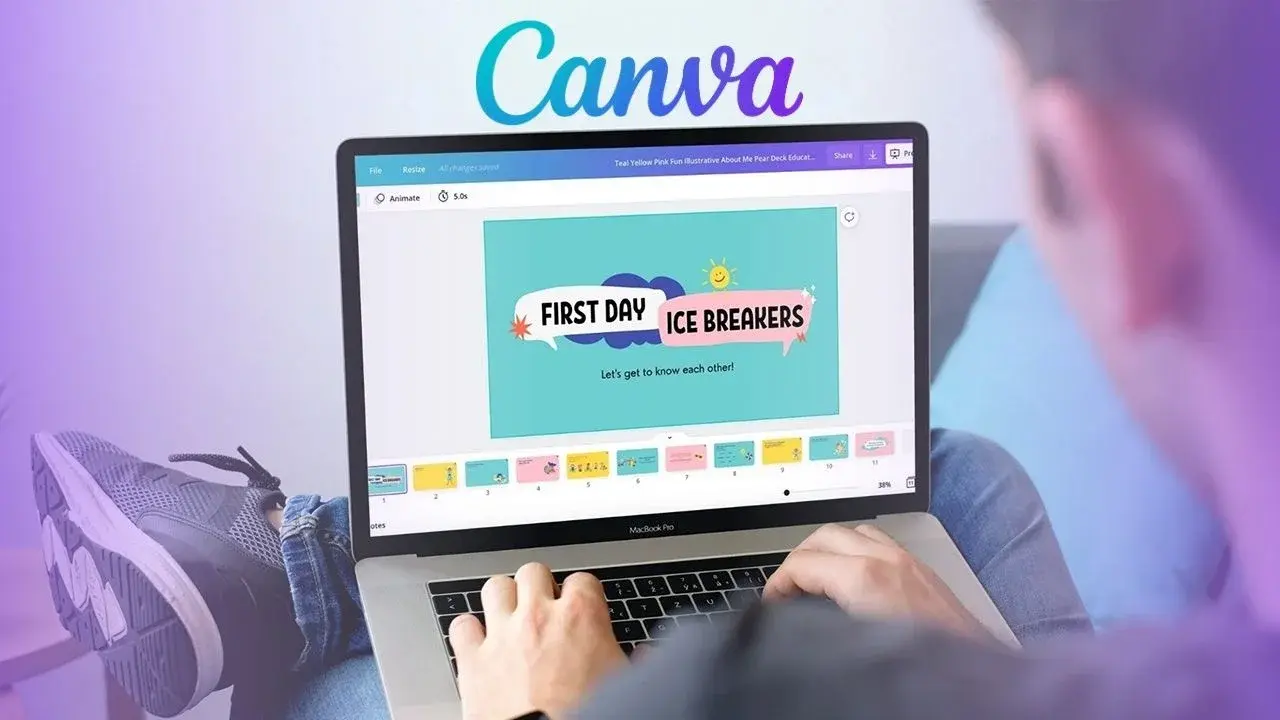
For millions of creators worldwide, Canva serves as a primary tool for graphic design, offering a vast library of templates, AI-integrated features, and professional assets. While the platform offers a generous free tier, many users opt for premium memberships to unlock advanced functionalities. Navigating the account management settings for Canva subscription cancellation is essential for those who no longer require these paid services. Whether you are using a desktop computer, an Android smartphone, or an iOS device, the process for ending your billing cycle varies depending on the original method of purchase. Understanding where your subscription was initiated is the most important step in successfully managing your account billing.
- Users must determine whether they subscribed directly through the Canva website or via third-party application stores.
- Direct subscriptions require cancellation through the account settings menu within the Canva dashboard.
- Mobile app subscriptions must be managed directly through the Google Play Store or Apple App Store interfaces.
- Active premium benefits typically remain accessible until the end of the current billing cycle even after cancellation.
Direct Canva Subscriptions Are Managed Through Account Settings
If you signed up for a premium plan directly through the official Canva website or the desktop application, you must manage your billing status within the platform’s internal portal. First, log into your account and navigate to the profile icon, typically located in the top corner of the interface. From there, select the Account Settings menu to view your current status. Within the Billing and Subscriptions tab, locate your active plan and select the option to cancel. 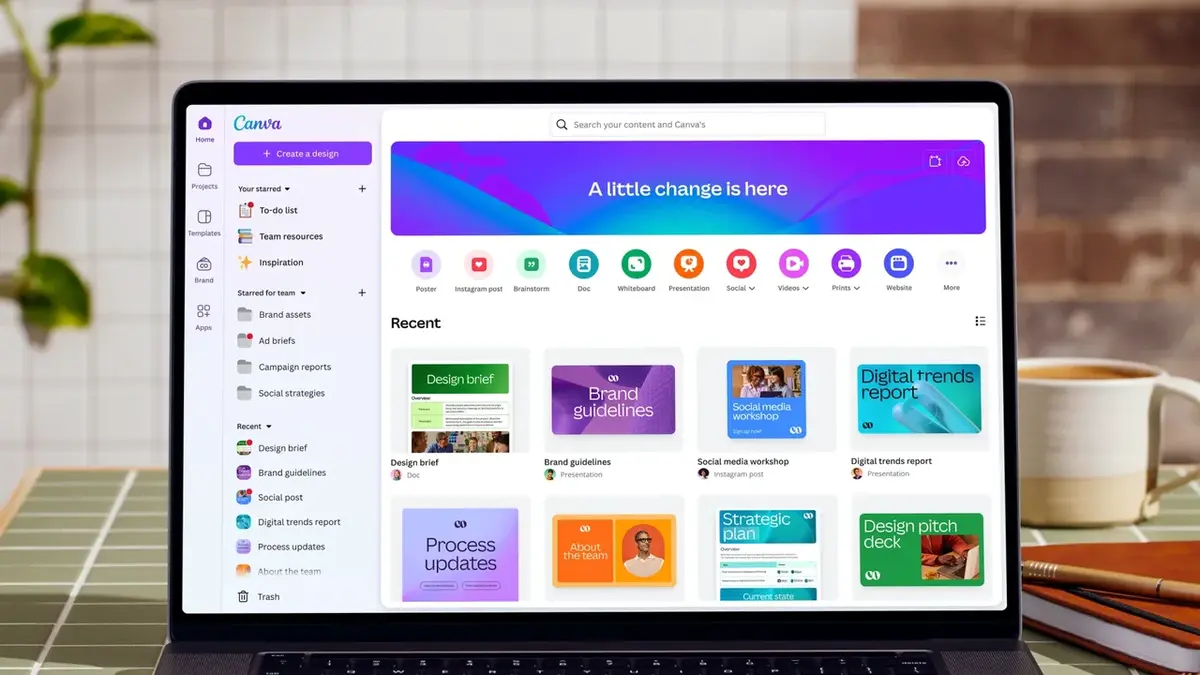 Following the prompts to confirm your decision will finalize the process. Should you encounter any interface changes or technical difficulties, consulting the official help center is recommended to ensure your request is processed correctly.
Always verify your account status after cancellation to avoid unexpected future charges.
Google Play Subscriptions Are Cancelled Within the Store
Users who initiated their paid membership via an Android device often find that their billing is handled through the Google Play Store rather than the app itself. To stop these recurring payments, open the Play Store app on your device and tap on your profile icon. Navigate to the Payments and Subscriptions section to view your active list. 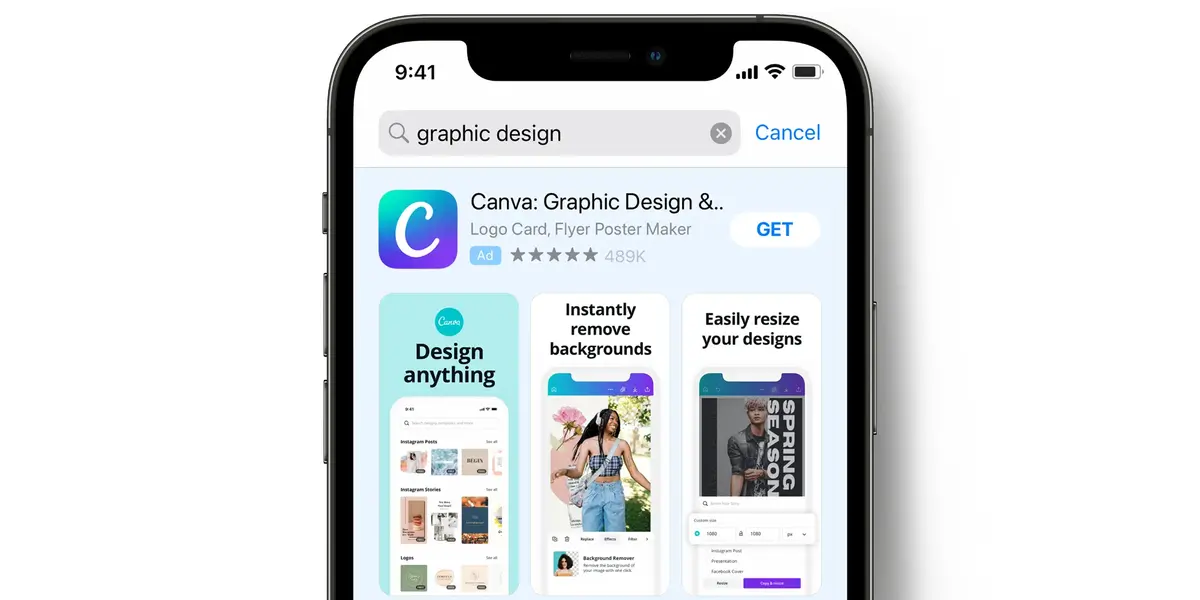 Locate the Canva entry, select it, and tap the Cancel Subscription button. It is crucial to be logged into the correct Google account used for the original purchase, as using a secondary account will prevent you from locating the active subscription settings.
Apple Users Must Use Device Settings for Cancellation
For iPhone and iPad users, all subscription management is centralized within the Apple ecosystem. To terminate a Canva membership on iOS, open the Settings app on your device and tap your name at the top to access your Apple ID. Select the Subscriptions menu, where you will see a list of all active services linked to your account. Find the Canva listing, tap it, and select Cancel Subscription. Once confirmed, you will receive a notification verifying the request. It is important to remember that this action does not result in immediate termination of access. You will retain your Pro features until the remainder of your paid period expires.
Have you encountered any difficulties while managing your subscription settings on different platforms, or did you find the process straightforward? Share your experiences and questions in the comments section below to help other users navigating these account changes.
Your comment has been submitted,
it will be published after approval.