
A new and big update for Windows 11 is now live!

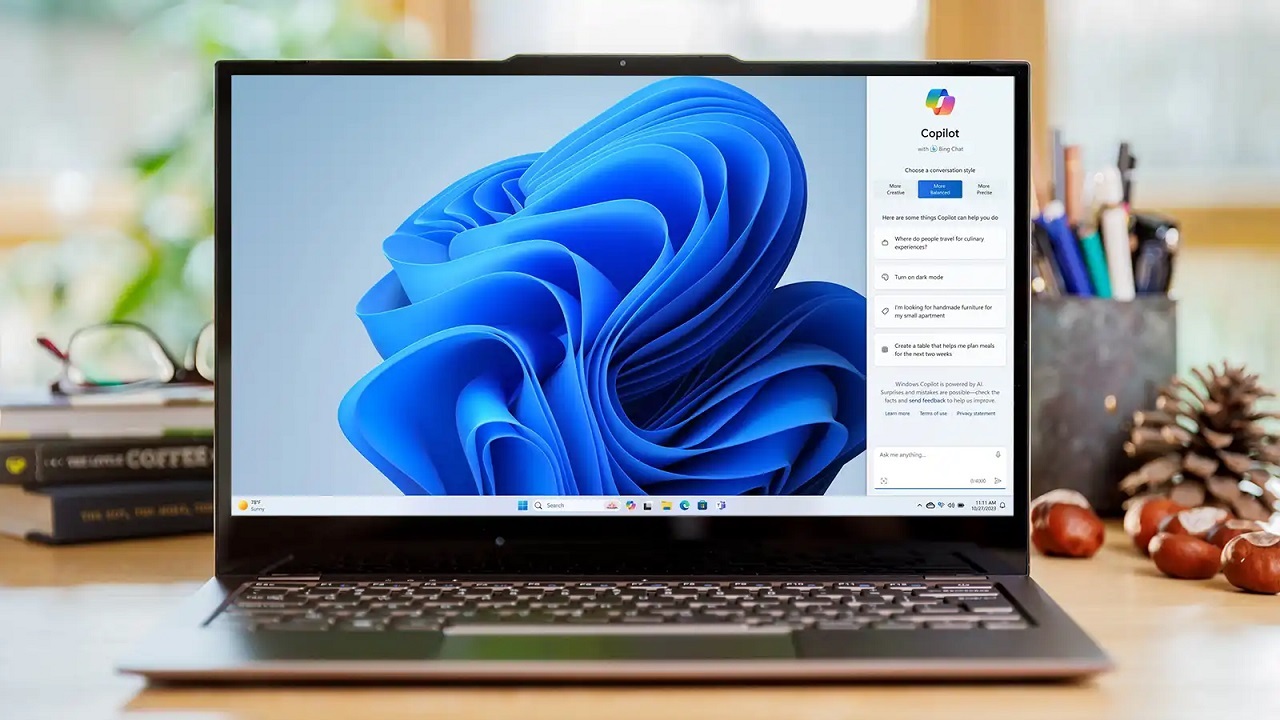
Microsoft continues to develop Windows 11, which it launched in October 2021. In this context, it is working on new features and working overtime to offer them to users. Finally, the Windows 11 Moment 5 version update was released. So what did this update bring? Here are the innovations…
What’s new in Windows 11 Moment 5 update
To download the new update, you must first open the Settings app. Then log in to the Update & Security section. After downloading the Windows 11 Moment 5 update from here, you can start the installation.
Copilot, the AI-powered chatbot that Microsoft launched in recent months, is now smarter. With the update, it can now perform operations such as showing system settings and deleting unnecessary files.
The latest Windows 11 update has annoyed users! How to fix the bug?
Photo app
Microsoft’s artificial intelligence efforts are not limited to Copilot. The company is also adding new features to the Photo app. Accordingly, thanks to the newly added editing option, you can now remove unwanted objects from the photo.
Voice control
One of the most popular Windows 11 features is voice control. With this feature, you can now give voice commands to paste text, launch an app, and press a key on the keyboard to control your PC.
File sharing
In Windows 11, you can now add a custom name when sharing any file with another device. Note that you can use special characters for the name. However, it is worth remembering that there is a maximum limit of 16 characters.
Suggestions for Snap
Windows 11’s Snap feature allows you to show all open windows in an organized way on the screen. According to the update notes, suggestions will now be available for this feature. Microsoft will improve the user experience with this innovation.
Step Recorder is being removed
Microsoft is retiring Windows’ Step Recorder feature. When you enter this application, which records the buttons you click, the applications you open and all your typing, a warning that it will be removed has started to be shown.
Your comment has been submitted,
it will be published after approval.