
A Step-by-Step Guide on How to Recharge TikTok Coins

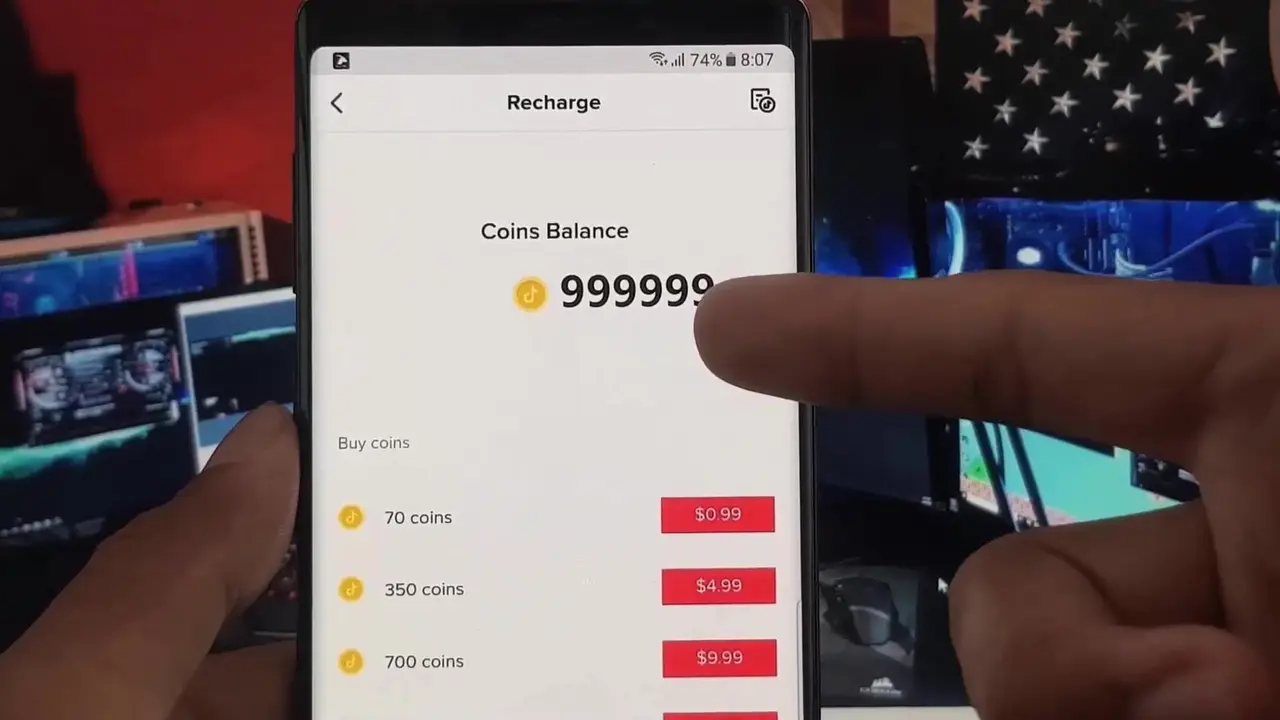
Users who wish to support their favorite content creators through virtual gifts often inquire about how to perform a TikTok coin recharge to manage their accounts effectively. Whether you are accessing the platform via a mobile device or a desktop computer, the process involves selecting a specific package and completing a secure payment through official channels. This procedure is essential for those who want to participate in live interactions and reward creators for their digital contributions. By utilizing the official TikTok application or the verified website, users can safely add credit to their wallets and ensure they have enough balance for upcoming live broadcasts.
- Users must utilize only the official TikTok application or the verified website for all financial transactions.
- Account security remains compromised when users share personal login credentials with unauthorized third-party websites.
- Current pricing structures and token quantities vary depending on regional settings and periodic platform updates.
TikTok Users Execute Recharge Requests Through the App
For those who prefer the convenience of their mobile devices, the official TikTok application offers a streamlined interface for purchasing virtual currency. To initiate a TikTok coin recharge, users should navigate to their profile page and access the settings menu located in the top right corner. Within this interface, selecting the ‘Balance’ or ‘Coins’ tab displays the available purchase options. 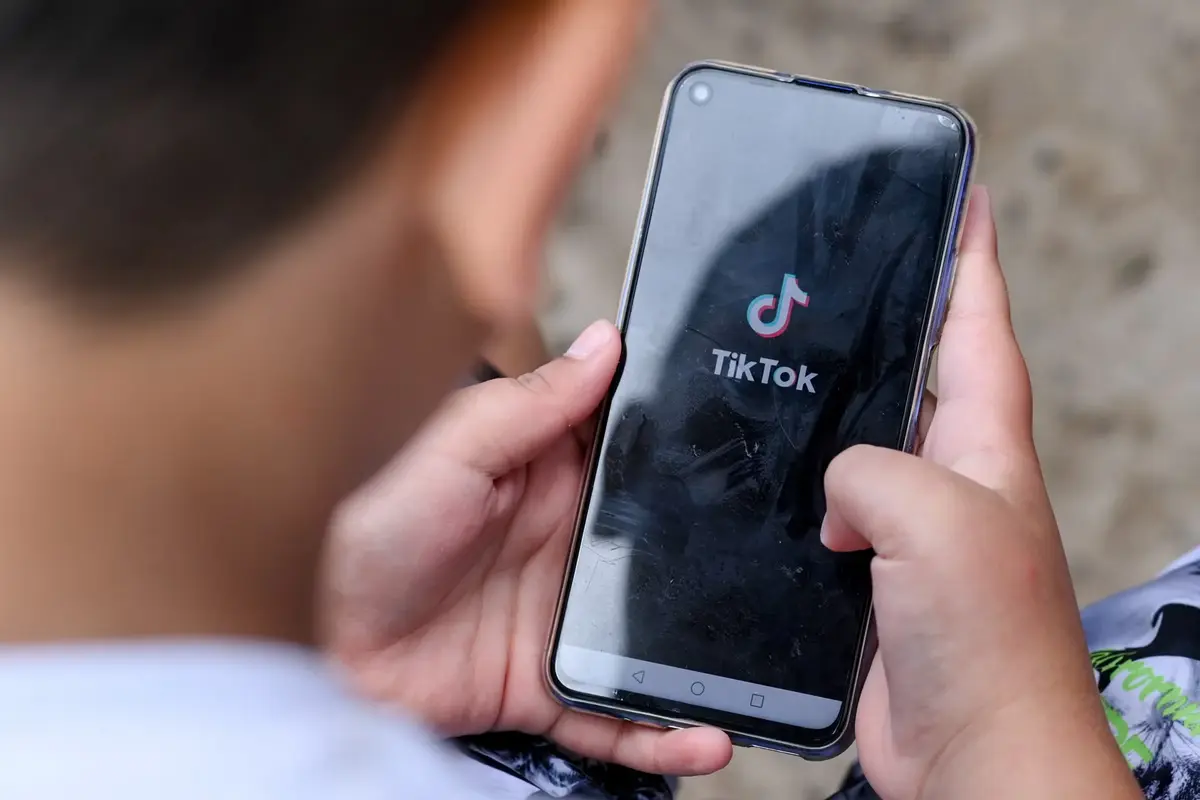 After selecting a preferred package, users can confirm their payment method to finalize the transaction. Once the payment is authorized by the service provider, the purchased coins are immediately reflected in the user’s digital wallet, allowing for seamless gifting during live streams.
Official Website Provides Another Method for Purchases
Users who choose not to use the mobile application have the alternative of visiting the official TikTok website to manage their virtual currency needs. By navigating to the designated recharge page, individuals can log into their accounts and view the current offers available for their specific region. This web-based interface is designed to be user-friendly, guiding the account holder through the selection of the desired coin amount and the subsequent payment process. It is highly recommended that users verify the total cost and the number of coins included in each package before confirming their purchase to ensure a transparent and accurate transaction.
Costs Remain Subject to Regional Variations
It is important to understand that TikTok coins are not free and represent a real-world financial commitment. The cost of these tokens is not fixed, as it fluctuates based on several factors, including the quantity being purchased, the user’s geographic location, and current market conditions set by the platform. Because prices can change due to periodic adjustments, users are encouraged to check the official checkout screen for the most accurate and up-to-date pricing information before committing to a purchase. Relying on official channels is the only way to guarantee that your transaction is processed securely and that your coins are properly credited to your account without the risk of fraud associated with unofficial third-party platforms.
Have you encountered any difficulties while managing your virtual balance, or do you have a preferred method for purchasing coins? We invite you to share your experiences and tips in the comments section below to help other users navigate the process safely.
Your comment has been submitted,
it will be published after approval.