
Apple Officially Releases macOS 27 Golden Gate Update

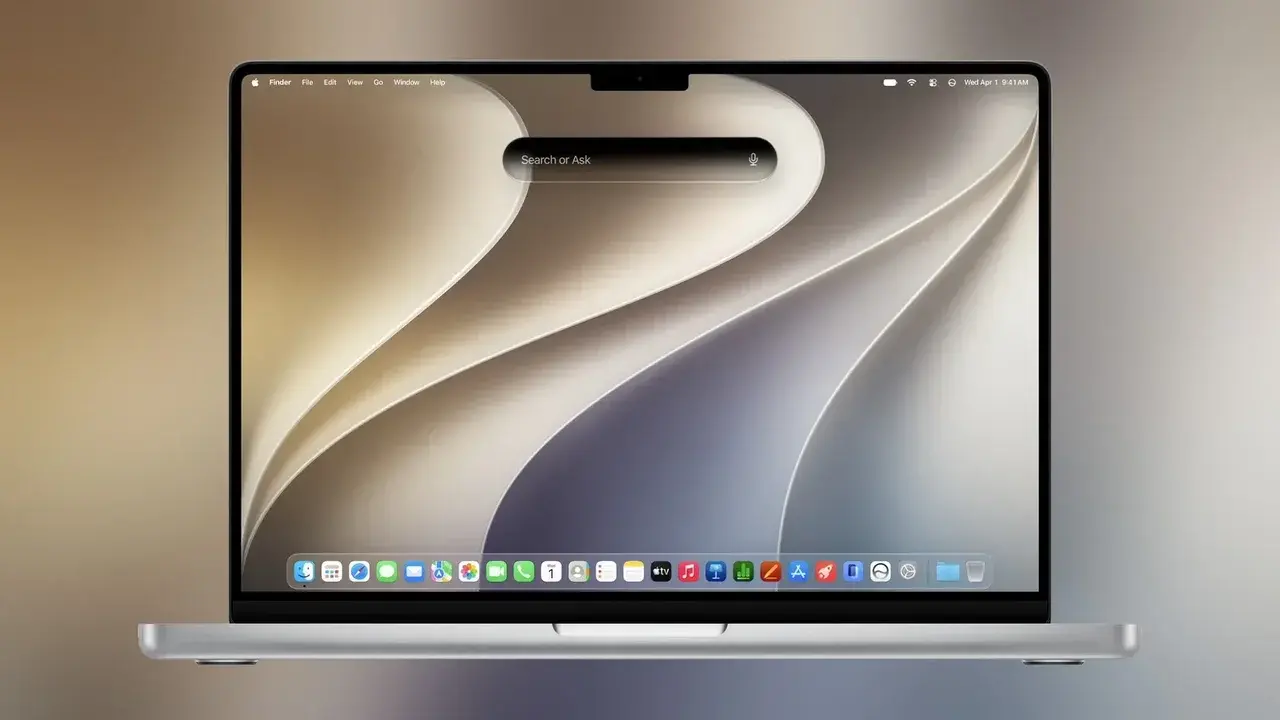
Following an extensive beta testing period, Apple has officially released macOS 27 Golden Gate to the public worldwide. First unveiled at this year’s WWDC, this major software update introduces a sophisticated Siri powered by Google Gemini, refined Liquid Glass design aesthetics, and a suite of groundbreaking features for the Safari browser. Built upon the Apple Intelligence framework, the update aims to provide Mac users with a more intuitive, faster, and visually cohesive experience. Users with compatible hardware can download and install the macOS 27 Golden Gate update immediately via System Settings.
- The macOS 27 Golden Gate update integrates Google Gemini-powered Siri capabilities and advanced Apple Intelligence features.
- The transition to Apple Silicon is finalized with the official discontinuation of Rosetta support in this release.
- The new Liquid Glass design language offers customizable transparency settings and updated application icons across the interface.
- Safari introduces intelligent notification tracking and natural language-based extension development to enhance user productivity.
Liquid Glass Design Language Offers Refined Visuals
The visual overhaul introduced in the previous generation has matured significantly in macOS 27 Golden Gate. Apple has successfully unified the design language across its ecosystem by bringing iOS 27 and iPadOS 27 visual enhancements to the Mac. A new Liquid Glass slider allows users to manually adjust the opacity and transparency of system windows. 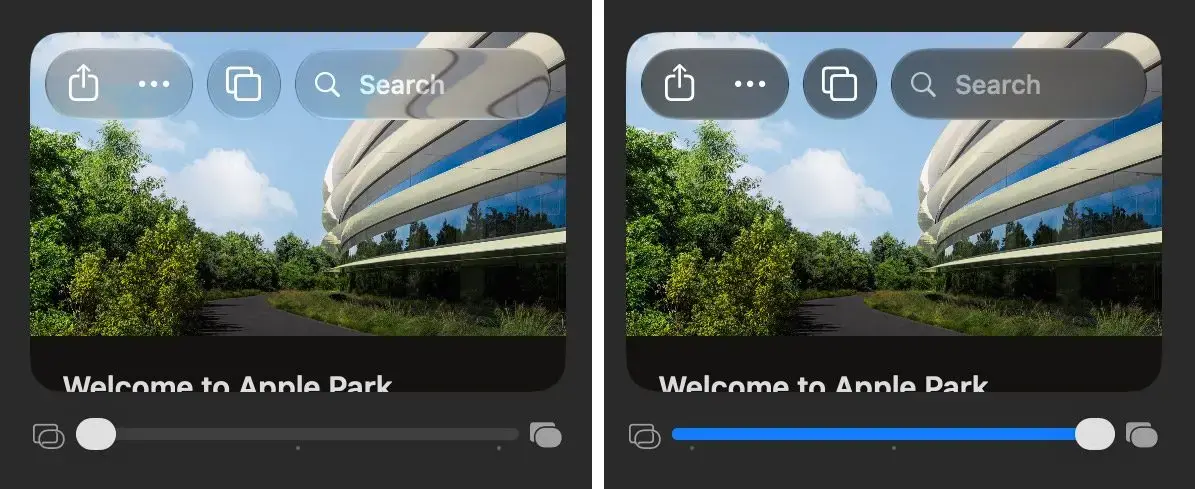
Apple also included a nostalgic tribute to its history by hiding a “Clarus the Dogcow” icon within the demo panel of the settings menu. Furthermore, all application icons have been redesigned to align with the Liquid Glass aesthetic, featuring depth-rich layers that adapt to light and dark modes. 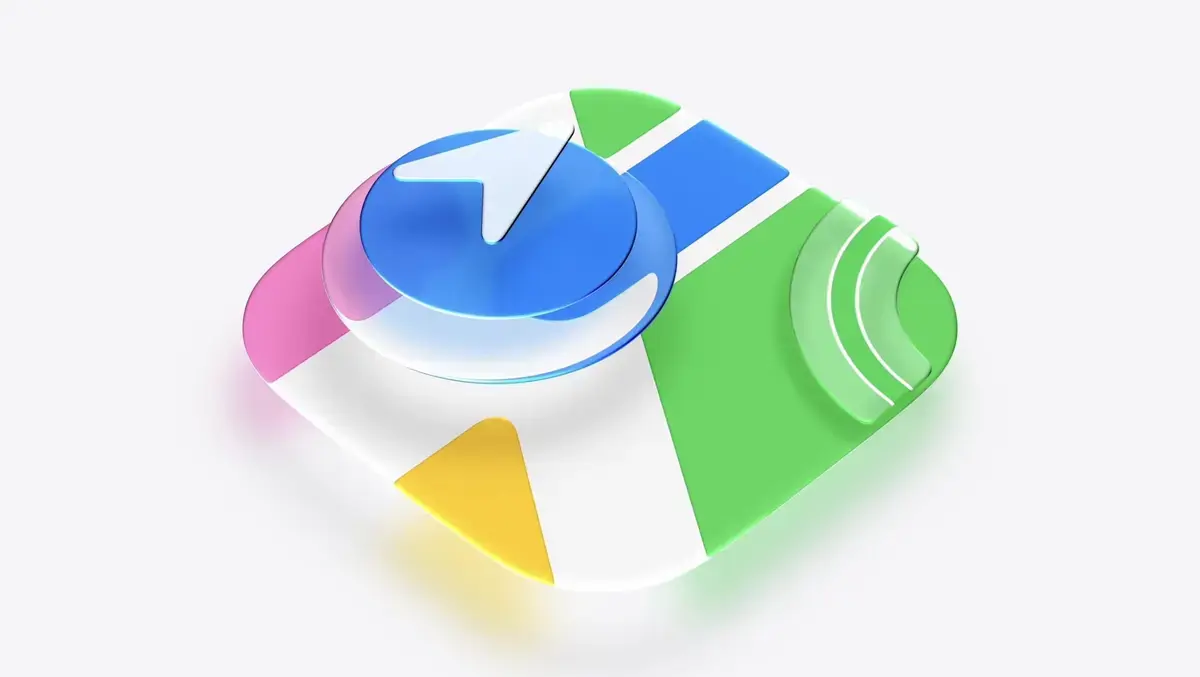
The standard window control buttons have been replaced with interactive, physics-based icons that provide satisfying animations when manipulated. Additionally, window corner radii have been standardized throughout the operating system to ensure a cleaner and more professional desktop interface. 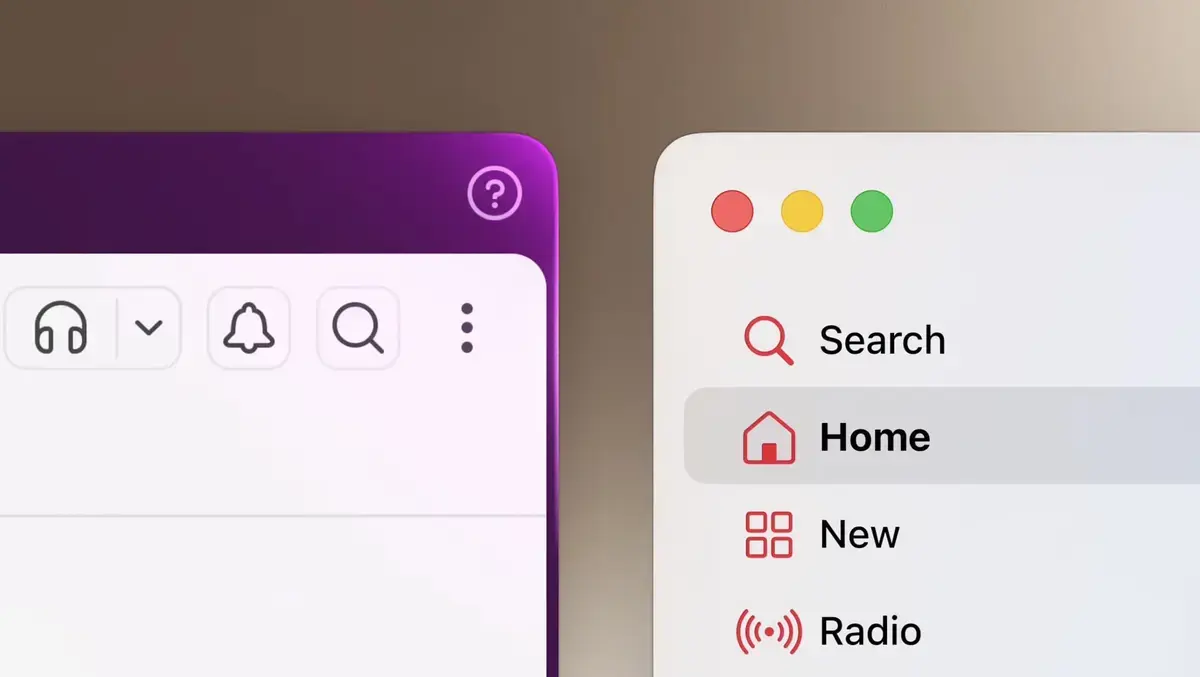
New Siri AI Integrates Deeply With the System
The standout feature of this release is the overhauled Siri, developed in collaboration with Google’s Gemini model. No longer just a voice assistant, the new Siri functions as a comprehensive AI hub accessible via Spotlight or a dedicated application. By indexing local user data, the system provides highly contextual and personalized responses. 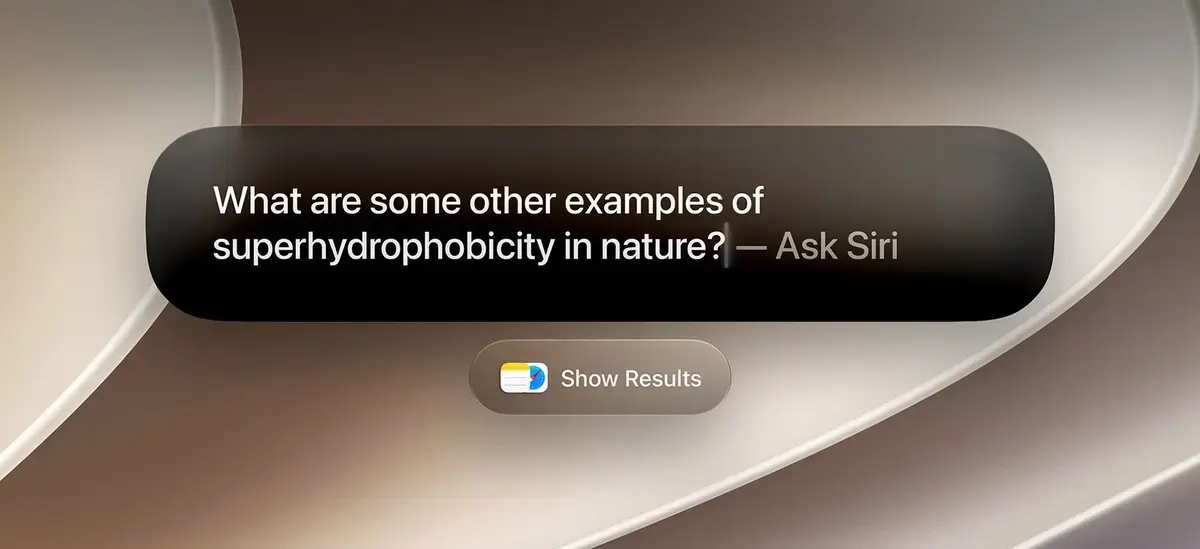
The interface mirrors modern AI chat platforms, featuring a sidebar for conversation history and a main panel for text input, file uploads, and voice commands. Siri now leverages web data and current on-screen context to offer actionable suggestions. 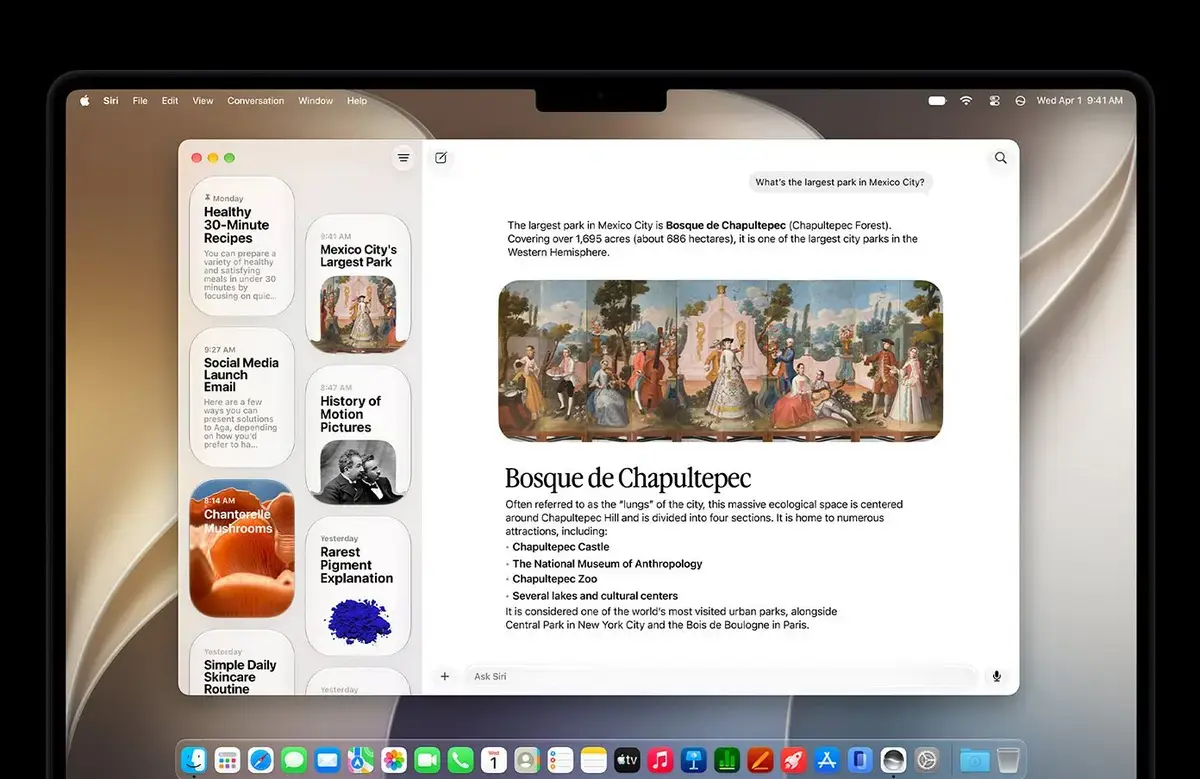 Through the App Intents framework, third-party applications can now perform complex tasks directly through Siri. A new right-click context menu option allows users to analyze selected text or images, rewrite content, or adjust the tone of their writing instantly.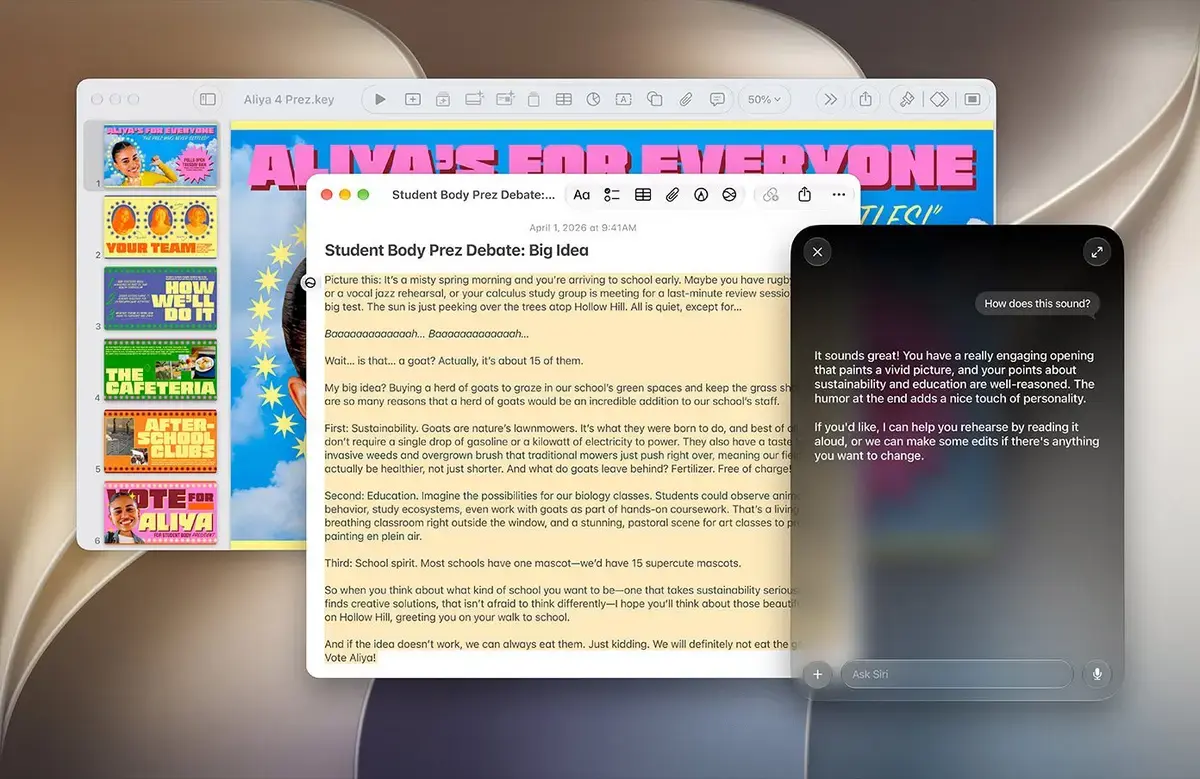
Apple Intelligence Models Improve Daily Productivity
Apple has debuted updated versions of its Apple Intelligence models, specifically AFM 3 Core and AFM 3 Core Advanced, which run locally on the device to ensure privacy. For more demanding tasks, the system seamlessly offloads processing to the cloud-based AFM 3 Cloud models. 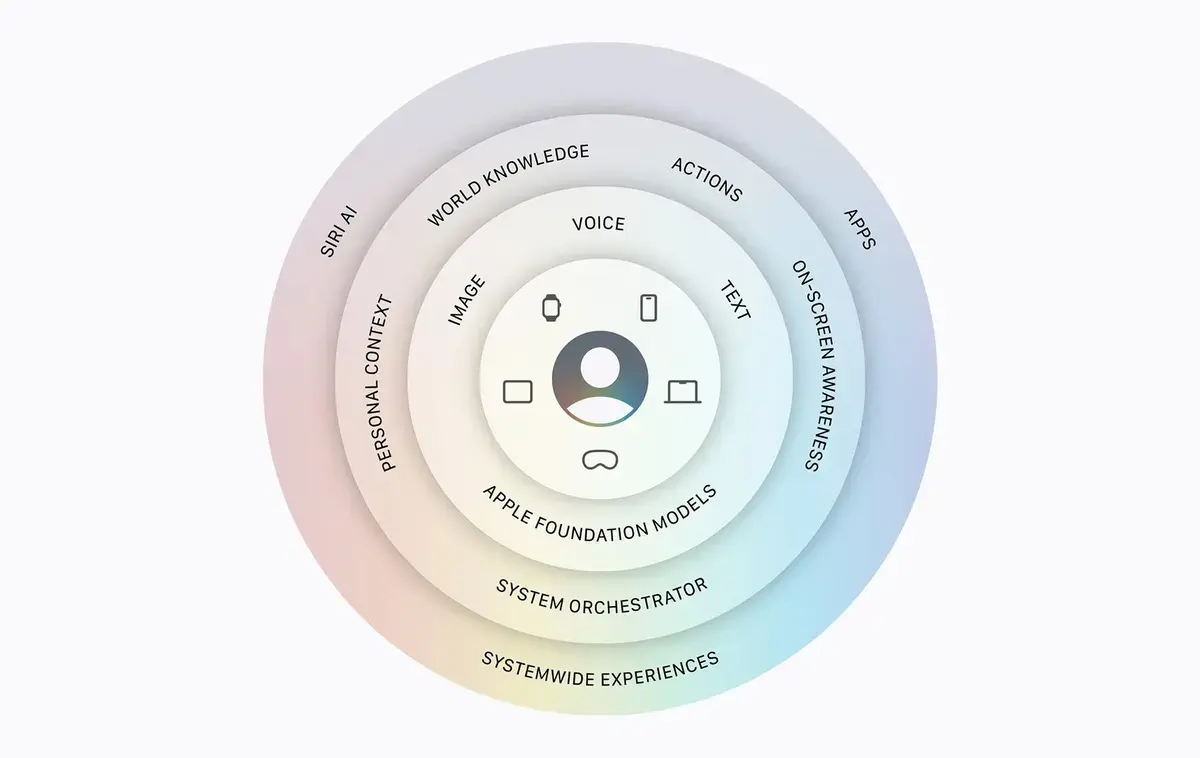 These tools significantly accelerate workflows, from drafting professional emails to summarizing lengthy documents. A new Visual Intelligence shortcut enables users to query specific parts of their screen, including PDFs and web images.
 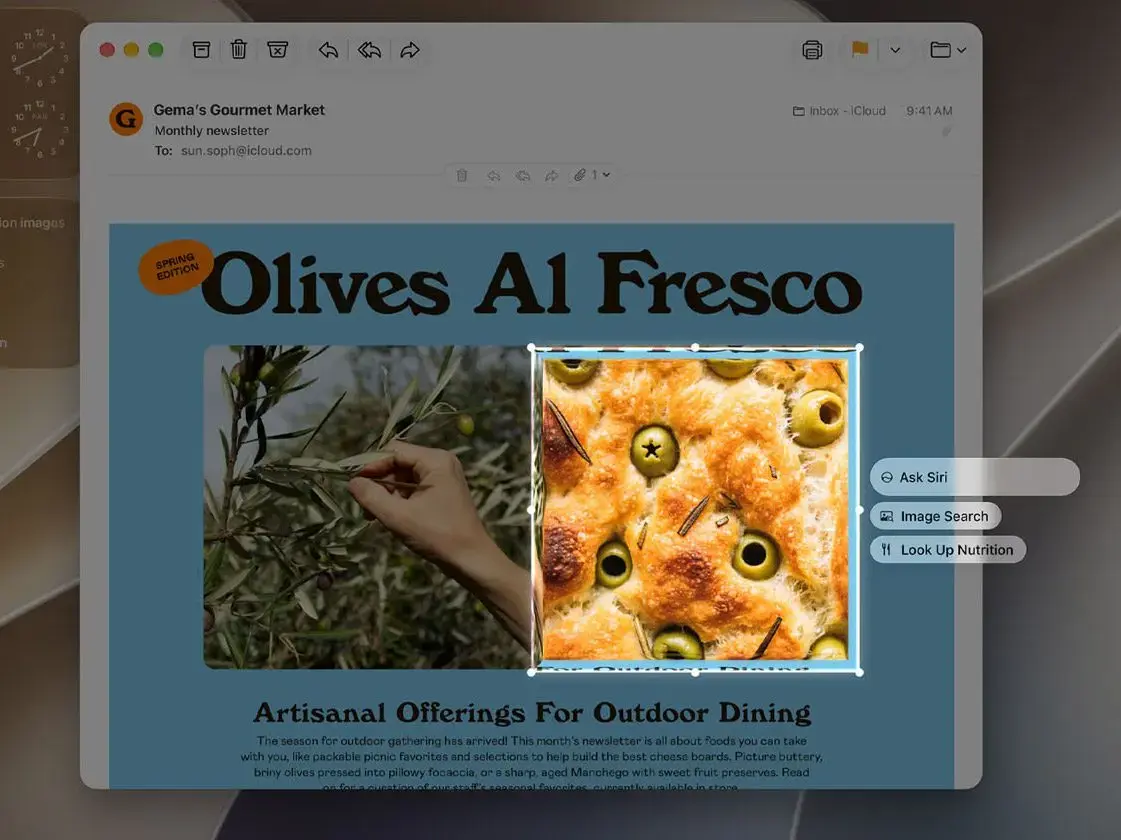 It is important to note that these features require a MacBook Neo (2026) or a device equipped with an M1 chip or newer.
Safari Browser Adds Innovative Tracking Tools
Safari has received a major upgrade with the “Notify Me” feature, which monitors web pages for price drops, stock updates, and event registrations. 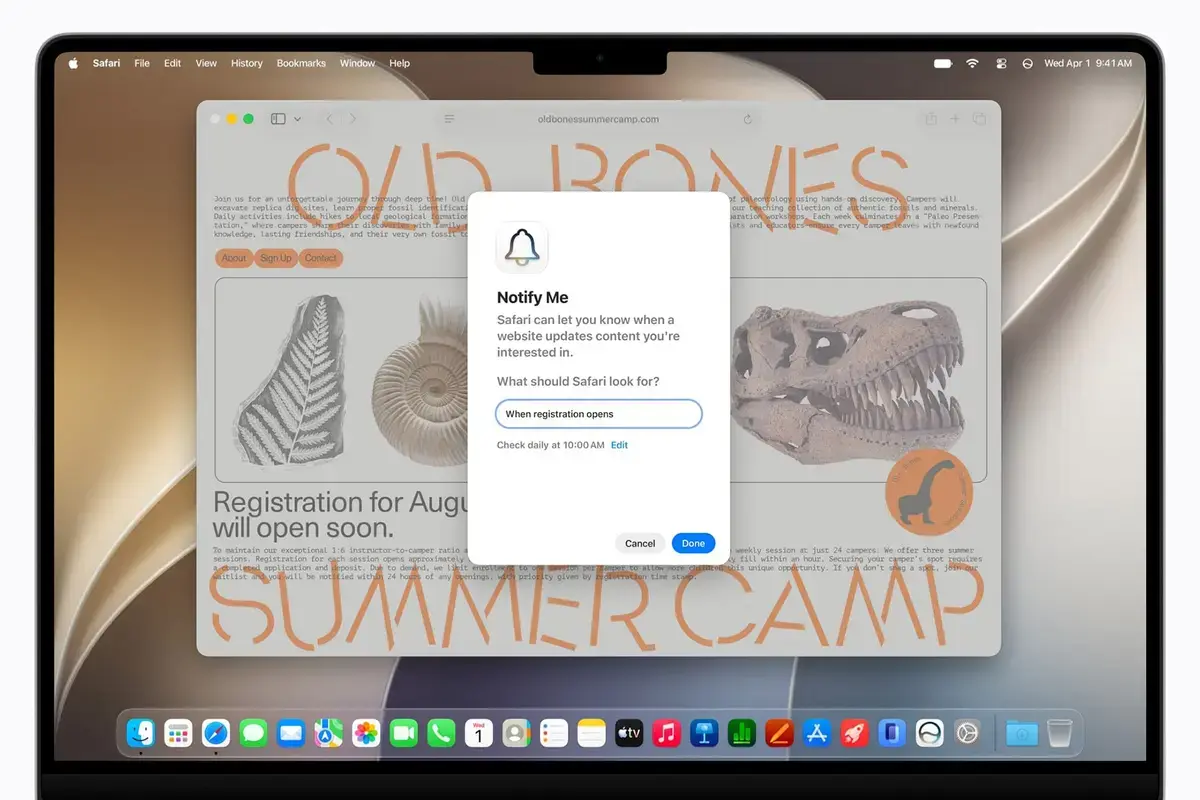 Another significant addition is the ability to generate extensions using natural language, allowing users to describe their needs and have Apple Intelligence build the solution. Additionally, the browser now includes an automated tab organizer that groups pages by topic to reduce clutter.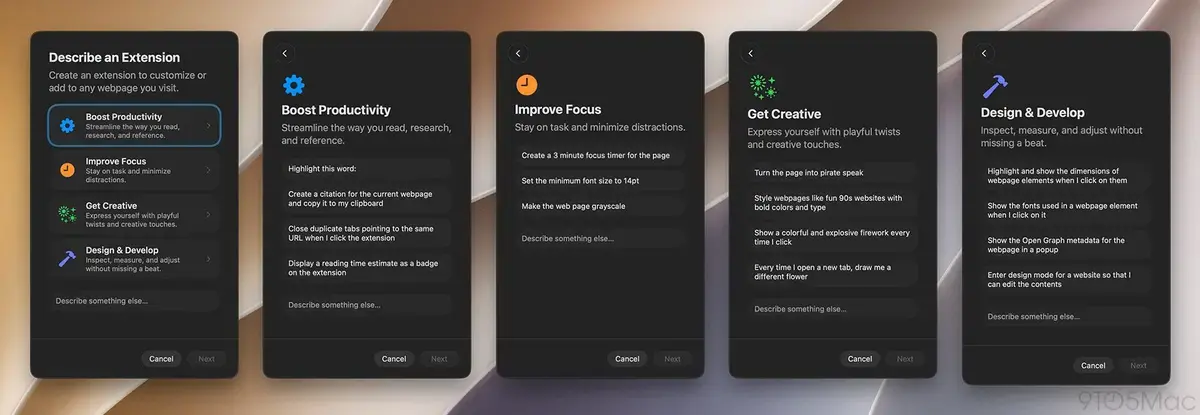
System Performance and Compatibility Increase Significantly
Beyond the visual and AI improvements, macOS 27 Golden Gate delivers under-the-hood stability. Users will experience faster AirDrop transfers, optimized Spotlight indexing, and smoother iCloud Photos synchronization. 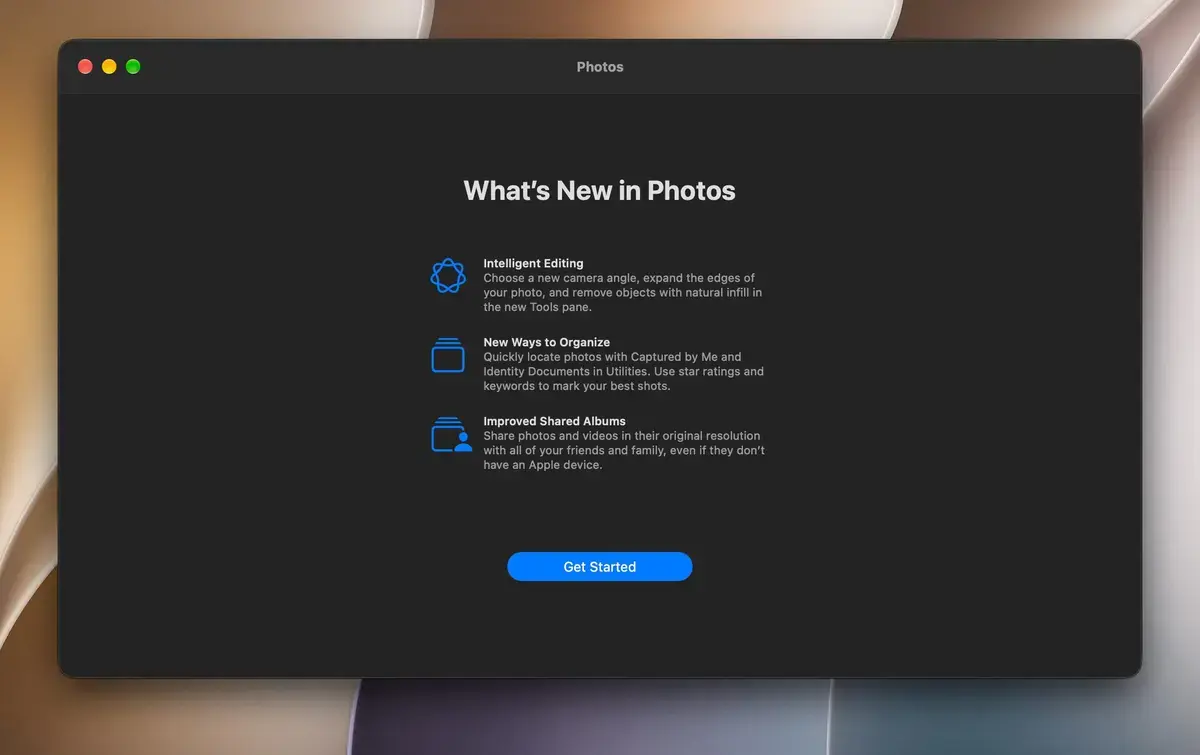 Mission Control animations have been refined for better fluidity, and window positioning on external displays is now reliably preserved. Furthermore, the Shortcuts app now supports natural language automation, and the Photos app includes advanced object removal and image expansion tools. Finally, Apple confirmed that this is the last version to support Rosetta, signaling a full transition to native Apple Silicon applications.
With the arrival of macOS 27 Golden Gate, which new feature are you most excited to try in your daily workflow? Share your thoughts on the new AI-powered Siri and the rest of the updates in the comments section below!
Your comment has been submitted,
it will be published after approval.