
Apple Releases iOS 27 Public Beta 4 for All Users

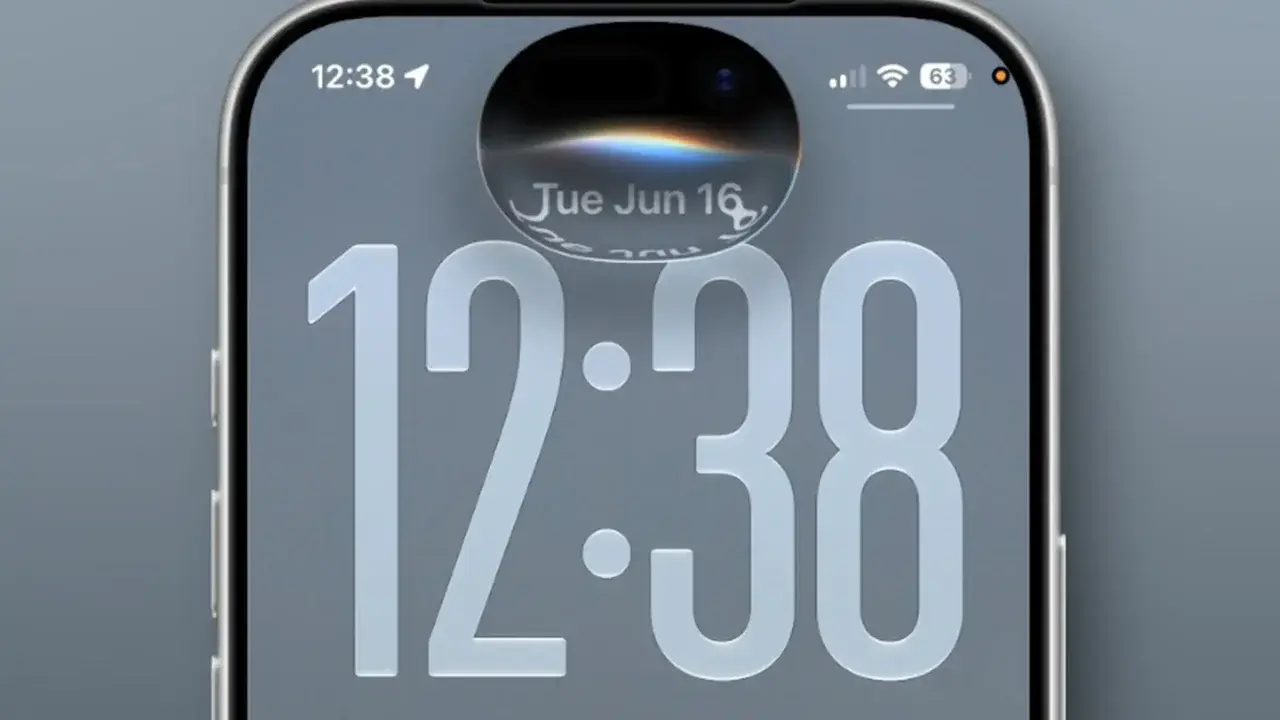
Apple has officially released the fourth public beta versions of its major operating systems, including iOS 27, macOS 27, iPadOS 27, tvOS 27, and watchOS 27. These updates, which align with the sixth developer beta builds, were made available to all registered participants in the Apple Beta Software Program. This latest release marks a significant milestone as the company enters the final phase of development before the official public launch. By providing these versions to testers, Apple aims to identify and resolve remaining technical issues while optimizing overall system performance across its entire hardware ecosystem.
- Apple has deployed the fourth public beta updates for iOS, macOS, iPadOS, tvOS, and watchOS simultaneously.
- The current software builds prioritize system stability and critical bug fixes to ensure a smooth transition to the final release.
- New visual design elements for macOS 27 include updated wallpapers and redesigned window control buttons.
- Users can easily enroll their compatible devices through the official Apple Beta Software Program website.
Updates Provide Critical System Enhancements
As the final release date for these operating systems approaches, Apple is accelerating its efforts to polish the user experience. The latest beta iterations address several performance bottlenecks and technical glitches reported by early adopters.
Key improvements in iOS 27 involve refined notification animations and fixes for bugs within the pinned messages interface. These adjustments are designed to improve the fluidity of daily interactions on iPhones.
Apple is prioritizing software stability to ensure a seamless experience at the official launch.
macOS 27 Refines the Visual Interface
The latest macOS 27 update introduces notable aesthetic changes, including a refreshed set of system wallpapers and a redesigned look for the classic traffic-light window controls. These modifications bring a modern touch to the desktop environment, aligning it more closely with the broader design language of the Apple ecosystem.
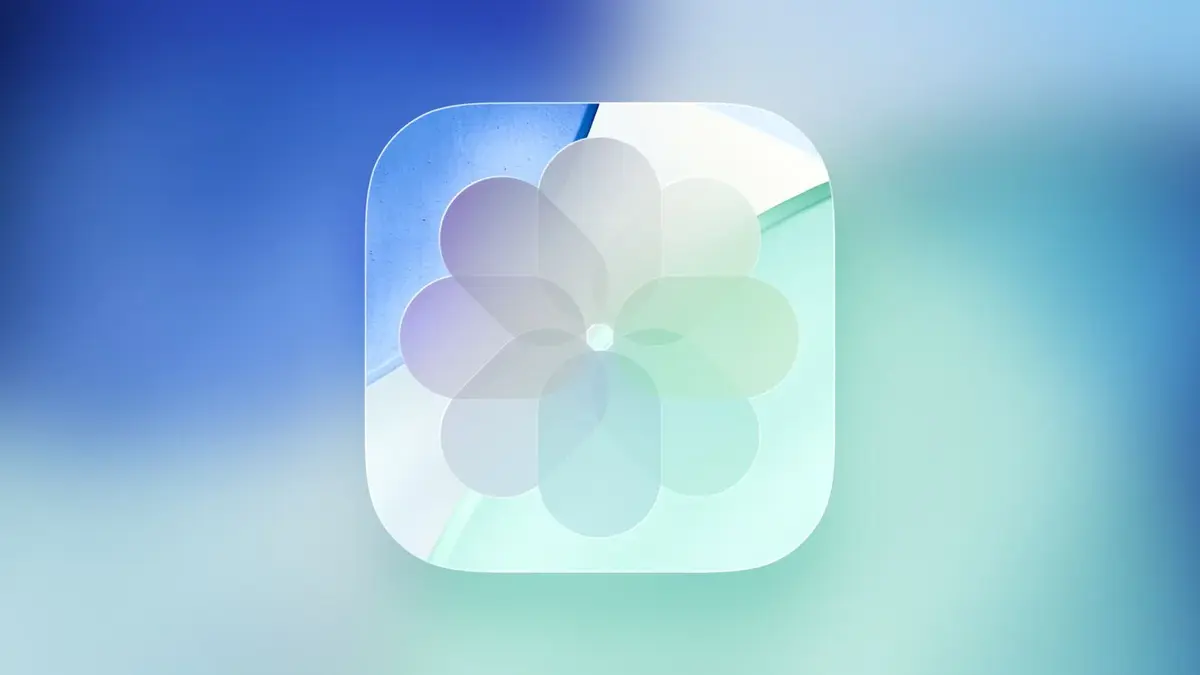
Furthermore, the Preview icon has been updated to maintain visual consistency with the iOS counterpart. The macOS 27 beta 4 build is identified by version number 26A5416b, reflecting the ongoing refinement process.
Beta Versions Require Careful Installation
Interested users can access these updates by registering their devices through the Apple Beta Software Program. To install the software, users should navigate to Settings, select General, and proceed to the Software Update section to toggle on the Beta Updates option.
While testing new software is exciting, experts strongly advise against installing beta builds on primary hardware used for critical daily tasks. It is essential to maintain a complete backup of all device data before proceeding with the installation process.
Creating a full backup of your device data is a mandatory precaution before installing any beta software.
System Performance Remains Under Close Observation
Developers and beta testers continue to monitor the impact of these updates on battery life and general system speed across all platforms, including watchOS 27. The feedback collected from this phase is instrumental in allowing Apple to perform final optimizations before the software hits the general public.
Have you installed the iOS 27 public beta on your device yet, or are you waiting for the final version? Share your findings, any bugs you have encountered, or your favorite new features in the comments section below.
Your comment has been submitted,
it will be published after approval.