
Google Brings Gemini AI Integration to Chrome on Android

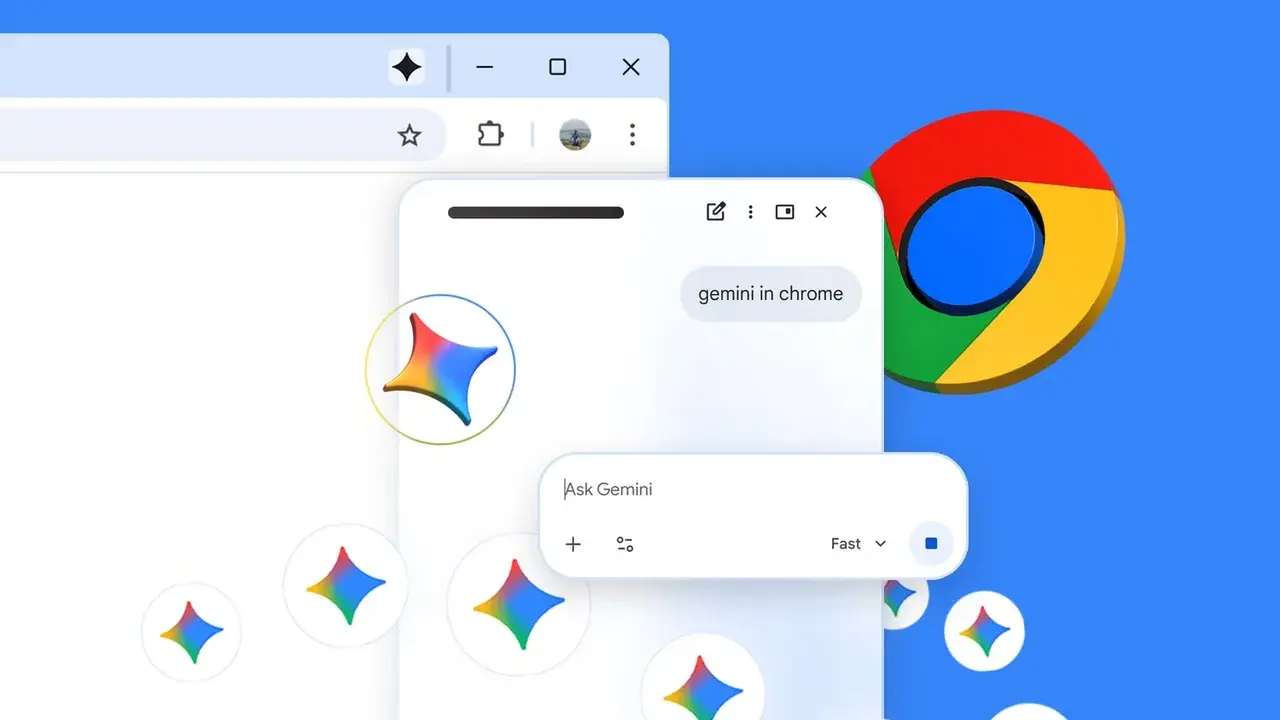
Google is actively integrating its advanced artificial intelligence model, Gemini, into the mobile browsing experience, preparing to launch a dedicated button within the Chrome browser on Android. Recent reports from tech researchers indicate that the company is testing a redesigned navigation bar that incorporates a direct Gemini shortcut, currently positioned between the Home and Tabs buttons. This development marks a significant shift in how mobile users interact with AI while navigating the web, moving beyond standalone applications to provide a more cohesive experience within the browser architecture itself. The feature is currently being spotted by testers in the latest Chrome 150 builds.
- Google is testing a new Gemini shortcut specifically for the Android version of the Chrome browser.
- The AI integration aims to mirror the functionality of the desktop-based Gemini sidebar.
- New features allow the AI to process content across multiple open browser tabs simultaneously.
Chrome Navigation Bar Receives a Design Update
The implementation of this new feature is tied to the redesigned bottom navigation bar in Chrome for Android. While users have previously been able to move the address bar to the bottom of the screen via settings, the inclusion of an AI-specific shortcut represents a major UI update. 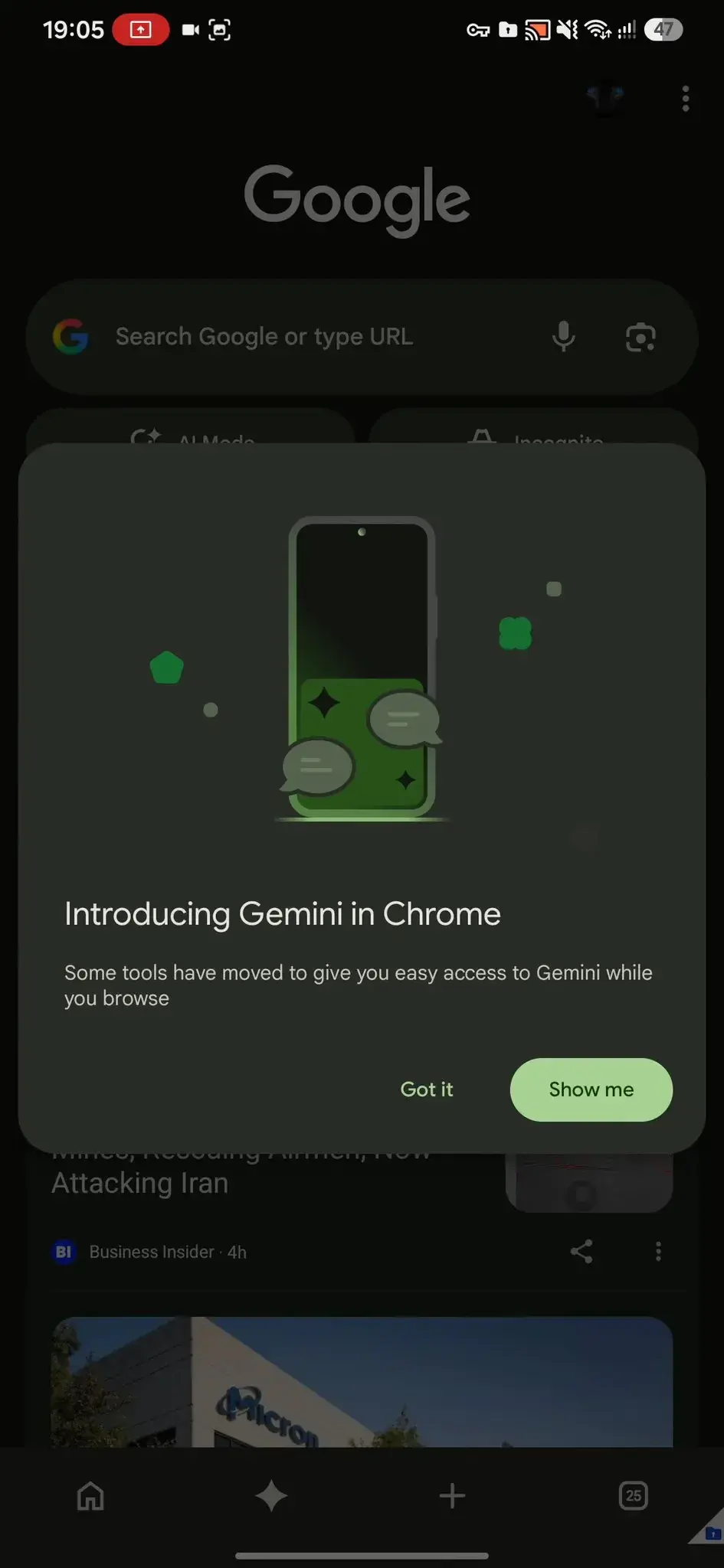 In this new configuration, the layout features a back button on the left and a three-dot menu on the right, with the Gemini button serving as a central hub for AI interactions.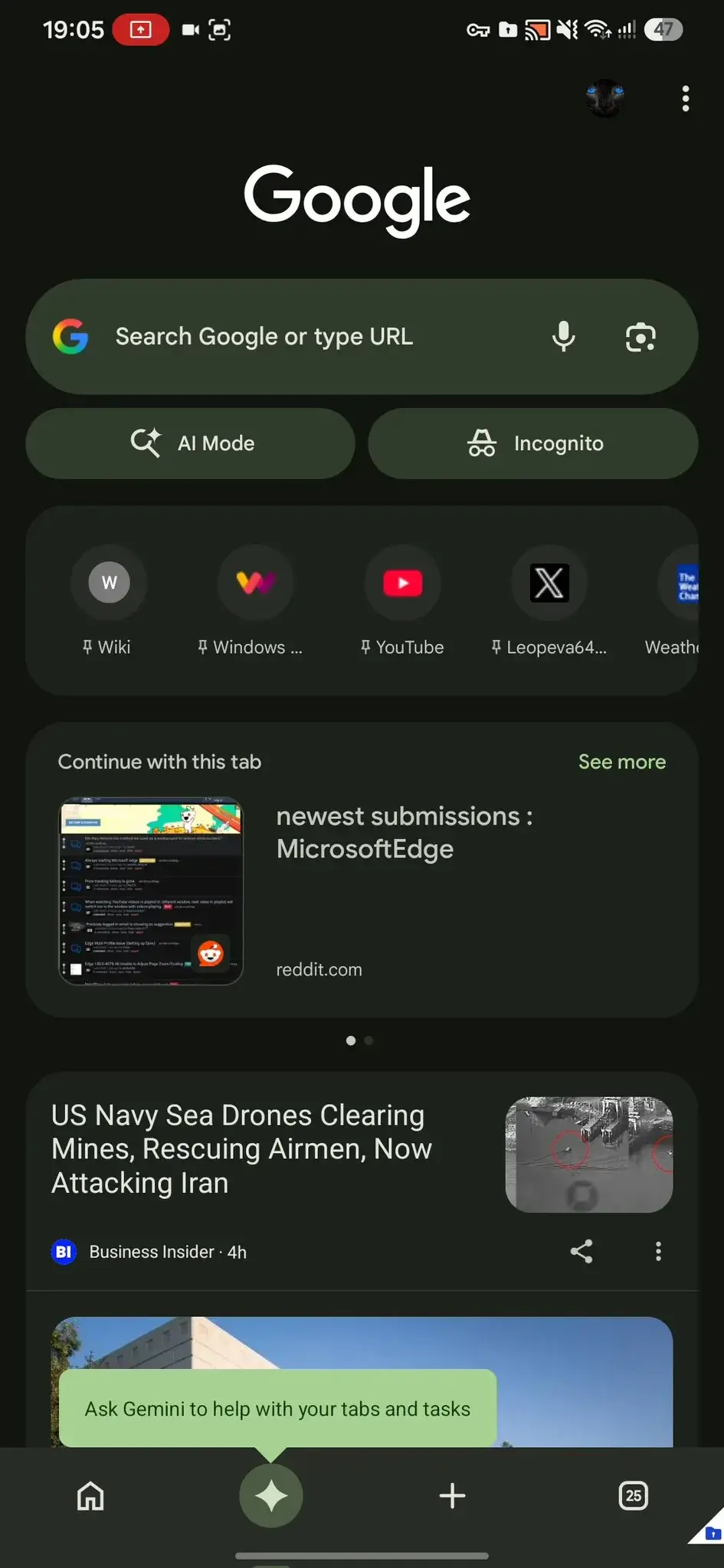
This integration signals Google’s commitment to prioritizing AI accessibility directly within its primary mobile gateway.
Gemini Functionality Expands Beyond Single Pages
Previously, users seeking AI assistance through Chrome were often redirected to the standalone Gemini app, which limited queries to the currently active web page. The ongoing test suggests a more sophisticated approach, where Gemini will be embedded directly into the browser framework. 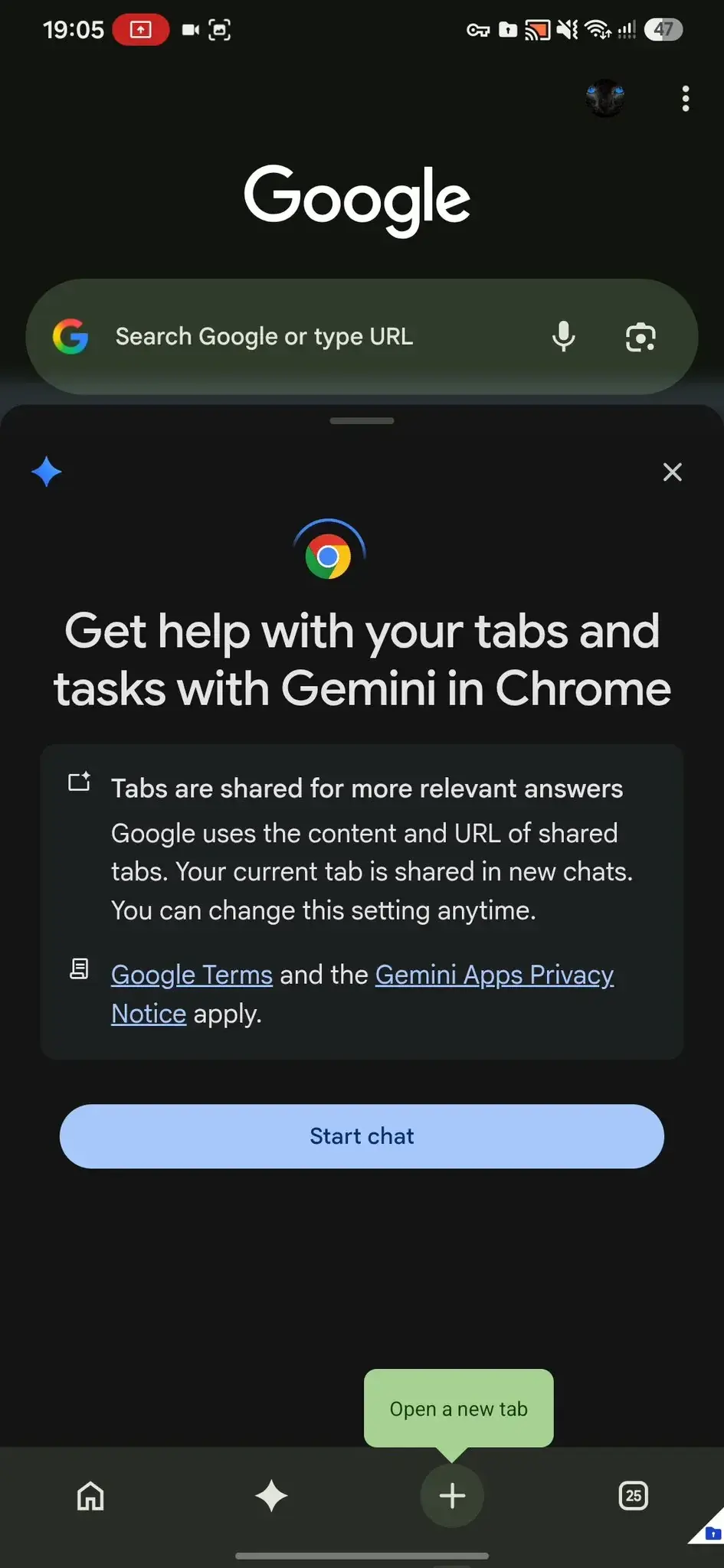 This architectural change is intended to allow the assistant to analyze and synthesize information from multiple open tabs, providing a much more robust utility for users who manage complex research tasks or multi-tab browsing sessions.
General Availability Remains Unconfirmed
Despite the discovery of this feature in Chrome 150, its widespread release remains uncertain. Many users running the latest version of the browser have noted the redesigned navigation bar, yet the Gemini shortcut remains absent for the majority of the user base. It appears that Google is currently conducting a limited server-side test to gauge user interaction and stability before a broader rollout. As the tech giant continues to refine its mobile AI strategy, it is likely that more information regarding the official launch date will emerge in the coming months.
We are curious to hear your thoughts on this potential change; would you find having a direct Gemini button in your browser’s bottom navigation bar useful for your daily workflow, or do you prefer keeping your interface clutter-free?
Your comment has been submitted,
it will be published after approval.