
Google Introduces Imagen Editor AI: A Revolutionary Photo Editing Tool

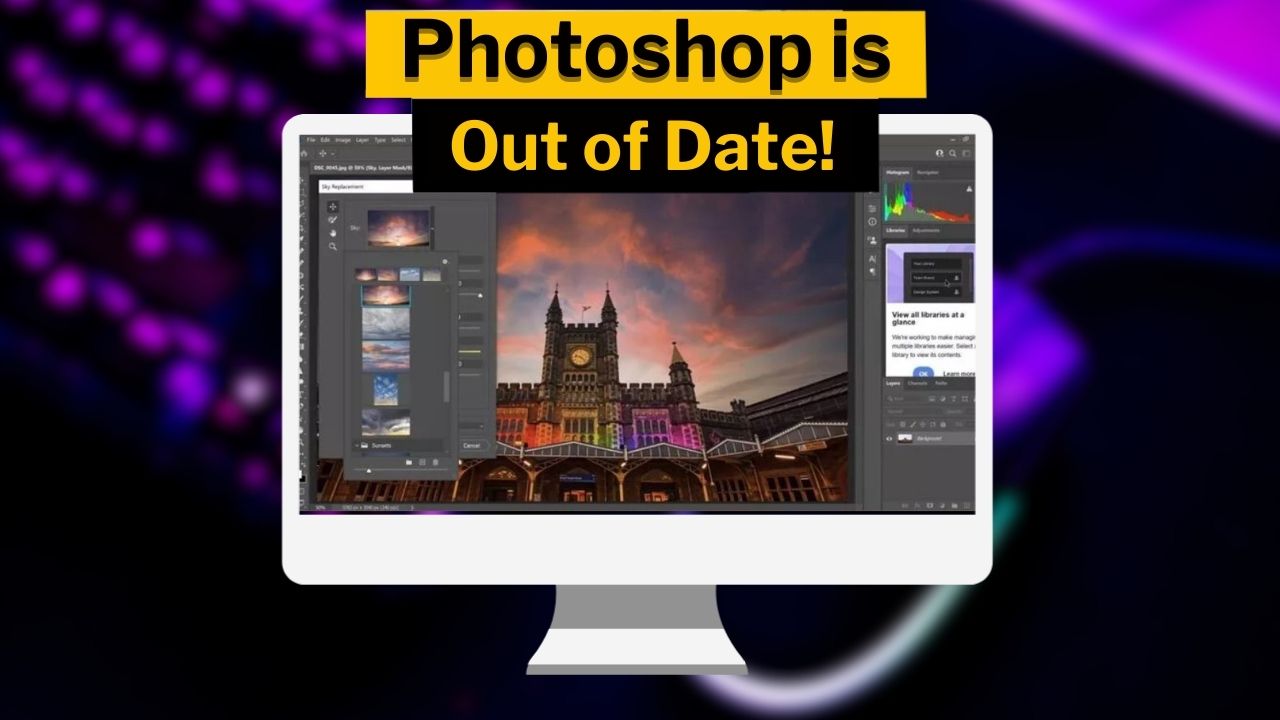
Are we experiencing the end of Photoshop? Google has announced its new artificial intelligence tool called Imagen Editor AI. As the name suggests, Imagen Editor is designed for editing photos based on user requests. But how does this artificial intelligence work? Here are all the details about Google Imagen Editor…
What can Google Imagen Editor do?
Firstly, let’s start by clarifying that Imagen Editor cannot assist you in creating a photo from scratch. It is more focused on helping you edit existing photos. For example, let’s say you took a picture of the sky and you want to make some edits, like emphasizing the moon and stars. All you need to do is input the command “highlight the moon and stars” into Imagen Editor, and the application will do it for you.
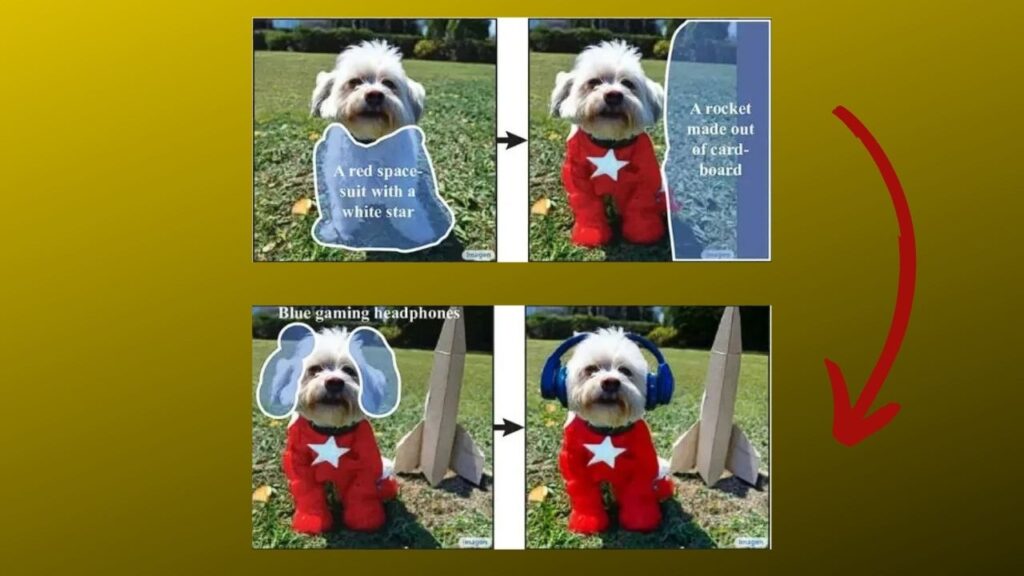
Below is an example image provided by Google. First, it enhances the body of a pet dog, then puts it in a “white-starred red space suit,” shows a cardboard rocket in the background, and finally adds a blue Bluetooth headset to the pet dog. Google stated that it is a responsible company and is not yet fully prepared for security concerns. Therefore, the company will not release Imagen Editor to the public for now.
Google app is allegedly getting “Drag and Drop” feature
How does Imagen Editor work?
Imagen Editor utilizes generative artificial intelligence to recreate images in a single sentence. The application is designed to be user-friendly and can be accessed directly through Google Photos. To use Imagen Editor, you simply need to upload a photo to Google Photos. Then, you enter a sentence describing the changes you want to make in the photo. The application will analyze your input and start editing your photo accordingly.
The initial highlighted features of Imagen Editor are as follows:
- Object relocation: This tool can move objects in a photo to a different position.
- People removal from the background: This tool can remove people from the background of a photo.
- Changing the sky color: This tool can alter the color of the sky in a photo.
Your comment has been submitted,
it will be published after approval.