
Google Messages Updates Chat Pinning Limits and Interface

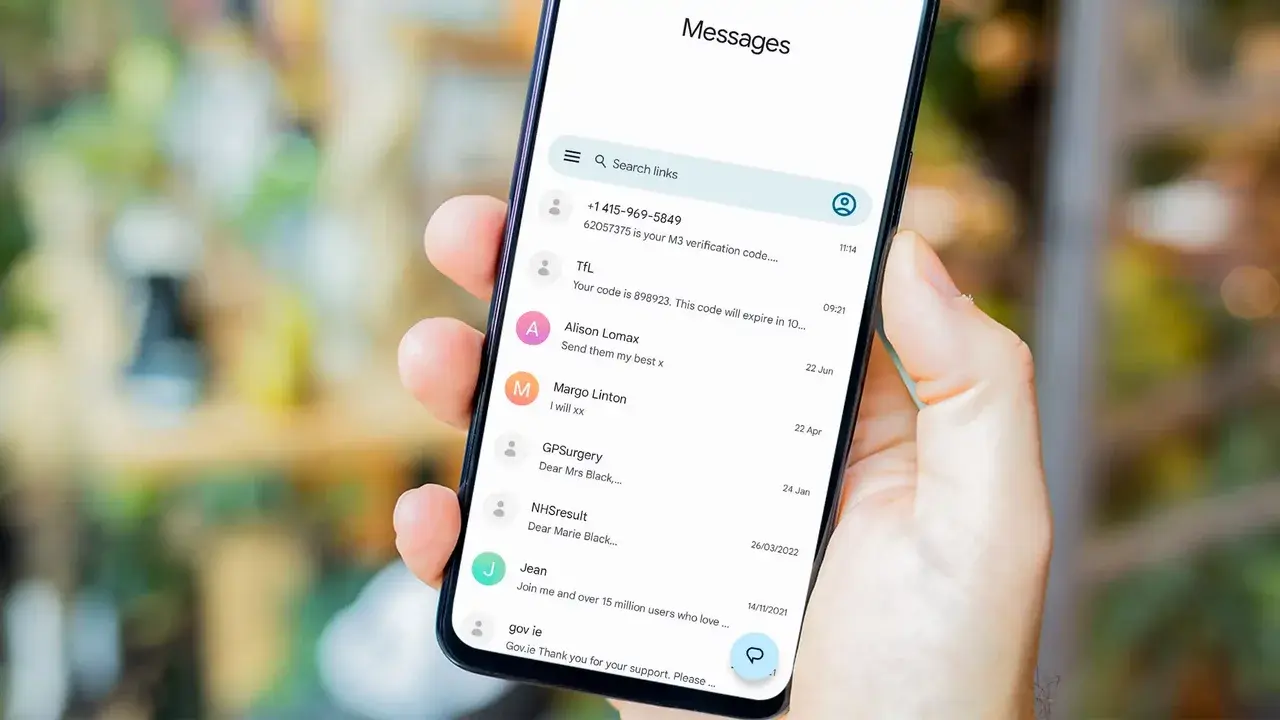
Google is currently testing a significant overhaul for its Google Messages application, focusing specifically on how users manage their pinned conversations. According to the latest beta version of the messaging platform, developers are introducing a new interface that fundamentally changes the user experience. While the current version of the app allows users to pin up to 20 conversations, the upcoming update limits this capacity to six chats. Despite this reduction in quantity, Google is prioritizing organizational control, as the new system enables users to manually arrange their pinned contacts in a specific, static order that remains consistent regardless of incoming message activity.
- Google is reducing the maximum number of pinned chats in Google Messages from 20 to six.
- The new interface allows users to manually reorder their pinned conversations for better organization.
- Pinned chats will no longer automatically shift positions based on the timing of new incoming messages.
- New gesture-based controls are being developed to streamline blocking, pinning, and archiving actions.
New Chat Pinning Interface Enhances User Control
The redesigned “Select chats to pin” interface provides a dedicated space where users can curate their most important conversations. This environment allows for quick selection from recent interactions or contact lists and includes a built-in search tool for efficient navigation. 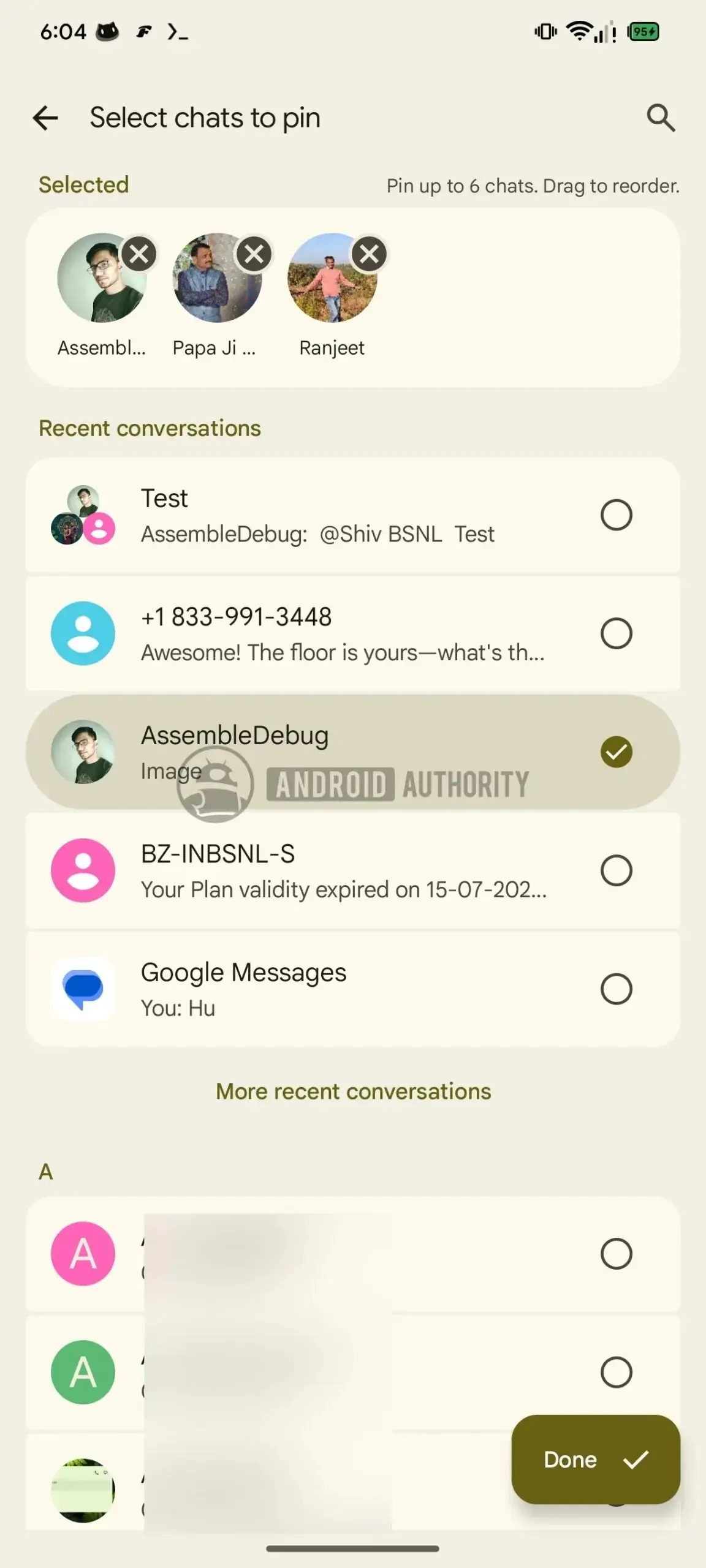
By fixing the order of pinned messages, Google is effectively ending the frustration caused by chats constantly rearranging themselves.
Previously, incoming messages would automatically bump a conversation to the top of the pinned list, which often disrupted a user’s preferred organizational structure. With this update, the pinned section maintains its layout, ensuring that critical contacts remain exactly where the user placed them. This shift represents a move toward a more predictable and user-managed communication environment, particularly for power users who maintain numerous active message threads.
Gesture Controls and Customization Options are Expanding
Beyond the pinning adjustments, Google is exploring ways to make the app more responsive through expanded gesture controls. Emerging code suggests that users will soon be able to perform actions like blocking contacts or toggling pin statuses directly through swipe motions. These gestures currently handle tasks such as archiving, deleting, or marking messages as read or unread, but the expansion aims to integrate these common actions directly into the swipe interface. 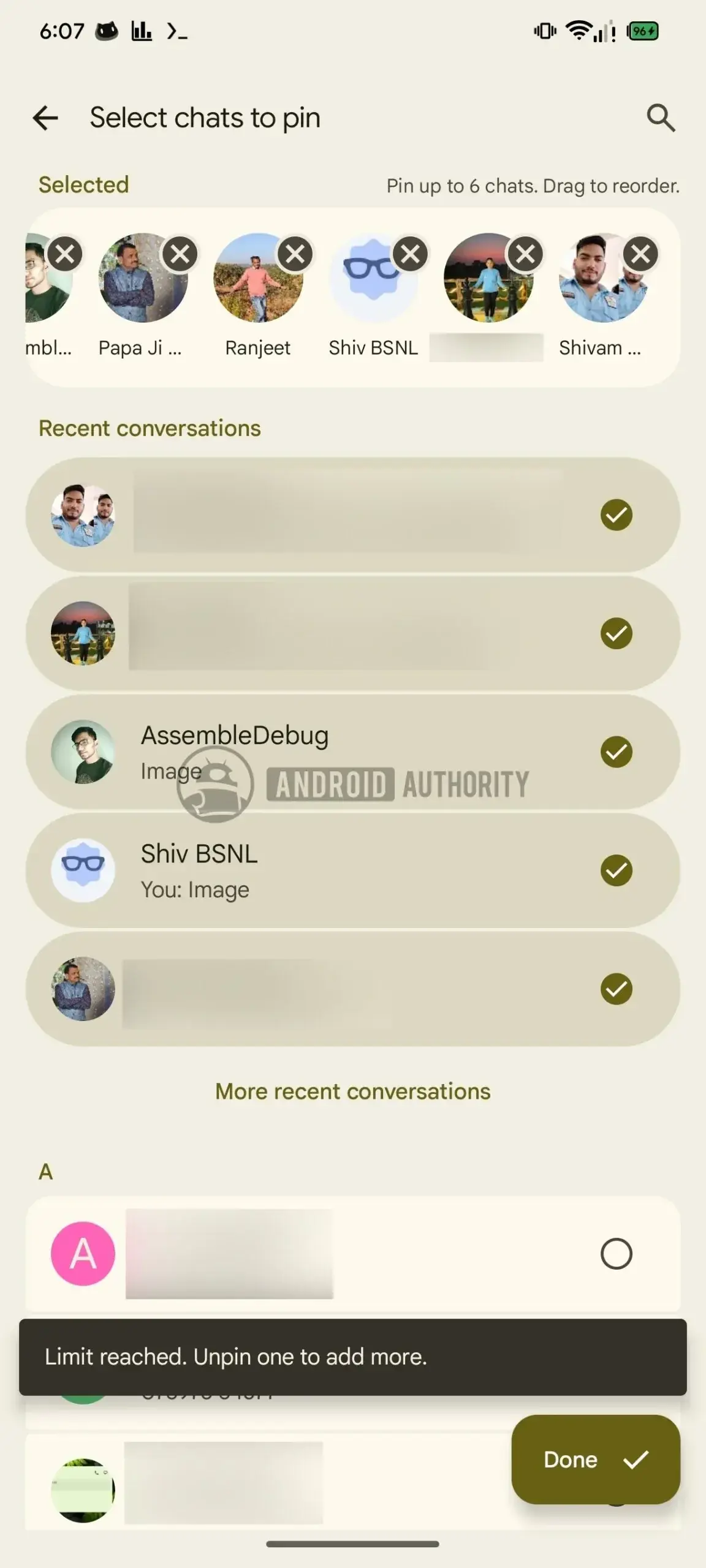
Furthermore, the beta version introduces additional flexibility regarding the attachment menu. Users may soon be able to customize the grid layout of attachment shortcuts by long-pressing and dragging icons to their preferred positions. While these features are currently in the testing phase and have not yet been rolled out to the general public, they underscore Google’s commitment to refining the daily usability of the messaging platform.
These experimental features are currently undergoing rigorous testing to ensure seamless performance before reaching the standard user base.
As these updates move through the development pipeline, they reflect a broader effort to declutter the user interface and provide more intuitive navigation. By granting users greater agency over their message organization, Google aims to reduce digital noise and improve overall workflow efficiency within the application.
We are eager to hear your thoughts on these upcoming changes to Google Messages. Do you find the six-chat limit restrictive, or do you prefer having a more organized and static view of your most important conversations? Share your opinions in the comments section below.
Your comment has been submitted,
it will be published after approval.