
Google Tests Significant Gemini Interface Enhancements for Better Organization

Google is currently developing a series of significant updates to the Gemini interface, aiming to streamline user interaction and enhance personalization within the mobile application. Recent analysis of the 17.52.12.sa.arm64 version reveals that the tech giant is testing several new features designed to simplify chat management and improve overall navigation for its global user base. While these functionalities are still in the experimental phase and have not yet been rolled out to the general public, they suggest a strategic shift toward a more modular and organized user experience. By refining how conversations are categorized and accessed, Google intends to position Gemini as a more efficient productivity tool for daily tasks.
- Google is currently testing a redesigned sidebar structure that categorizes pinned chats into a dedicated top-level section.
- The application introduces a new notification center that centralizes alerts for completed tasks and system updates.
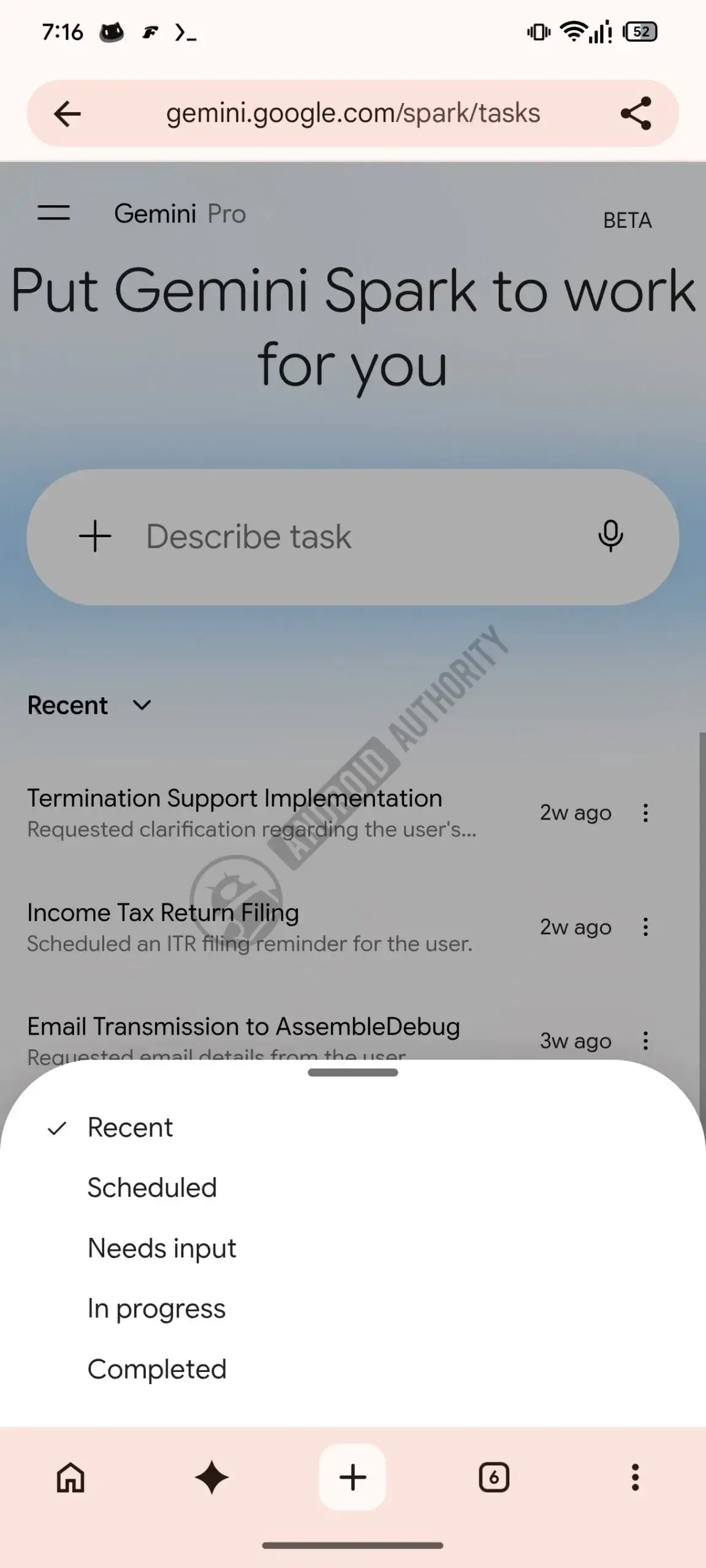
- Users will gain access to advanced chat filtering options, including statuses such as Unread and In Progress.
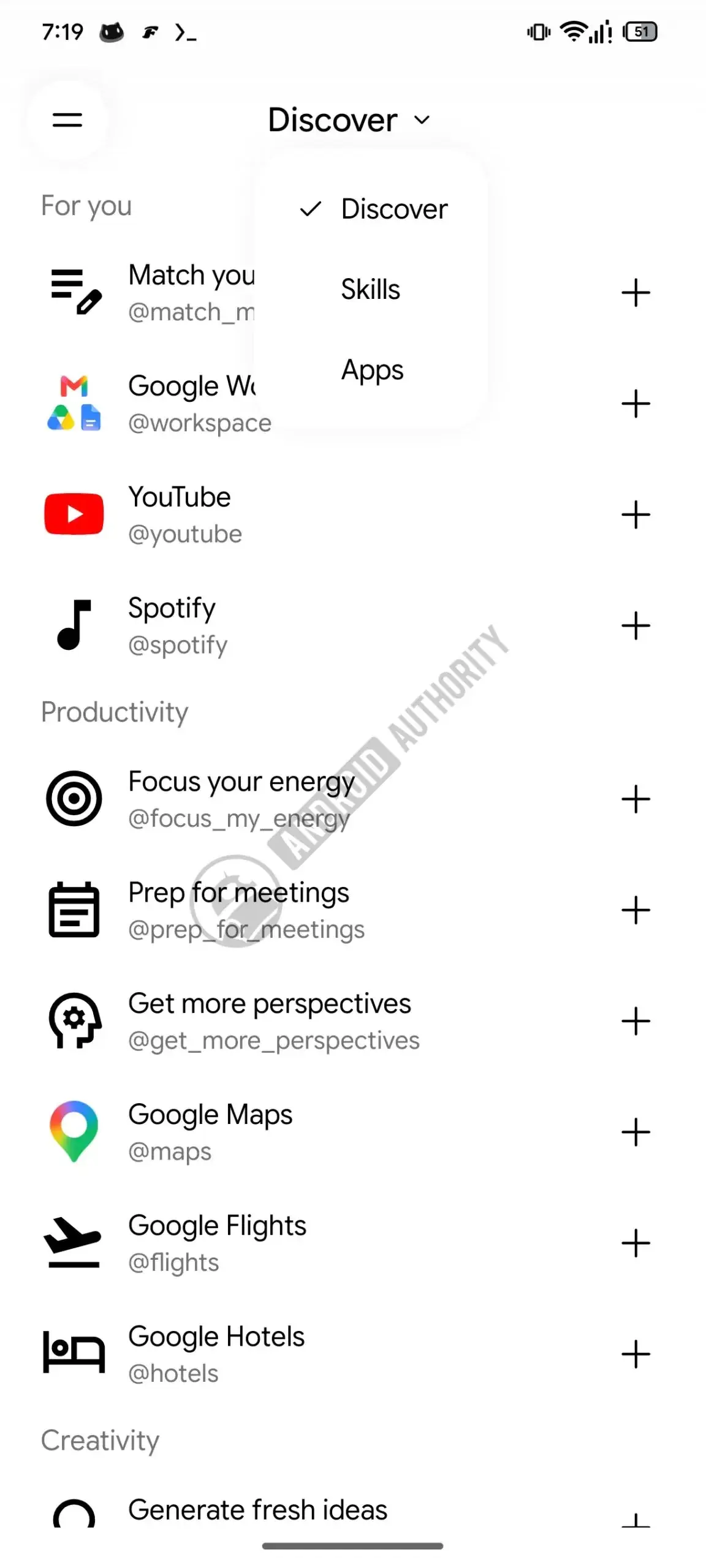
- A new customization menu for Gemini Spark allows for improved management of connected applications and productivity tools.
Chat Management is Being Streamlined for Efficiency
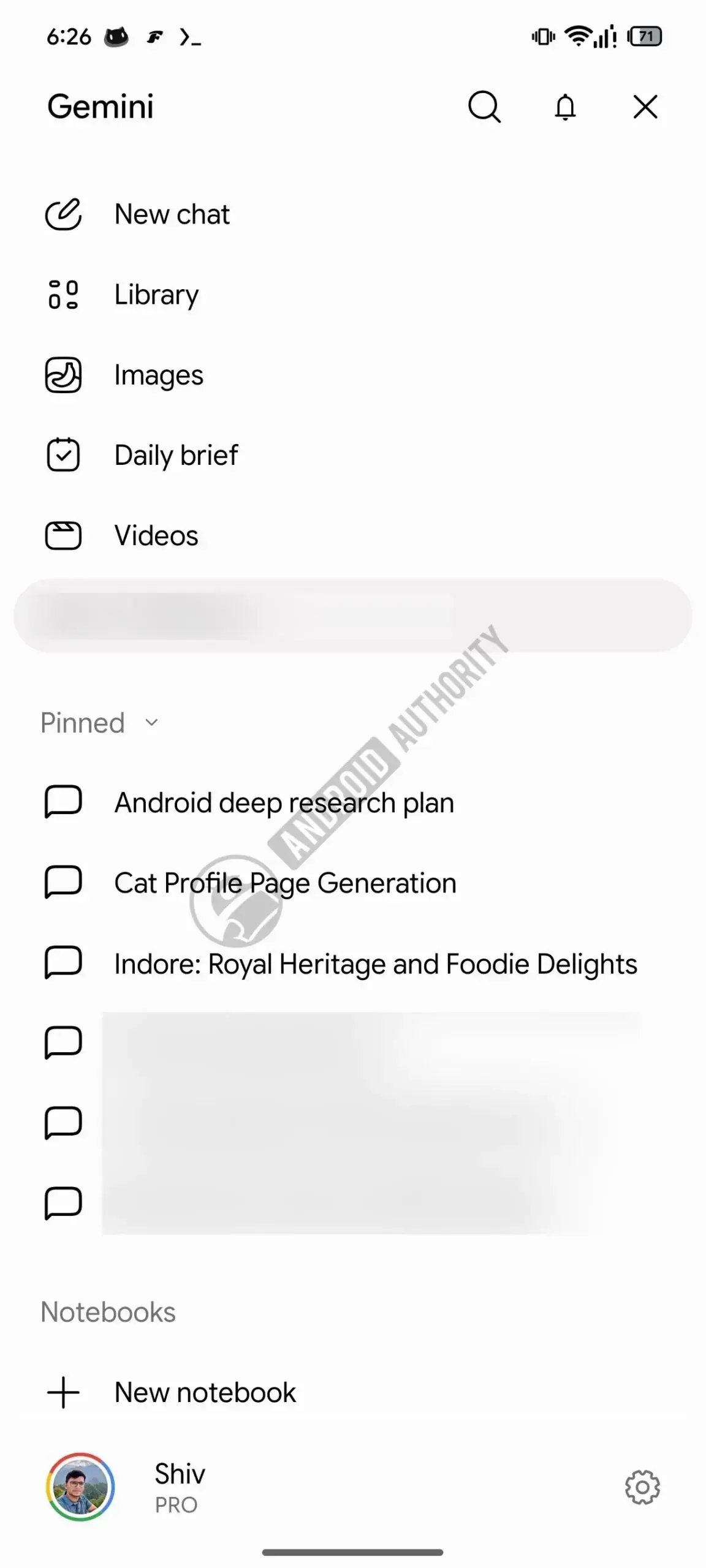
The upcoming interface changes focus heavily on organization. Previously, pinned conversations were buried within the general list of recent chats. With the new layout, Google is moving pinned items to their own designated section at the top of the sidebar. This ensures that users can access their most important dialogues without needing to scroll through lengthy history lists. 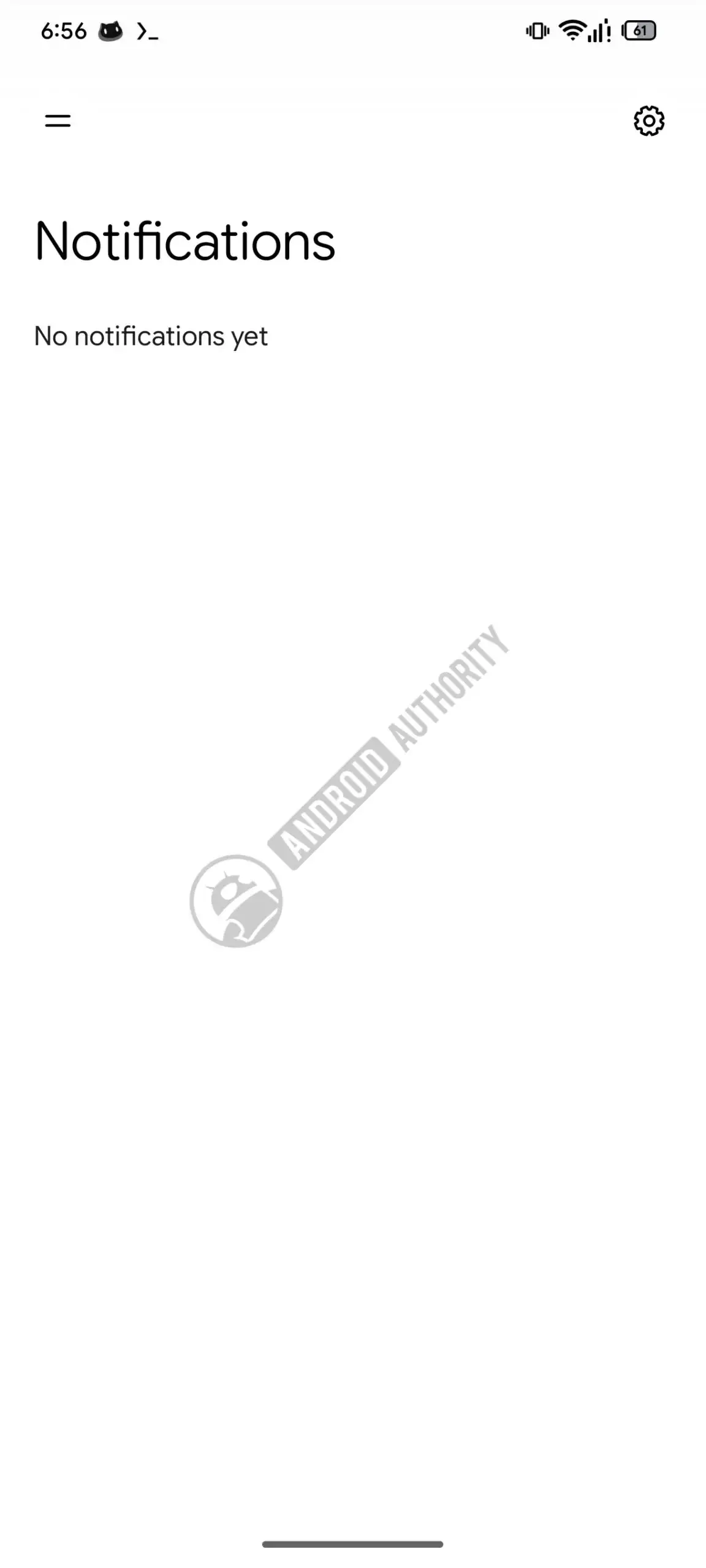
 Additionally, the search bar is being relocated to the top of the sidebar, and a dedicated notification bell has been introduced.
  This bell icon will aggregate updates regarding completed tasks or Gemini Briefs, solving the previous issue where important notifications could easily become lost or accidentally dismissed.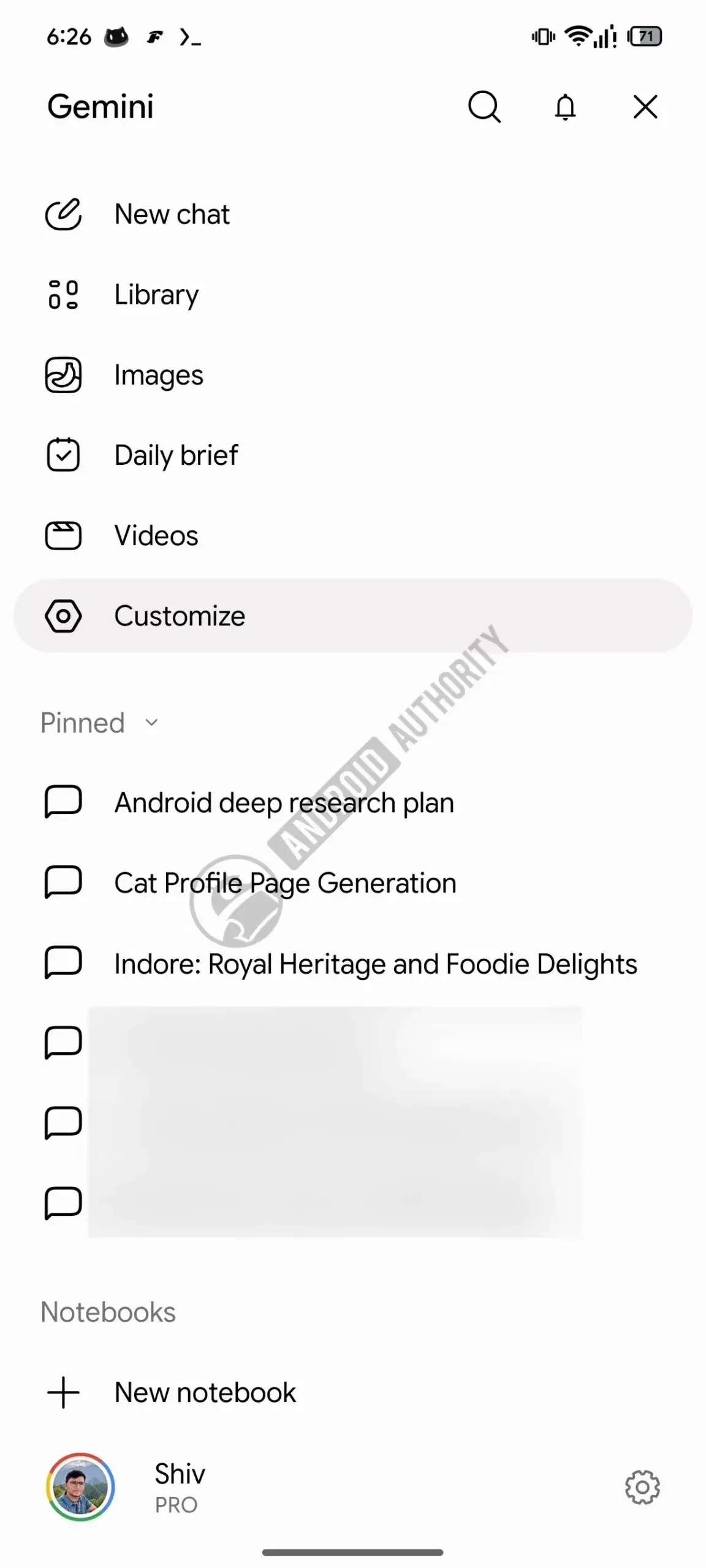
Advanced Filtering and Personalization Options are Being Added
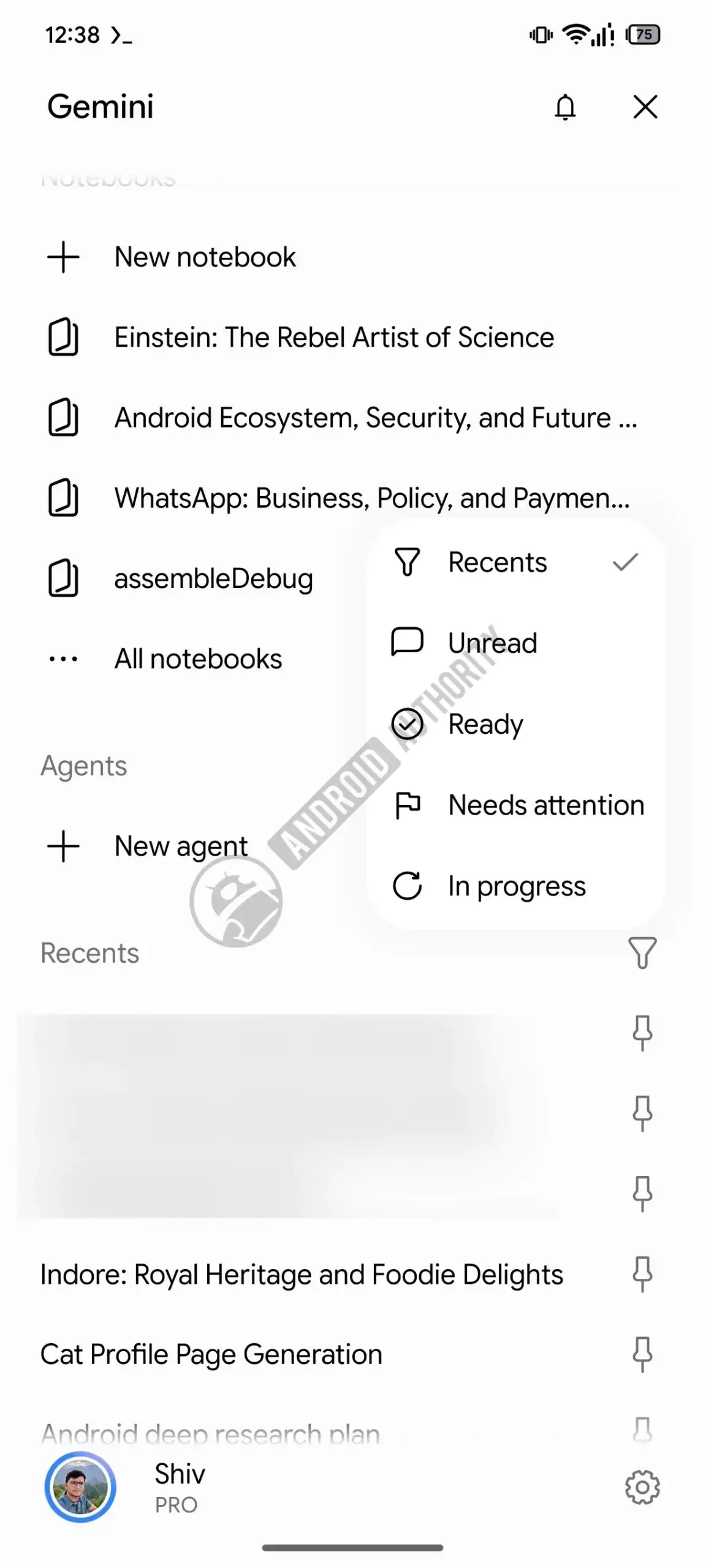
Beyond basic layout shifts, Gemini is incorporating sophisticated filtering tools to help users sort their conversations without relying on keyword searches. These filters allow users to organize chats based on status, such as Unread, Ready, or Attention Required. 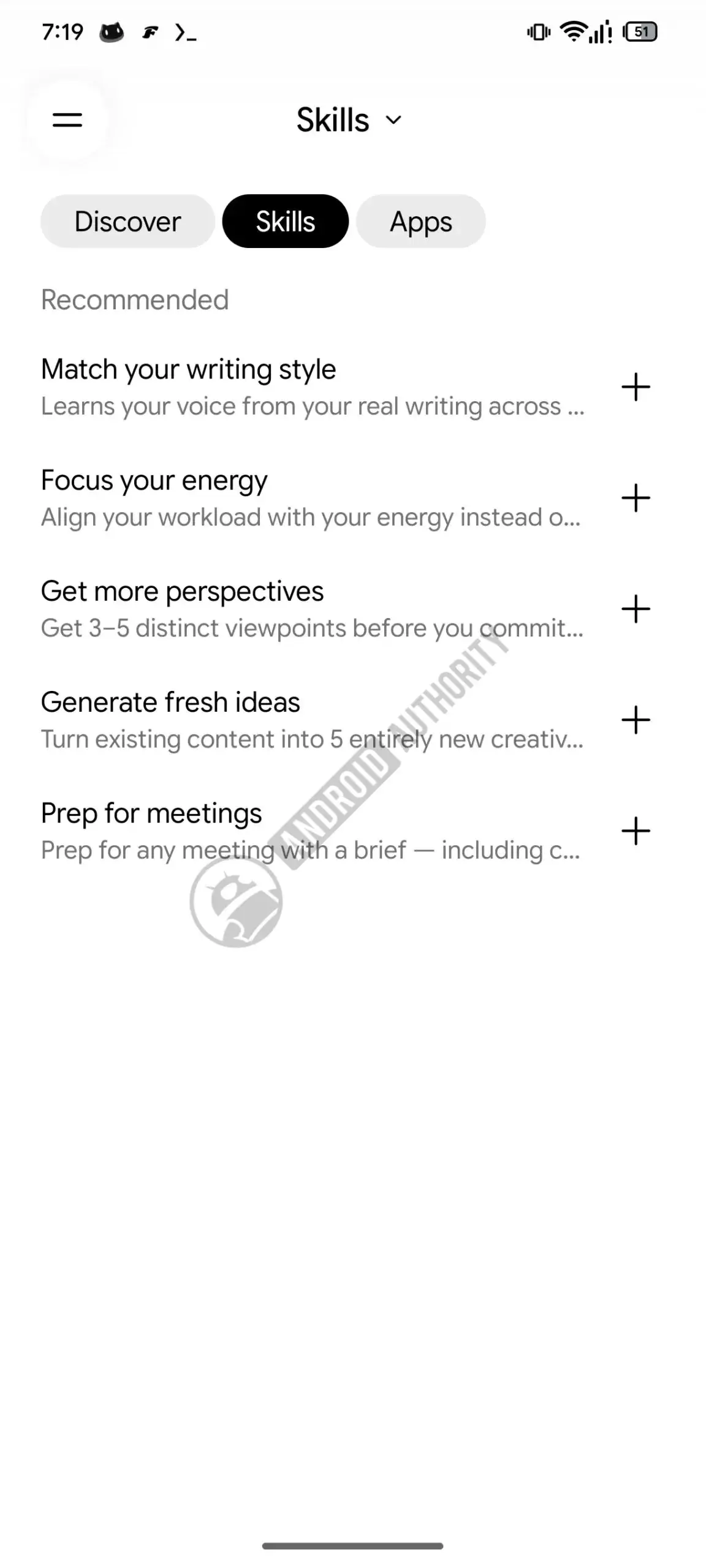
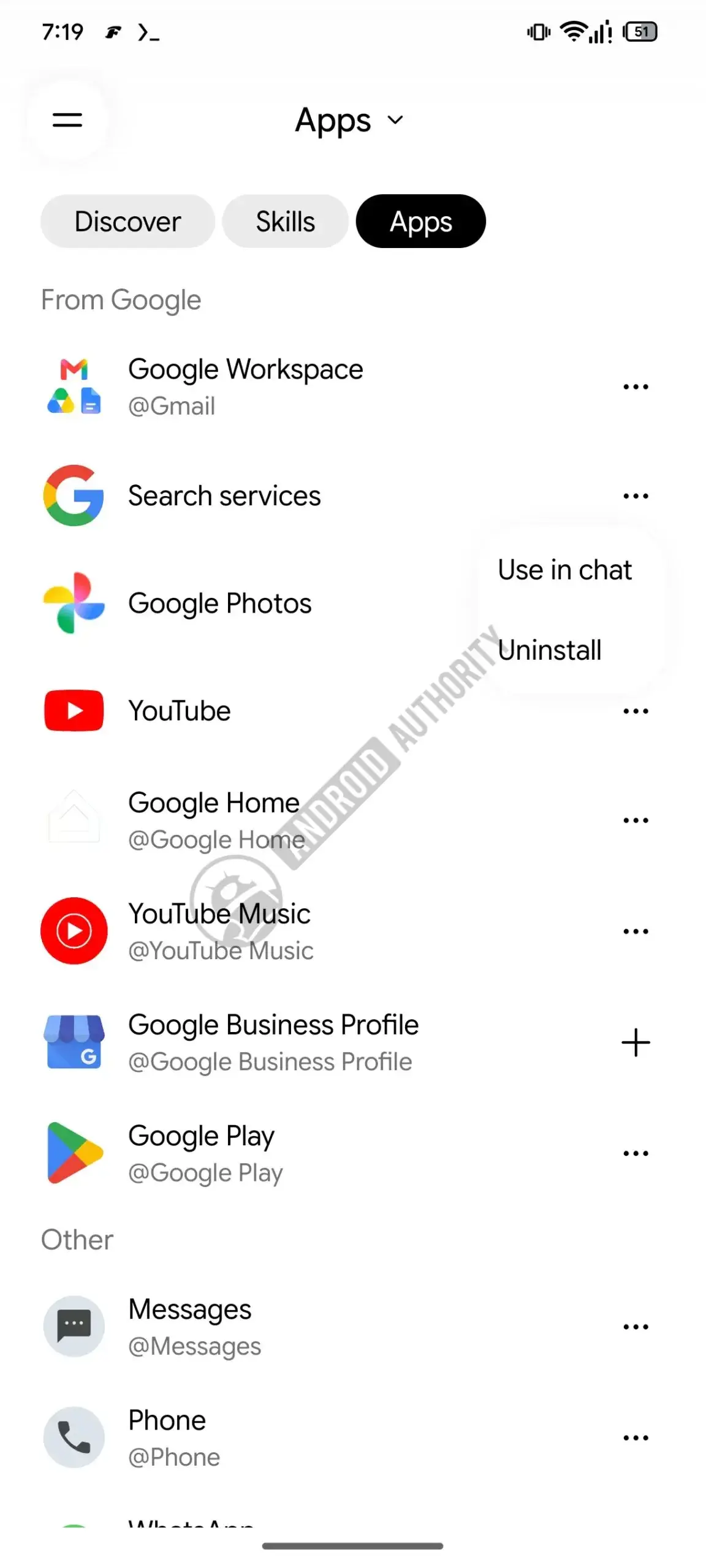 The latter categories are specifically tailored for Gemini Spark tasks, providing a structured workflow for those managing complex projects. Furthermore, a dedicated Spark customization menu is under development.
  This area allows users to manage connected applications and explore new productivity integrations, effectively turning the AI assistant into a centralized hub for creative and professional tools.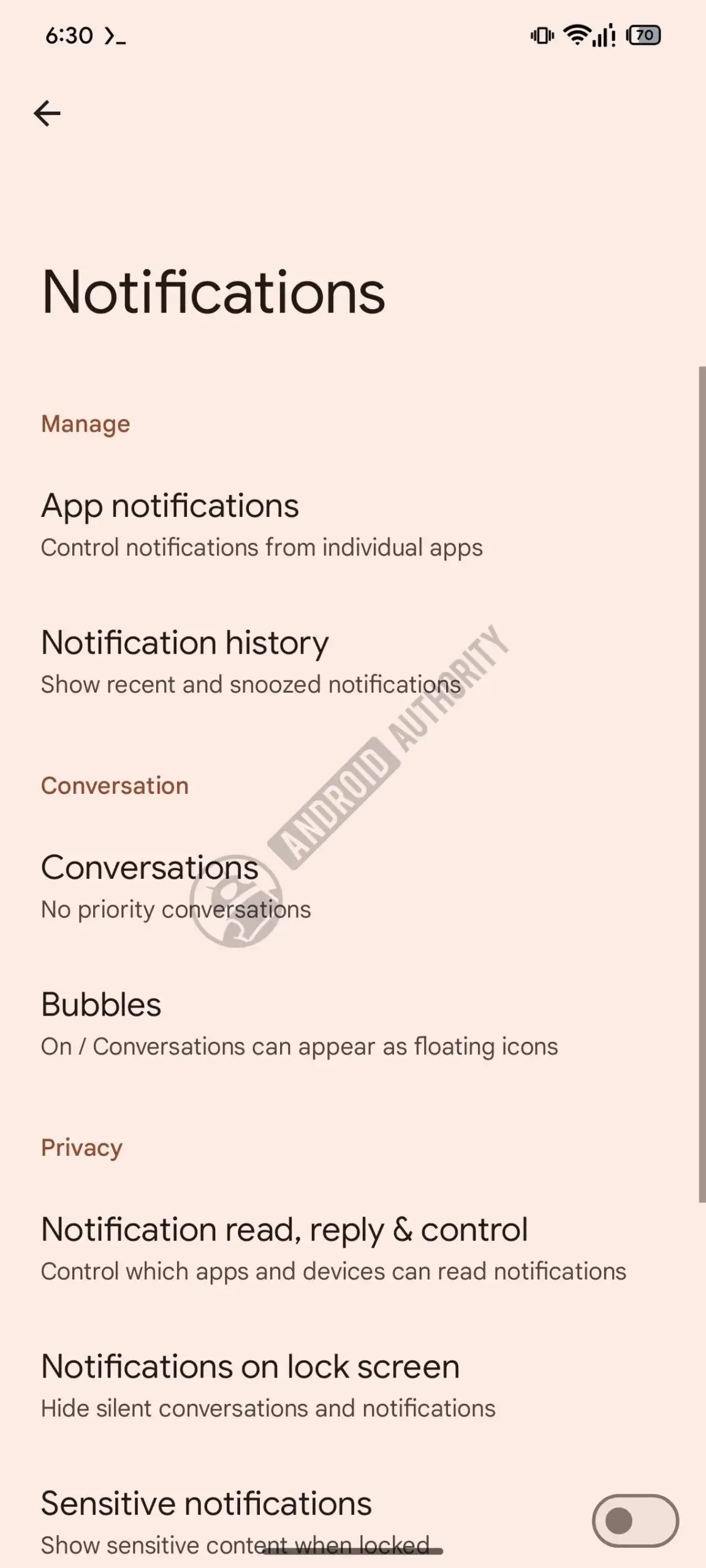
System Visibility is Being Refined for Android Users
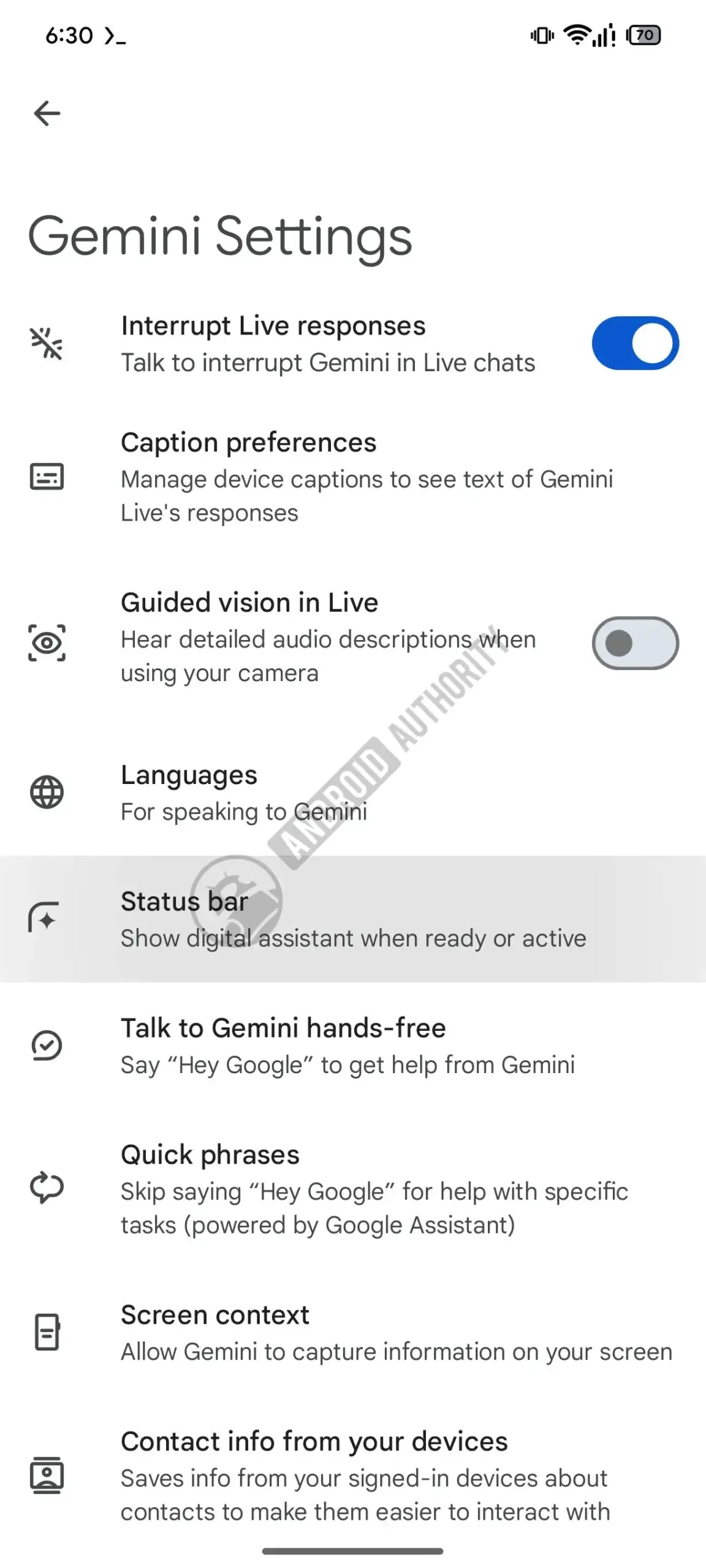
Finally, Google is addressing user requests regarding the persistent visibility of the AI assistant. Users will soon be able to hide the Gemini four-point star icon from their Android status bar. Unlike previous settings, this control will be managed directly through the Android notification settings rather than the application itself. This change provides a cleaner aesthetic for the status bar, allowing users to maintain a minimalist device interface while still utilizing the assistant’s underlying capabilities. While these features remain in testing, they represent a significant step toward a more user-centric Gemini experience.
We are curious to hear your thoughts on these upcoming interface refinements. Do you believe these changes will make your daily workflow more efficient, or are there other features you would prefer to see in future updates? Share your opinions in the comments section below.
Your comment has been submitted,
it will be published after approval.