
How to Fix the Steam Machine Red Light Error

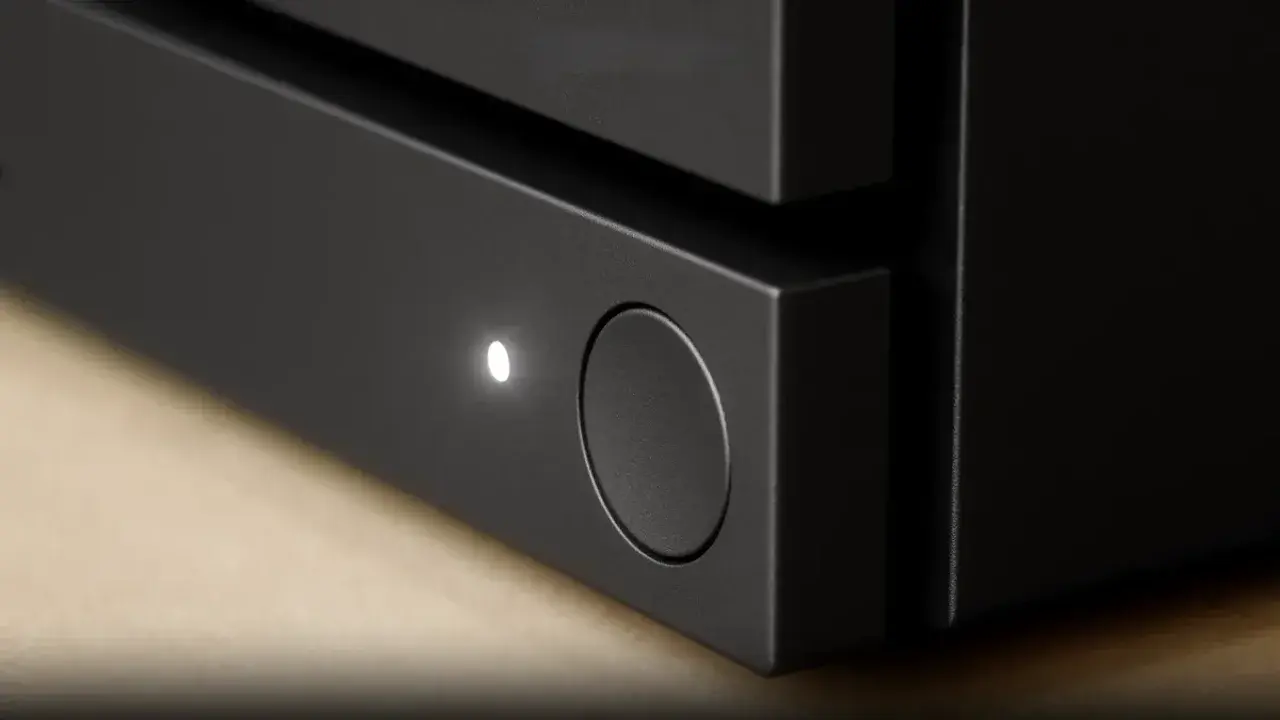
Steam Machine owners are currently reporting a persistent hardware failure characterized by a red status light, which prevents their devices from booting correctly. Often referred to by the community as the “red line of death,” this technical issue has sparked concern among users who rely on the platform for their gaming needs. Valve has acknowledged the situation and provided official troubleshooting steps to address the malfunction, which appears to be related to internal power management. While the exact frequency of this error remains unclear, owners are advised to follow a specific reset procedure to restore functionality to their gaming hardware.
- Valve released official instructions to resolve the red light indicator error on Steam Machine devices.
- A full CMOS reset remains the primary method for troubleshooting power-related hardware malfunctions.
- Users must report successful repairs or persistent issues to the official Valve hardware feedback channel.
Power Discharge Procedures are Required
The initial troubleshooting step involves completely disconnecting the Steam Machine from its power source. Once the device is unplugged, users should press the power button multiple times to ensure that any residual energy stored within the power supply unit is fully discharged. This foundational step is critical for clearing the internal state of the hardware before attempting a more advanced reset.
Ensuring the power supply is completely drained often resolves minor electrical inconsistencies that trigger the error light.
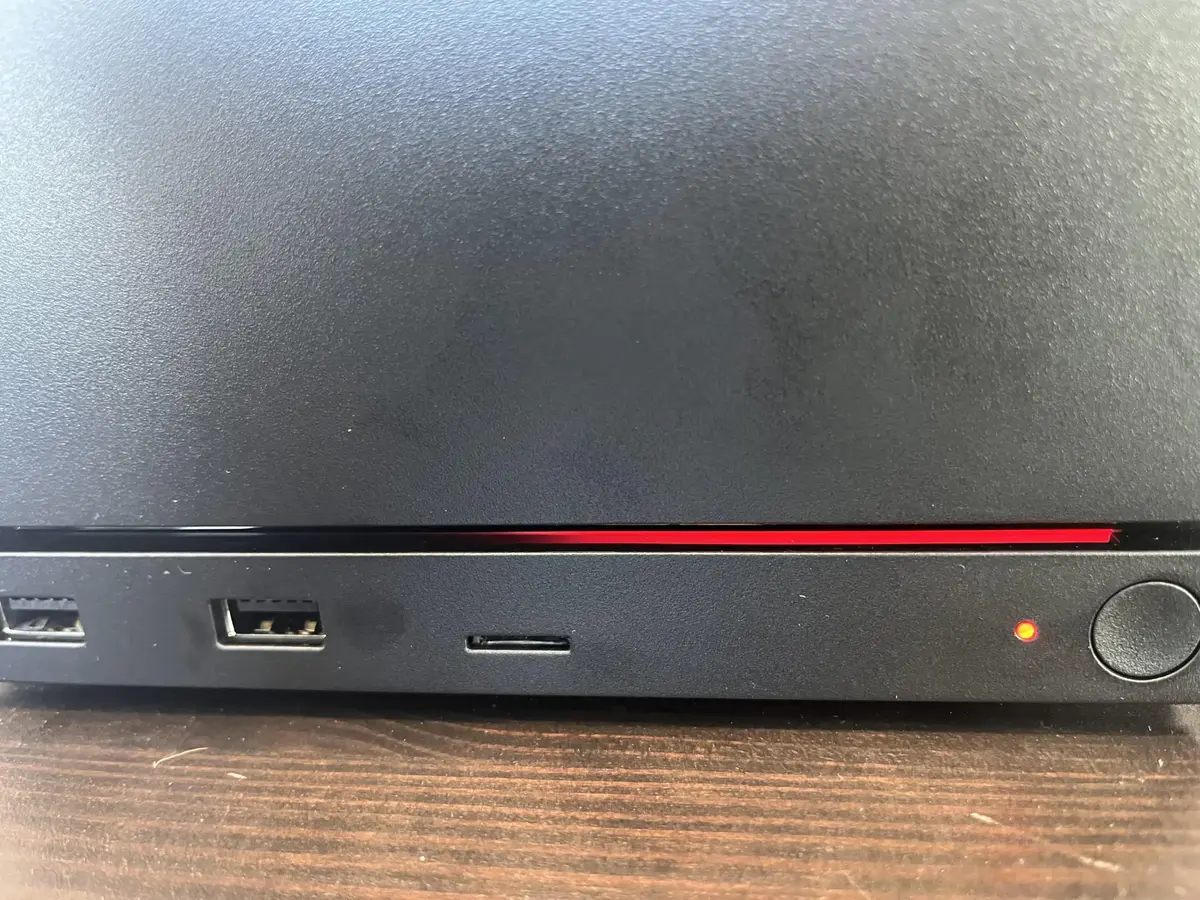
After the discharge process, reconnect the device and observe the power indicator. If the light transitions to white, the system is responding correctly; however, users should still contact Steam Support for further verification. If the red light persists, a more technical sequence is necessary to force a system reset.
CMOS Resets are Performed via Sequence
To perform a full CMOS reset, users must hold the power button for exactly six seconds until the indicator flashes. When the light cycles through colors and eventually turns green, a quick press of the power button is required to finalize the command. This sequence resets the motherboard’s basic input/output settings, which can often rectify boot failures caused by corrupted configuration data.
Once this process is complete and the device is powered back on, the RGB light bar should glow blue. This indicates that the system is re-training its memory, which may result in a slightly longer boot time during the first initialization. This delay is considered normal behavior following a hard reset of the hardware components.
Support Channels are Available for Users
If the device returns to normal operation after these steps, Valve requests that owners notify them via the official hardware feedback account on Reddit. This data collection helps the company track the prevalence of the issue and improve future hardware iterations. If the red light remains despite following all official instructions, users are advised to open a formal support ticket to facilitate a deeper diagnostic inspection.
Maintaining transparency regarding these hardware issues is essential for building long-term trust with the gaming community. While encountering a failure on a premium product is never an ideal experience, the availability of clear, actionable recovery steps demonstrates a commitment to device longevity and consumer support.
Have you experienced the red light error on your own hardware, or did these troubleshooting steps help you restore your system? Please share your experience and any additional tips you discovered in the comments section below.
Your comment has been submitted,
it will be published after approval.