
How to Manage Instagram Follower and Following Privacy Settings

Instagram users looking to improve their account security often search for methods regarding Instagram takipçi ve takip ettiklerini gizleme, or how to hide their follower and following lists. While the platform does not offer a universal, one-click toggle to hide these lists entirely from everyone, users can implement specific privacy measures to restrict visibility. By adjusting account settings or removing specific followers, individuals can control who accesses their social connections. Understanding these platform limitations is essential for maintaining digital privacy and ensuring that personal engagement data remains visible only to authorized audiences who have been granted access to the account.
- Users can restrict access to their follower lists by switching their account status to private.
- The specific visibility toggle for follower lists is not available on all Instagram accounts globally.
- Removing or blocking specific users prevents them from viewing sensitive account information.
- Maintaining an updated application version ensures access to the latest privacy features provided by Instagram.
Account Privacy Settings Are Adjusted for Security
The most effective way to limit who can see your connections on Instagram is to switch your profile to a private account. When an account is set to private, only approved followers can see the content shared, including the list of people you follow and those who follow you. To initiate these changes, navigate to your profile page, access the settings and activity menu, and locate the privacy section. 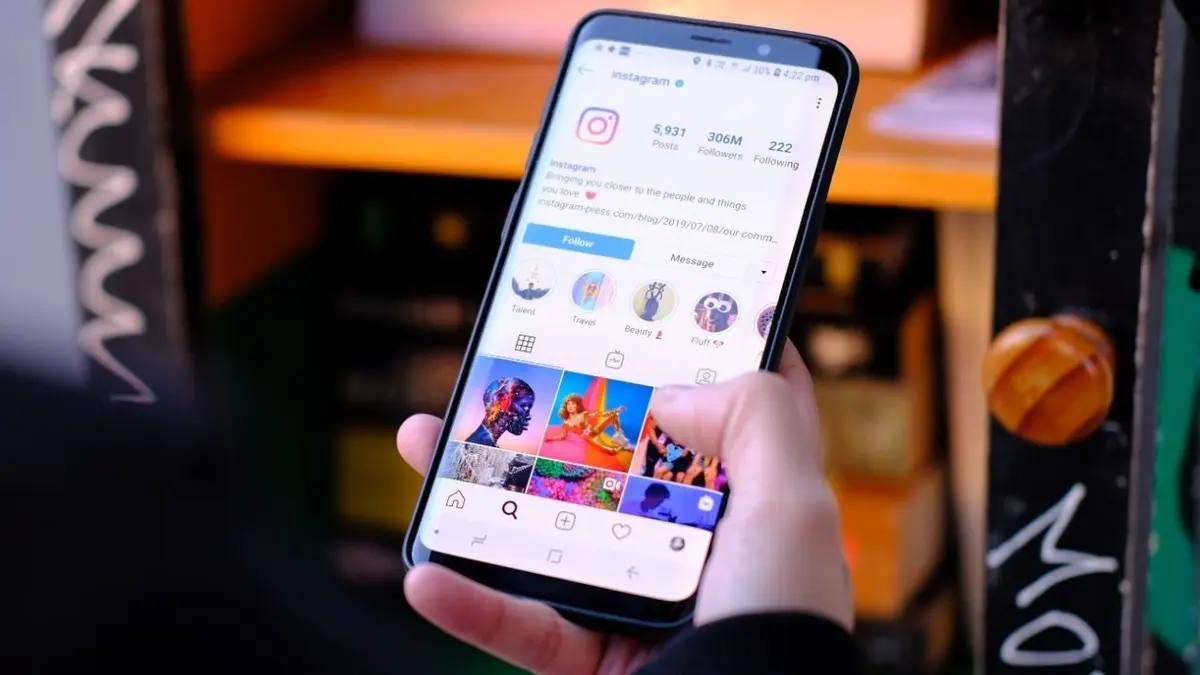 While some newer updates may include specific toggles to hide these lists, these features are often rolled out gradually and may not be available on every device or region yet.
Specific Followers Are Removed to Enhance Privacy
Even with a private account, your existing followers retain access to your follower and following lists. If there is a specific individual you wish to exclude from viewing this information, you can remove them from your follower list manually. By navigating to your followers tab, you can select the remove option next to their name. This action disconnects them from your profile without notifying them. For users who require a stricter level of separation, the block function serves as a permanent solution to ensure the individual can no longer interact with or view your profile data at all.
Application Updates Are Required for New Features
Digital privacy features on social media platforms are frequently updated to reflect user feedback and security standards. It is highly recommended that all users keep their Instagram application updated to the latest version available in their respective app stores. Using outdated software can lead to missing out on critical privacy controls or security patches that the development team deploys. While the ability to hide follower lists remains a work in progress for the platform’s broader feature set, utilizing the existing private account protocols provides the most robust defense against unwanted surveillance of your social network.
Have you successfully managed to secure your follower list using these privacy settings, or do you believe Instagram should introduce more granular controls for user connections? Please share your experiences and thoughts in the comments section below.
Your comment has been submitted,
it will be published after approval.