
How to enable Emergency SOS on the Pixel Watch?

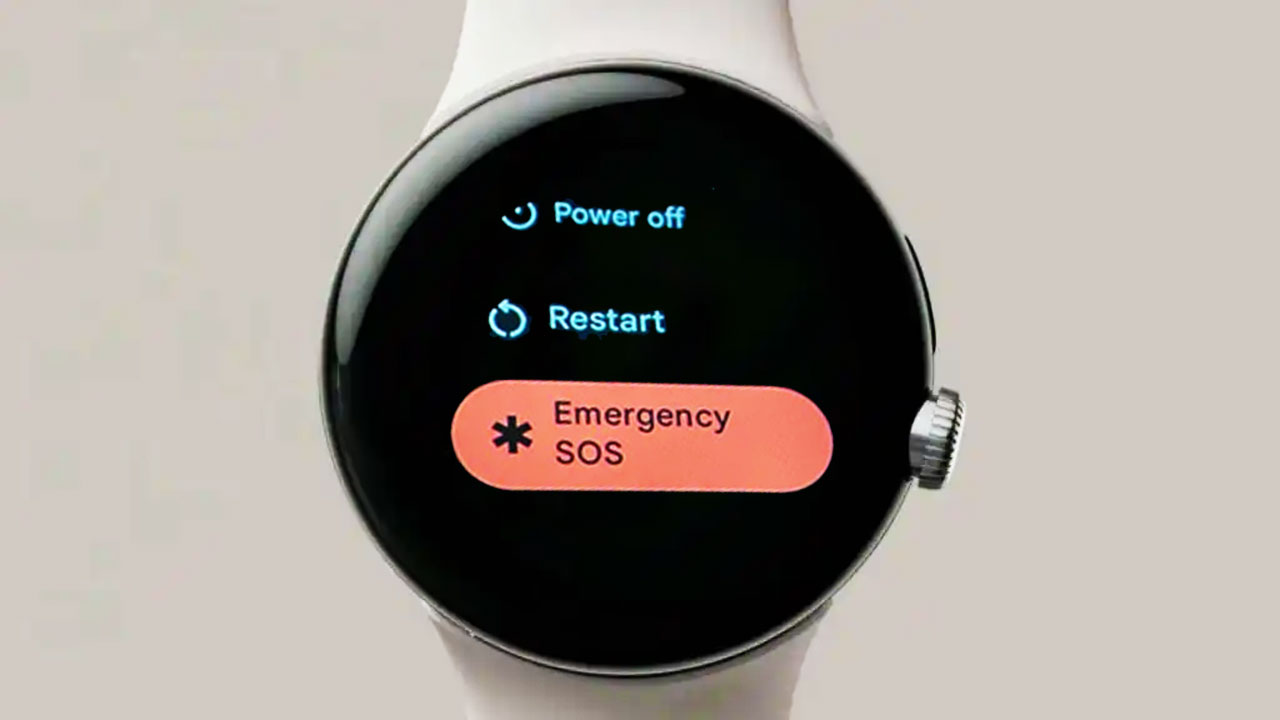
Smartwatches have been one of the most useful wearable devices for people. They allow people to control their days and check their notifications, and they can even save people with their features. One of the most wanted features is the Emergency SOS. Indeed, this function is almost in every smartwatch, especially the new ones. The new Pixel Watch also comes with this function. However, people may not know how to enable it in case of emergency. Here is how to enable Emergency SOS on the Pixel Watch.
Emergency SOS on the Pixel Watch
Google launches the Emergency SOS feature on the Pixel Watch. Thanks to this function, your watch will send an SOS to the emergency services in your area. According to Google’s support page, the Pixel Watch can connect you to the services in case you need help. Using your wearable will be easier while in an emergency.

Additionally, it will be enough to call an emergency contact without unlocking the watch when you’ve unlocked your watch at least once since the startup. While the Wi-Fi model needs to be connected to your phone and with Bluetooth to call services, the LTE version doesn’t need to have an active connection with your phone.
How to enable Emergency SOS on the Pixel Watch
On Google Pixel Watch
- On Google Pixel Watch, swipe down
Tap Settings.
- Tap Safety & Emergency
- Turn on features like emergency gesture, alarm, and selecting a primary contact.
In the Google Pixel Watch app
- On your phone, open the Google Pixel Watch app .
- Tap Watch preferences
- Turn “Safety features” on.

You can also get help in an emergency by pressing the crown 5 times quickly to trigger an emergency call. Google also says, “If your Pixel Watch has Emergency Location Service turned on and the emergency responder in your region is set up with ELS, then they may also receive your location. You shouldn’t forget that the function may not be able to contact to all emergency numbers in all countries. According to the company, the Google Pixel Watch will also get Fall Detection support soon.
Your comment has been submitted,
it will be published after approval.