iPhone users with Apple’s latest operating system, iOS 26, are encountering a strange bug in their Photos app albums. This issue, increasingly reported on social media, causes some photos, particularly those imported from Android phones, to appear as if a heavy red color filter has been applied to them during import.
The Red “Fog” Only Appears When Zooming In
What makes this bug even stranger is that the red blur only appears when users tap and zoom in on an image in the Photos app. The small preview images (thumbnails) that appear on the app’s home screen or while navigating albums retain their full colors and appear unaffected. This suggests the bug is a software interpretation error rather than a fundamental data corruption.
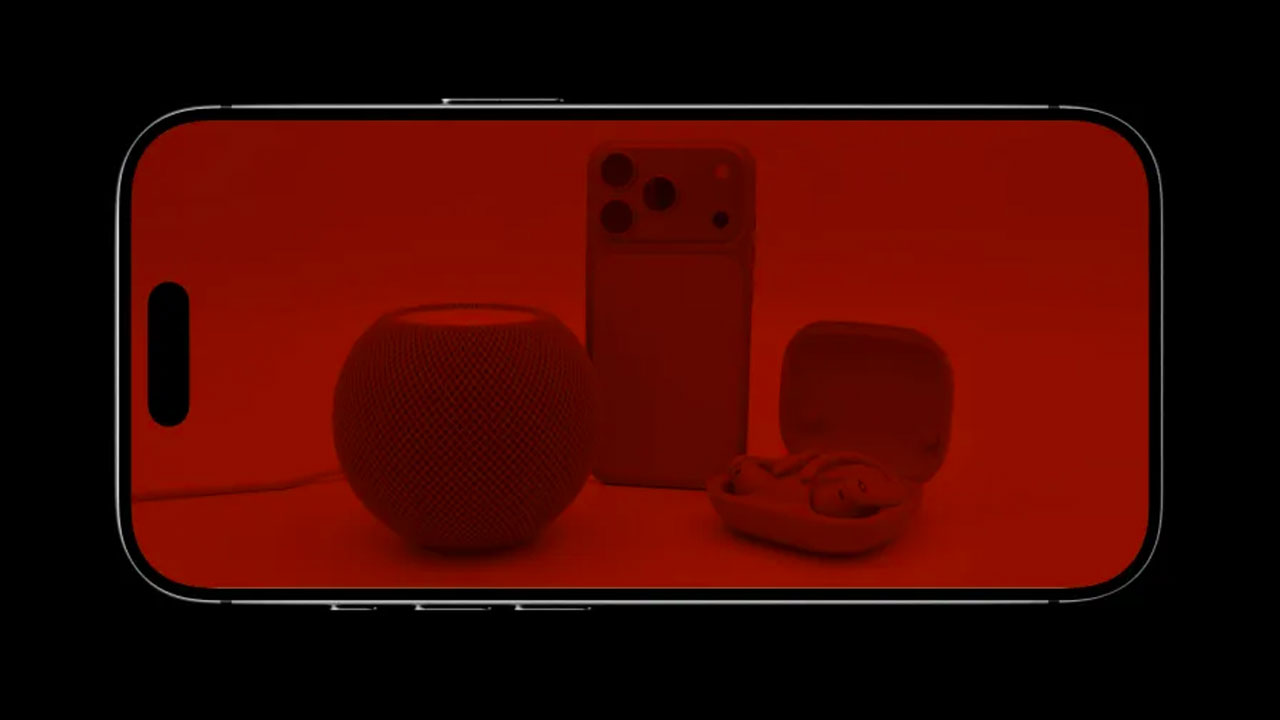
Fortunately, whatever the cause, there’s a simple solution to revert photos to their original state:
The error appears to be caused by the Photos app, for some unknown reason, mistaking the image for a color filter.
- Open the affected photo.
- Tap Edit at the top of the screen.
- Then press Revert.
This removes the filter that the app mistakenly applied, restoring the photo to its original color and appearance.
The exact circumstances under which the error occurs are not yet fully known, and while it doesn’t seem to be a widespread problem, there are reports from multiple users experiencing the same issue.
The common thread among all the red-tinted photos is that they were taken with non-iPhone devices. This suggests the error may be related to how the Photos app interprets embedded color profiles in images from Android or other devices.
The “Edit -> Revert” workaround, while somewhat counterintuitive, is sufficient to save your photos.