
iOS 27 Brings Advanced Lock Screen Customization to iPhone

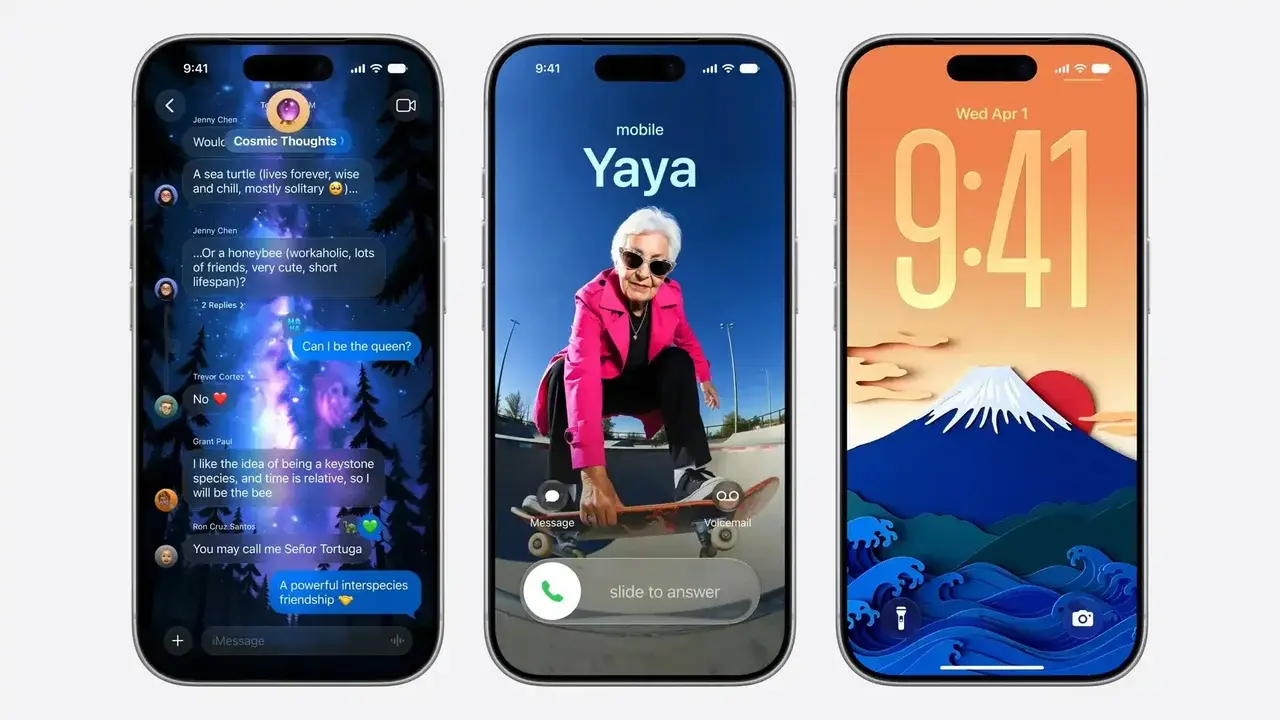
Apple has officially unveiled iOS 27, introducing a comprehensive suite of customization options that fundamentally change how users interact with their iPhone Lock Screen. Rolling out to developers and beta testers currently, the update allows for deeper integration of Apple Intelligence, enabling users to modify wallpaper layouts, adjust clock positioning, and utilize advanced generative AI tools directly from their devices. This latest software release represents a significant shift in Apple’s design philosophy, prioritizing user-driven personalization while maintaining the sleek aesthetic for which the platform is known. The update is expected to reach the general public later this year.
- Apple introduces AI-powered Extend features to intelligently adjust wallpaper aspect ratios.
- Users gain the ability to relocate the clock widget for a cleaner visual experience.
- The Image Playground application enables the generation of custom wallpapers using natural language prompts.
- New interface controls allow users to hide the Now Playing widget on the Lock Screen.
AI Tools Improve Wallpaper Customization
A core component of the iOS 27 update is the integration of Apple Intelligence into the customization workflow. The new Extend feature utilizes generative AI to intelligently fill in the edges of photos that do not naturally fit the iPhone’s vertical aspect ratio. By analyzing the existing image content, the system creates seamless backgrounds that allow users to utilize their favorite photos without compromising composition. 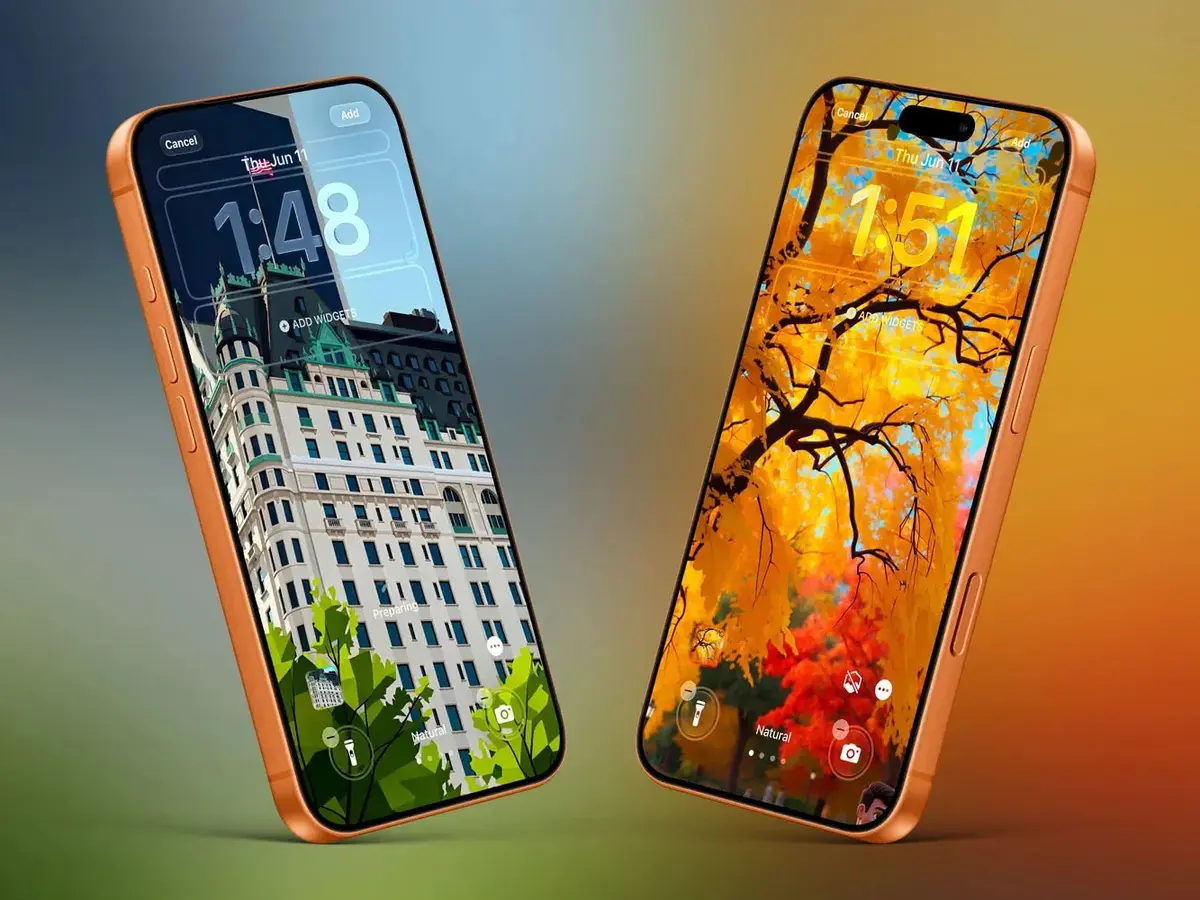
The implementation of generative AI makes professional-grade photo editing accessible directly from the Lock Screen interface.
Furthermore, the Image Playground app has received significant enhancements, allowing users to generate entirely new backgrounds. By utilizing natural language, users can describe their desired aesthetic, which the system then renders into high-quality wallpaper. Additionally, existing photos within the user library can be transformed into artistic styles, such as retro illustrations or animations, providing a unique flair to the device interface. 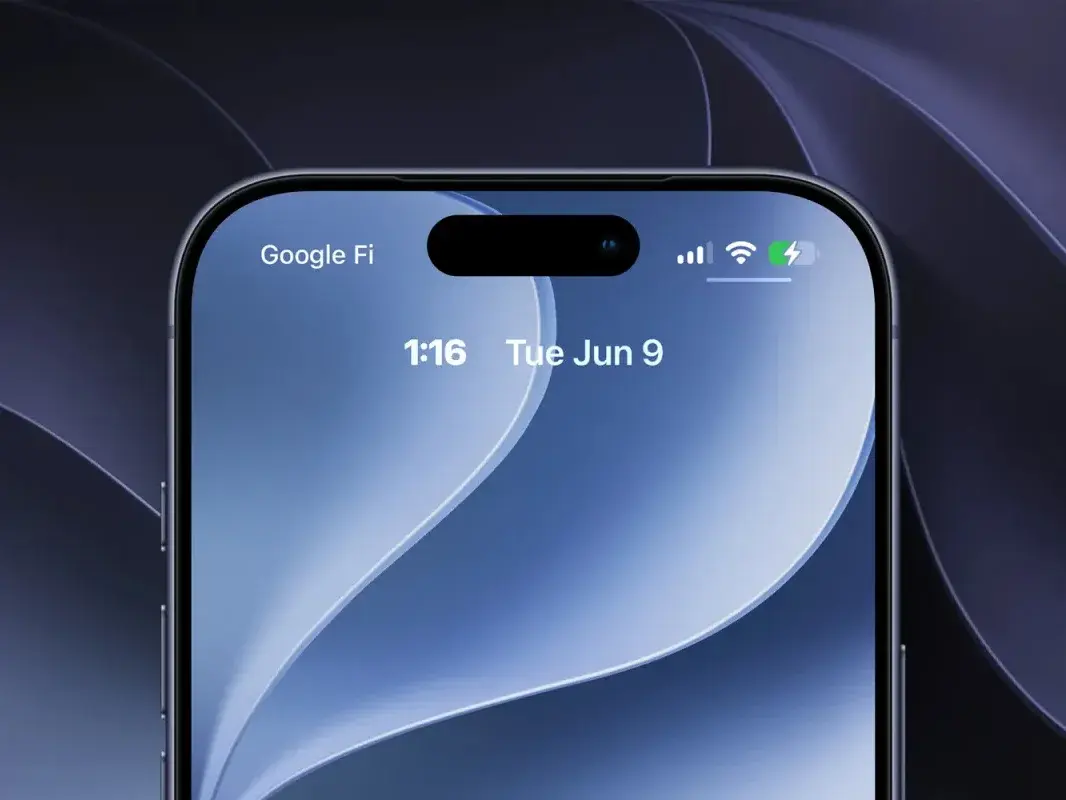
Interface Elements Offer More Flexibility
Beyond visual enhancements, iOS 27 addresses functional usability by refining the placement of essential widgets. The clock, previously fixed in a central position, can now be scaled down and moved to the upper widget row. While this change offers a more minimalist look, it requires careful consideration regarding readability at a distance. 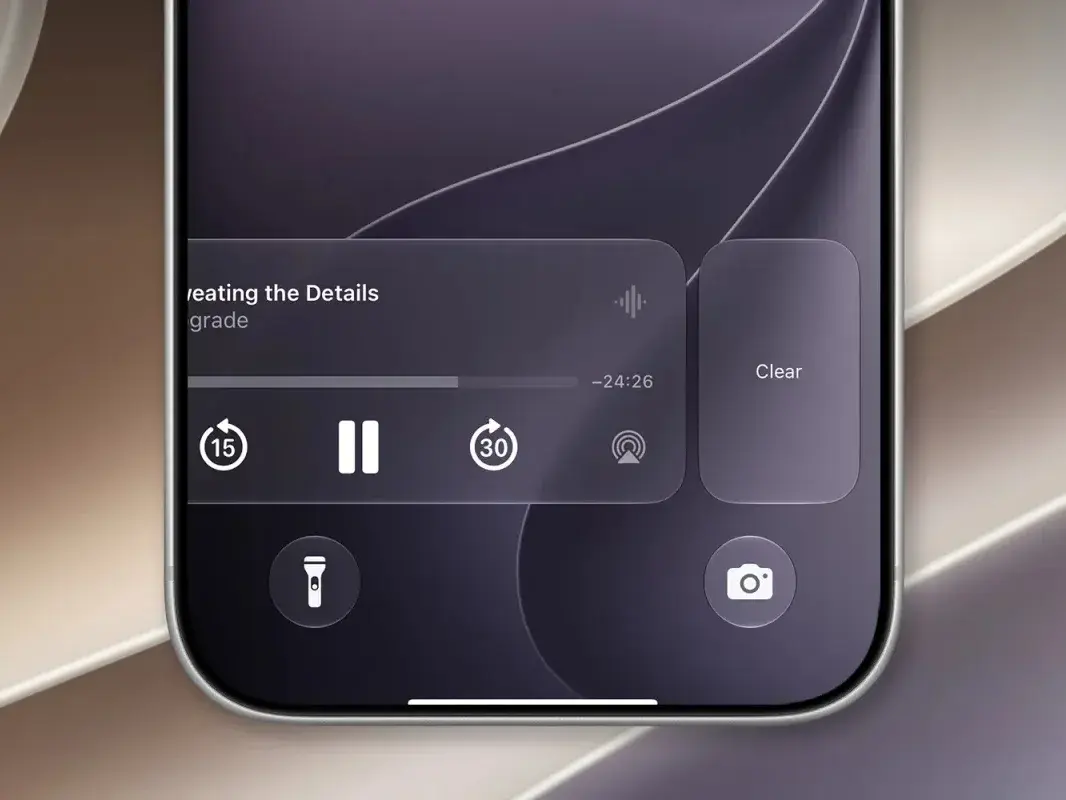
Another major usability improvement involves the Now Playing widget. Users now possess the capability to swipe and hide this control element, ensuring that media playback remains active in the background without cluttering the screen or risking accidental touches. This change serves as a practical solution for those who prefer an uninterrupted view of their custom wallpaper while listening to audio content.
These interface refinements demonstrate Apple’s commitment to providing granular control over the user experience.
As development continues, these features are being refined based on feedback from the testing community. The modular nature of these updates ensures that iPhone owners can tailor their devices to better suit their individual workflows and aesthetic preferences. The upcoming public release will likely solidify these features as essential components of the mobile experience.
We are eager to hear which of these new Lock Screen features you find most useful for your daily routine, so please share your thoughts and customizations in the comments section below.
Your comment has been submitted,
it will be published after approval.