
iOS 27 Introduces Extended Horizontal Screen Support for iPhones

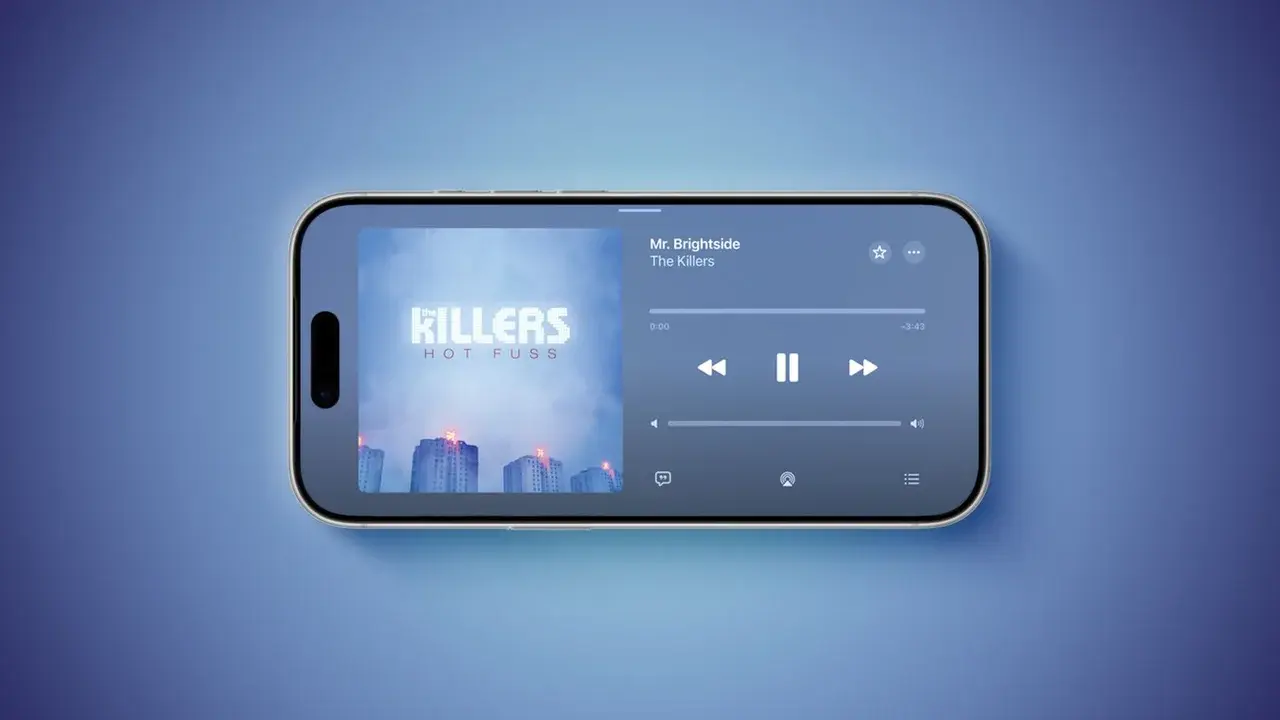
Apple has officially announced that the upcoming iOS 27 update will bring comprehensive horizontal screen support to a wide array of native iPhone applications. Starting this September, users will be able to utilize landscape mode across major services including Apple Music, Podcasts, Fitness, Health, Reminders, Home, Shortcuts, Apple Watch, Find My, Weather, and Voice Memos. By disabling the Portrait Orientation Lock in the Control Center, users can enjoy a rotated interface that significantly improves multitasking and readability on their devices. This expansion marks a major shift in Apple’s software design philosophy for the iPhone lineup.
- Apple is integrating horizontal orientation into a broader range of core iOS applications to enhance user productivity.
- Users must disable the Portrait Orientation Lock via the Control Center to enable the new landscape functionality.
- The software update includes specialized sidebars and interface adjustments to optimize screen space for landscape users.
- Industry analysts believe these software improvements establish a foundation for the anticipated iPhone Ultra foldable device.
Horizontal Mode Enhances Application Functionality
The implementation of landscape support varies by application to ensure the best possible user experience. In media-heavy apps like Apple Music and Podcasts, the horizontal mode is currently optimized for the audio playback interface. For utility-focused applications, Apple has introduced a sidebar design that occupies the left side of the screen, allowing for easier navigation. {{WP_IMAGE_1}}
The Messages app has received a refined update that allows users to collapse the sidebar, showing only names and profile photos to maximize the primary content area.
While legacy apps such as Apple Maps, Calendar, Files, Notes, and Mail already supported landscape orientation, iOS 27 significantly broadens this capability to include the rest of the ecosystem. 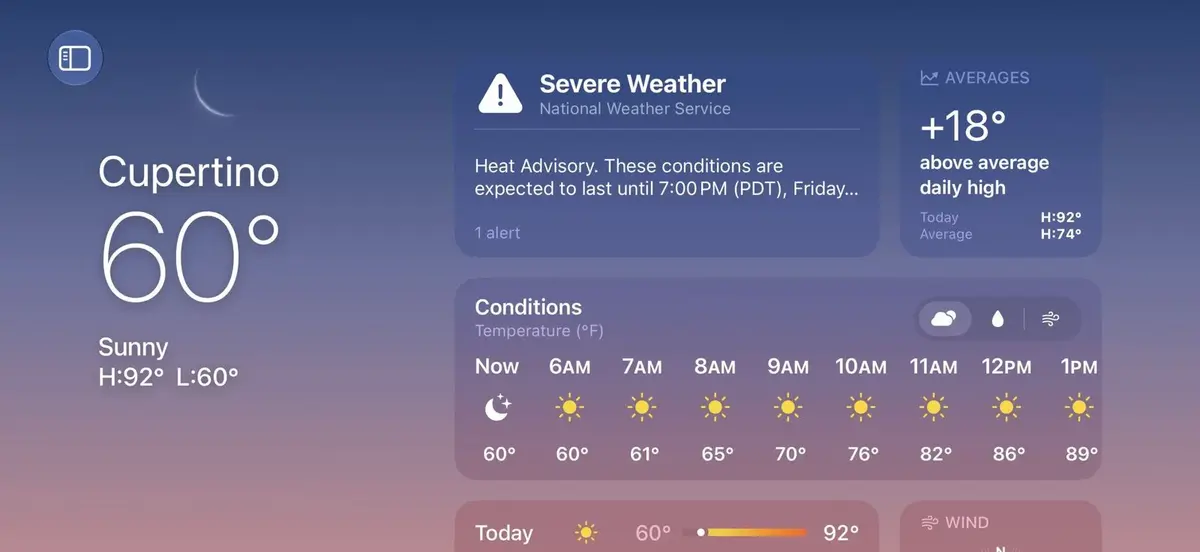 These adjustments are designed to make the iPhone feel more versatile, particularly for users who rely on their devices for professional or academic tasks. {{WP_IMAGE_3}}
Software Developments Anticipate Future Hardware Releases
Beyond standard application interfaces, iOS 27 extends horizontal support to Live Activities displayed on the Dynamic Island. 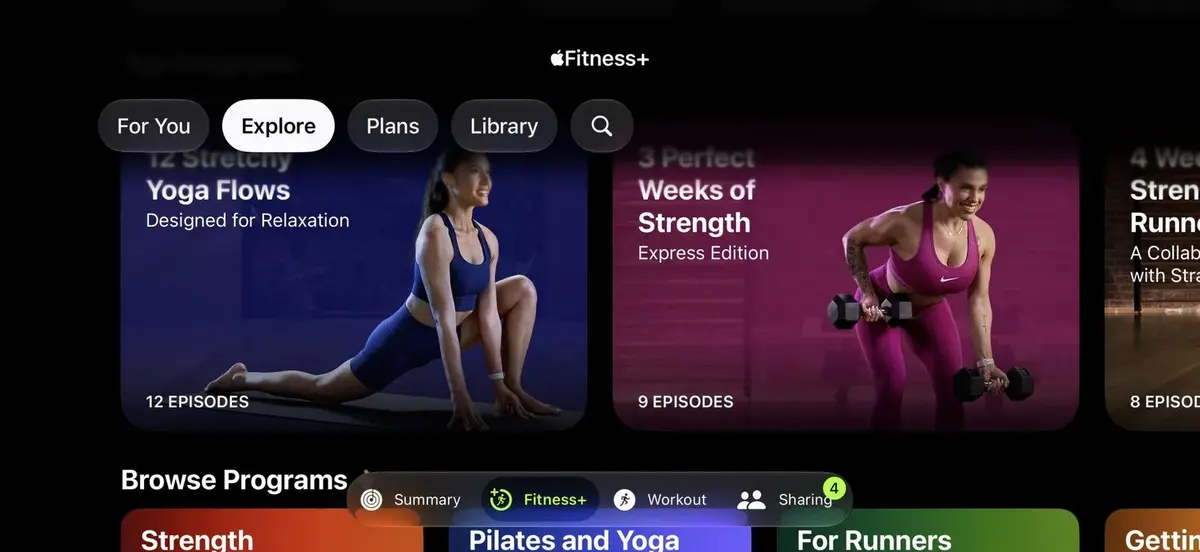 Experts suggest that this focus on landscape optimization is a strategic maneuver by Apple to prepare for the rumored iPhone Ultra, which is expected to feature a foldable design. {{WP_IMAGE_5}}
Historically, horizontal screen functionality was available for the home screen grid on previous Plus-sized models, such as the iPhone 6 Plus through the iPhone 8 Plus, but this feature was discontinued with the introduction of the iPhone X. The return and expansion of this feature highlight a shift in hardware-software integration. 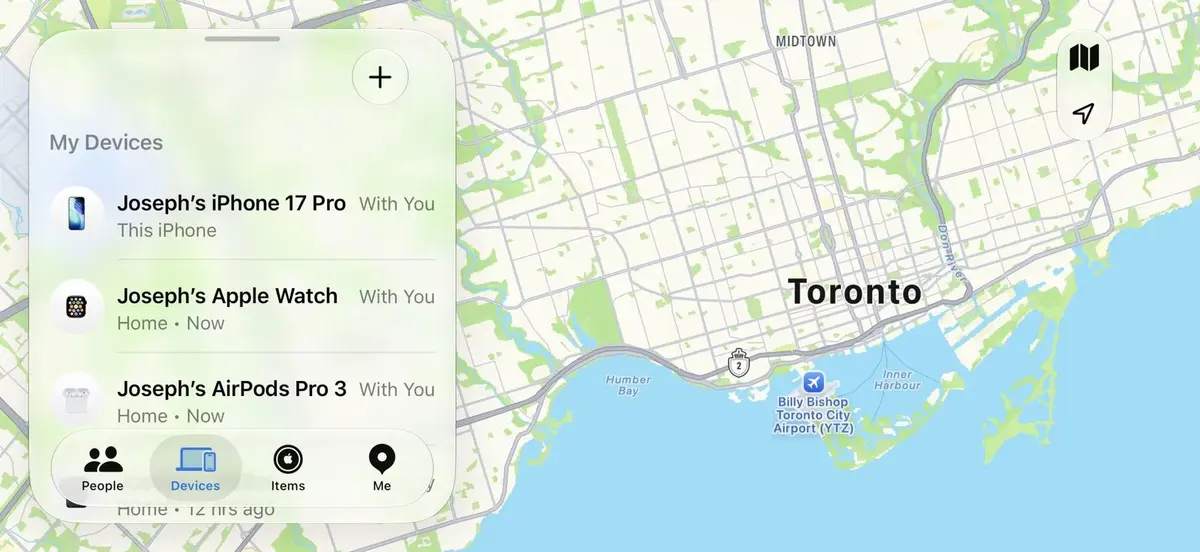
As the foldable device market matures, Apple’s decision to standardize landscape layouts appears to be a proactive step toward supporting larger, flexible displays. By ensuring that core applications function seamlessly in both orientations, the company aims to provide a consistent experience across all current and future hardware configurations. Developers and users alike are watching closely to see how these interface changes will translate to the rumored foldable form factor expected to debut later this year.
We would love to hear your thoughts on this update; do you believe that increasing landscape support on the iPhone is the right move, or are you waiting for more significant hardware changes to improve your experience?
Your comment has been submitted,
it will be published after approval.