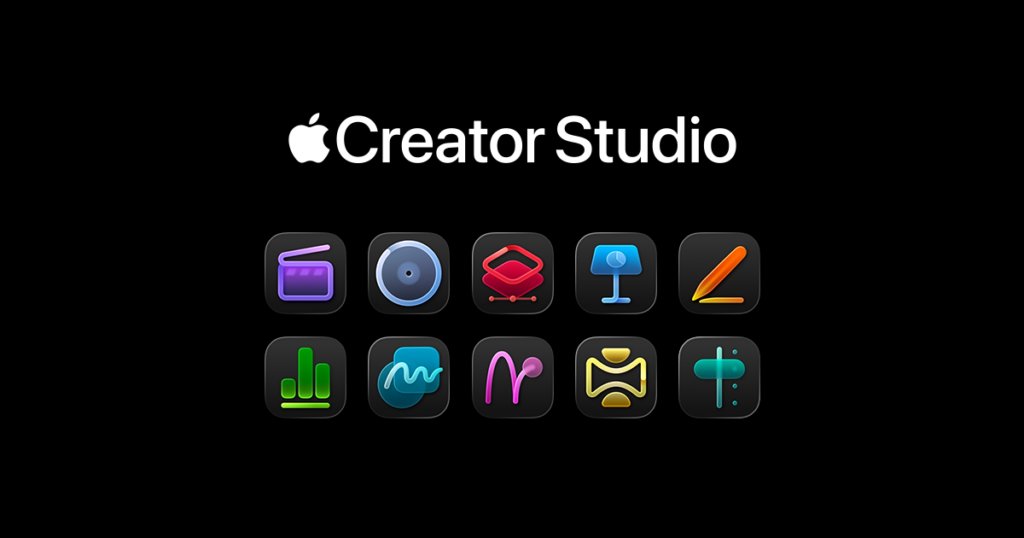
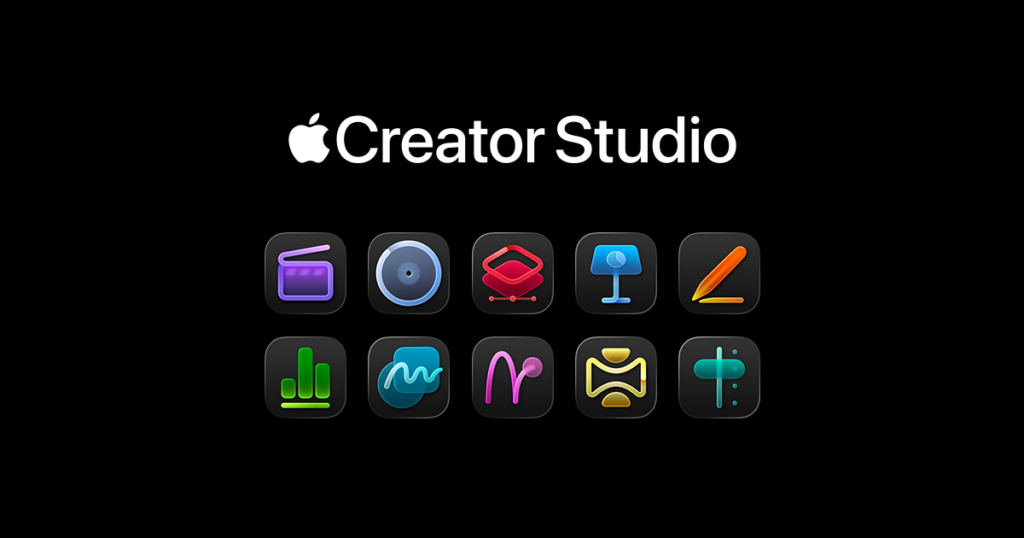
Apple is aiming to start a new era for content creators with its Apple Creator Studio subscription, a service that bundles its professional creative applications under one roof. This package, which combines powerful software for video editing, music production, and graphic design, seems highly appealing at first glance. However, like any attractive offer, it’s crucial to ask whether the Creator Studio is the right fit for everyone. Despite the convenience this subscription model offers, it may not be the most practical or economical solution for some users. So, is this service really for you?
Why the Apple Creator Studio Subscription Isn’t for Everyone
The Apple Creator Studio is a comprehensive package featuring industry-standard tools like Final Cut Pro and Logic Pro. While the idea is excellent, you must carefully evaluate your own workflow, frequency of use, and budget before committing to a subscription. This service targets a specific creative profile and could mean unnecessary costs or complexity for many users. Here are seven important reasons to consider before you subscribe:
1. You Only Create Content Occasionally
If you edit videos, produce music, or create designs as a hobby or at irregular intervals, a monthly subscription fee could strain your budget unnecessarily. The professional tools at the core of Apple Creator Studio, such as Final Cut Pro and Logic Pro, are designed for continuous and intensive use. Making regular payments for a service you might only use once or twice a month is not a sensible long-term investment. In this case, considering more affordable or free alternatives when you need them would be a wiser choice.
2. You Are Focused on a Single Main Application
Many content creators build their entire workflow around one primary application. For example, a video editor might spend 90% of their time in Final Cut Pro, while for a musician, that application would be Logic Pro. If you fall into this category and will rarely use the other apps in the bundle, the Creator Studio subscription may not provide the expected savings. In such a scenario, making a one-time purchase of the main application you need will be a far more economical solution over the years compared to ongoing subscription costs.
3. You Work Exclusively on an iPad
While the iPad has become an indispensable tool for many creatives, the Apple Creator Studio subscription has limitations for iPad-only users. Although the package includes iPad versions of many apps, not all tools are available on the platform. Specifically, applications like Motion and Compressor, which play a significant role in video production, are Mac-exclusive. Therefore, a user whose workflow is entirely based on the iPad would end up paying for software they cannot use, significantly diminishing the value of the subscription.
4. You Are Invested in a Different Ecosystem
If you have spent years using and mastering platforms like Adobe Creative Cloud (Premiere Pro, After Effects) or DaVinci Resolve, switching to Apple’s ecosystem could mean a steep learning curve and loss of time. Adding an Apple Creator Studio subscription on top of your existing ones would increase costs while potentially reducing your efficiency. It is not always the right decision to switch to another platform just because it’s new if you already have a system you are comfortable and productive with.
5. You Prefer to Own Your Software
Subscription models offer flexibility, but they essentially mean you are renting the software. The moment you stop paying, you lose access to your projects and tools. In contrast, many professionals prefer to have permanent ownership of the tools they use. A one-time purchase model, though requiring a higher initial investment, grants the freedom to use the software indefinitely without worrying about renewals. If you want complete control over your software, a subscription model may not be for you.
6. Your Hardware Is Relatively Old
Apple optimizes its software to deliver the best performance on its latest hardware, especially with its own Apple Silicon chips (M-series). The newest features and performance enhancements in the Creator Studio apps are most apparent on these next-generation processors. If you are still using an older Intel-based Mac or an earlier iPad model, you may not be able to take full advantage of all the innovations that come with the subscription. This means you might not be getting the full value for your money.
7. You Don’t Have an Integrated, Multi-App Workflow
The greatest strength of Apple Creator Studio is its seamless integration between different applications. If your projects involve editing video in Final Cut Pro, mixing audio in Logic Pro, and creating graphics in Pixelmator Pro, then this package is perfect for you. However, if your creative process is not that complex and your projects typically start and finish within a single application, you won’t benefit from this integration. In that case, the package’s holistic approach might add complexity rather than efficiency to your workflow.
So, Who Is Apple Creator Studio Ideal For?
Despite these points, it’s important to note that Apple Creator Studio is an extremely sensible option for certain users. If you are a professional or student who regularly uses multiple Apple creative applications, this package can offer significant value. Accessing tools like Final Cut Pro, Logic Pro, and Pixelmator Pro under a single plan can be much more affordable than purchasing them separately.
Apple Creator Studio is priced at $12.99 per month or $129 per year, with a one-month free trial for new users. Furthermore, the discounted price for students and educators at $2.99 per month or $29.99 per year provides a very low barrier to entry for accessing these powerful tools.
So, what are your thoughts on the Apple Creator Studio subscription? Share your opinions with us in the comments!