
macOS 27 Resolves Persistent HDR Issues on External Monitors

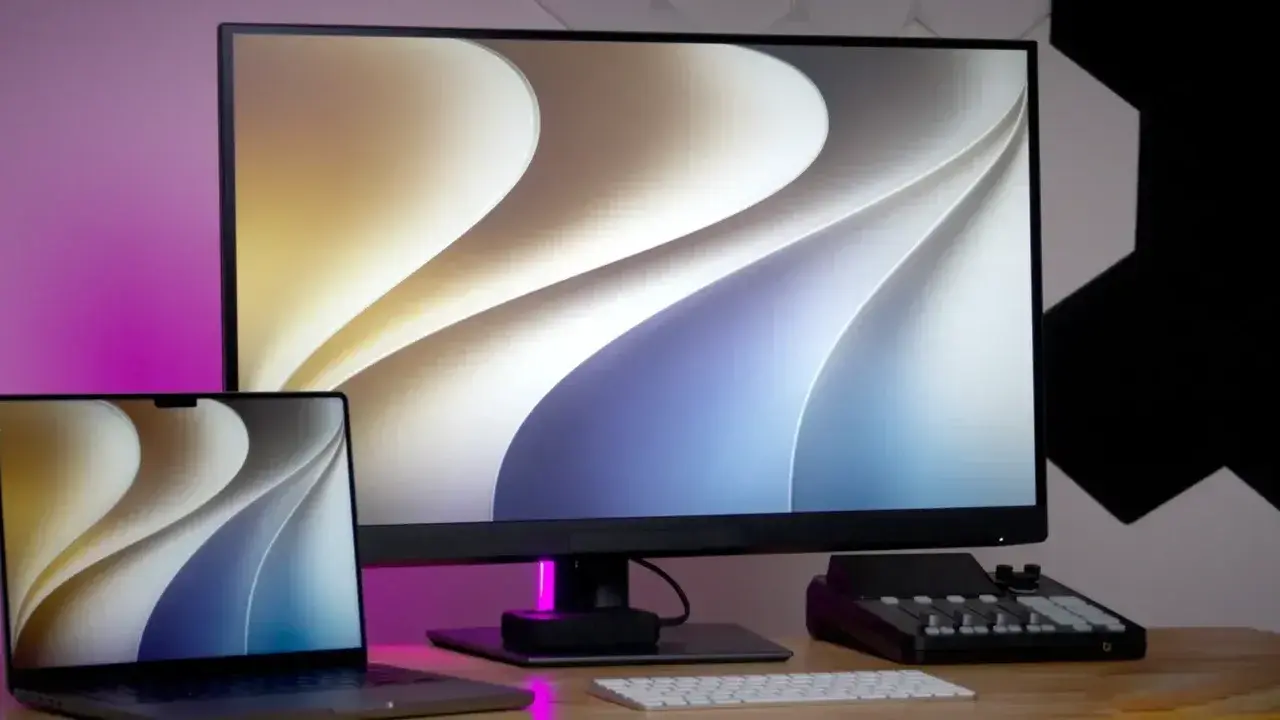
Apple has officially addressed one of the most persistent frustrations for external monitor users with the release of macOS 27. Previously, users connecting third-party displays to their Mac systems struggled with a technical incompatibility between High Dynamic Range (HDR) content and display scaling. In previous iterations like macOS 26 Tahoe, enabling HDR often resulted in the system disabling preferred resolution scaling, forcing users to choose between inferior image quality and proper workspace dimensions. This update marks a significant shift in how the operating system handles external display configurations, ensuring that professional-grade monitors can finally function at their full potential without compromise.
- The macOS 27 update eliminates the software-based conflict that previously forced users to choose between HDR activation and preferred screen scaling resolutions.
- Testing on high-end displays like the Dell UltraSharp U3226Q confirms that standard 2560 x 1440 scaling now operates seamlessly alongside HDR settings.
- Advanced HDR functionality in this update appears to be hardware-dependent, as performance varies between M4-based devices and older silicon architectures like the M1 Max.
HDR Scaling Conflicts are Finally Resolved
For many creative professionals, the inability to scale their 4K or 5K monitors while keeping HDR enabled has been a major workflow bottleneck. On older versions of the operating system, selecting a resolution such as 2560 x 1440 would trigger an automatic toggle that turned off HDR. To maintain HDR, users were frequently forced to settle for a native 1920 x 1080 resolution, which resulted in an inefficient use of screen real estate and overly large interface elements. 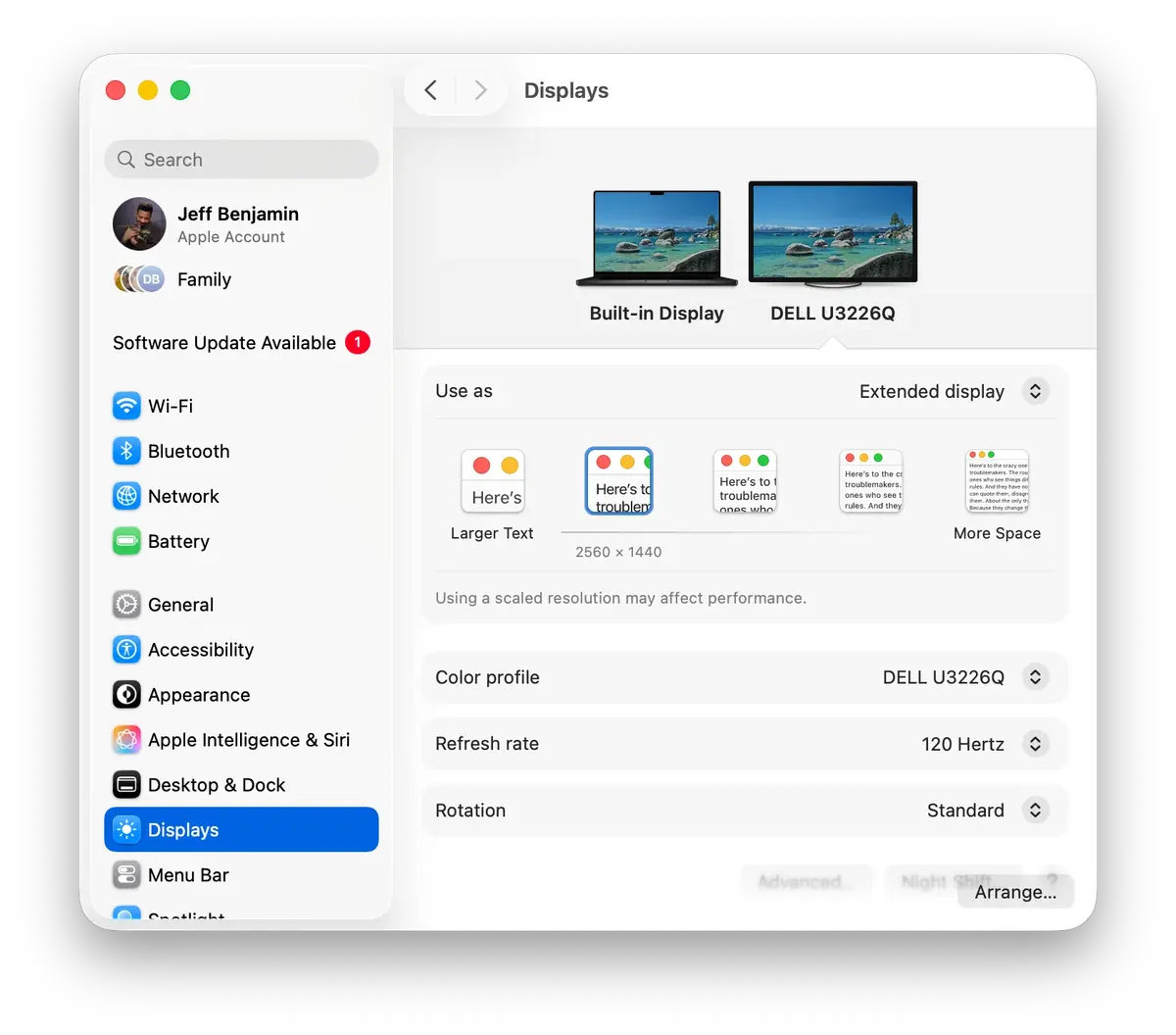
The introduction of macOS 27 Golden Gate changes this dynamic entirely. By removing the technical restrictions that previously prohibited the coexistence of scaled resolutions and HDR, Apple has aligned third-party monitor support more closely with the experience found on the 5K Studio Display.  Users no longer need to rely on third-party utilities or workarounds to achieve a sharp, high-contrast visual experience on their external panels.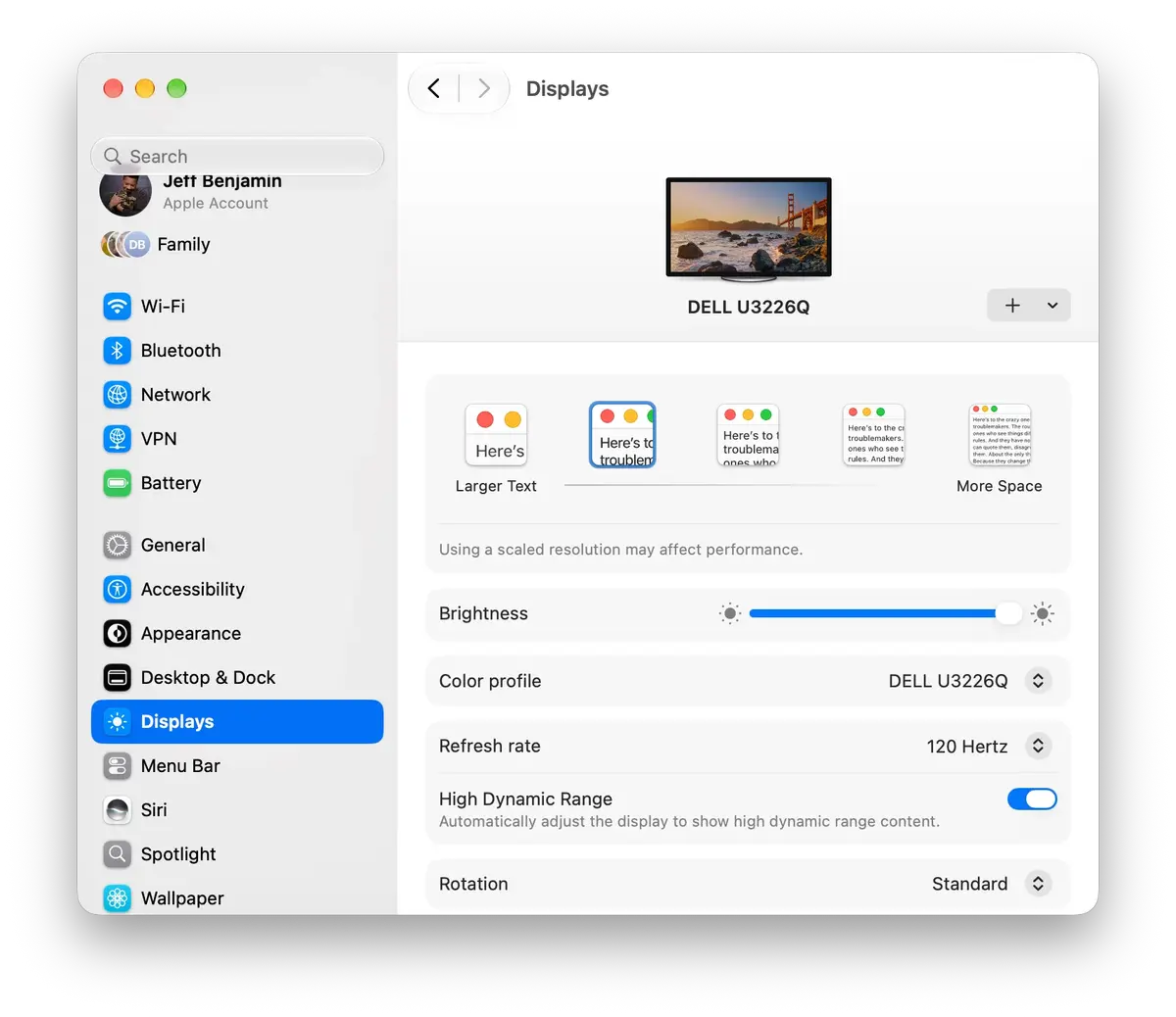
Hardware Requirements Affect Feature Availability
While the update offers significant visual improvements, such as brighter spectral highlights and enhanced contrast ratios, its implementation is not universal across all Mac hardware. Early benchmarks performed on M4-equipped MacBook Pro models demonstrate flawless integration of these new HDR capabilities. However, similar testing on machines powered by the M1 Max chip indicates that these specific HDR optimizations may not be fully accessible or optimized for older hardware architectures.
This discrepancy suggests that Apple is prioritizing native HDR performance for its latest silicon, potentially reserving the most advanced display processing features for newer hardware revisions. 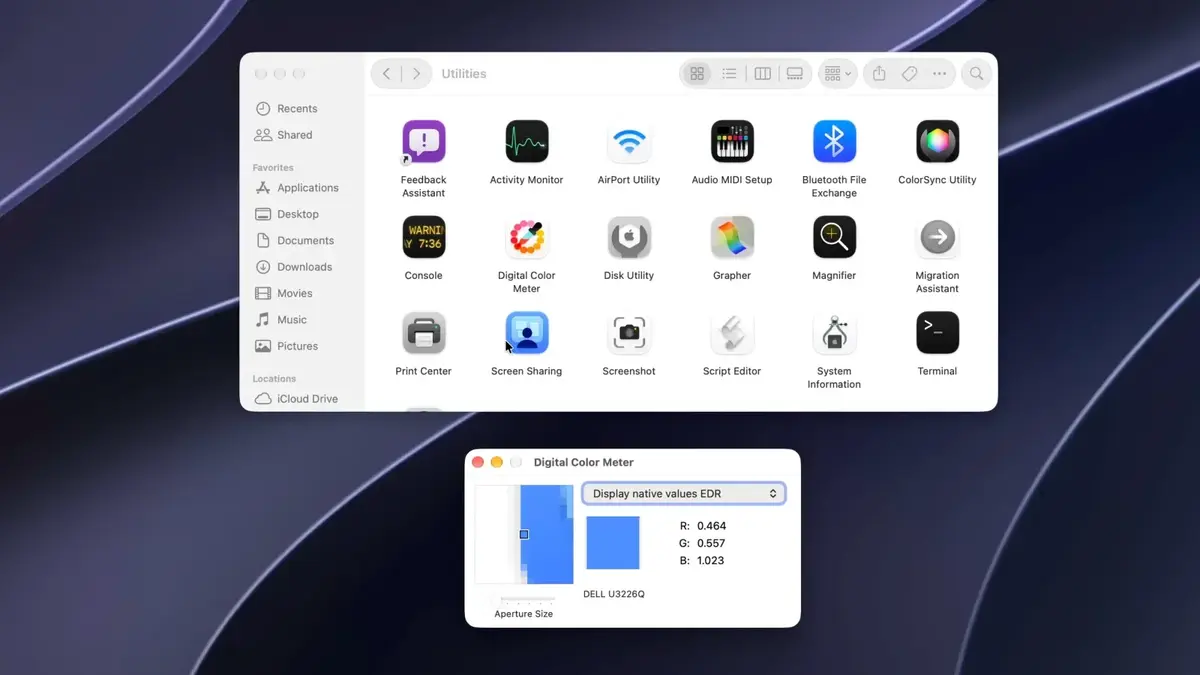 As the ecosystem continues to evolve, developers and power users should remain mindful of these hardware-specific limitations when planning their professional setups. Nonetheless, the shift toward a more native HDR experience represents a substantial improvement for the broader macOS user base, particularly for those relying on OLED or high-end professional displays for color-critical work.
Have you experienced any issues with HDR performance or scaling while using an external display with your Mac? We invite you to share your setup and let us know if the macOS 27 update has improved your daily professional workflow in the comments section below.
Your comment has been submitted,
it will be published after approval.