
March update released for Samsung Galaxy S24!

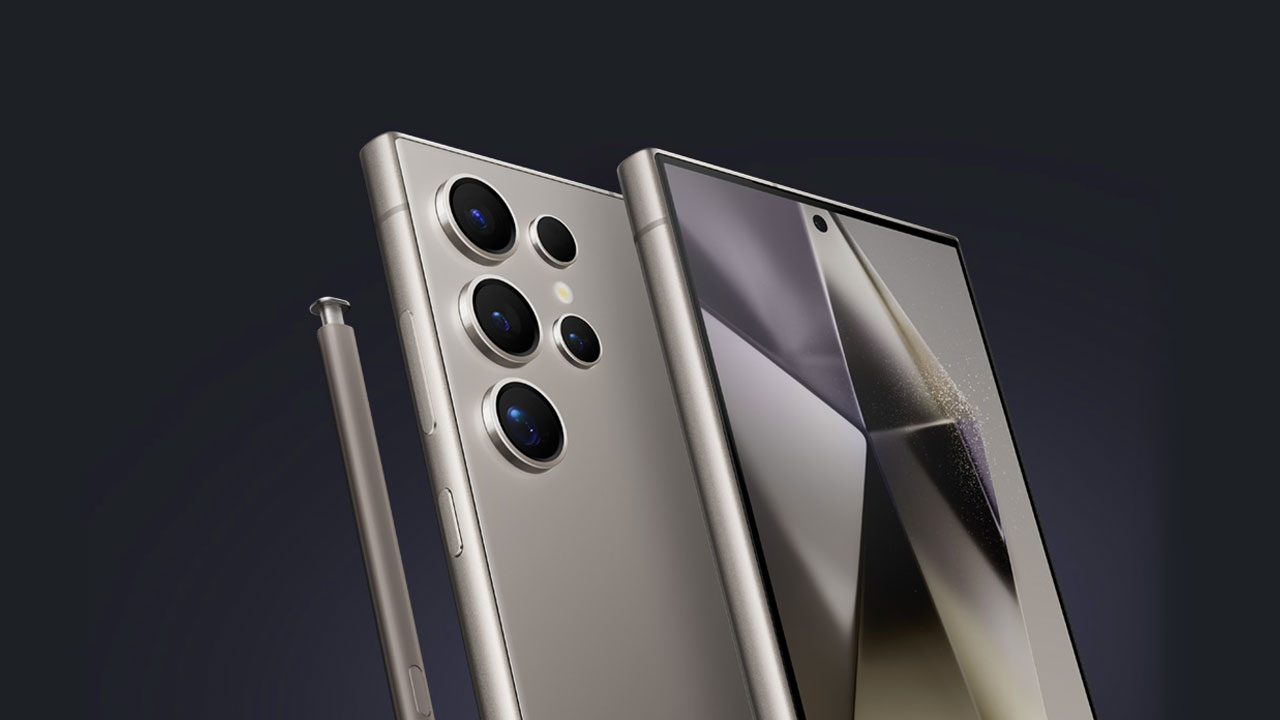
Interest in Samsung’s latest flagship phones, introduced on January 17th, is quite high. Especially in the Android market, we all know Samsung has a special place. The company also doesn’t neglect to release new features and updates for the newly introduced Samsung Galaxy S24 series. According to the latest news emerging today, Samsung has released the March update for the Galaxy S24. Let’s take a look at the new features and improvements together…
The second update for the Galaxy S24 focuses on security and fixes some issues
In fact, a few days ago, Samsung had released an update limited to South Korea only. However, in the new update, we can see that the features are being rolled out to all of Europe with versions S928BXXS1AXBG/ S928BOXM1AXBG/ S928BXXS1AXBG. While the Samsung Galaxy S24 update is generally security-focused, it also comes with some features to improve device stability.
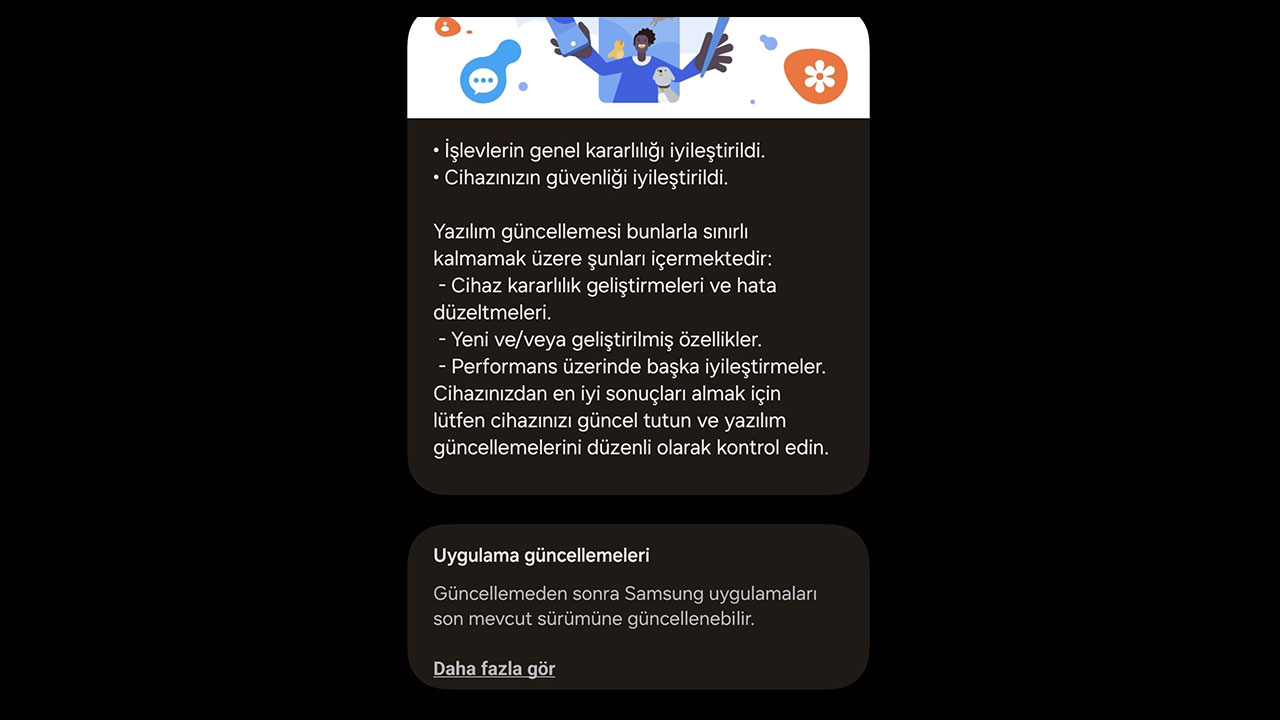
While this update is primarily focused on security, it’s highly likely that it also includes the camera and screen improvements found in the recent update released for the Samsung Galaxy S24 series in South Korea. The S24 March update, which is 441.73 megabytes in size, also fixes some bug issues.
The best-selling S24 model has been determined! Apple is worried
Here are the details of the Galaxy S24 March update:
- Various fixes to ensure smoother and more stable operation of the device
- Fixes implemented to address existing bugs
- Introduction of new features or enhancements to existing features
- Improvements made to enhance the device’s performance
If you’re a new Galaxy S24 user and unsure how to download the latest updates for your device, here’s a quick guide:
Open the Settings app on your Galaxy S24 smartphone and scroll down to find the “Software update” option at the bottom. Tap on “Download and install” to check for updates, and if available, your device will begin downloading them. Alternatively, you can activate the “Download over Wi-Fi only” option in the Software update section to enable automatic updates over Wi-Fi.
Don’t forget to share which phone you are using and when you last received an update in the comments!
Your comment has been submitted,
it will be published after approval.