
Microsoft Enhances Windows 11 Right-Click Menu for Better Speed

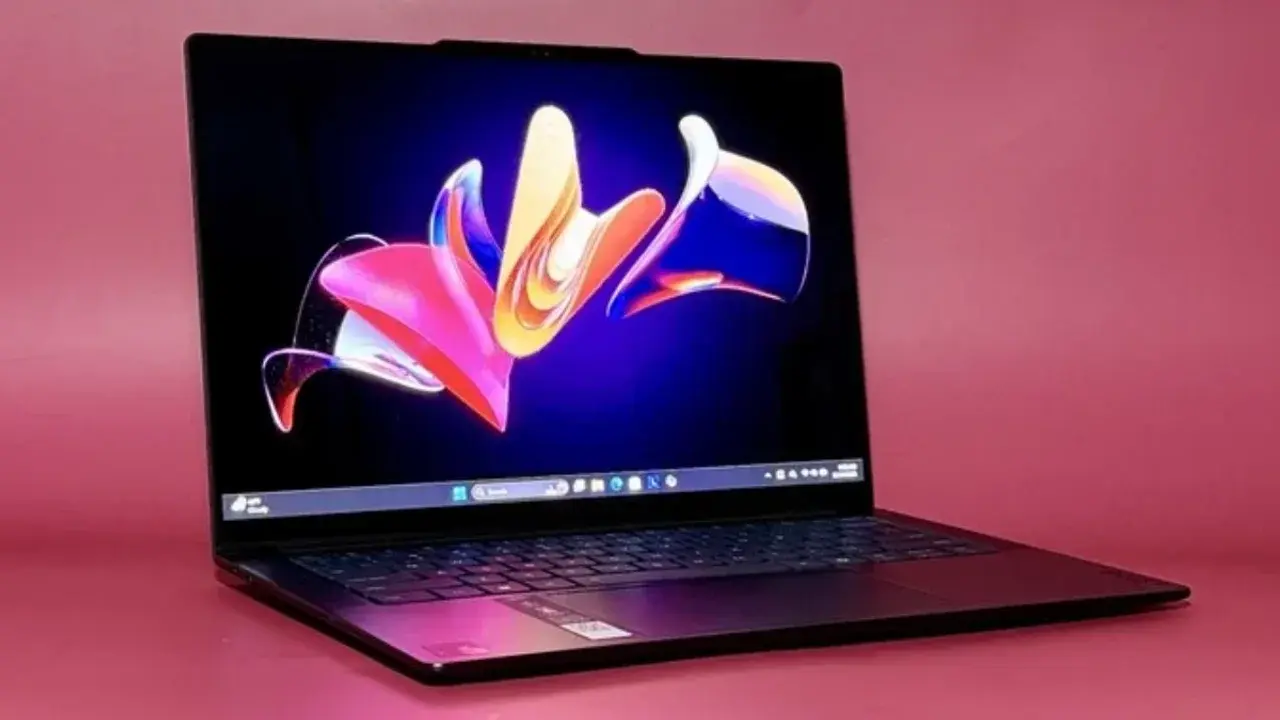
Microsoft has officially announced significant improvements to the Windows 11 right-click menu, focusing on enhancing user interface efficiency and operational speed. As part of an ongoing effort to refine the operating system, the tech giant is currently redesigning the context menu to reduce visual clutter and provide users with a more streamlined experience. These updates, which are being tested by Windows Insider members, aim to balance modern aesthetics with the practical needs of daily computer users. By introducing a more responsive and customizable framework, Microsoft intends to minimize the time spent navigating menus while ensuring that frequently used tools remain easily accessible.
- Microsoft is redesigning the Windows 11 context menu to increase overall responsiveness.
- Users gain the ability to customize menu layouts according to their individual workflow preferences.
- The update provides options to revert to text-based commands for common operations like cutting and copying.
- The current testing phase is limited exclusively to Windows Insider participants.
Performance Improvements Are Prioritized for Users
The core philosophy behind this update centers on the idea that speed is an essential component of high-quality design. Recognizing that the right-click menu is one of the most frequently accessed elements in Windows 11, developers have overhauled the underlying infrastructure to ensure it launches faster than ever before. 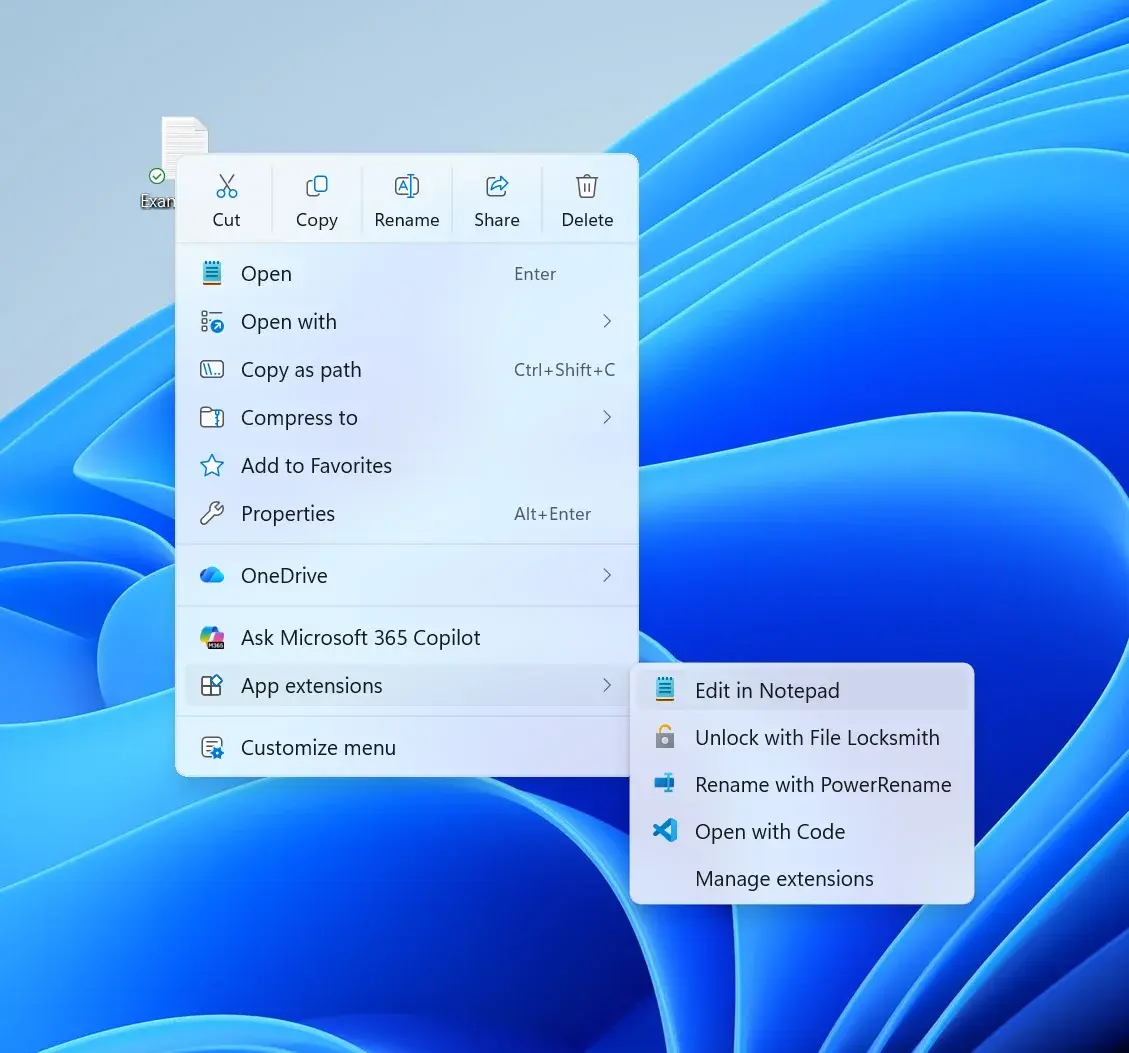
This performance boost is complemented by an expanded suite of personalization settings. Microsoft observed that users interact with the context menu in diverse ways, leading to the decision to allow deeper configuration of the visible items. Users can now tailor their menus to match their specific productivity habits, which significantly reduces the time wasted searching for hidden options.
The new architecture represents a major step forward in making Windows 11 more intuitive and efficient for professional tasks.
Traditional Habits Are Supported by New Flexibility
For those who prefer the workflow established during the Windows 10 era, Microsoft is introducing features that bridge the gap between old and new design paradigms. The updated menu allows users to display core commands—such as Cut, Copy, Paste, Rename, Delete, and Share—as text labels rather than icons. 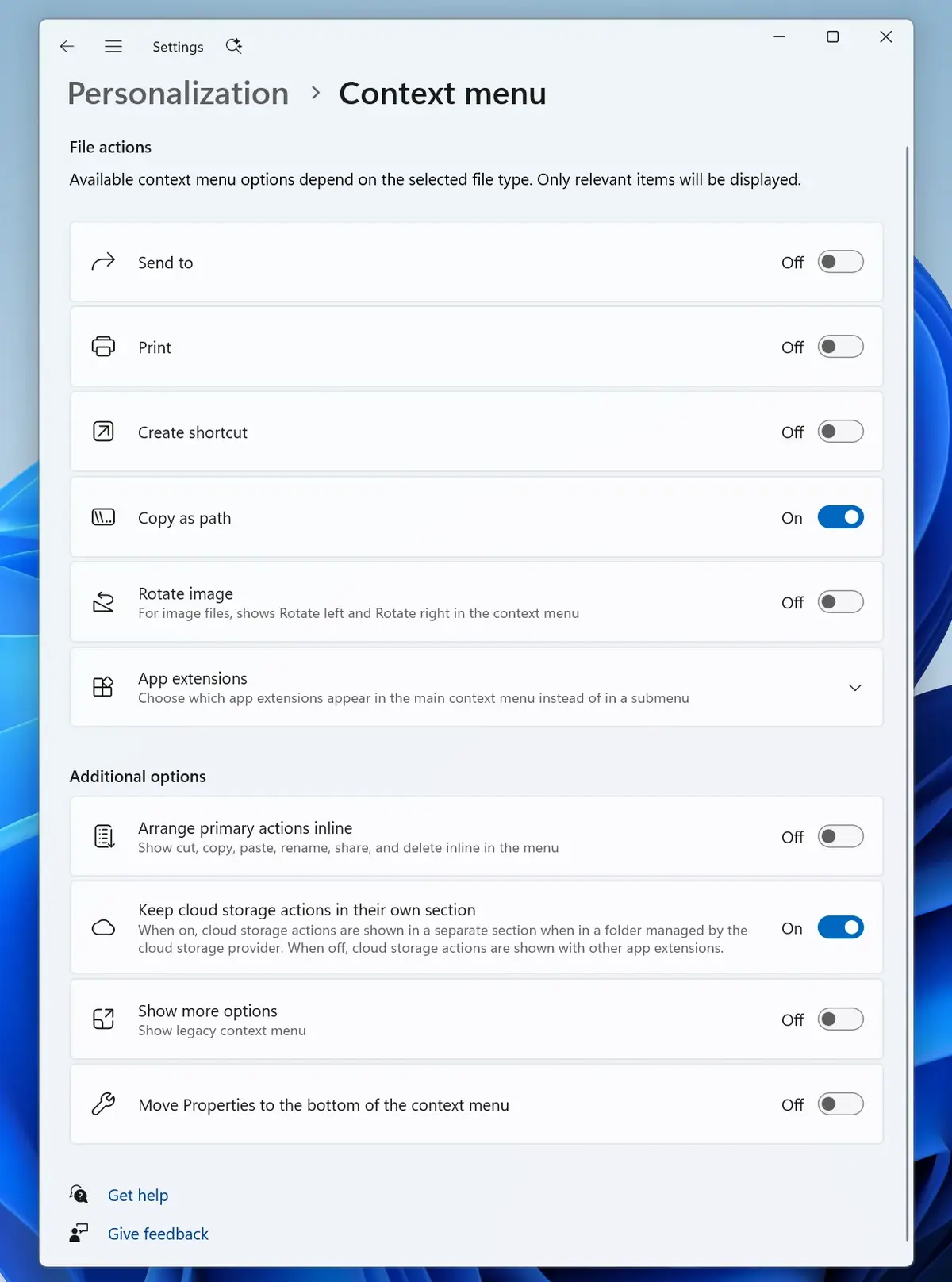
Customization Options Are Expanded for Productivity
Furthermore, the system now enables users to move the “Properties” option to the bottom of the menu, restoring a layout that many long-time Windows users find more familiar and efficient. This added flexibility ensures that the interface accommodates different user profiles, ranging from casual users to power users who rely on rapid, repetitive actions.
While the feature is currently in the experimental testing phase, it is expected to roll out to the general public following the completion of the feedback loop. Microsoft continues to monitor performance data to ensure that these changes contribute positively to the overall ecosystem. As the development cycle progresses, further refinements may be implemented to address specific user requests and improve stability across diverse hardware configurations.
How do you feel about these upcoming changes to the Windows 11 right-click menu, and will they improve your daily workflow? Please share your thoughts and suggestions in the comments section below.
Your comment has been submitted,
it will be published after approval.