
Microsoft Fixes Windows 11 Audio Crashes in New Update

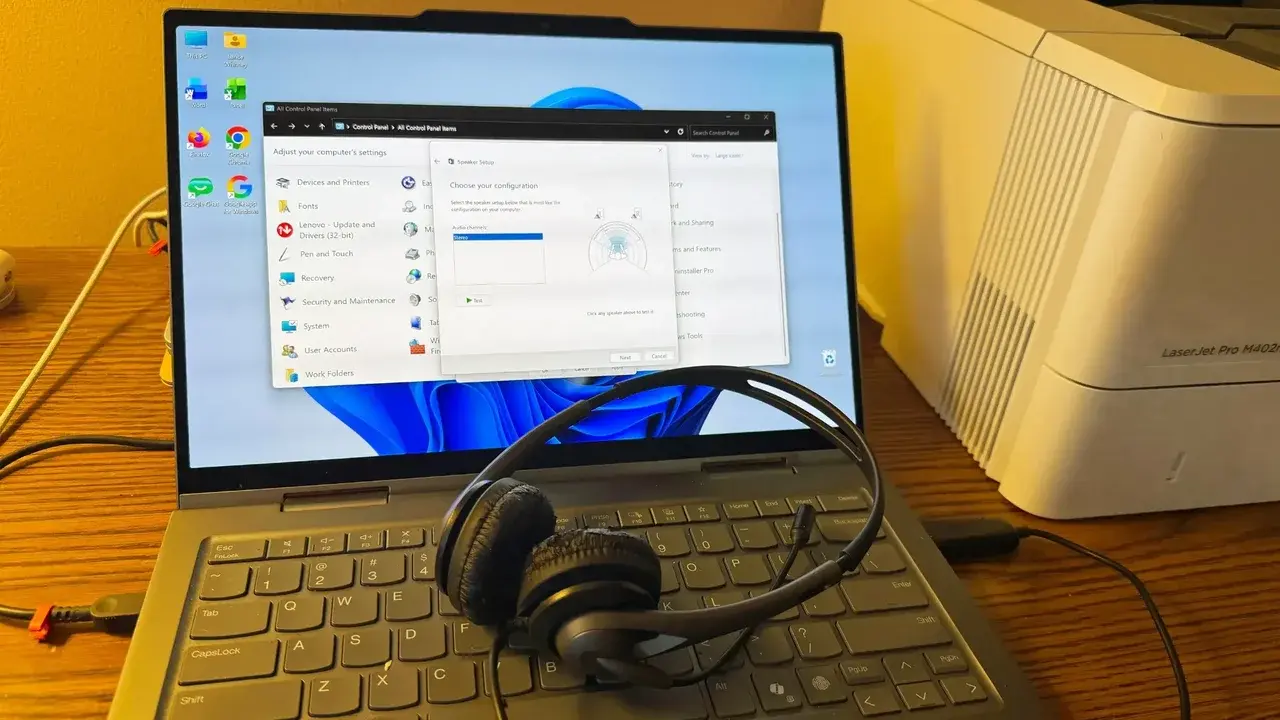
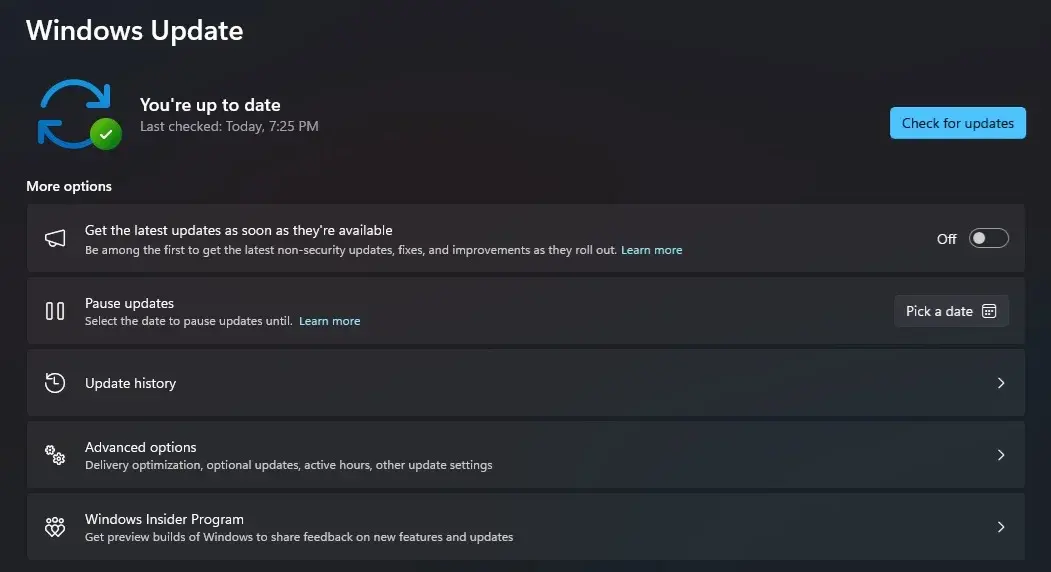
Microsoft has officially released the Windows 11 KB5127648 update, effectively resolving persistent audio crashes that have plagued numerous applications and games since late September. The patch specifically addresses compatibility issues linked to the Dolby Digital AC-3 decoder, which caused software to unexpectedly close or fail to launch for many users. By improving overall system stability, this update serves as a critical fix for those experiencing sound-related disruptions. The rollout, distributed to users on October 13, ensures that software relying on legacy audio components now functions correctly across various Windows 11 builds, including versions 24H2, 25H2, and 26H2.
- The KB5127648 update permanently resolves application crashes caused by the outdated Dolby Digital AC-3 audio decoder.
- Microsoft upgraded the system build versions for 24H2, 25H2, and 26H2 to ensure comprehensive stability.
- The patch also eliminates known bugs involving mouse input lag and post-login black screen issues.
- The company continues to investigate separate audio initialization errors affecting specific USB Audio Class 1.0 hardware.
Audio Stability is Being Restored for Users
The audio malfunction originated with the KB5124010 update released on September 22. This specific update introduced a regression in how the operating system handled the built-in Dolby Digital AC-3 decoding component. Consequently, any software dependent on this legacy component experienced immediate instability, ranging from random application terminations to complete failure to initialize. While modern applications often incorporate their own independent audio codecs, many productivity tools and media players were heavily impacted by this system-level glitch.
With the deployment of the KB5127648 package, Microsoft has successfully addressed these compatibility flaws. The fix was applied universally across all supported Windows 11 versions, raising build numbers to 26100.9711, 26200.9711, and 26300.9711 respectively. This move ensures that legacy-dependent software regained its operational integrity without requiring further user intervention.
Additional System Improvements are Being Implemented
Beyond the primary audio resolution, the October update addresses several auxiliary technical issues that have bothered the user base. Reports of mouse input stuttering during gaming sessions have been mitigated, and the persistent black screen error occurring immediately after login has been resolved. These refinements contribute to a smoother, more reliable desktop experience for the general population.
However, the release is not without minor complications. Some users have reported difficulty re-enabling the Smart App Control feature within Windows Security if it was previously disabled. Microsoft has acknowledged this behavior, noting that it primarily affects configurations where the setting was altered before the update. It is important to clarify that this audio fix is distinct from the ongoing hardware-specific issues involving USB Audio Class 1.0 devices. Development teams are currently prioritizing a fix for these remaining hardware initialization errors.
Have you noticed an improvement in your system performance or audio stability since installing the latest Windows 11 update, or are you still encountering issues with your hardware? Share your experiences in the comments section below.
Your comment has been submitted,
it will be published after approval.