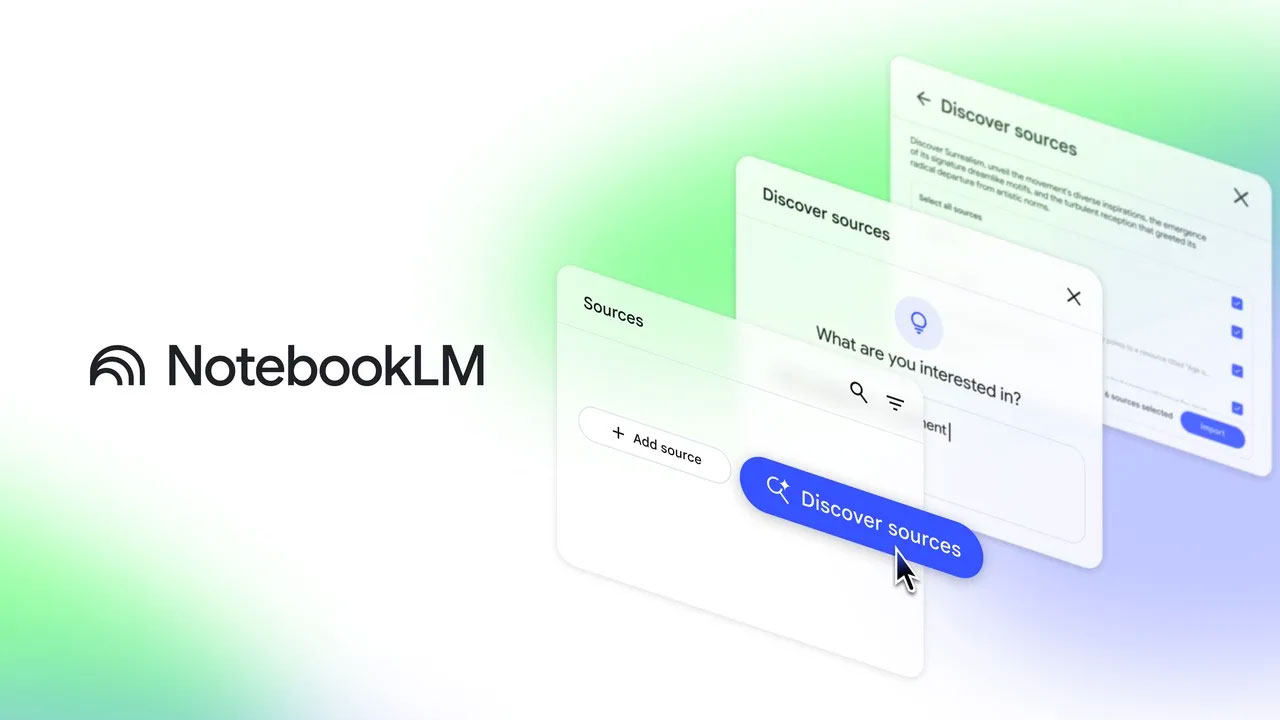
Google’s popular AI-based research assistant, NotebookLM, is releasing a major update package to excite users in the final days of the year. Now officially built on the Gemini 3 architecture, the platform is not only becoming smarter but also gaining the ability to transform scattered information into organized tables in seconds.
More Powerful Reasoning with Gemini 3
Google announced that NotebookLM is now officially powered by Gemini 3. This infrastructure change allows the application to establish logical connections between complex documents much better and maximizes its multimodal (understanding text, audio, video, and images simultaneously) capabilities.
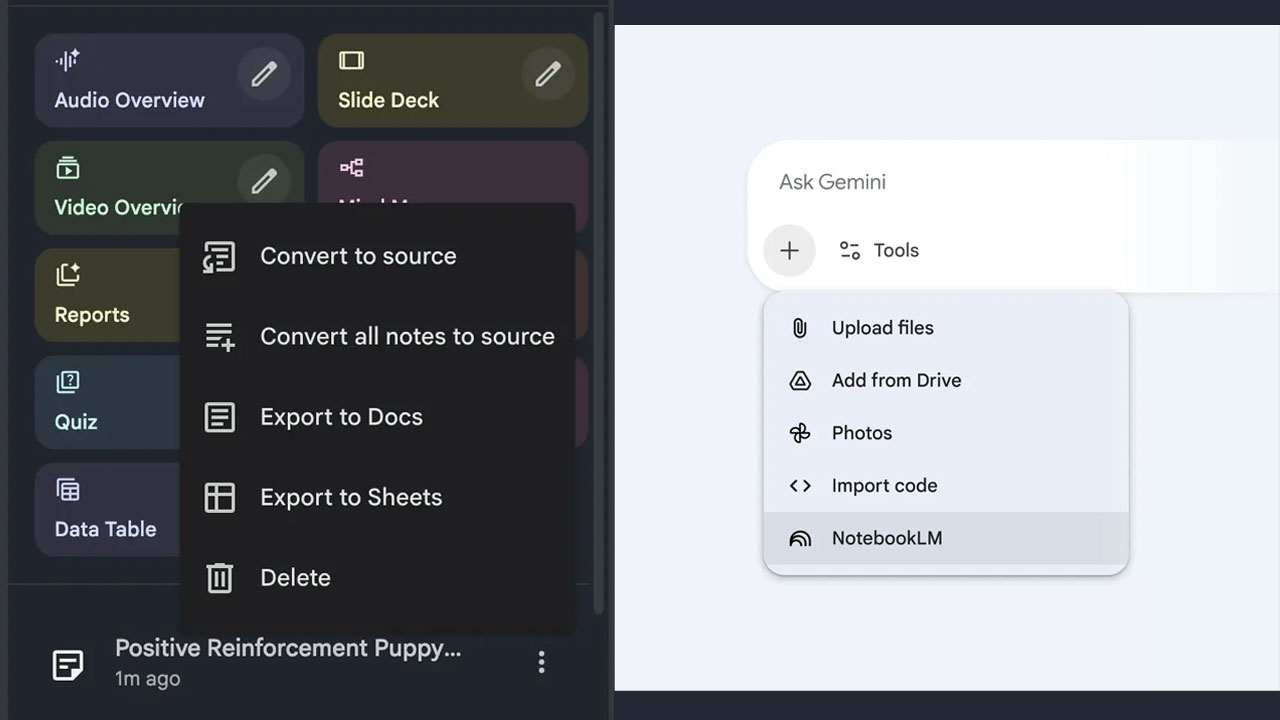
The newly added “Data Table” feature is NotebookLM Studio’s newest output format. This tool analyzes scattered data from your sources and transforms it into clean and structured tables.
Where can you use this feature?
- Business: You can transform meeting notes into a task table showing who does what and their priority. Academic Research: You can gather clinical trial results, sample sizes, and statistics from dozens of articles into a single table.
- Exam Preparation: You can organize historical events into a study spreadsheet with dates, key figures, and results.
- Travel Planning: You can create a table comparing the costs and best times to visit different destinations.
Important Note: This feature is currently available to Google AI Pro and Ultra subscribers, but will be rolled out to all free users in the coming weeks.
NotebookLM now integrates directly with the Gemini app. By uploading your notebooks to Gemini via the web (coming soon to mobile), you can:
- Combine multiple notebooks for comprehensive analysis.
- Create custom apps or visuals inspired by your notes.
- Blend your current research with up-to-date information online.
You can now export your created data tables to Google Sheets with a single click. You can also send all content directly to Google Docs by clicking the three-dot menu next to your study guides, summary documents, or notes.